
Check the acquisition promise
Read the store headline, screenshots and description. What problem is the app promising to solve?
Study the storefront ↗
Rivian · iOS
Explore the ad evidence, study the storefront, and build your next acquisition hypothesis.
01 / Creative research
Read the store headline, screenshots and description. What problem is the app promising to solve?
Study the storefront ↗Explore apps with direct store-link matches. Compare their hooks and formats without assuming the same approach works here.
Browse observed advertisers ↗Store rankings and revenue estimates describe market context. They do not establish ad spend, conversions or ROAS.
Review the market context ↗02 / Storefront & product
Study the product story and store experience behind the acquisition funnel.



03 / Market context
Keep revenue, downloads and store rankings separate from advertising performance.
Waking the car is a nightmare. I’m home, I want to charge my car, I go in the garage and I can’t open the port unless I open a door or drunk. Takes a full minute and then I can open the charging port. Updating software recently was frustrating. The app used to notify me and it would start overnight or I would initiate it however this time it kept saying it’s not connected and not accessible. I went to my car in my garage, reset the screen, still not working. My phone and car has a strong WiFi connection but in the app it says there’s no WiFi connected. I’m not sure what to do! The seat also doesn’t like to adjust to the right spot upon pressing the brake to start my drive. Nothing but issues. The Tesla app and interface is 1000% more intuitive, flawless, no delay, and reliable. Why can’t Rivian deliver? Don’t even get me started on Bluetooth connection to my phone. Terrible sound, broken up playback. And Google play from phone to car to watch on the car’s display is so glitchy. Not worth it at all. We just all watch the streaming content on one person’s phone in this big car.
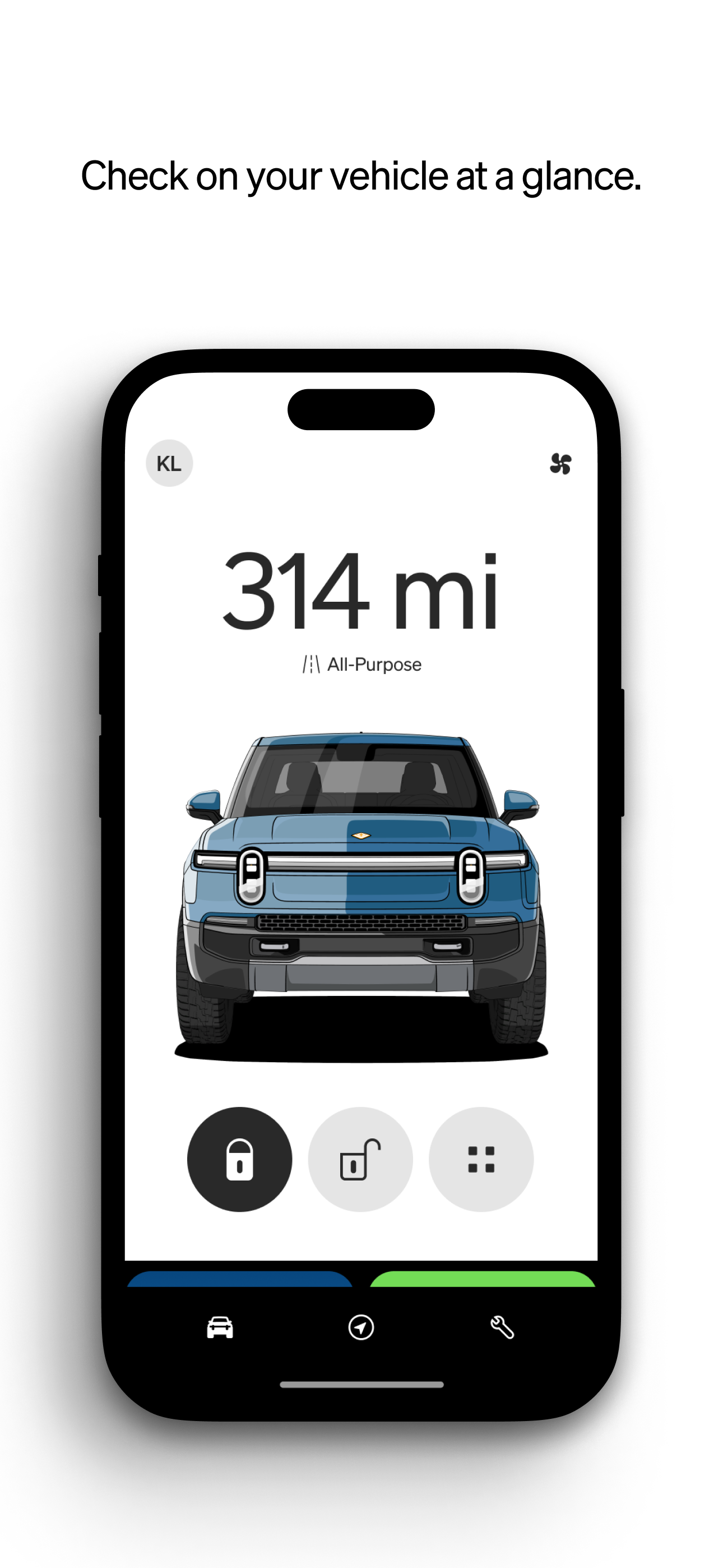
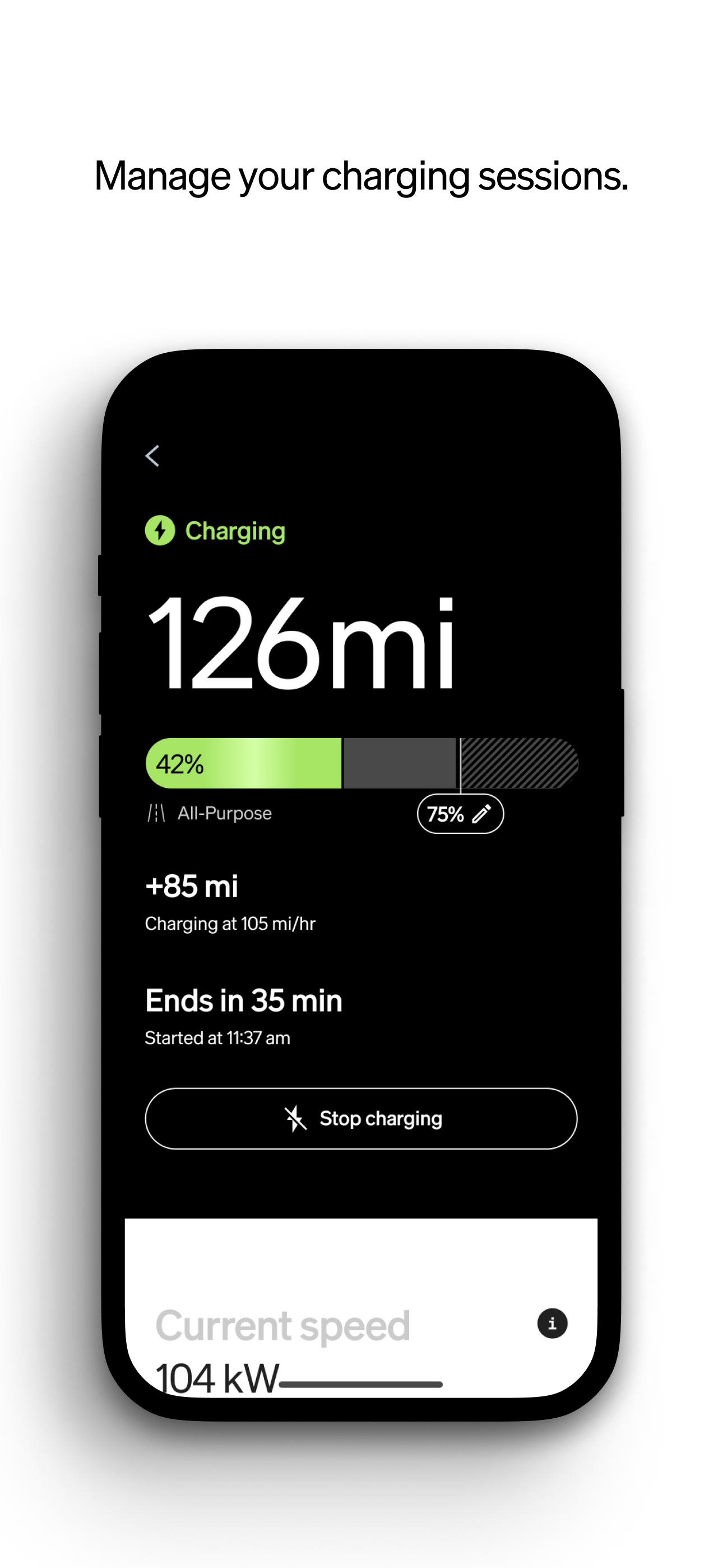
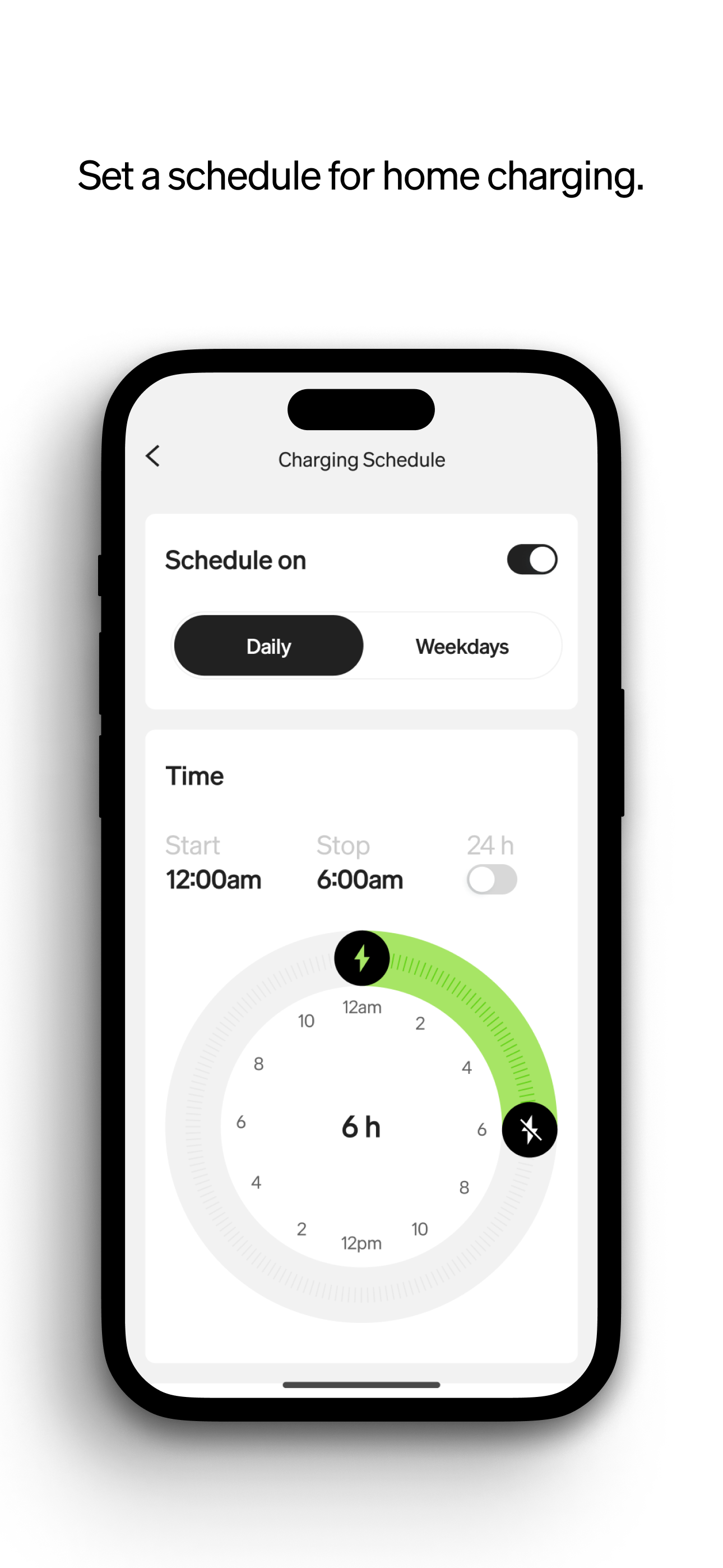
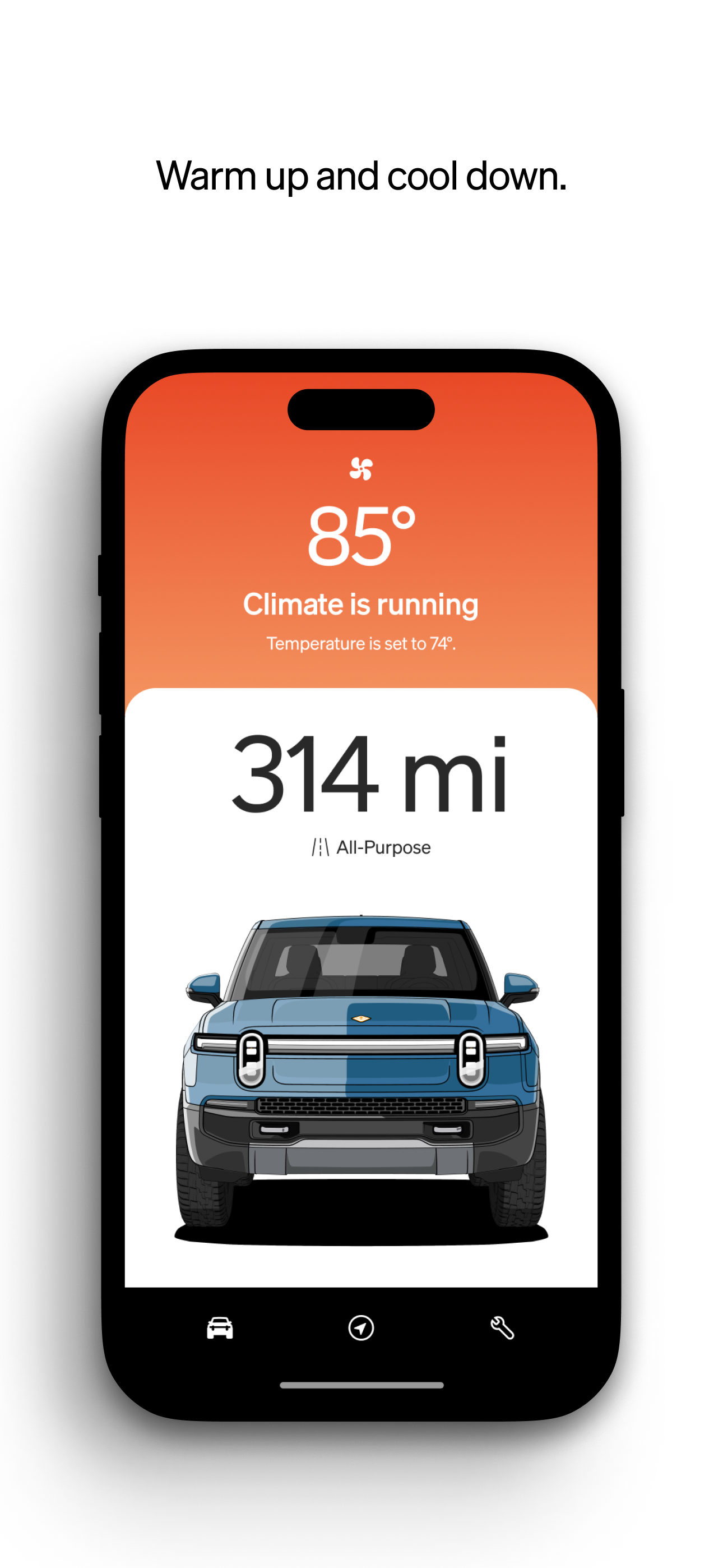
I’ve been using the new Rivian App 3.0 with my R1T for about a week now, and overall, I’m impressed with the direction they’re heading. The redesign is clean and much more intuitive. Key features like Climate, Energy, and Gear Guard are now front and center—no more endless scrolling to get to what I use most. It just feels more polished and less like a version 1 app now. One of my favorite changes is the customizable remote commands. Being able to re-order what shows up on the home screen means I can tailor the app to how I actually use my truck. I’ve also found the new Service tab helpful—had a small issue with the tonneau cover, and getting in touch with Rivian Support felt quicker and more streamlined. The new connectivity and charging status screens are nice additions too. It’s clear they’re thinking ahead with this architecture, hopefully to enable even more functionality down the line (would love to see scheduling for charging based on utility rates). Bottom line: Version 3.0 is a big leap in the right direction. It makes owning and managing my R1T more seamless. If you haven’t updated yet, it’s definitely worth checking out—but maybe back up your key first.
The app would improve customer experience when Rivian begins to fully support Apple Pay for enhanced data security and privacy rather than asking to store financial account data. Support for CarPlay would be great to be able to use alternate navigation, route planning, enhanced audio/media options, charging infrastructure, overland tracking and routing, and countless other functions. One critical R1 feature request is support for 2 different wheels sets either via the app or the onboard system. Given Rivian offers 3 different wheel sizes, for owners that need to have 2 wheels sets for any number of reasons ranging from mandatory winter tires or having an All Terrain set and a highway set, it would be great to have our R1 programmed with support for two sets and to be able to select the set rather than scheduling a visit to a service center every time tires need to be swapped either seasonally or for a trip or other need. For example we have a need to use studded winter tires. They will be a good fit for the 21” or 22” wheels while we also need a set of AT tires on 20”. Support for both sizes and to select between them in app or in our R1 would be a powerful feature.
The Rivian app works with your R1T and R1S to make driving and owning your Rivian simple. Use your phone as a key, manage charging sessions, tap into...


