Check the acquisition promise
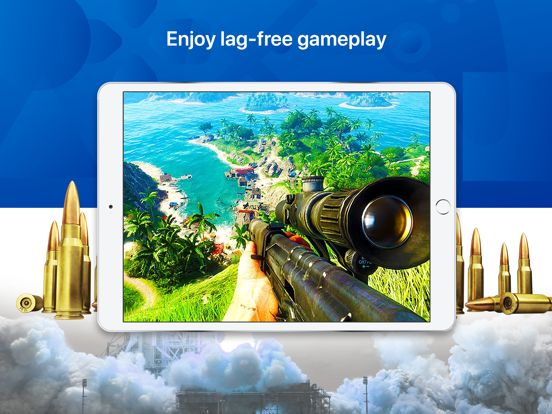
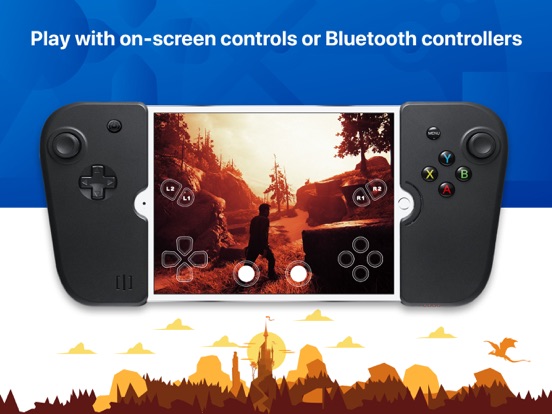
Read the store headline, screenshots and description. What problem is the app promising to solve?
Study the storefront ↗
Lei Jiang · iOS
Explore the ad evidence, study the storefront, and build your next acquisition hypothesis.
01 / Creative research
Read the store headline, screenshots and description. What problem is the app promising to solve?
Study the storefront ↗Explore apps with direct store-link matches. Compare their hooks and formats without assuming the same approach works here.
Browse observed advertisers ↗Store rankings and revenue estimates describe market context. They do not establish ad spend, conversions or ROAS.
Review the market context ↗02 / Storefront & product
Study the product story and store experience behind the acquisition funnel.



03 / Market context
Keep revenue, downloads and store rankings separate from advertising performance.
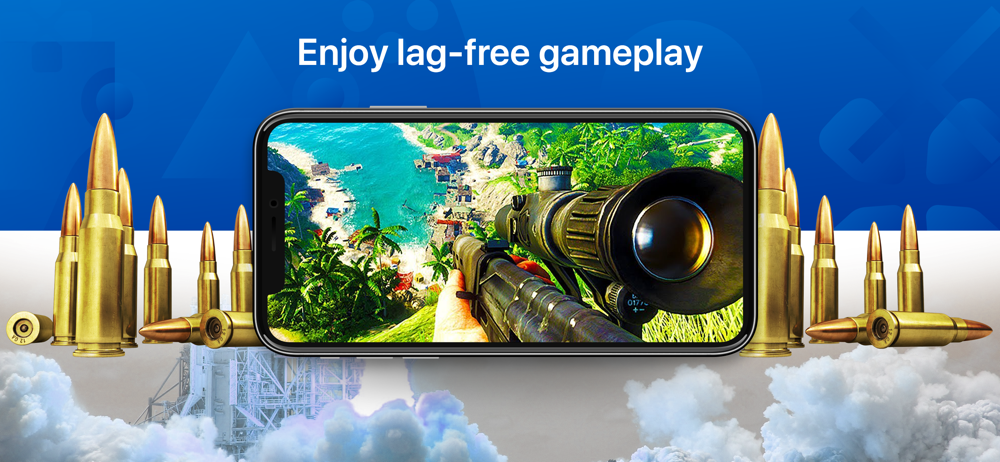
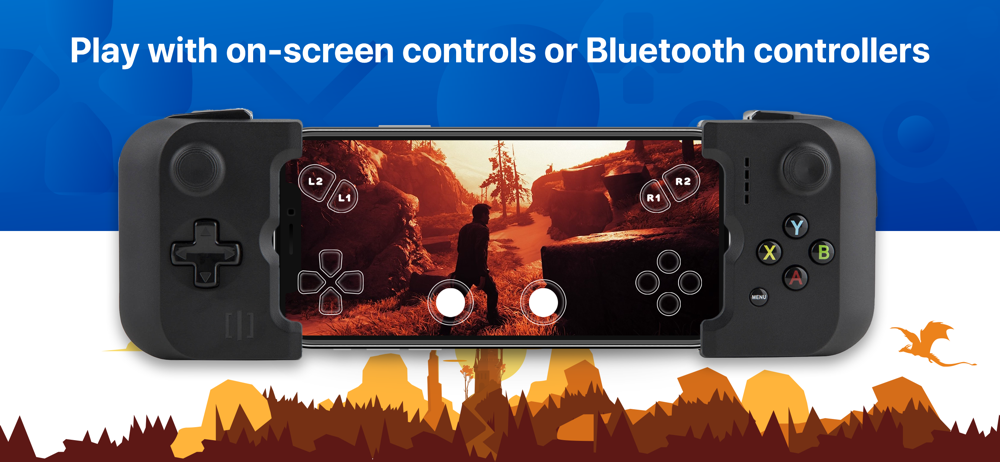
This is a great app that works very very well! There is only a little minor lag if you leave the app running for multiple hours. The app even allows you to customize the on screen controls to whatever size you need them and where you want them! The graphics are even the same high quality on your iOS device as on you PS4! Also another GREAT thing is that you can use your DualShock 4 controller with this app as well as long as you have a second PSN account and follow the apps instructions! My only complaints are, first that the on screen controls are not that good, and second that the mifi controllers are pretty expensive and those are the only ones compatible with this app, and finally to be able to play you PS4 as a Nintendo switch away from home, you need to change some of your router settings and PS4 network settings, which for me a 13 year old is kind of crazy because it takes a lot of knowledge that most 13 year olds don’t have!
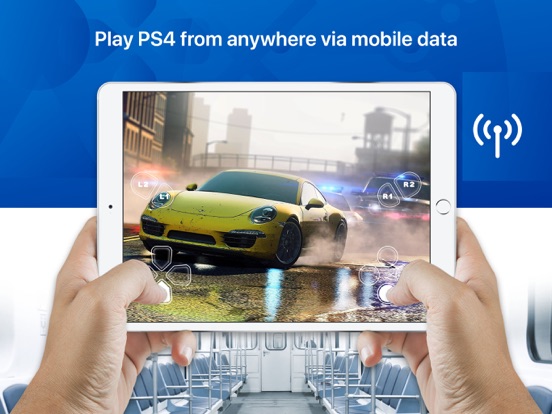
I’m shocked I’m saying this, but this app is actually kind of amazing—as long as you keep your expectations in check. I’ve been playing Persona 5 remotely with it (over the internet, not LAN), and it’s been working really well. Now, there are occasional frame rate hiccups and latency issues, and the onscreen controls are only serviceable at best, but that’s totally fine for a slower paced game like Persona. If you expect to play fast paced games remotely where tight controls and fast reaction times are important, you’re going to have a bad time. It might work OK over LAN, but it’s still not going to be great. But for certain slower games, it works nearly perfectly. A few details about my setup: I was not able to get the automatic remote setup working with my router configuration. I had to look at R-Play’s help docs for opening the right router ports to get everything working, but if you’re reasonably capable at futzing with router settings, you shouldn’t have any issues. My PS4 is connected to my router with an ethernet cable, and my home internet speeds are 60Mbps down and 6Mbps up.
Alright, so back in June my original PS Vita decided that it wasn't meant for this world. The screen broke and so ended my remote play sessions. So looking for alternatives to replacing my PS Vita I did a search for apps capable of making my phone respond like a Vita in remote play. All I see are four and five star reviews, and here I'm thinking I hit the jackpot. Reading up on all the ways this app integrates into your phone and connects to your Playstation 4, this is sure to be a rock solid investment for $12 plus tax. Wrong, wrong, I couldn't be more wrong. This app is clumsy at best, and certainly isn't responsive to commands. Only half of the available game library even appears on my phone screen. Then the on screen touch buttons don't work simultaneously. You can't for example input the command for a quarter circle motion forward. The touch command doesn't recognize simultaneous response. I was very disappointed. I tried this multiple times and tried various games to no success. I award this app the appropriate 1 out of 5 stars, and it receives only one star in this review, because it doesn't manage to boot up and sync with your Playstation console, but that's about all it does. Biggest waste of $12, just put it towards a replacement Vita pre-owned at GameStop, just like I did tonight. ✌🏻
Take the awesome power of your Sony PlayStation 4 console, and give it the portability and convenience of the Nintendo Switch. Stream your PS4 games t...
| Name | Price | Type |
|---|---|---|
| App Subscription (1 year) | $11.99 | One-time |