Check the acquisition promise
Read the store headline, screenshots and description. What problem is the app promising to solve?
Study the storefront ↗
GoPro, Inc. · iOS
Explore the ad evidence, study the storefront, and build your next acquisition hypothesis.
01 / Creative research
Read the store headline, screenshots and description. What problem is the app promising to solve?
Study the storefront ↗Explore apps with direct store-link matches. Compare their hooks and formats without assuming the same approach works here.
Browse observed advertisers ↗Store rankings and revenue estimates describe market context. They do not establish ad spend, conversions or ROAS.
Review the market context ↗02 / Storefront & product
Study the product story and store experience behind the acquisition funnel.



03 / Market context
Keep revenue, downloads and store rankings separate from advertising performance.
I really want to like this app. It is great. But you came to the reviews for the truth. Here it is: -You can’t export in 4K :( what’s the point of a 4K camera!? (videos are LOW quality) -it produces an amazing video but there’s just that one part they cut out that you can’t easily change/add -make one tiny change or add a photo or video and it changes the entire video. This is a really big bummer. My biggest problem. I love the video but I want to add a photo or something and it recreates the video and it’s different. Cutting good parts out :( -adding in to the last point you can’t really edit what parts are included or not. You can use highlights or trim but it’s not the same nor easy. Kind of a big issue since this is supposed to be a video EDITOR. -The app crashes. A LOT! -why is this not just part of the GoPro app? I have to have two apps on my phone taking up precious space. **overall a great app but the developers really need to work harder on these points. **Now for the good stuff. the reason why it still gets the 4 stars. -Quik is Quick! Very fast -it does a really good job on selecting the scenes to include. (Just a bummer that they change if you edit it) -provides music so you don’t need licensing -edit everything right from your phone -connects over WiFi to the cam -convenient and easy to use *Worth the download I just hope the developers fix those issues I pointed out!
I have no idea where to start. I recently had my GoPro Hero 3 die and I have tried everything I know to do to fix it but it would not film videos right. Granted this GoPro is over 6 years and I filmed tons and tons and tons with it. It was my main camera for everything so I took it everywhere. I did not want to get a new GoPro because I was afraid that it might not work or fail at an extraordinary moment that I could never again see. I have bought a GP Hero 7 Black and I can seriously not say enough. It has blown me away as a camera all the things that they have improved, fixed, made easier, more fun, interactive etc. The stabilization is amazing and I love it. It is one of those things you don’t know about until you have it then you always want to have it. The software (Quik, GoPro software, Splice, Quik Desktop, GoPro app for iPhone) is fast and able to keep up with me. The joining (through the app by joining the wifi feature on the new GoPro through the app) is truly awesome and helpful. Another one of those things you have and you don’t know you have it but then you don’t want to leave it. GoPro is really one of my favorite new companies.
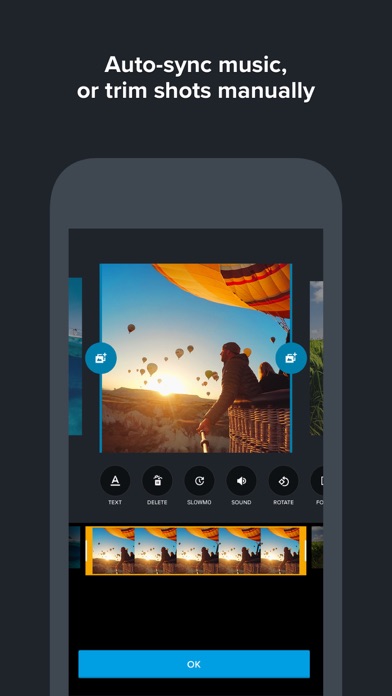
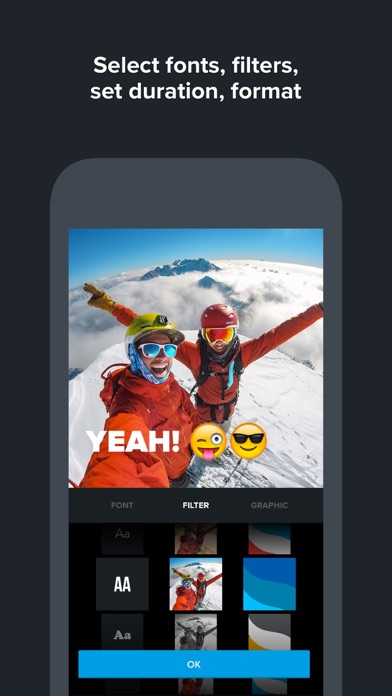
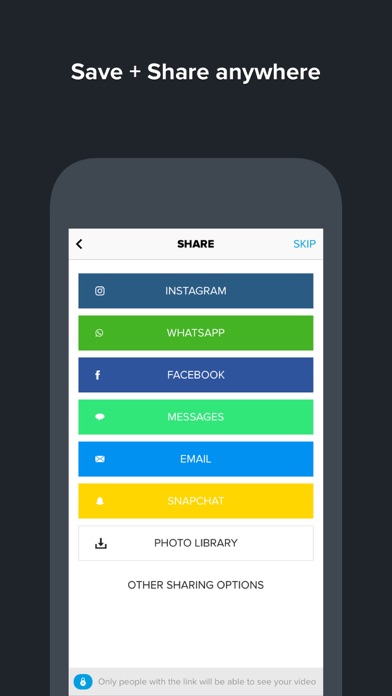
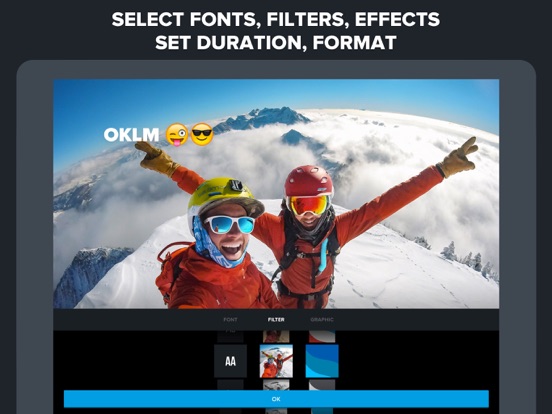
I’ve used many video apps - from iMovie and Clips to Adobe Spark Video, Gravie and Videorama and this is one of the most useful. That’s because it doesn’t require you to manually edit, which, even if you know HOW to do, you often don’t have TIME to do for casual videos. Instead, it enables what I call 5-minute video creation. The app makes it super easy to just choose some photos and video clips and then select a template and soundtrack and the app automatically (algorithmically) generates a video for you. You can share it to iMessage, WhatsApp or various other social services or download to your camera roll. The automatic results are consistently high-quality, but the app lets you make adjustments like adding photos or cutting out some, or adding text or adjusting the focal point on a particular photo to feature a certain person. I highly recommend the app for creating quick shareable montage videos for weddings, parties, other special events or to celebrate a person’s birthday or an anniversary or even a memorial. Of 600 apps I had on my prior phone, this is one of the top 10 most frequently used for creative projects.
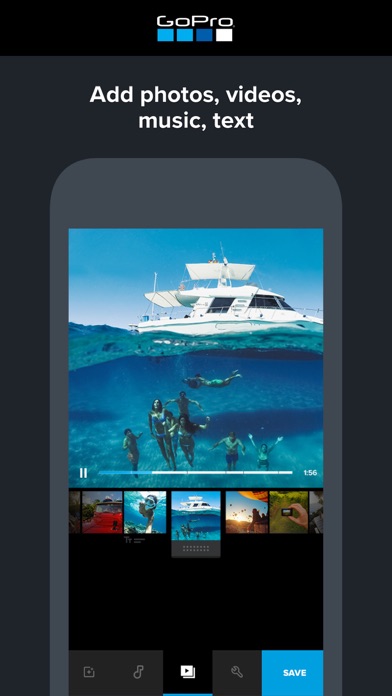
With the Quik app, you can create awesome videos with just a few taps. Choose your favorite photos and video clips then let Quik work its magic. In se...