
Check the acquisition promise
Read the store headline, screenshots and description. What problem is the app promising to solve?
Study the storefront ↗
Florian Grill · iOS
Explore the ad evidence, study the storefront, and build your next acquisition hypothesis.
01 / Creative research
Read the store headline, screenshots and description. What problem is the app promising to solve?
Study the storefront ↗Explore apps with direct store-link matches. Compare their hooks and formats without assuming the same approach works here.
Browse observed advertisers ↗Store rankings and revenue estimates describe market context. They do not establish ad spend, conversions or ROAS.
Review the market context ↗02 / Storefront & product
Study the product story and store experience behind the acquisition funnel.
03 / Market context
Keep revenue, downloads and store rankings separate from advertising performance.
I love this app so far I just downloaded it today but I wish I knew about this app a couple weeks ago. I went to my aunt’s house. She lives another state away from my house. But I just took my Xbox controller with me and I swear that you used to be able to play Ps remote play on the official PlayStation remote play with a Xbox controller but I wasn’t able to do it anymore. I am back home now. So I researched on the Internet and then found this app and then hooked up my Xbox controller and then I could play my PlayStation with this app and my Xbox controller I used to use my PS4 controller for remote playing Xbox and PlayStation but I don’t have a phone clip for my PS4 controller anymore but I don’t know why Sony blocked Xbox controllers from being used on their remote play app because you can play Xbox remote play on the official app with a PS4 controller I guess Xbox just doesn’t care anymore on which controller you use for their console
I recently hardwired my office which is on the opposite side of my house from the living room and I was skeptical and was reserved so I wouldn’t be disappointed if this didn’t work. IT DID! Using my Apple TV 4K, I played MLB The Show 22 (requires NO input lag in order to be good, I was good) and Spider-Man remastered. Bother flawless streams. I managed to load up Spider-Man at work using backbone one, but it was a little choppy (I’ll blame the WiFi at work) but still impressed that I was able to play almost like the PlayStation was meant for my phone. THE ONLY GRIPE I HAVE: No co-op; I do believe there is a way to program this so you can do remote play. Similar to how the controller works with Bluetooth, I feel there is a way to make the app recognize a second controller to then sign into another account, or to register the PlayStation again but with a different Sony account so that a connection made to that console will have both profiles recognized. Grill is very smart for pulling this off and I’m sure my idea was thought about (if not, give it a go ;)…). If the developer could confirm that they are working on figuring out co-op, I’ll buy the app but outside of supporting the developer, there isn’t much that is hidden behind a paywall. OVERALL: Great gaming experience, nice to play PlayStation again.
This developer, and application, continues to amaze me in just how superior it is to the official Sony remote play app. I’ve been using PSPlay on my Logitech G Cloud for some time now for my ps5 (which is why I bought the G Cloud in the first place) and always have been impressed. I’ve tested it on the Nvidia shield (both Pro and Tube) and still works amazing (well, not really on the tube, but I think that’s the devices issue, not the program, it works but crashes the device after about 10 minutes, probably due to lack of RAM or something). The new MirrorPlay app that was just realized for IOS, MacOS , and iPadOS is equally amazing (definitely buy the pro version of the app, it’s worth it). Tested on my iPhone 14 Pro, iPad Air M1, and MacBook Pro with the M1 Pro chip, and works flawlessly. All we need now is a version for the Steam Deck! Sure, we have Chiaki, but it no where near compares to ease of use and reliability of PSPlay/MirrorPlay. Here’s to hoping that’s next!
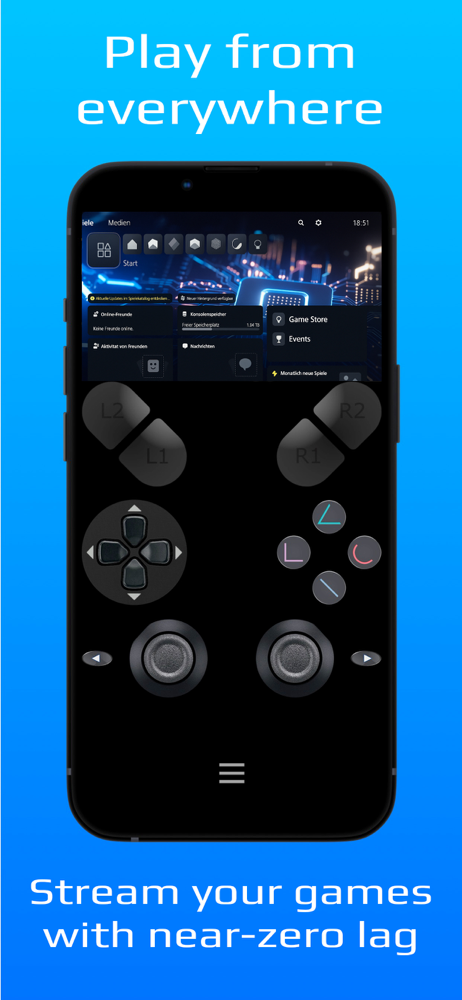
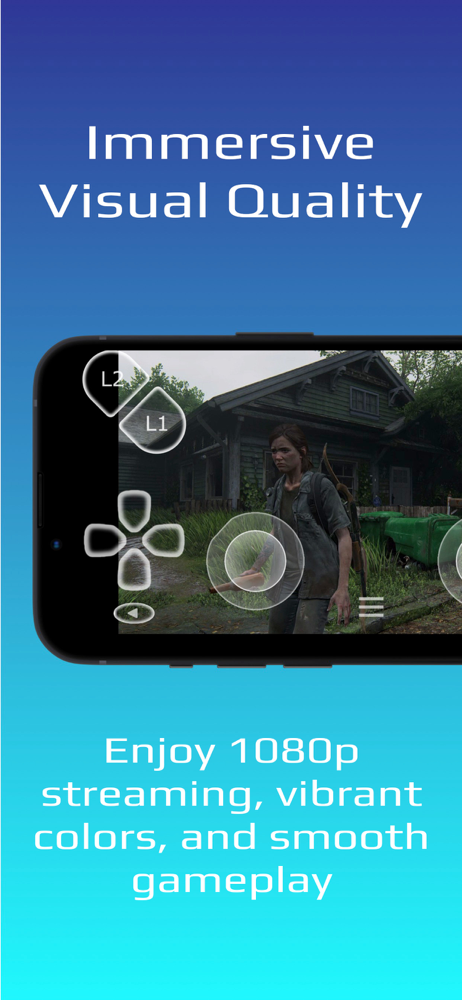
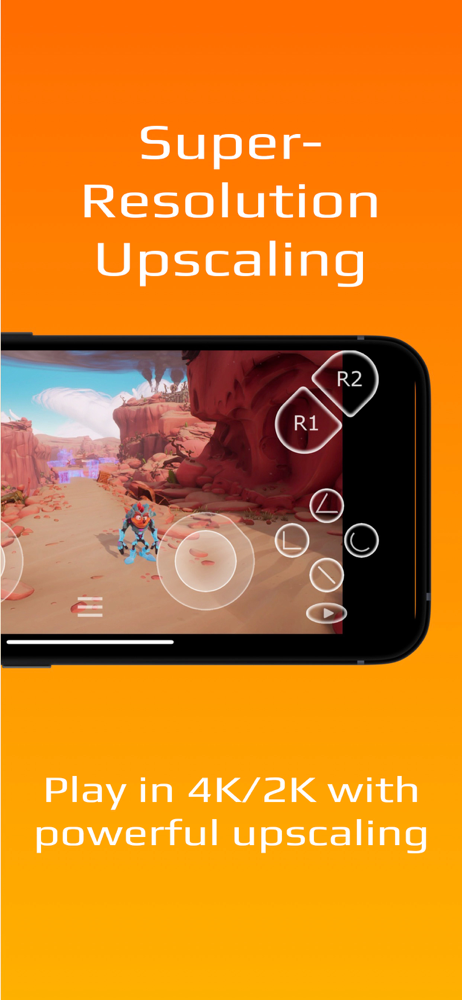
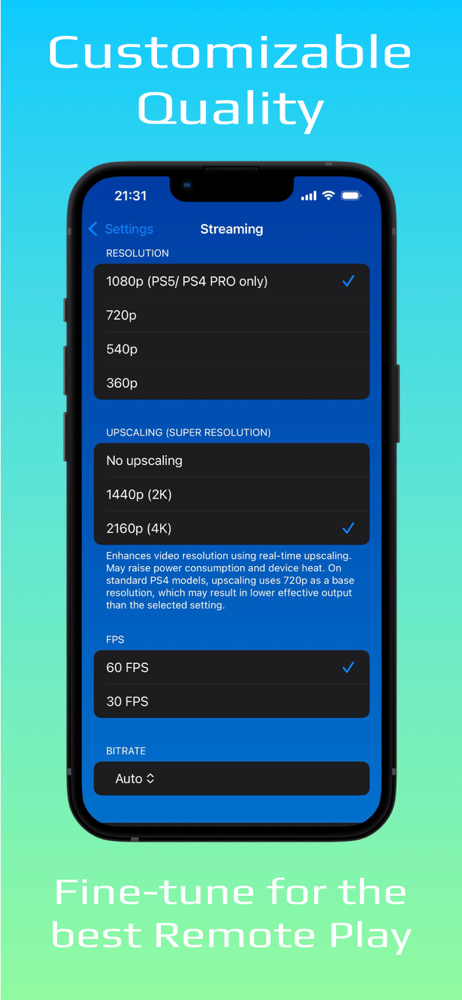
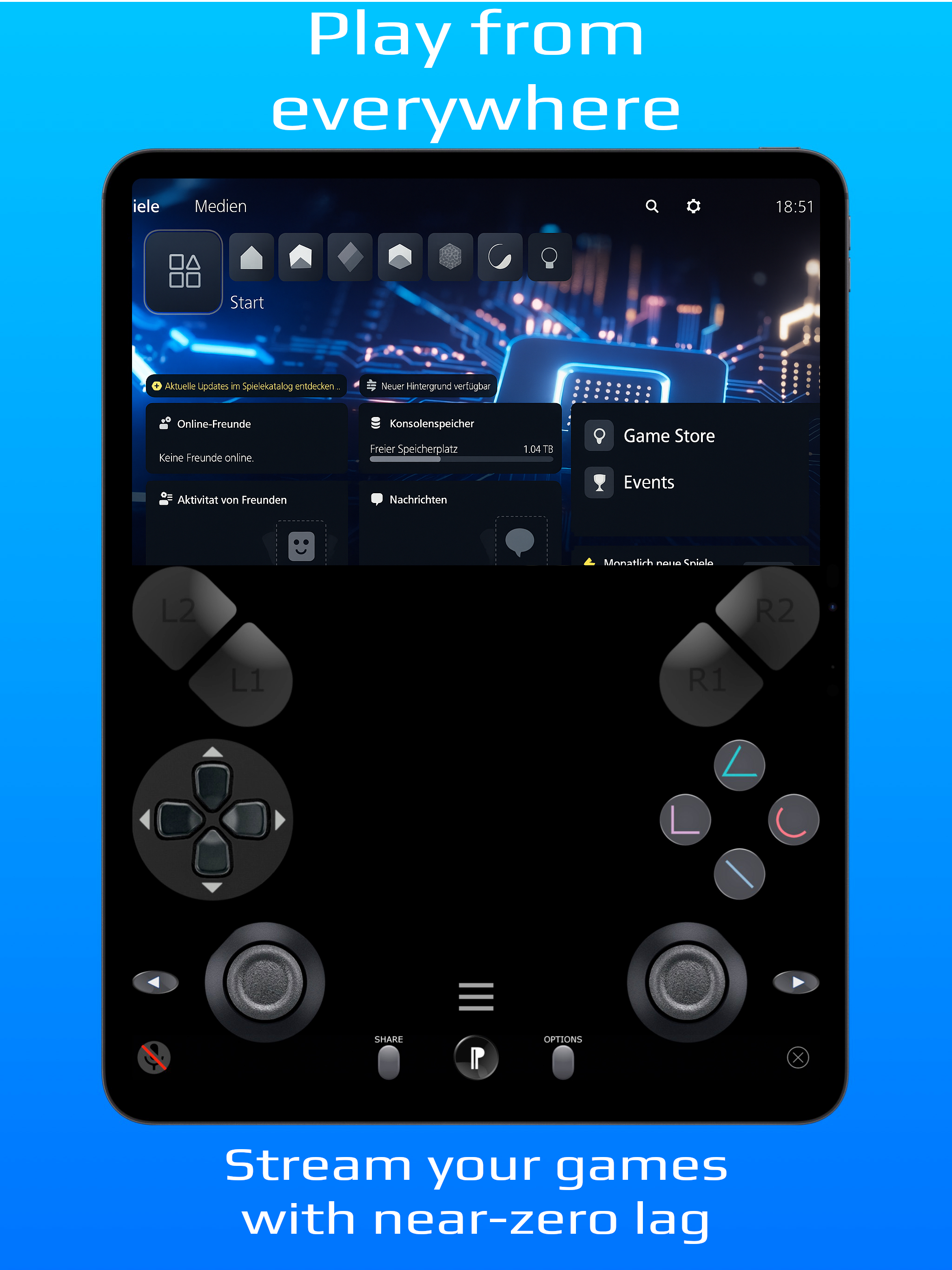
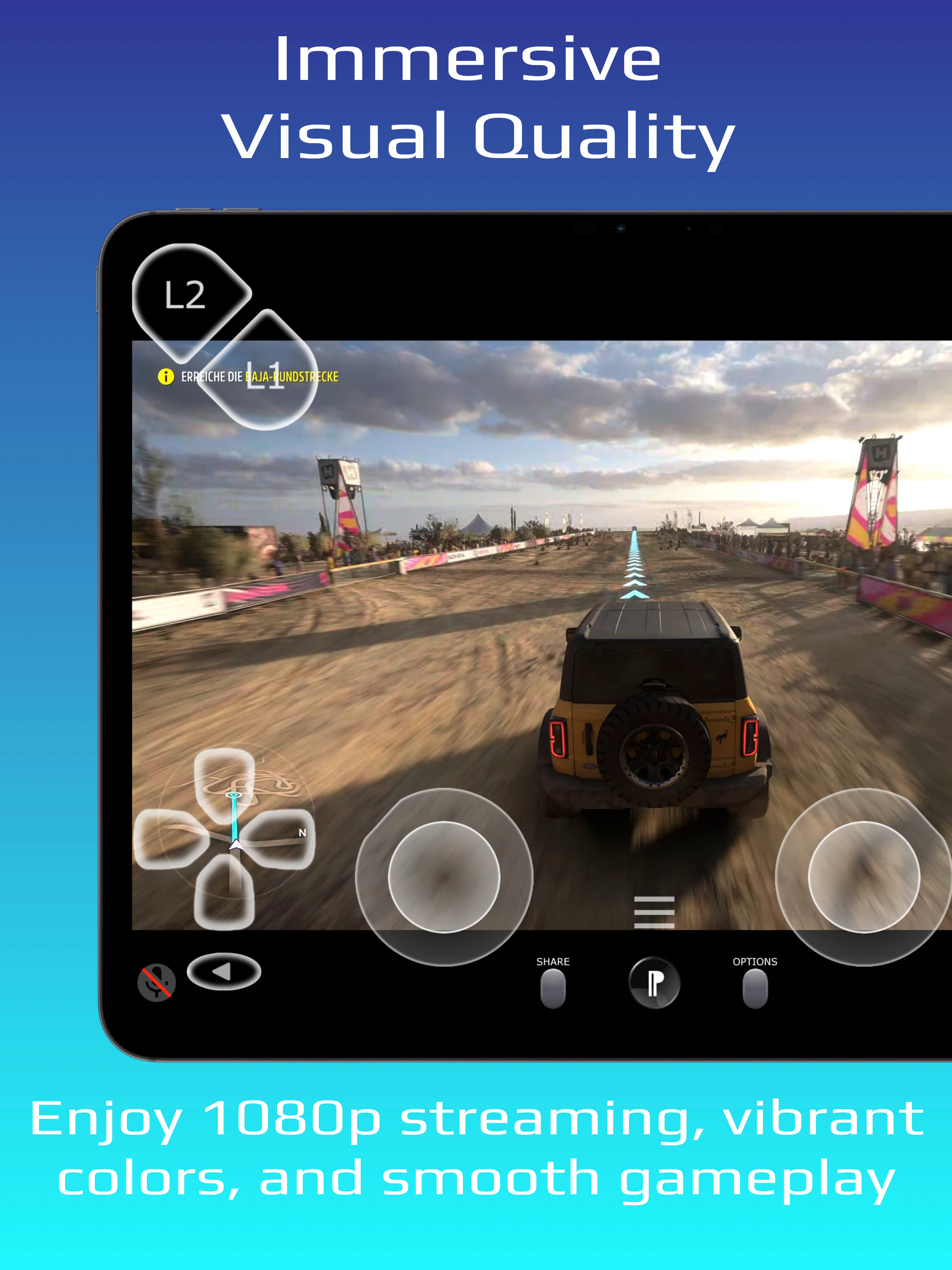
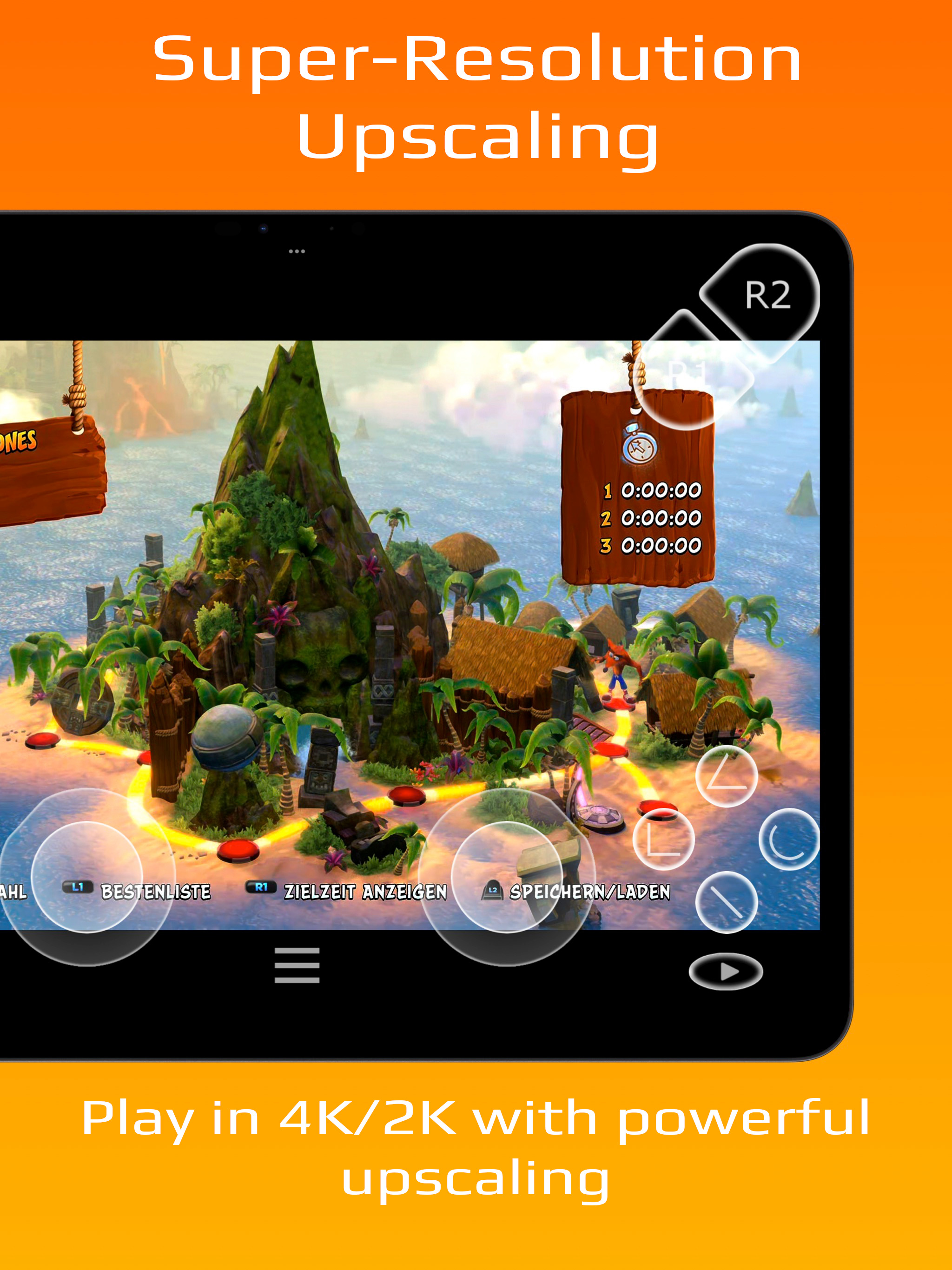
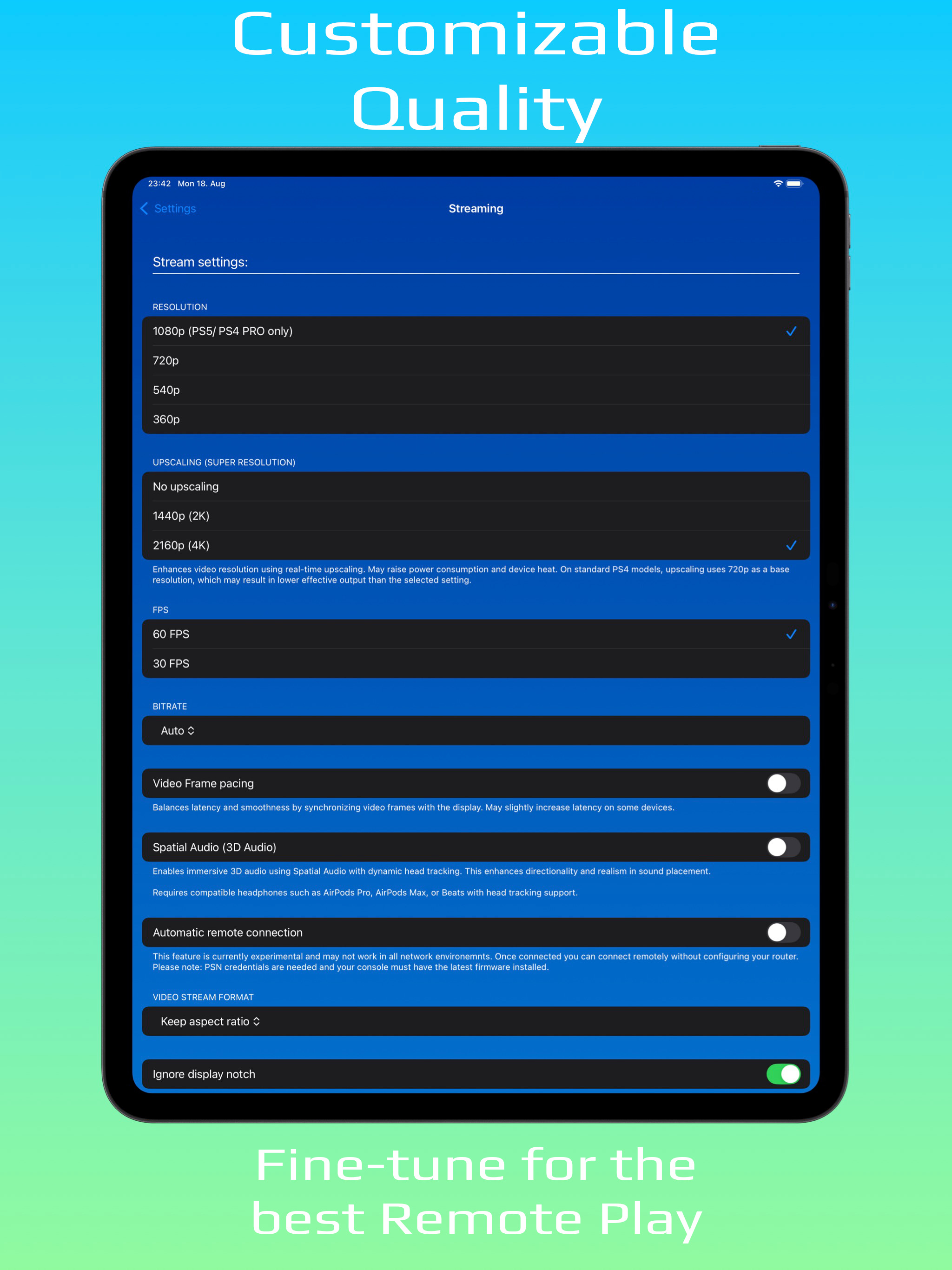
PXPlay – Performance eXtended Play Experience your console games like never before. PXPlay lets you take full control of your console remotely, withou...
| Name | Price | Type |
|---|---|---|
| Unlock new features | $6.99 | One-time |


