Check the acquisition promise
Read the store headline, screenshots and description. What problem is the app promising to solve?
Study the storefront ↗
Joseph Mattiello · iOS
Explore the ad evidence, study the storefront, and build your next acquisition hypothesis.
01 / Creative research
Read the store headline, screenshots and description. What problem is the app promising to solve?
Study the storefront ↗Explore apps with direct store-link matches. Compare their hooks and formats without assuming the same approach works here.
Browse observed advertisers ↗Store rankings and revenue estimates describe market context. They do not establish ad spend, conversions or ROAS.
Review the market context ↗02 / Storefront & product
Study the product story and store experience behind the acquisition funnel.
03 / Market context
Keep revenue, downloads and store rankings separate from advertising performance.
First: don’t expect much from the 3DS emulator. Most mobile devices aren’t powerful enough to run it well. With that out of the way, I’ve used plenty of emulators on iOS (even before the App Store allowed them) and this is one of the better ones in my opinion if you’re looking for an all-in-one emulator and DELTA doesn’t have all the consoles you want to play on. In essence it’s RetroArch with support for a few more consoles and (in my opinion) a better button layout. The only think keeping me from giving this 5 stars is the fact arcade roms are a hassle to import (compared to importing other roms due to the fact they’re stored in a .zip format and the app likes to instantly decompress it) and a clunky UI. It works but the transition from tab to tab when swiping could be smoother. It also crashes occasionally when opening the app the first few times. It also has no convenient way of remapping controller binds. If those issues were fixed I’d consider this to be the definitive emulator for iOS.
I excitedly downloaded this app originally to try the 3DS emulation for Tomodachi Life, however; whenever I type in anything it freezes up, and eventually crashes or glitches out! I don’t understand why you don’t have the original 3DS keyboard as a setting, rather than typing with the Apple keyboard and momentarily making the game lag and eventually crash. If you did, it would probably fix everything. But I can barely type five things before it lags me out, rendering the game COMPLETELY unplayable! I’ve messed around with the core settings and it seems absolutely nothing will work. My phone is completely up to date, and new(ish), low battery mode turned off, and it’ll still be buggy and frozen. I’m seriously counting on you to PLEASE fix this issue. other than that; this will stay rotting on my iPhone until it’s fixed. Thank you for your time put into reading this, and I apologize for any inconveniences made :)
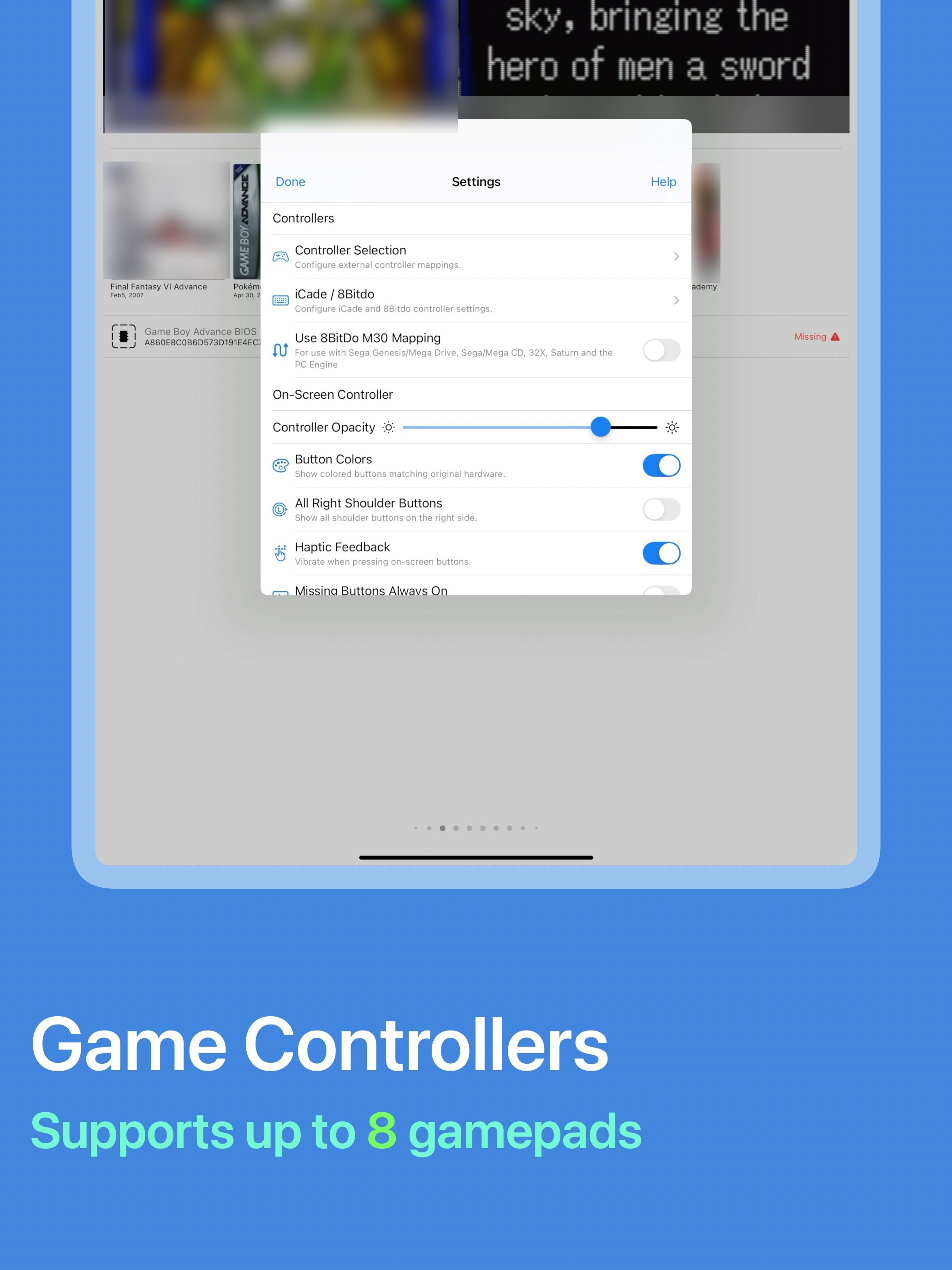
I’m emulating on an iPad Pro 11 inch and also an iPhone 14 pro max. Playing on my iphone has proven to be tedious because of the layout for some of the controls like the 3DS controls. Maybe i haven’t found the right settings but i haven’t been able to move around the layout so the buttons aren’t in the way so i’ve been primarily using my iPad because the Apple Pencil is a good stand in for a 3DS stylus. There’s also some input issue? I can click somewhere and it will click a couple centimeters above where i clicked which is a hassle. Another thing is i’m not able to use joycon as a controller? I’m not trying to do anything crazy. But the A and B buttons and X and Y buttons are all switched around, which gets annoying if you’re playing a rhythm game or a game where there aren’t any alternate inputs approved in game. Hopefully the joycon issue gets supported, as i would love playing on it instead of using the touchscreen
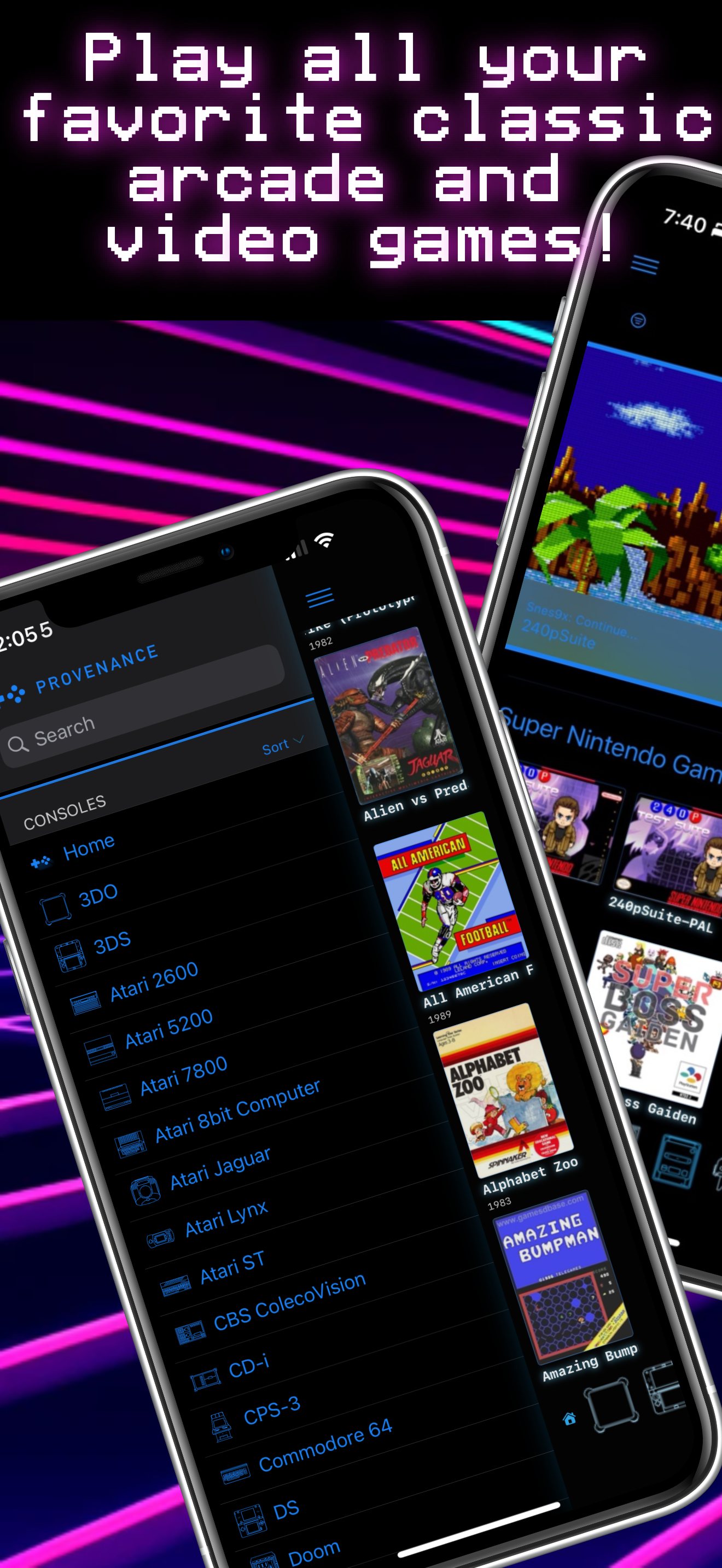
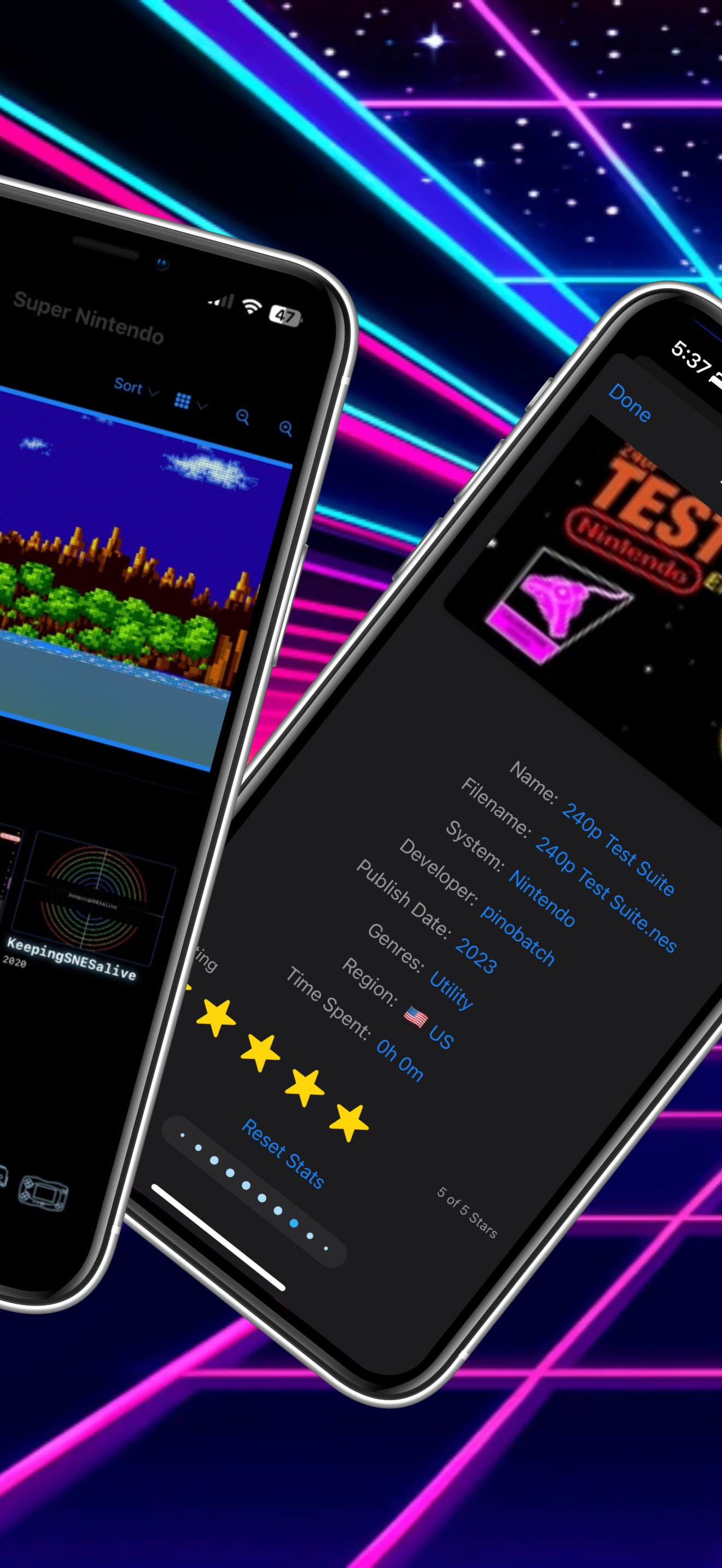
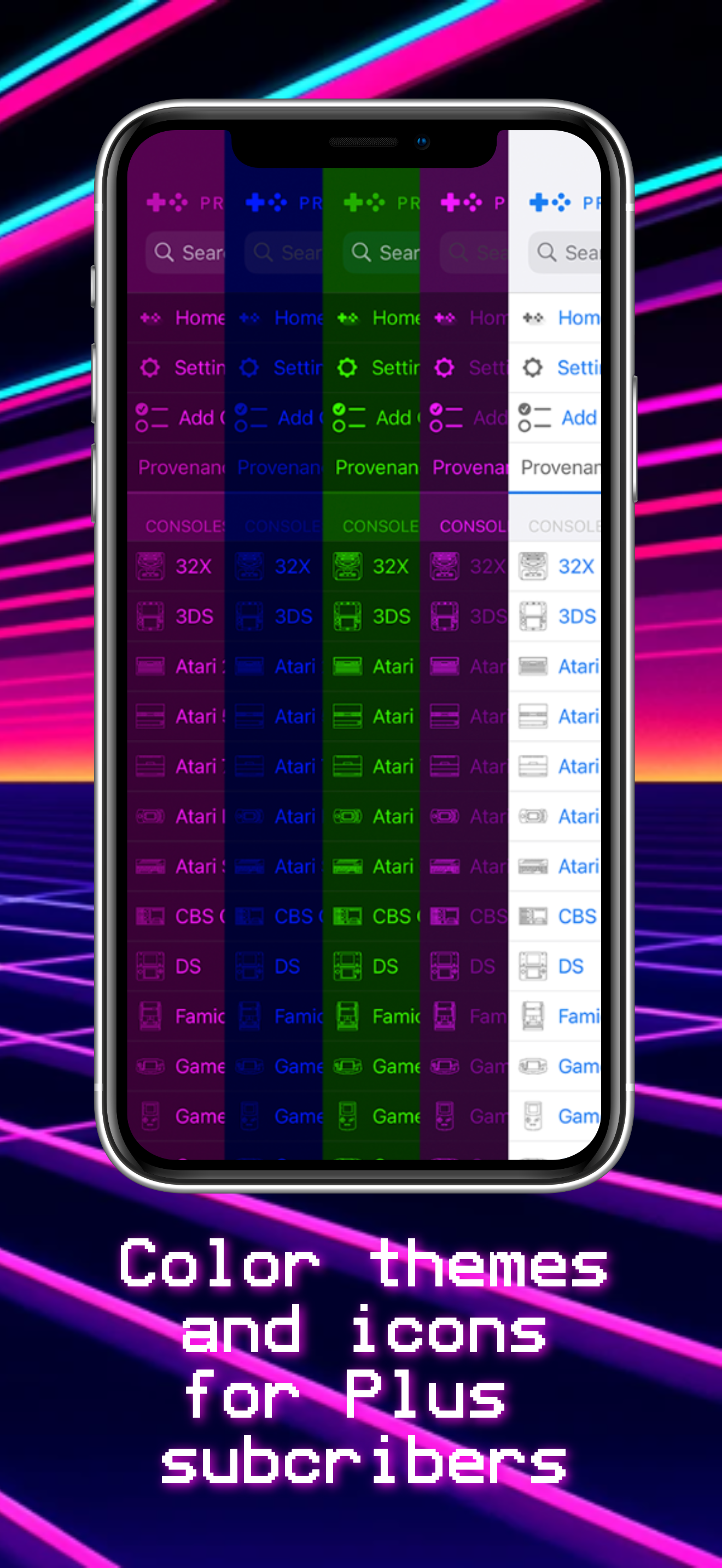
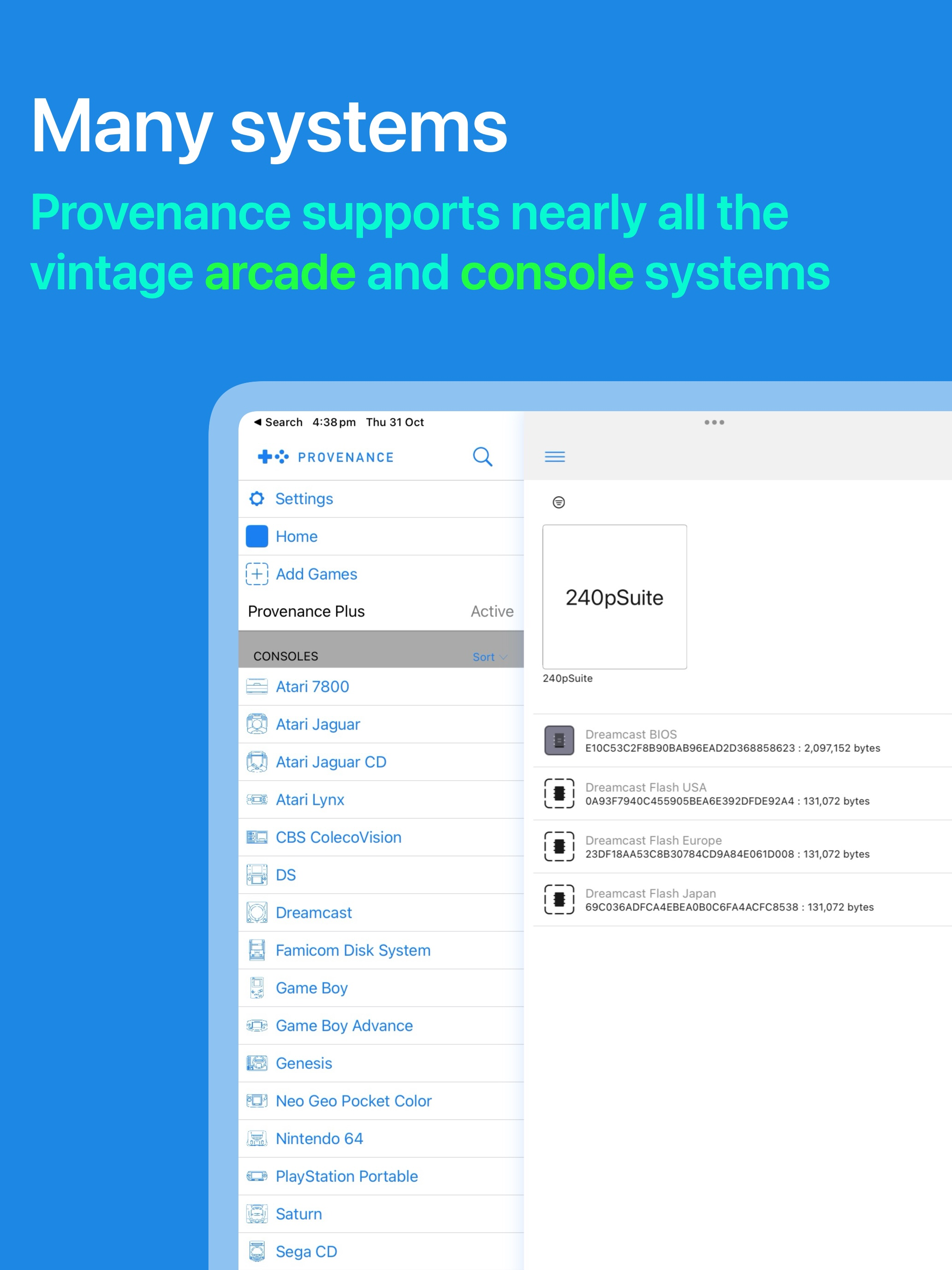
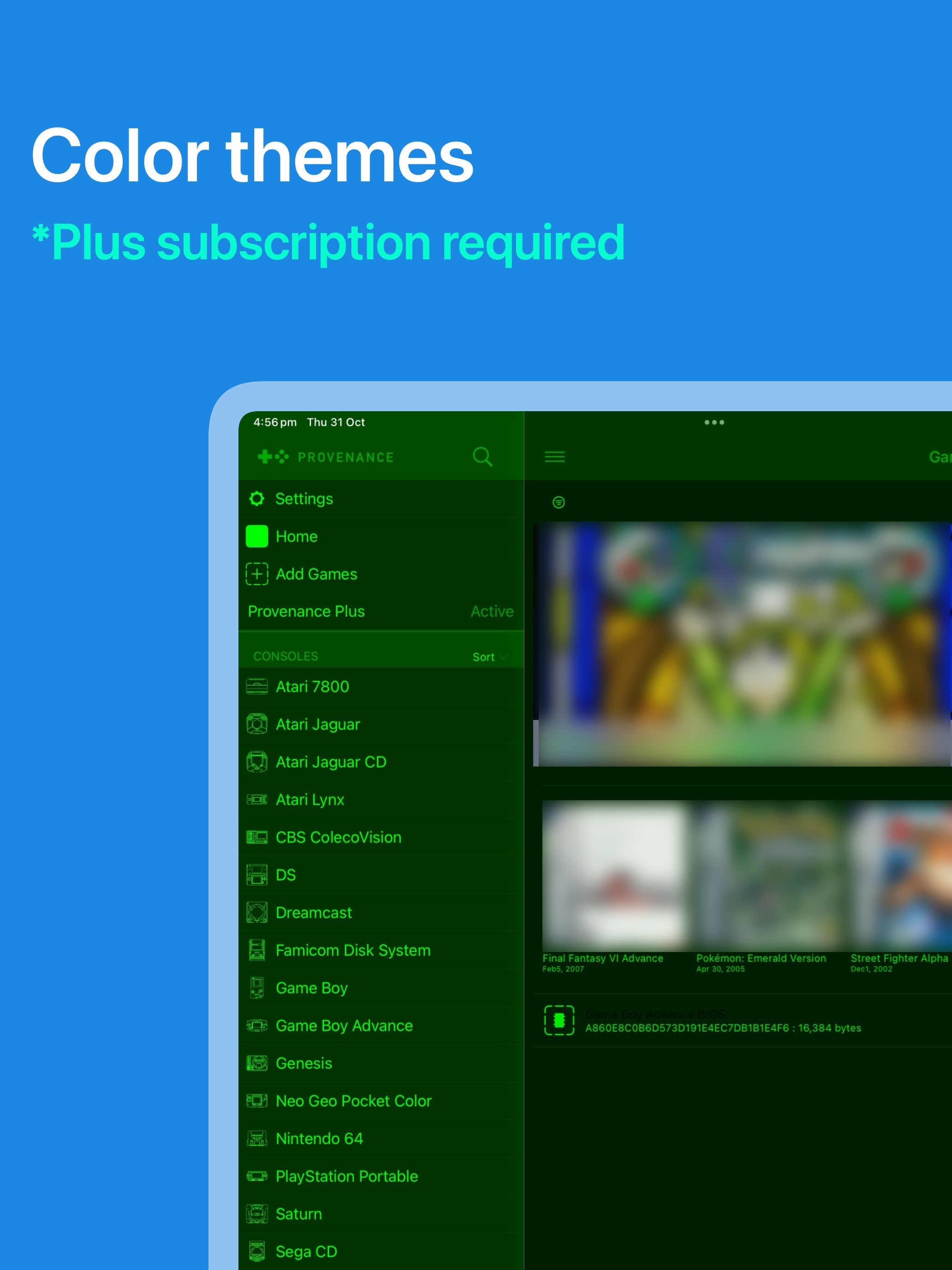
Provenance EMU is a multi-console emulator for many vintage arcade and console systems. Systems: - Atari - Atari 2600 - Atari 5200 - Atari 780...
| Name | Price | Type |
|---|---|---|
| Provenance Plus (Monthly) | $3.99 | Monthly |
| Provenance Plus (Annual) | $39.99 | Yearly |
| Provenance Plus | $99.99 | One-time |