Check the acquisition promise
Read the store headline, screenshots and description. What problem is the app promising to solve?
Study the storefront ↗
Project Box · iOS
Explore the ad evidence, study the storefront, and build your next acquisition hypothesis.
01 / Creative research
Read the store headline, screenshots and description. What problem is the app promising to solve?
Study the storefront ↗Explore apps with direct store-link matches. Compare their hooks and formats without assuming the same approach works here.
Browse observed advertisers ↗Store rankings and revenue estimates describe market context. They do not establish ad spend, conversions or ROAS.
Review the market context ↗02 / Storefront & product
Study the product story and store experience behind the acquisition funnel.


03 / Market context
Keep revenue, downloads and store rankings separate from advertising performance.
Everyone loved this thing. 2nd holiday season using this for a family party of 30ish people. Easy to set up. Easy to use. Looking back to last years photos, I’m glad i had this. I do add lighting on a tripod and this year added a big 10x8 foot backdrop. Only negative, which is not a dealbreaker, is the 10foot wide backdrop creates distance between the camera and the people (group photo). I think this distance causing a low pixel look to the photo. This also could just be a limitation of using the iPad camera. Don’t know but it is still super fun and is now a must have for the family party.
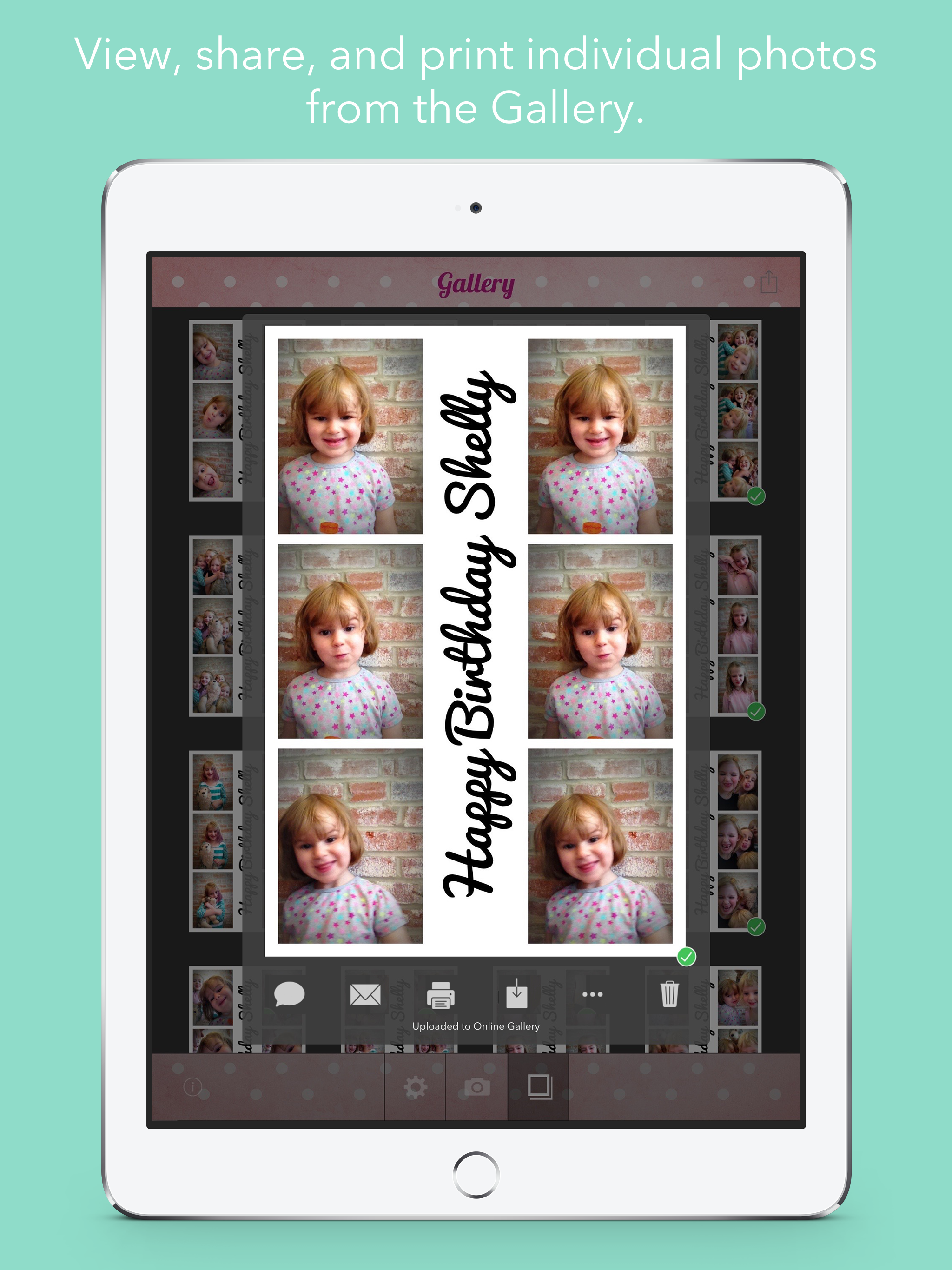
I don’t do photo booths professionally so I really only use this app for smaller family gatherings or parties that I host. It would be nice if the photo strips could have a little more customization, but it is fine for my needs. I’ve used it for several events without issues. I don’t print the images or have the individual images sent by email or anything. I usually just upload all the images to my google photos and then make an album I can share with all the friends and family I had at my event. However, last time I set up the app to use at an event, I had a major issue. All of the pictures were being inserted into the photo strip upside down. I tried putting my iPad in different camera orientations, restarted the app, restarted the device, tried to hunt around in settings for the ipad and for the app, but couldn’t find a way to fix the issue. I ended up just having to remove captions and to choose a layout with equal borders on all sides, so that the entire photo strip would look fine once manually rotated in my photo gallery. It was a solution that worked, but since the event was a family reunion, it wasn’t really happy that I had to remove captions from the photo strip so things looked like the proper orientation. I have used this app for several events and have never had an issue with photos being inserted incorrectly, however this was my first time using my new, so maybe the camera position is causing issues? I don’t know. I hope I can continue to use this app.
I have this app an it’s great for small gatherings but wish I can use my dslr or even my simple point an shoot camera instead of the iPad’s built in camera. If that option is available please let me know! If not, something to consider to make it perfect.
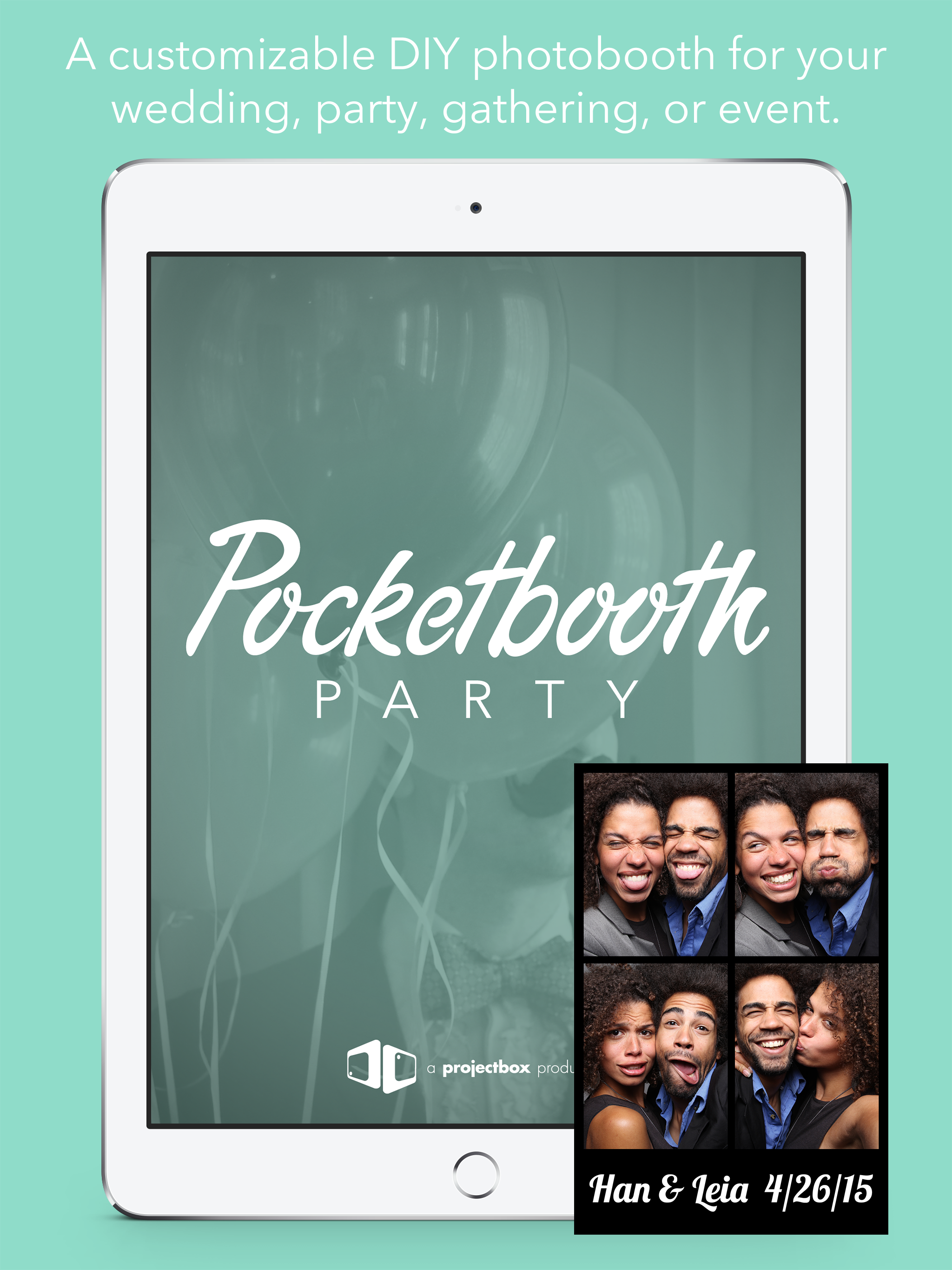
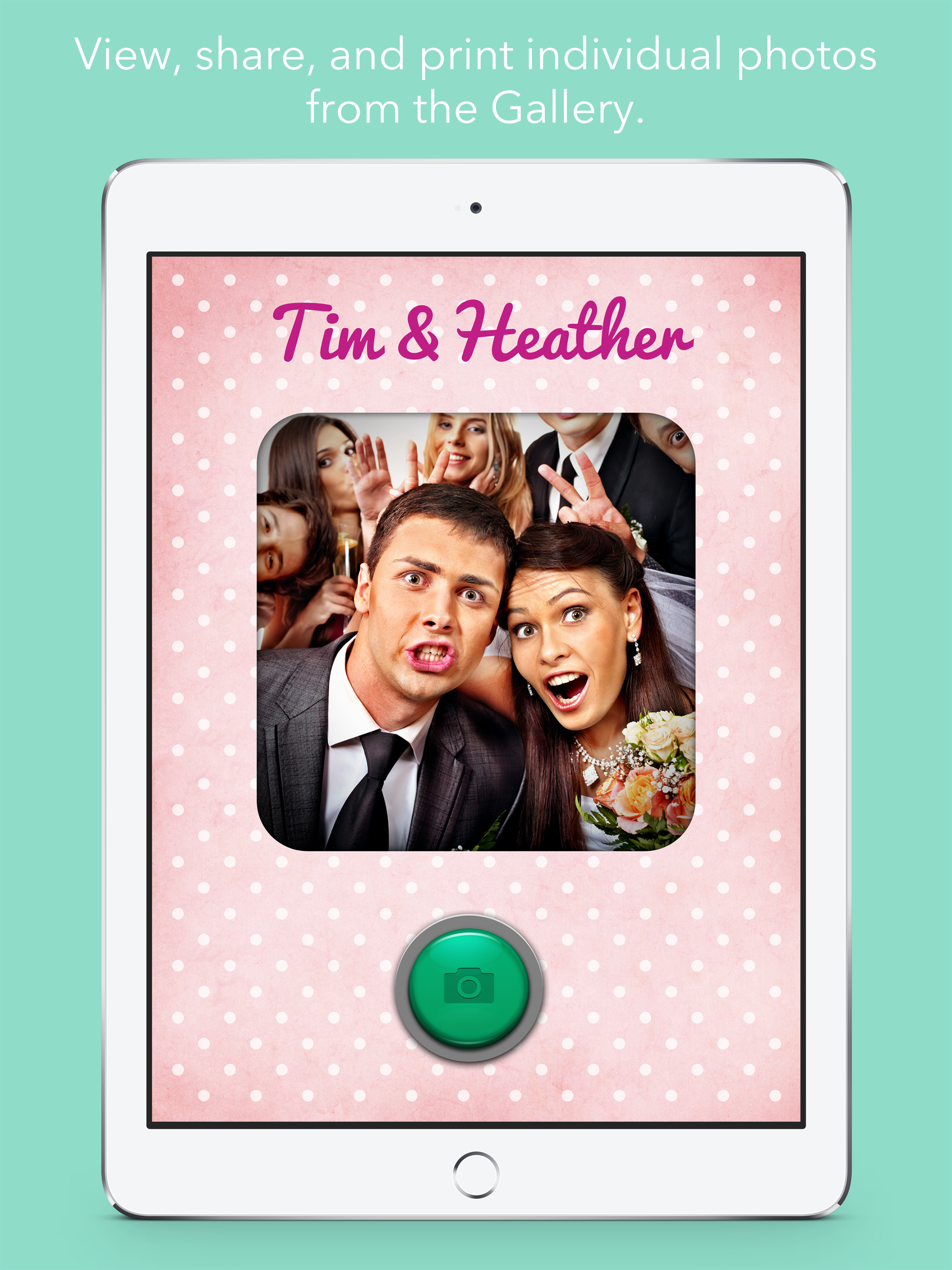
Why rent a photobooth when you can own one for a fraction of the price? Pocketbooth Party turns your iPad into a customizable DIY photo booth for your...