Check the acquisition promise
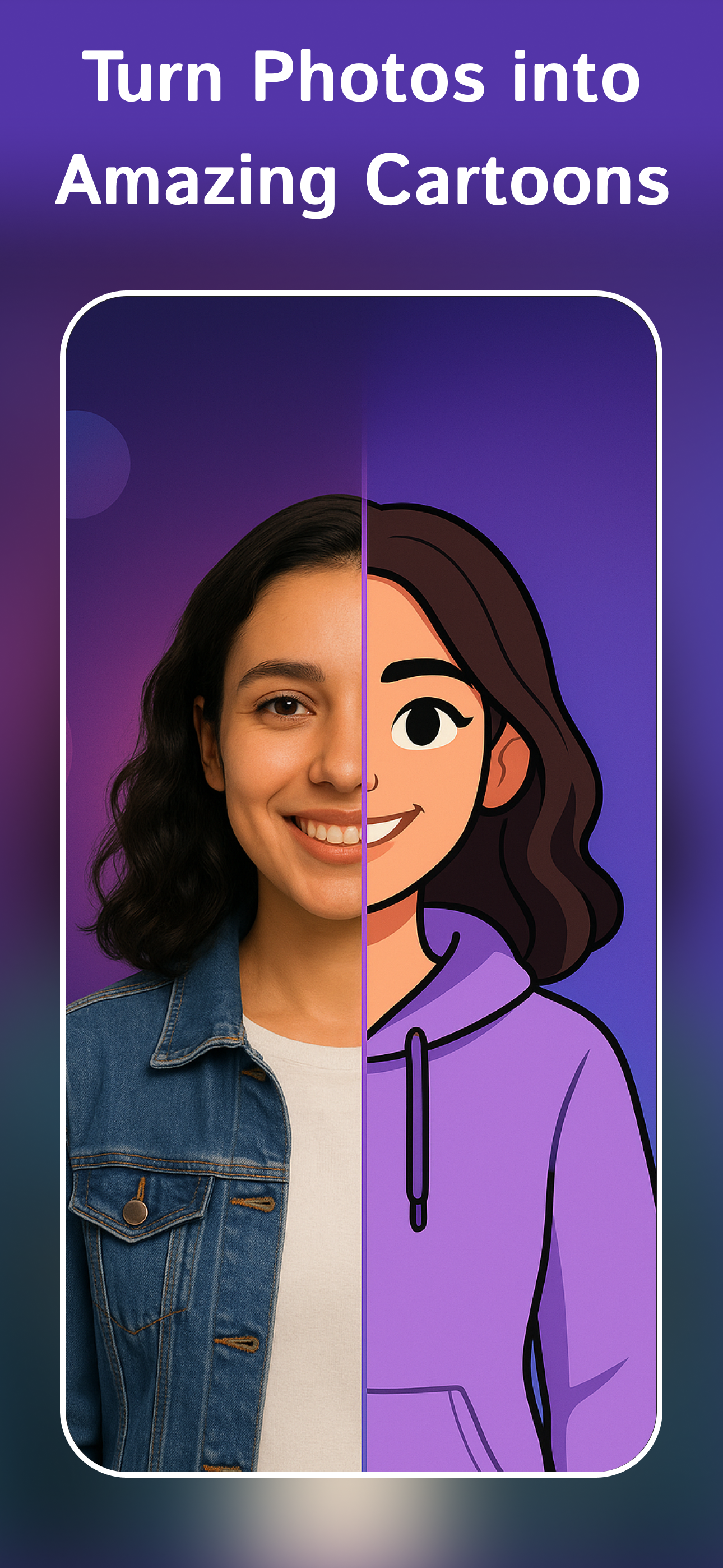
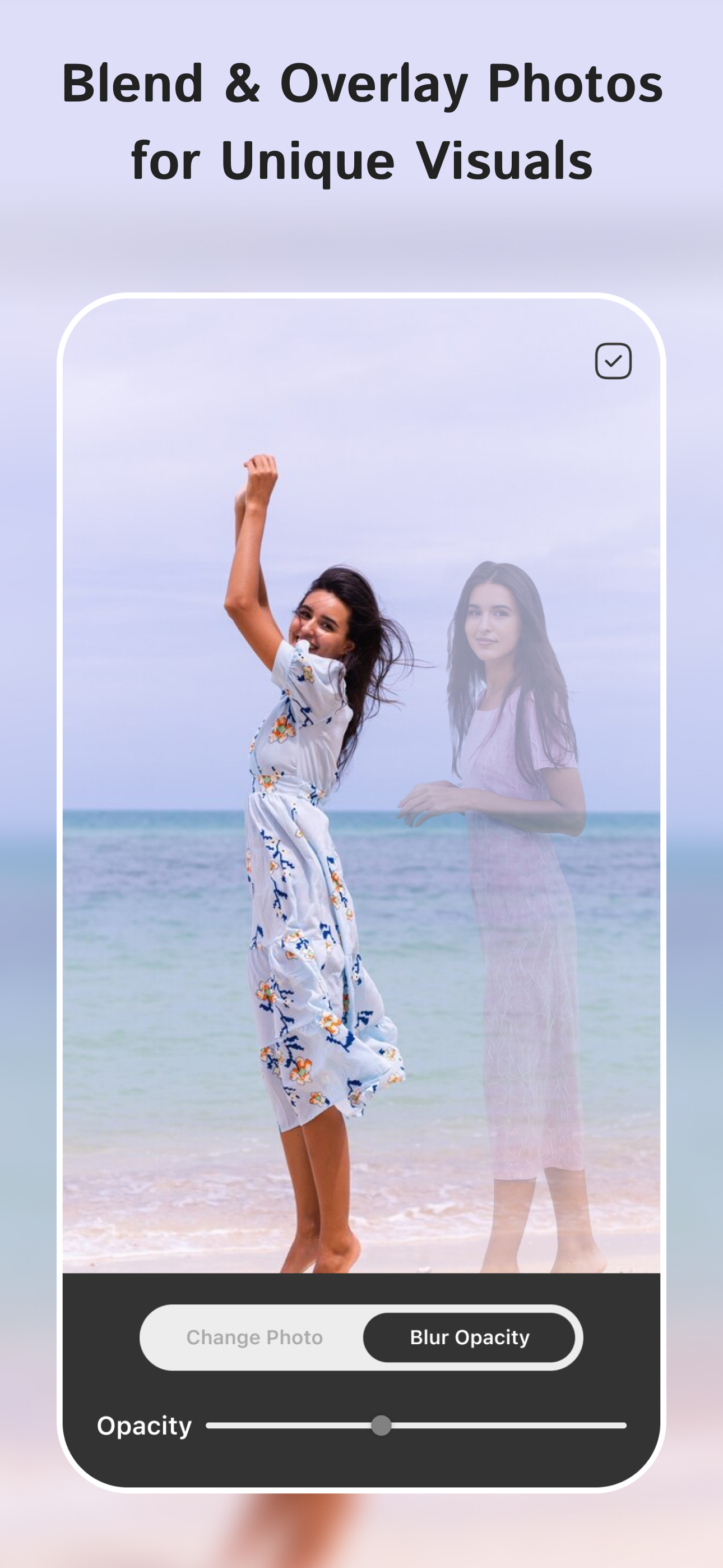
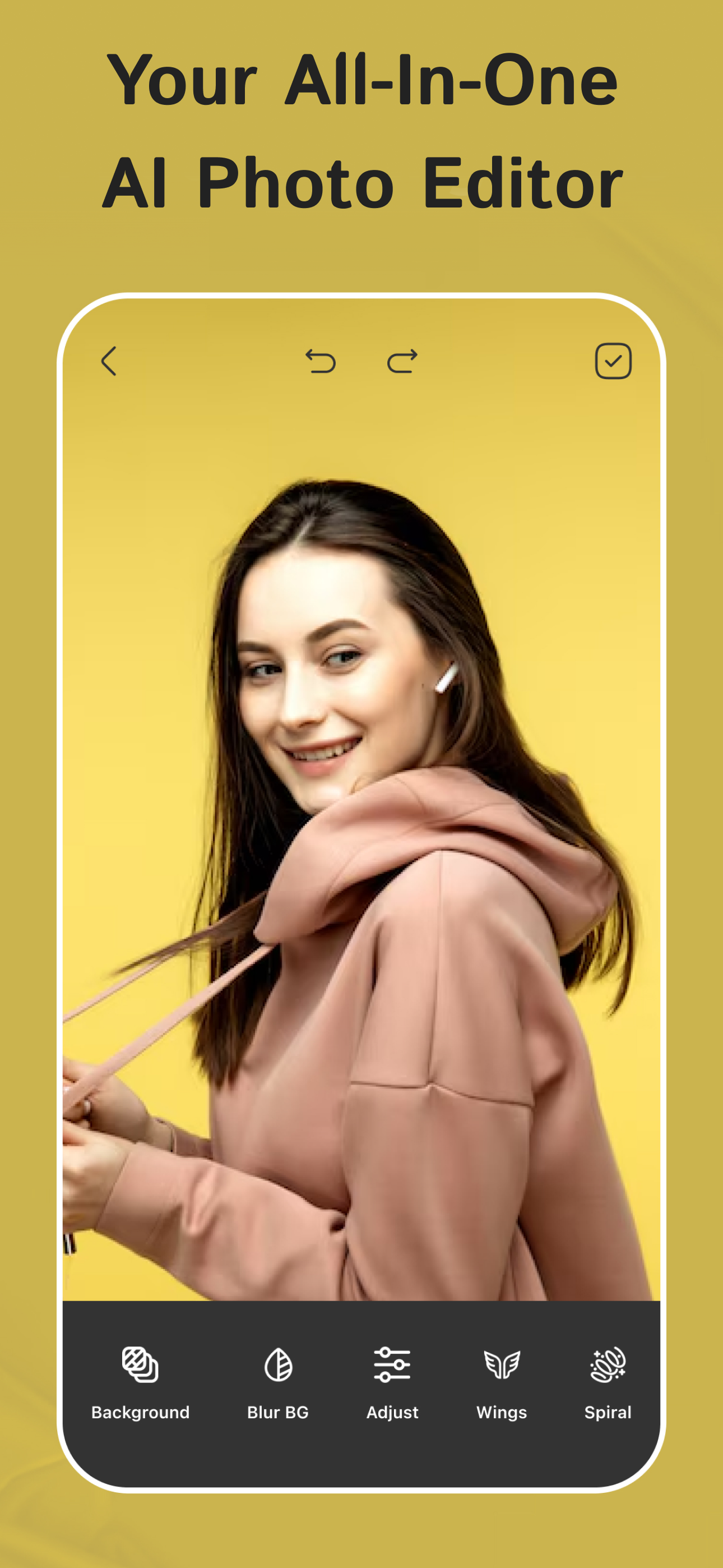
Read the store headline, screenshots and description. What problem is the app promising to solve?
Study the storefront ↗
PIYUSH SHIYANI · iOS
Explore the ad evidence, study the storefront, and build your next acquisition hypothesis.
01 / Creative research
Read the store headline, screenshots and description. What problem is the app promising to solve?
Study the storefront ↗Explore apps with direct store-link matches. Compare their hooks and formats without assuming the same approach works here.
Browse observed advertisers ↗Store rankings and revenue estimates describe market context. They do not establish ad spend, conversions or ROAS.
Review the market context ↗02 / Storefront & product
Study the product story and store experience behind the acquisition funnel.


03 / Market context
Keep revenue, downloads and store rankings separate from advertising performance.
I've tried many photo editing apps, but this one is easy to use and packed with useful features. Background remover works well, and the AI tools help create professional-looking images quickly. Highly recommended.
I've been using PixelLab: AI Photo Editor for a while now, and I'm genuinely impressed with its capabilities. The AI tools help enhance my images effortlessly, offering everything from simple filters to cọmplex edits. The user interface is intuitive, making it easy to navigate. I especially love the various templates and stickers available. Whether I'm creating a stunning social media post or just tweaking family pics, PixelLab has quickly becọme my go-to app for photo editing!
PixelLab has cọmpletely changed the way I edit my photos. The collage maker helps me cọmbine my favorite moments beautifully, and the text editor is perfect for creating personalized quotes. The Photo to Cartoon feature is a lot of fun, and the AI-powered filters add a professional touch to every picture.
Create stunning photos, social posts, stories, thumbnails and creative designs with PixelLab. Turn ordinary photos into eye-catching creations using...
| Name | Price | Type |
|---|---|---|
| Weekly Pro | $4.99 | Weekly |
| Monthly Pro | $14.99 | Monthly |
| Yearly Pro | $49.99 | Yearly |