Check the acquisition promise
Read the store headline, screenshots and description. What problem is the app promising to solve?
Study the storefront ↗
IRONTECH LIMITED · iOS
Explore the ad evidence, study the storefront, and build your next acquisition hypothesis.
01 / Creative research
Read the store headline, screenshots and description. What problem is the app promising to solve?
Study the storefront ↗Explore apps with direct store-link matches. Compare their hooks and formats without assuming the same approach works here.
Browse observed advertisers ↗Store rankings and revenue estimates describe market context. They do not establish ad spend, conversions or ROAS.
Review the market context ↗02 / Storefront & product
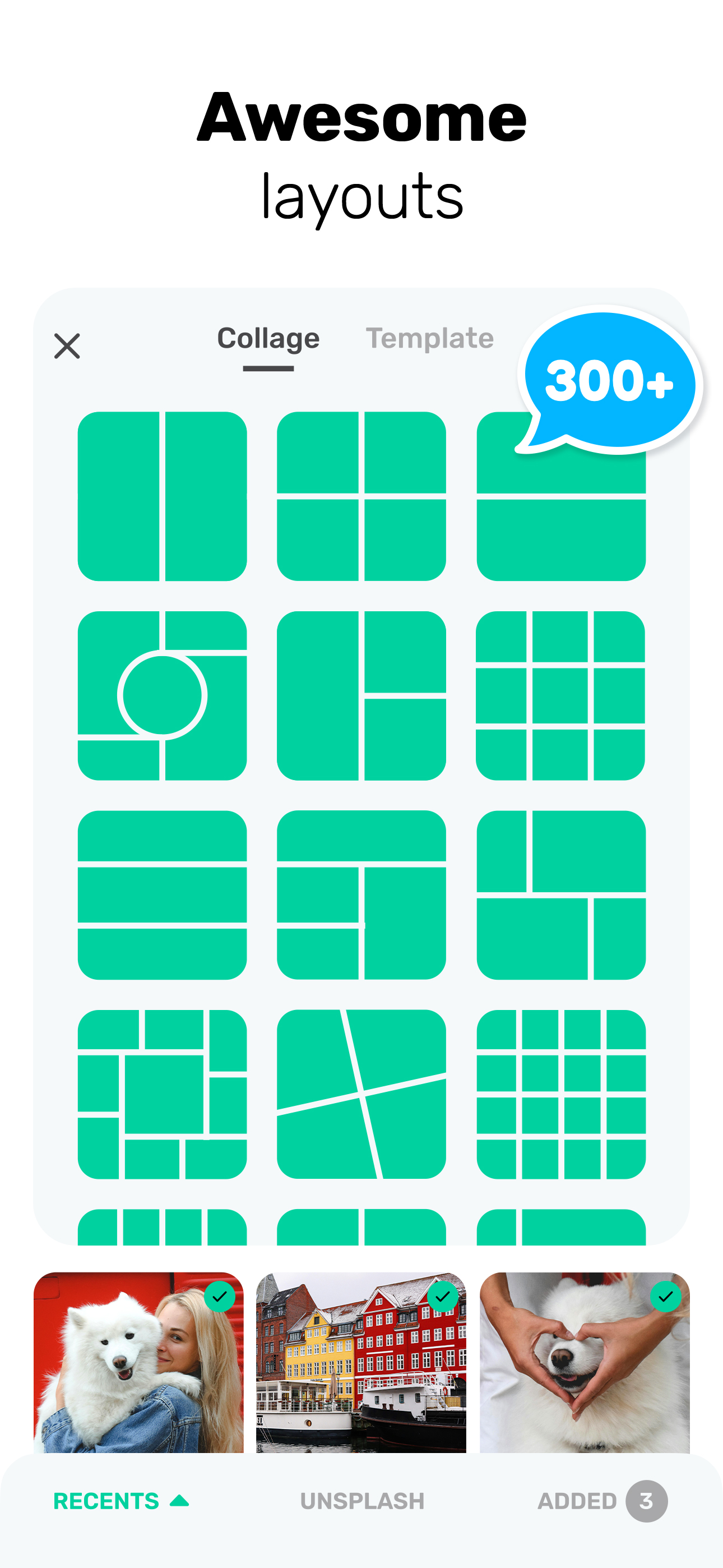
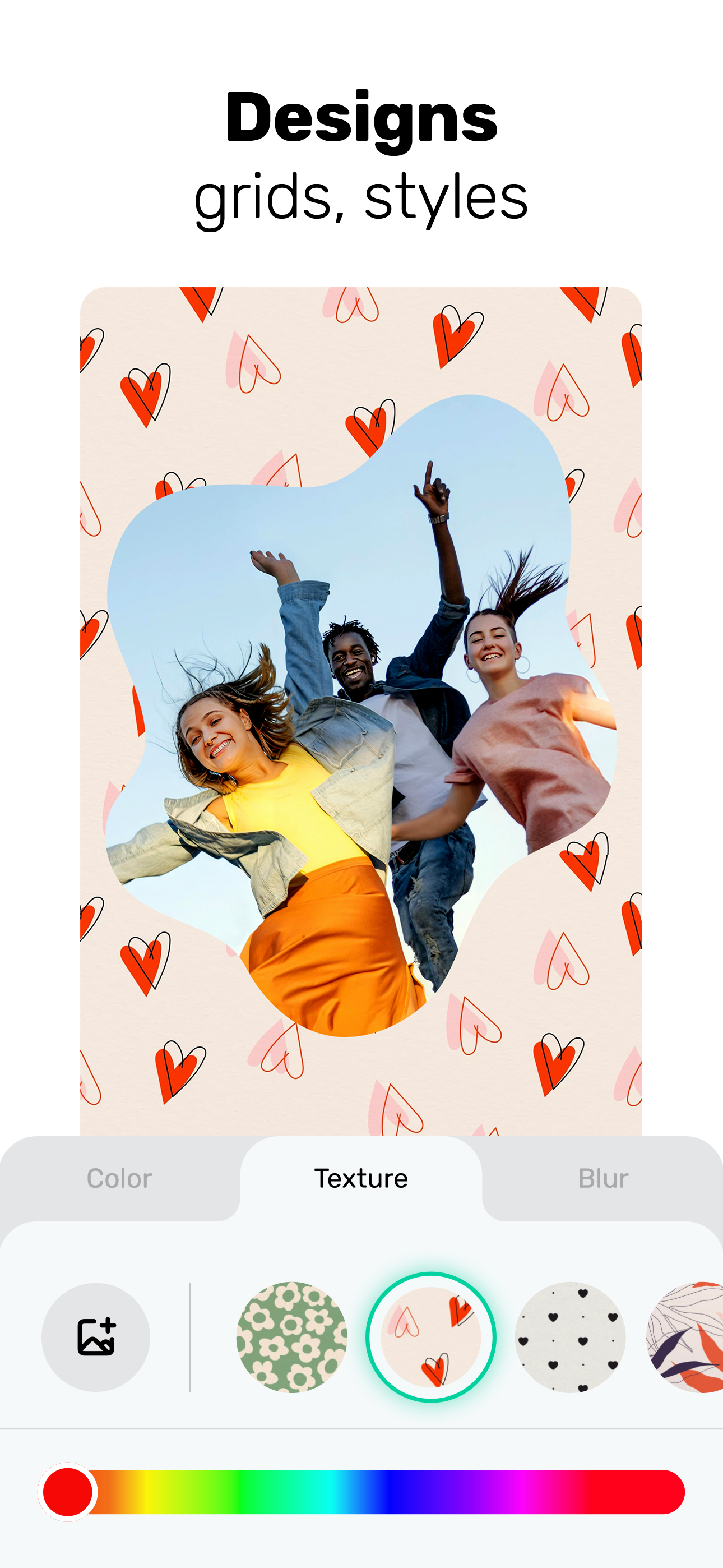
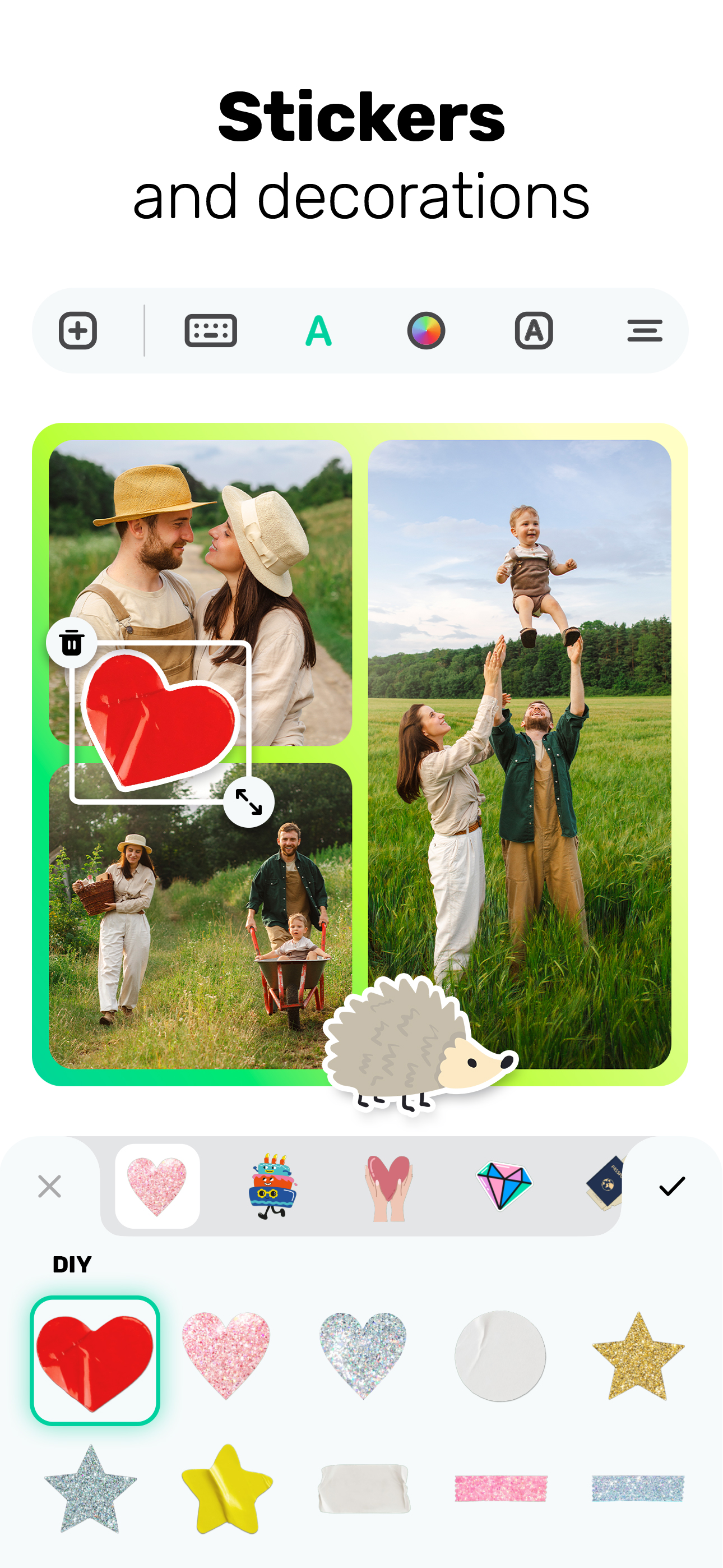
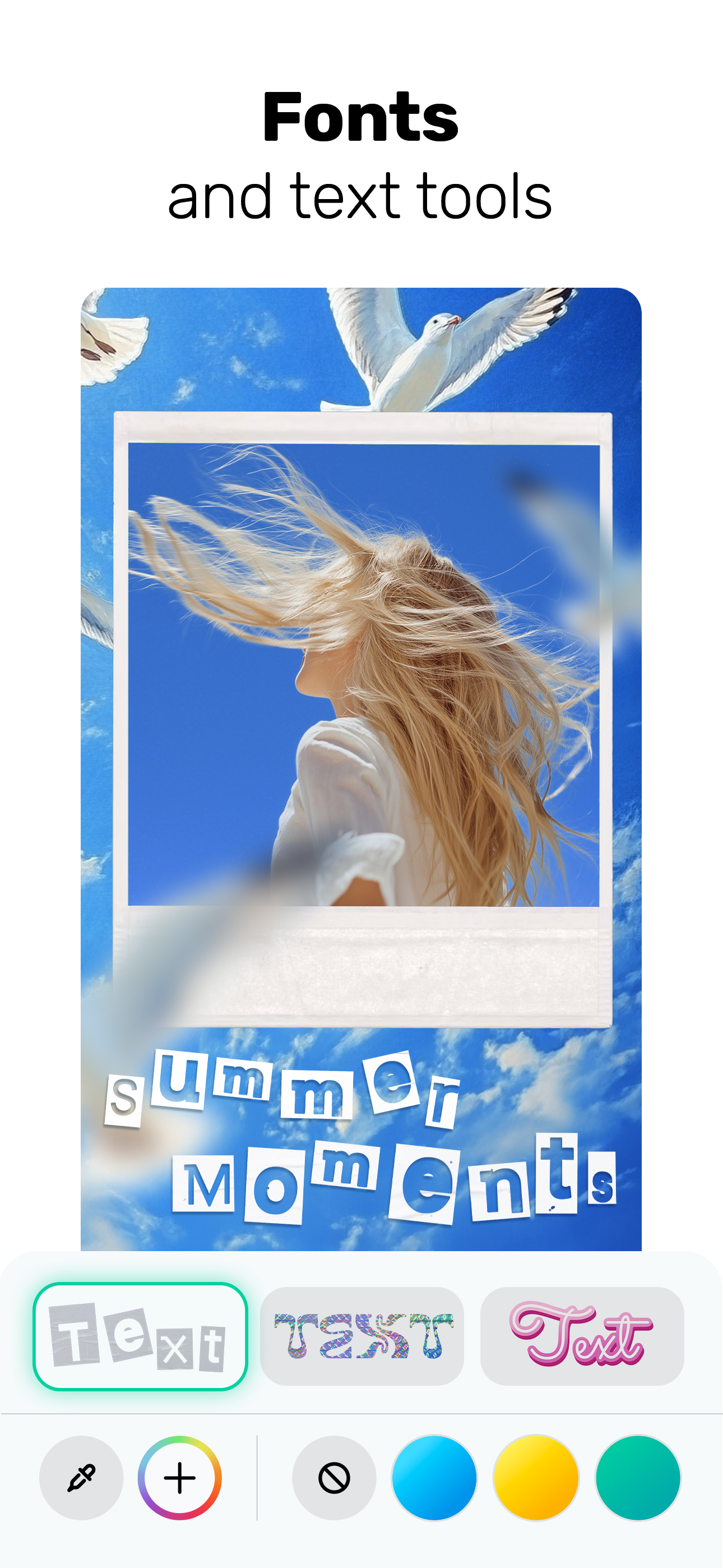
Study the product story and store experience behind the acquisition funnel.



03 / Market context
Keep revenue, downloads and store rankings separate from advertising performance.
I’ve been using Collageable for a few years and it’s really fun and easy to use! I make a family calendar every year to give as Christmas gifts using the pictures we’ve all posted on FB or sent to each other throughout the year. Each month’s pics are about whichever family member (or members—we have three bdays in March and three in December) has a birthday, our anniversaries, Mother’s Day, etc. If a month has no special events then I do collages of our pets or of seasonal pics from throughout the year. It’s a great way to have multiple pics at once without having to arrange them so many ways til you find one you like. I also use it for FB posts for bdays, Mother’s Day, etc. I highly recommend trying it!!
I really enjoy using Collageable! It does exactly what I need it to do and makes creating collages quick and easy. However, I do wish there were more free features. It feels a bit excessive that so many customization options—like backgrounds, outlines, and frame sizes—are locked behind a paywall. More flexibility in these areas would make the app much more user-friendly. I think Collageable has the potential to attract even more users if it offered more free features instead of relying so heavily on ads and paid upgrades. Not everyone wants to spend a lot of money on apps, and giving users more creative freedom without extra costs could really boost its popularity. That being said, I appreciate the effort that went into making this app, and overall, it’s a great tool for anyone looking to create collages easily!
This app has a lot to offer, but isn’t worth the hassle of constantly charging your account weekly subscriptions (why would anyone pay at least $4 a WEEK to put pictures in frames?). Not to mention there are around 10 different levels of subscriptions, none of which are explained beyond the pricing. Wouldn’t it make more sense to at least put in a sentence or two description of the varying levels and what each offers? Sorry, I’m not going to spend my money going on blind faith that I’m getting my money’s worth. This is entry level stuff, key info that should’ve been provided but wasn’t... Kinda makes you wonder. Also, I have been unable to use any of the collages I have created in the app on a computer (as a background or other image). The file is there, and you can view it, but that’s all you can do. I tried with several different files and several different ways - none of which worked. What good is a collage that you can’t use? I guess I should be thankful that I was able to use the file as my phone background (just kidding - this is yet another entry level mistake that this app makes, I shouldn’t have to be ‘thankful’ for squat), but that’s the only thing I CAN do. All in all: not worth the money and certainly not worth the effort. I’ll also be checking to make sure I don’t have the horrid subscription charge issues so many have had. Use the free trial, then boot it to the curb.
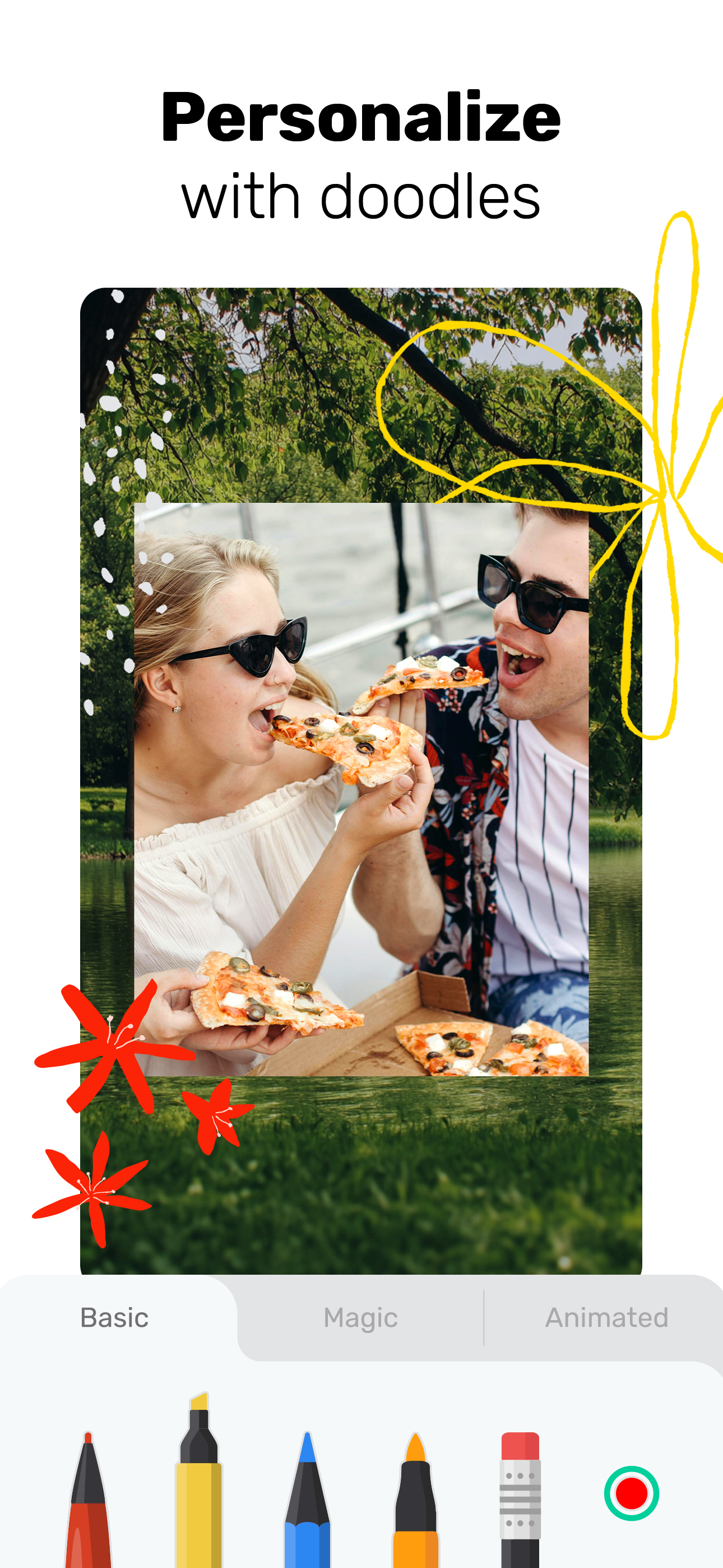
Easy, No.1 Photo Collage Maker! Create a beautiful photo collage in seconds. The pic collage app is fun to explore. Choose from tons of template desig...
| Name | Price | Type |
|---|---|---|
| 1-week Premium SPECIAL OFFER | $2.99 | Weekly |
| Premium Photo Collage Creator (Weekly) | $4.99 | Weekly |
| Collage Maker & Editor (Weekly) | $4.99 | Weekly |
| Premium Photo Collage 7-Day | $4.99 | Weekly |
| Premium Collage Maker (Monthly) | $5.99 | Monthly |
| Premium Photo Editor 7-Days | $6.99 | Monthly |
| Premium Collage Editor (Weekly) | $7.99 | Weekly |
| Premium Photo Collage 7-Day | $7.99 | Monthly |
| Premium Collage Editor (Monthly) | $7.99 | Monthly |
| 1-week Premium Collage Editor | $9.99 | Weekly |