Check the acquisition promise
Read the store headline, screenshots and description. What problem is the app promising to solve?
Study the storefront ↗
Pawan Dixit · iOS
Explore the ad evidence, study the storefront, and build your next acquisition hypothesis.
01 / Creative research
Read the store headline, screenshots and description. What problem is the app promising to solve?
Study the storefront ↗Explore apps with direct store-link matches. Compare their hooks and formats without assuming the same approach works here.
Browse observed advertisers ↗Store rankings and revenue estimates describe market context. They do not establish ad spend, conversions or ROAS.
Review the market context ↗02 / Storefront & product
Study the product story and store experience behind the acquisition funnel.


03 / Market context
Keep revenue, downloads and store rankings separate from advertising performance.
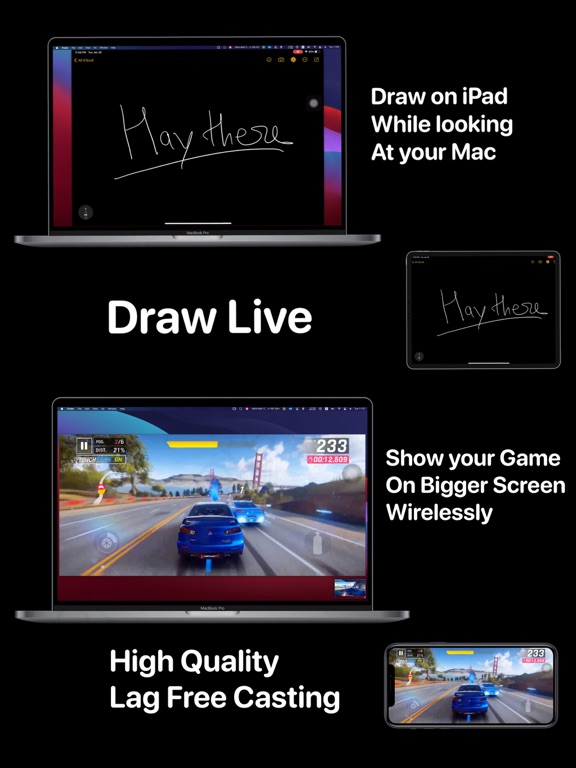
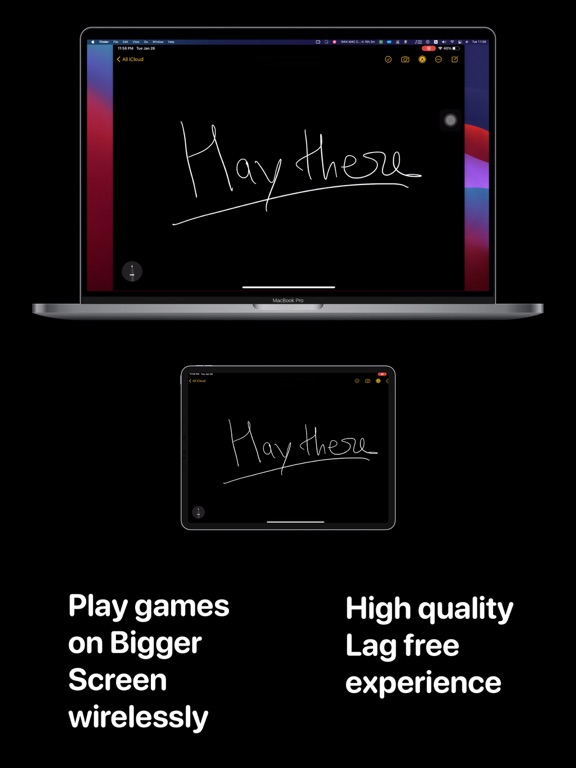
DO THIS INSTEAD: Plug in your ipad, go to Quicktime > File > New Movie Recording > Select your ipad as the screen (on the drop down NEXT to the Record button) and you'll have real time mirroring, no lag or pixel buffering. You're welcome. Here's my review: This is great for simple "here look at this" kind of stuff. Even with the paid HD casting, Paid audio casting, and paid auto rotate (which is 4.99 per upgrade) the image quality and the LAG really suffer. I wanted to use this for showing a game and videos, paid for the HD casting upgrade and I can't tell it apart from the free lagging/pixel buffering it does.
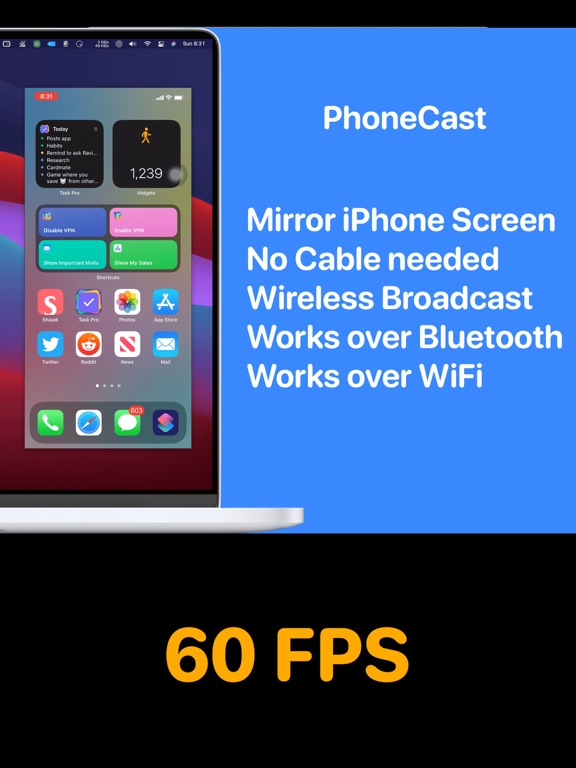
This app is perfect when you want to share your phone screen duing a meeting. I often need to share a web browser screen and phone screen and I can show both of them side by side now thanks to Phone Cast. It works with multi-monitor too, which solved my issue with Apple's built in casting. (Apple's native cast takes over ALL screens which makes it tough to use in a screen sharing meeting). Phone Cast solved these issues for me. I highly recommend it.
It works. I mistakenly thought this would let me use the mouse to interact with the phone screen, i.e., play games with the mouse, but it doesn't work like that. It doesn't advertise itself that way so that's my bad. Also, resolution is terrible unless you pay $5 extra. I don't mind the bad resolution but just a heads up.
Refund available within 14 days, no questions asked. To do that, click on 'Report a problem' on the app page and select 'Request a refund'. Made with...
| Name | Price | Type |
|---|---|---|
| PhoneCast Monthly Subscription | $0.99 | Monthly |
| Highest Quality Mirroring | $4.99 | One-time |
| Auto Rotation | $4.99 | One-time |
| Audio Casting | $4.99 | One-time |
| PhoneCast Yearly Subscription | $9.99 | Yearly |
| Generous Subscription (Annual) | $29.99 | Yearly |