Check the acquisition promise
Read the store headline, screenshots and description. What problem is the app promising to solve?
Study the storefront ↗
Pawan Dixit · iOS
Explore the ad evidence, study the storefront, and build your next acquisition hypothesis.
01 / Creative research
Read the store headline, screenshots and description. What problem is the app promising to solve?
Study the storefront ↗Explore apps with direct store-link matches. Compare their hooks and formats without assuming the same approach works here.
Browse observed advertisers ↗Store rankings and revenue estimates describe market context. They do not establish ad spend, conversions or ROAS.
Review the market context ↗02 / Storefront & product
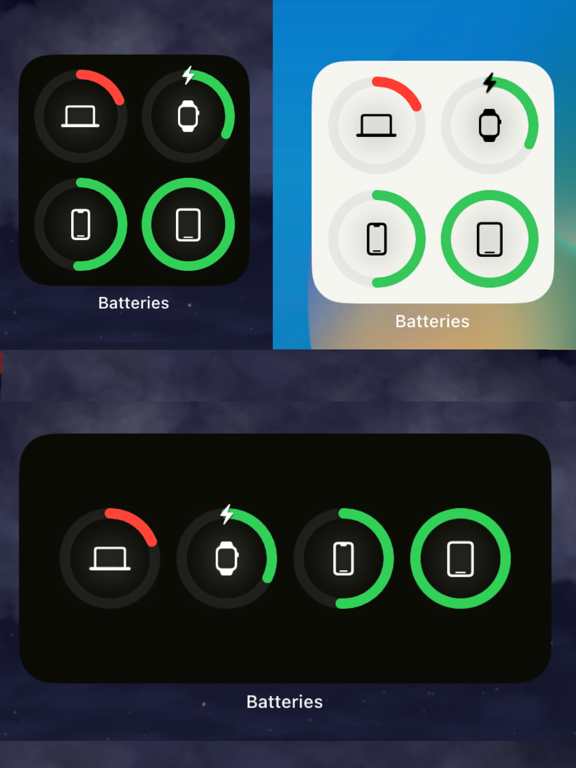
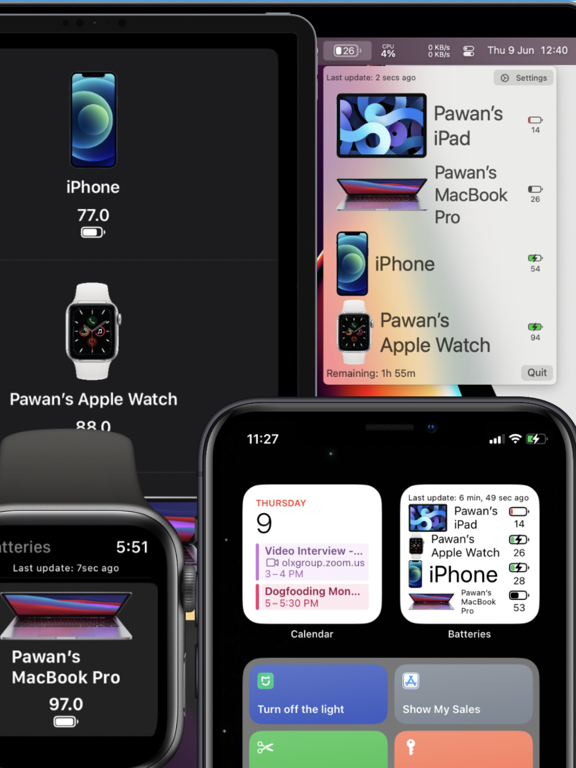
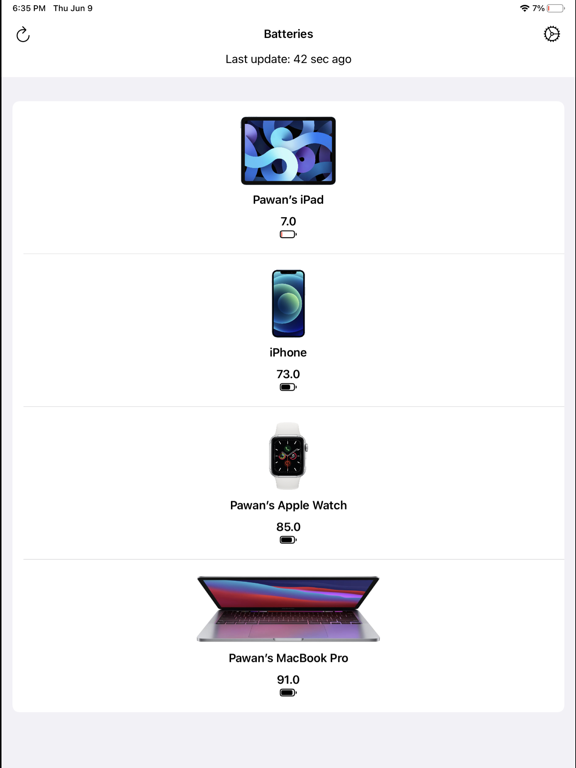
Study the product story and store experience behind the acquisition funnel.


03 / Market context
Keep revenue, downloads and store rankings separate from advertising performance.
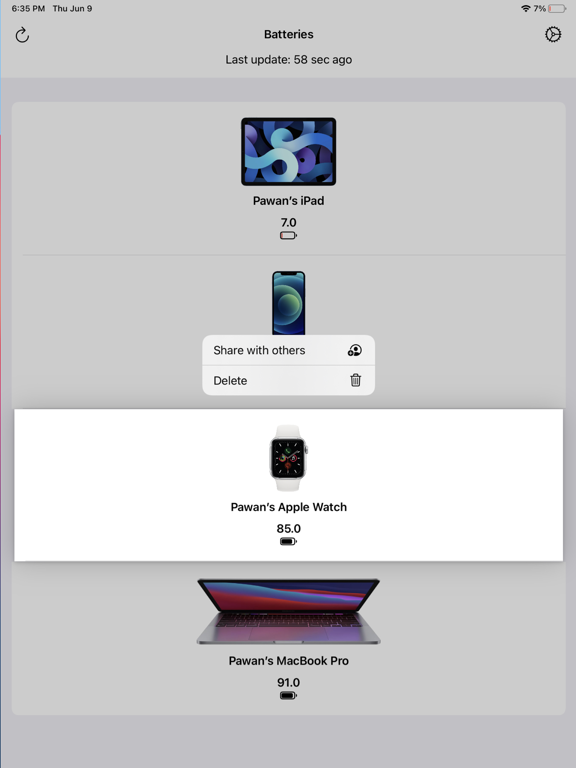
Just installed it but see it hardly does real time battery stand update. My Apple watch is on the charger but nothing changes as to it moving up in charging scale. Please make it work. May you also include the Airpods please.
The app will say “updated 5 seconds ago” but that just means the screen was updated. The information it’s showing me is often/usually hours old. Unless you have a complication on the watch active on your current face, or a widget on an i(Pad)OS recently displayed the data ends up not being updated. My guess is Apple just does not let the apps regularly update the information in the background often enough. It doesn’t save me any time if I have to go to each device to get it to update. The convenience is lost.
Good job, but rather simplistic. It’s fantastic to be able to see my iPad Pro, iPhone 13 Pro Max, and Apple Watch batteries in one app. But there are a few reasons I gave it a lower rating: Most importantly, the app initially doesn’t recognize all devices. The developer responded in my first review that you have to open the app on each device for it to show up. But that should be clearly stated in the instructions, and it is not there. The app does not recognize AirPods Pro, and cannot give you the battery status. The Apple Watch complication is OK, but only shows my iPad status unless I click on it. There is no way to re-order the devices so that my Apple Watch is the default widget view on the watchface. Developer claims features such as changing device icons, but there is no menu option to allow it. Not sure why Apple couldn’t do something like this. Definitely needs clearer instructions. It’s a very simple program, and should be able to connect all these devices into one app.
Refund available within 14 days, no questions asked. To do that, click on 'Report a problem' on the app page and select 'Request a refund'. Batteries...