Check the acquisition promise
Read the store headline, screenshots and description. What problem is the app promising to solve?
Study the storefront ↗
Cross Forward Consulting, LLC · iOS
Explore the ad evidence, study the storefront, and build your next acquisition hypothesis.
01 / Creative research
Read the store headline, screenshots and description. What problem is the app promising to solve?
Study the storefront ↗Explore apps with direct store-link matches. Compare their hooks and formats without assuming the same approach works here.
Browse observed advertisers ↗Store rankings and revenue estimates describe market context. They do not establish ad spend, conversions or ROAS.
Review the market context ↗02 / Storefront & product
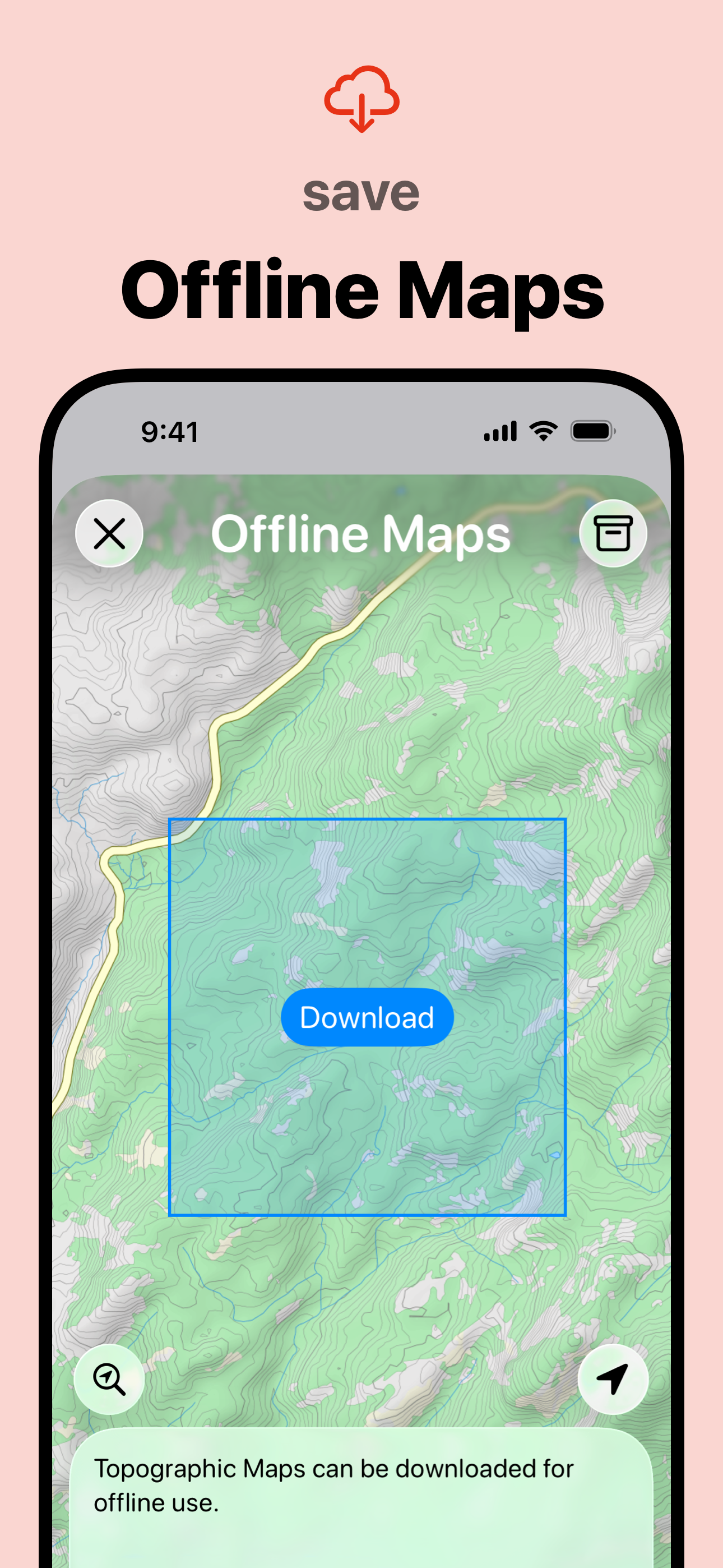
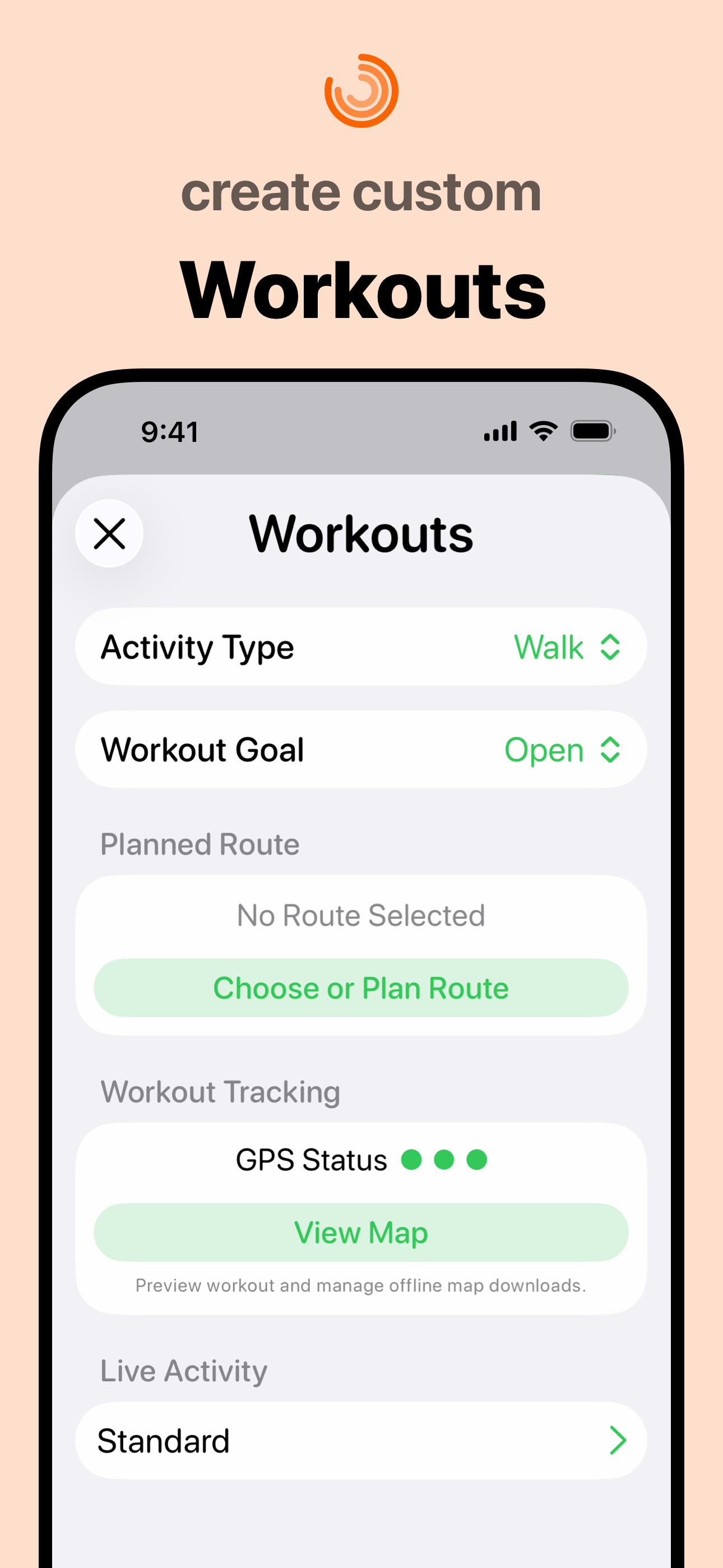
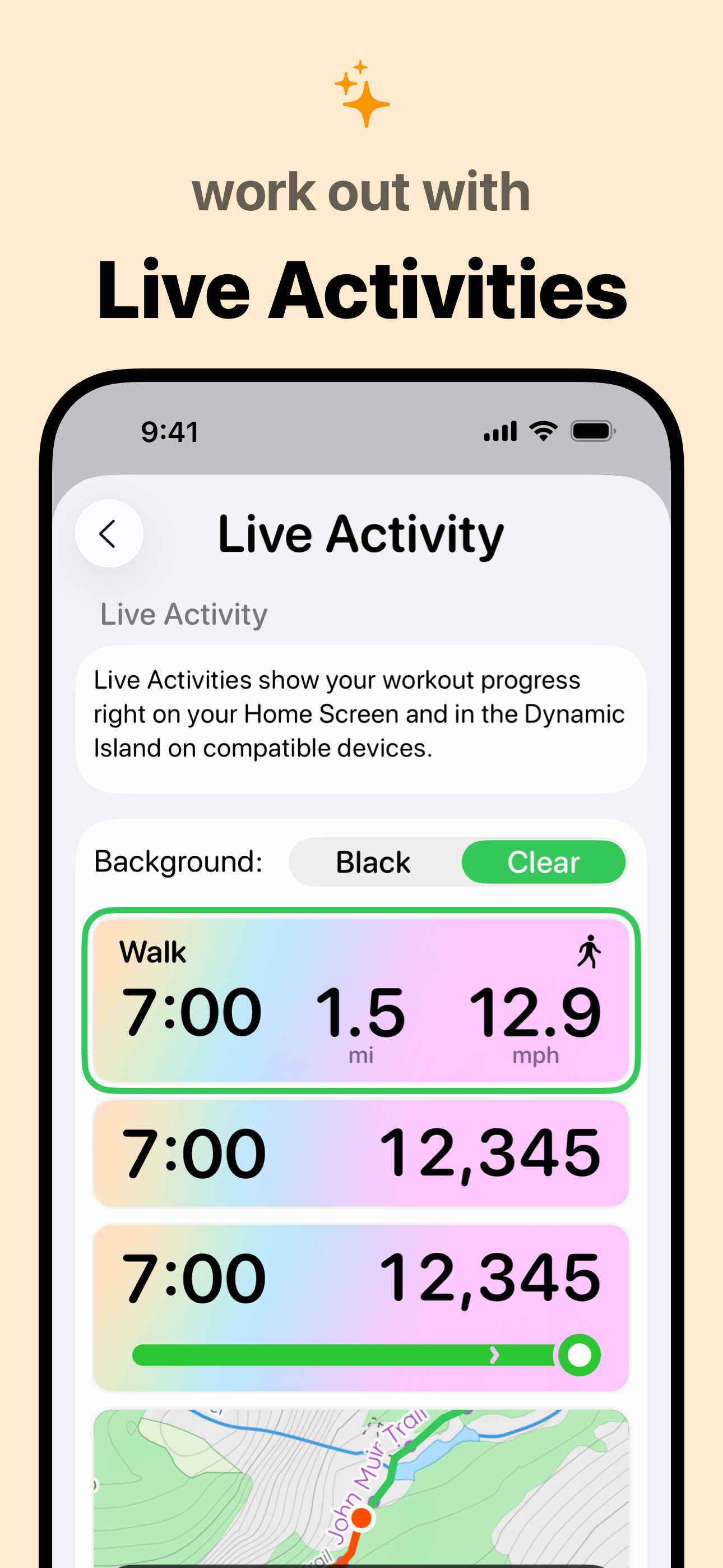
Study the product story and store experience behind the acquisition funnel.

03 / Market context
Keep revenue, downloads and store rankings separate from advertising performance.
iPhone app is great, works well, the ipad version, not so much. I’ve opened up many privacy screens to accommodate as much access as possible to both devices as well as the health, pedometer, and maps apps. And synced each to the other… allegedly. But the ipad version is only showing half the distance of the iPhone version, that I was wearing in my pocket. Same with the health app. It shares virtually all info, until it glitches and the numbers are completely different. Since it’s easier to read/work with the ipad version, it would be awesome if they would sync to each other. Anything you can do to make that happen? TIA for any effort! Edit: The ipad app opens on the steps page, but won’t show steps. It says that the motion & fitness setting needs to be turned on, but the motion & fitness setting IS on in settings, and I’ve double checked the system settings, too. I’ve closed the pedometer app and turned off the ipad completely. When I turn it back on and open the pedometer app, the steps page still comes up, and says the motion & fitness app needs to be turned on.
Great app, works all the time, and has never failed to keep accurate data. I like the idea that I can export the data and do some calculations on a spreadsheet by myself. Here are a few other things that I would like to see in the app, both running and walking. Personal best section that’s always visible in the stat section or perhaps even on the main page so it can be seen easily at a glance. Some of those that I would suggest would be. Personal best for day week month and year for number of steps, number of miles, Number of flights of stairs. In the section where you have total number of miles and relate that to number of trips from New York to Los Angeles you could also keep a running stat on progress around the world at the equator or some other goal that is not easy to achieve but would be interesting to try to perhaps circumvent the United States etc. I have more ideas but I’ll keep it short. My last suggestion would be in the tip section. Today I wanted to give a tip but it was limited to $1.99 and I wanted to give more but I did not see a way to change the entry. That should be fixed first.
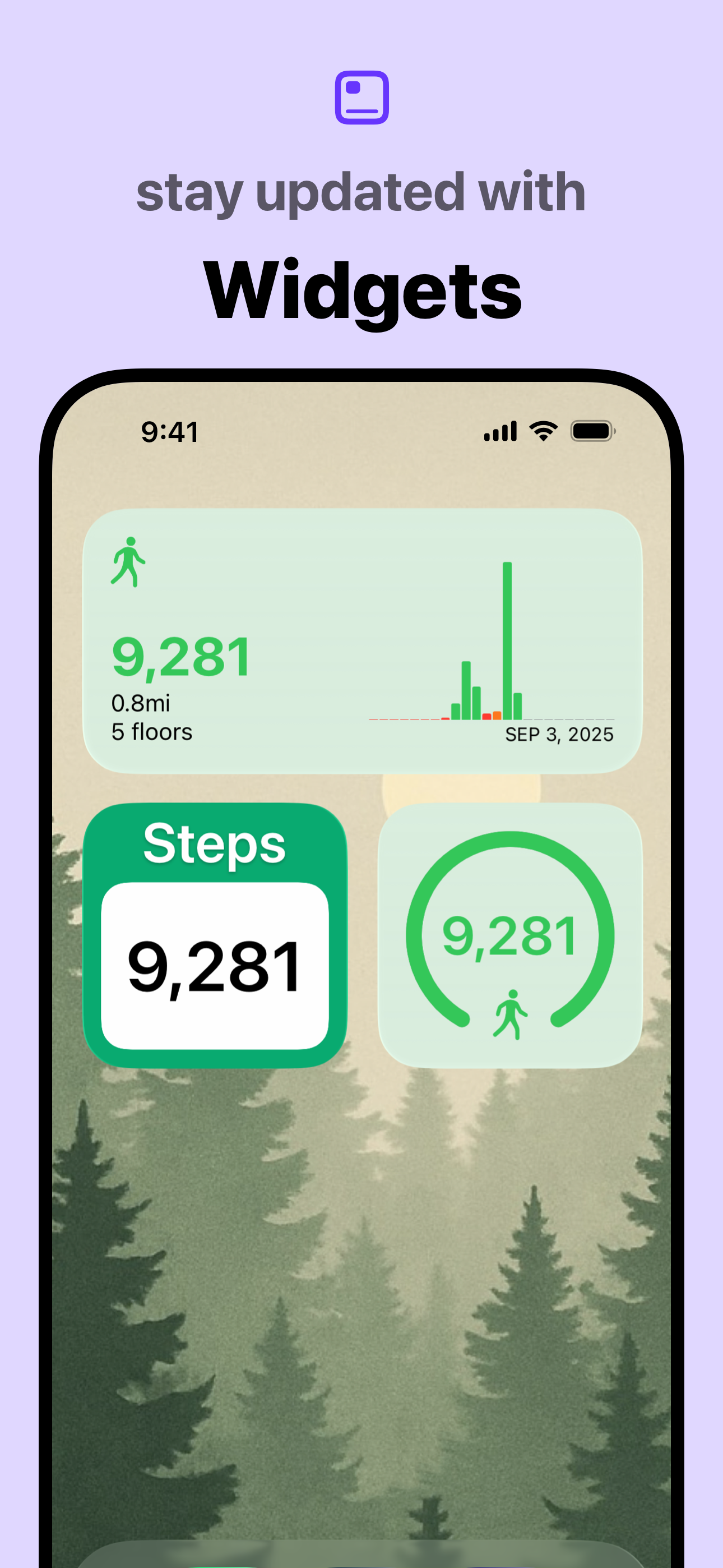
Where do they go? Heavens knows! It’s clear that the developer has a keen artistic eye as Pedometer++ has the most aesthetically pleasing and easy to use UI than any other Pedometer App out there and I love and constantly use the widget functionality for quick measuring glances. I’ve had this app for nearly 3 years now and as a person who routinely reaches 10k+ steps from morning gym sessions alone, there is one glitch/flaw that has never ceased to plaque the apps flawless functionality from the get go: steps go missing out of no where or are flat out, not counted. Just in the passed 2 weeks, there are 4 days where the app has seemingly caused a significant number of my steps to vanish into thin air EVEN AFTER THEY WERE COUNTED IN THE APP; even verified by cross referencing to Apple’s Health app that will often show a higher number. Nearly 10k steps have seemingly bestowed upon me the absolute pleasure of ghosting my counter and this has been a consistent problem for the app since day 1. The only reason I don’t flat out delete the app out of frustration some days is simply because the UI is absolutely gorgeous and I don’t think any other apps on the market measure up to the beautifully simplistic design. Please do something about the consistent step counter glitch; it proves to be a demoralizing frustration more days than you would think
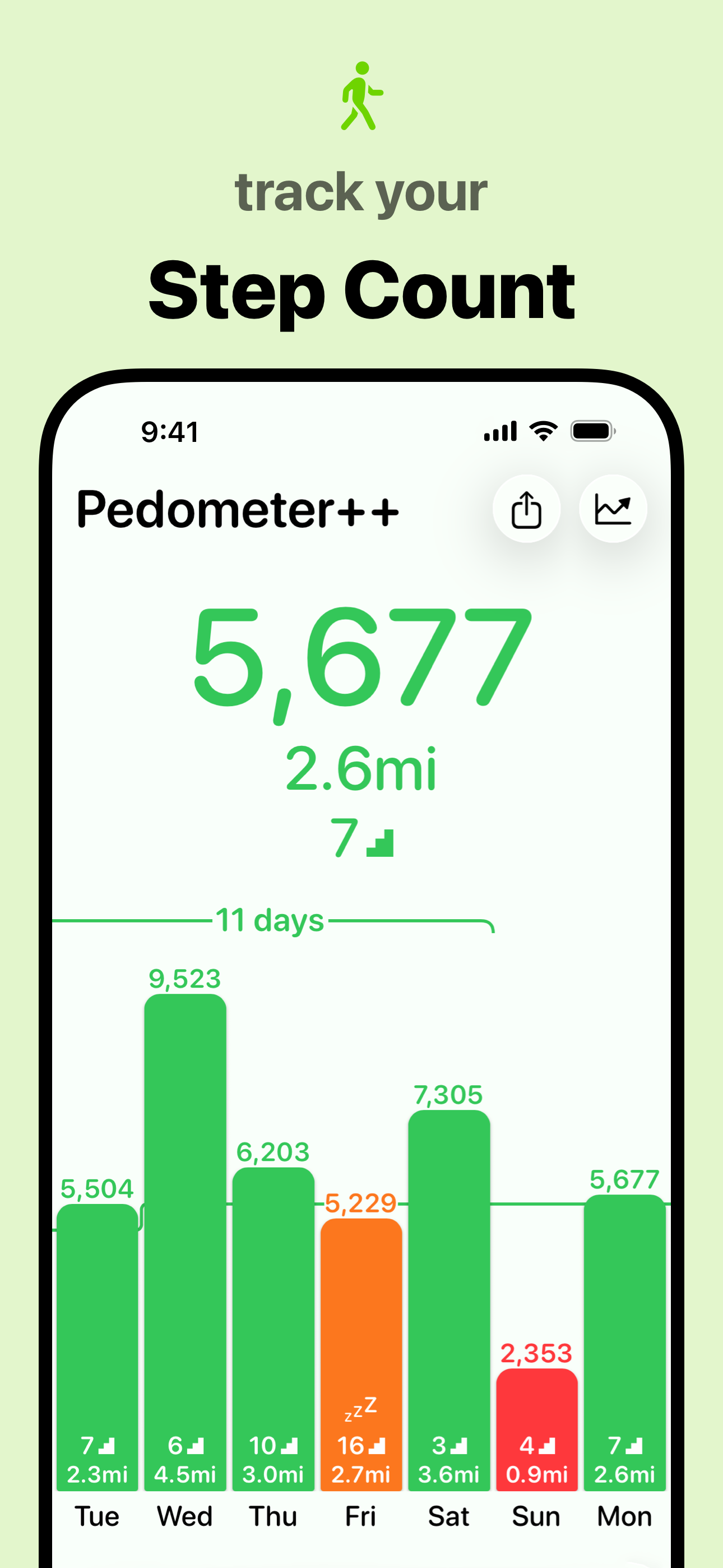
Available on the iPhone and Apple Watch, Pedometer++ is the best way to review your step count, walking distance, active calories, and heart rate data...
| Name | Price | Type |
|---|---|---|
| Pedometer++ Premium (Monthly) | $1.99 | Monthly |
| Pedometer++ Premium (Monthly) | $3.99 | Monthly |
| Pedometer++ Premium (Monthly) | $3.99 | Monthly |
| Pedometer++ Premium (Monthly) | $5.99 | Monthly |
| Pedometer++ Premium (Monthly) | $5.99 | Monthly |
| Pedometer++ Premium (Annual) | $19.99 | Yearly |
| Pedometer++ Premium (Annual) | $29.99 | Yearly |
| Pedometer++ Premium (Annual) | $39.99 | Yearly |