Check the acquisition promise
Read the store headline, screenshots and description. What problem is the app promising to solve?
Study the storefront ↗
MetaMoJi Corporation · iOS
Explore the ad evidence, study the storefront, and build your next acquisition hypothesis.
01 / Creative research
Read the store headline, screenshots and description. What problem is the app promising to solve?
Study the storefront ↗Explore apps with direct store-link matches. Compare their hooks and formats without assuming the same approach works here.
Browse observed advertisers ↗Store rankings and revenue estimates describe market context. They do not establish ad spend, conversions or ROAS.
Review the market context ↗02 / Storefront & product
Study the product story and store experience behind the acquisition funnel.




03 / Market context
Keep revenue, downloads and store rankings separate from advertising performance.
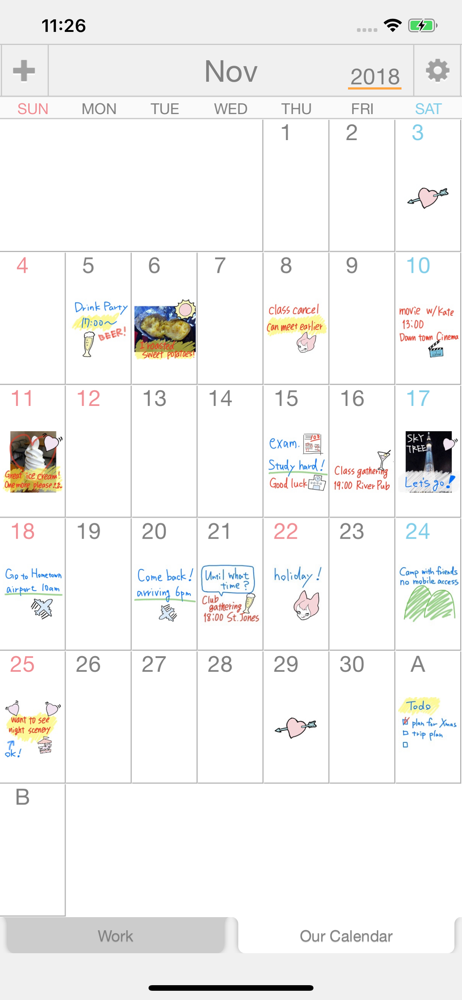
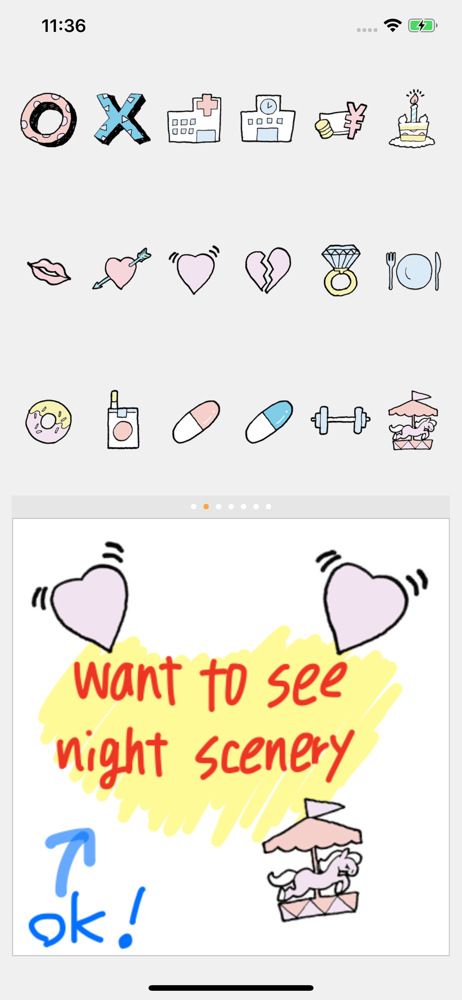
I enjoy this app because it has multiple callendars on one app. That is extreamly rare for some reason?? I like writing my own notes but there is only a small amount of room. There is a feature to deal with that but it usually breaks your message up while you are trying to resize it unless you an manage to place your fingers in a perfect way, whitch changes every time of course. I would like to see a better choice of colors and I would also like to be able to review an entire callendar at once, perhaps by enlarging it like you can a picture? It is so small on my phone that I have to bring up each individual day in order to review a callendar, which is what a marked callendar is most useful for. It was a little expensive but I spent on it anyway. It's good but some improvements along these lines would be nice since I had to pay so much.
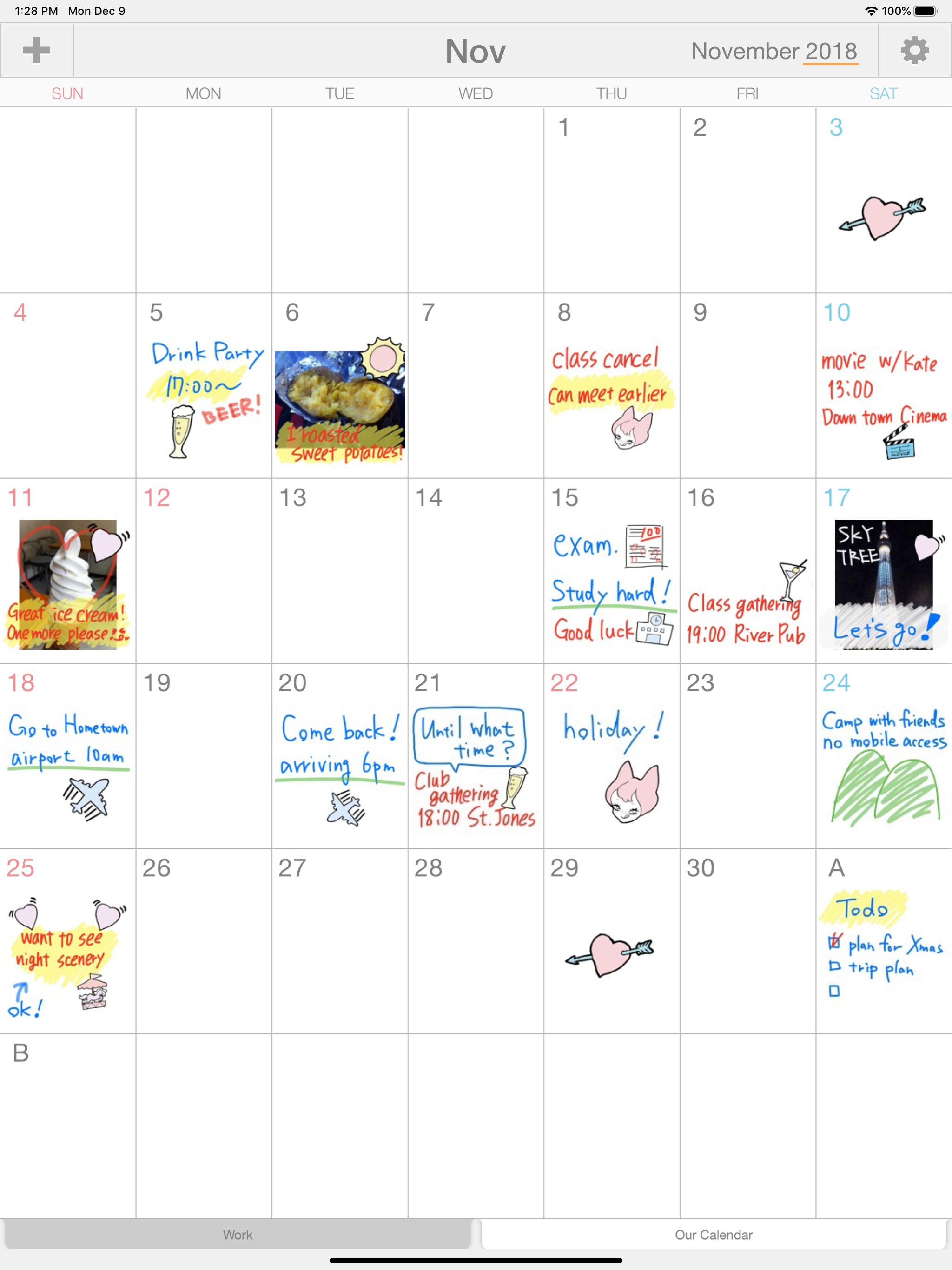
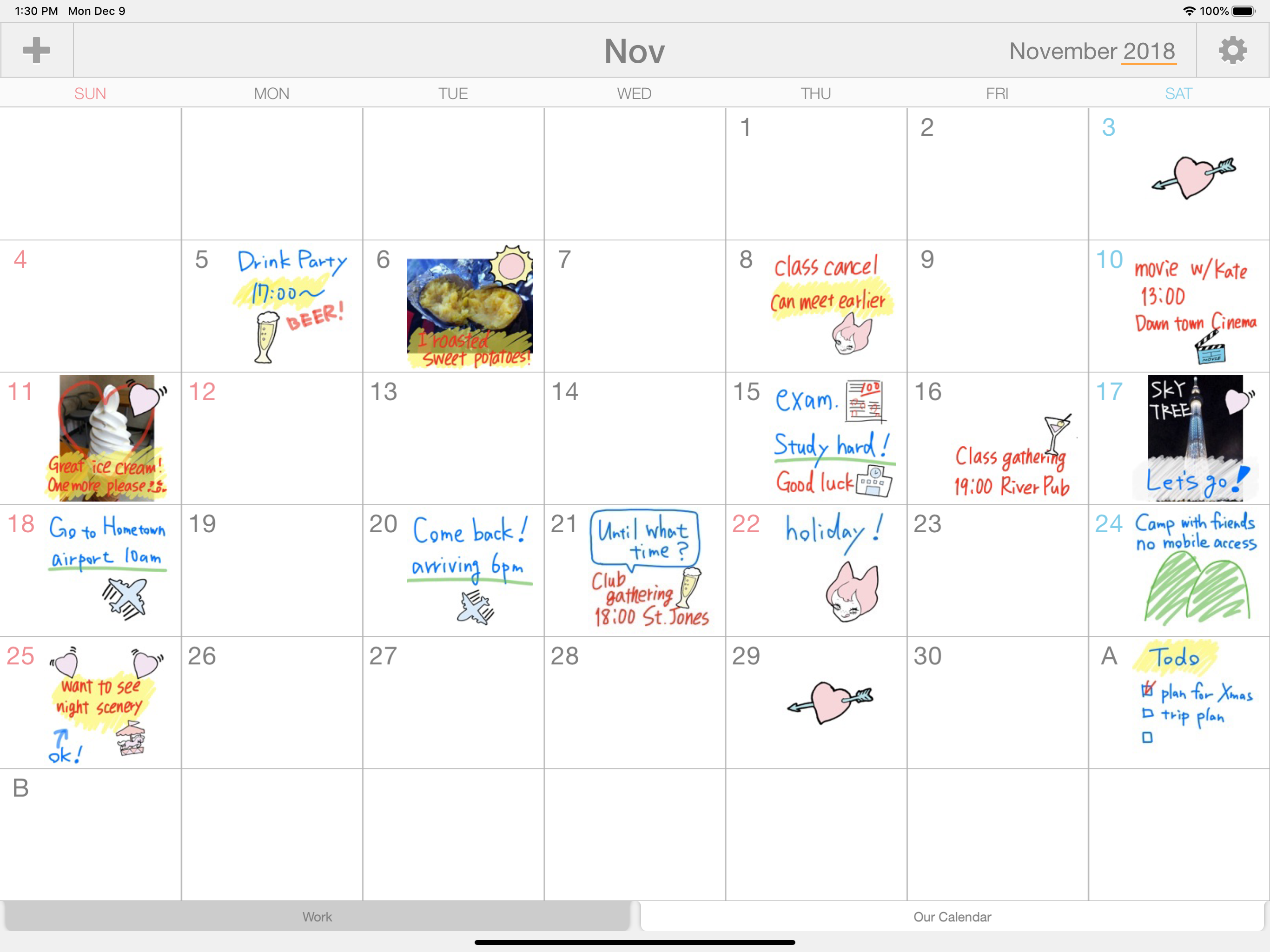
I use my iPad Pro 10.5 and Apple Pencil ALL DAY, EVERYDAY. For everything. At work I use it to take my meeting notes, planning and giving presentations, taking messages, creating and editing documents, signing forms, making and receiving calls, texting and emails. While running errands I use it to track my to-do lists, shopping lists, finding items at local businesses and comparing online prices. In downtime I use it to listen to music, color, read books, play games, paying bills, as a TV remote, making my calls, FaceTime calls, and texting. Finding a calendar where I can use my Apple Pencil to write things in is GAME. CHANGING. However, I am confused why I only have a MONTHLY option. Why can I not have a WEEKLY option? I believe when you “create your calendar” you should be given the option to choose monthly or weekly. I think this would give us SIGNIFICANTLY more room to write stuff in. Some days I don’t have much to write. Some days I cannot get everything onto one little sticky-note-sized space. I am hopeful this option would become available soon, as until them I won’t be able to put EVERYTHING in this one application.... that means more work for me for now. 😞
Jan 6, 2016. I have been using this now for a long time and it continues to be a mainstay. There are a few other handwriting calendars at the App Store, and I believe that this is the best in terms of ease of use and reliable syncing among devices. ---------------- Several months later (July 9, 2014): I continue to find this app easy to use and extremely useful. Just today I came up with some new uses for it. ----------------- This little app is surprisingly handy for quickly entering appointments when one is out and about and does not want to take the time to use a keyboard. There are a few other handwriting calendar apps on the market, but I believe that this one is the best because the data is automatically syncable among devices and because the handwriting quality, while not excellent, is good. Here are some suggested improvements: 1. Improve the handwriting quality. 2. Make it possible for the "eraser" setting to hold after an erasure is made. At present, the setting moves automatically back to pen, and this can be disconcerting when one wishes to continue easing. 3. I know that this is a lot to ask, but would it be possible to incorporate handwriting recognition into the calendar? I ask this because the company producing this app also uses Mazec, which I consider to be the best handwriting recognition engine, in a lot of the other apps that it has developed. It would be great if one could write a calendar entry, convert it into type, and then, if necessary, export the entry into the iOS calendar! Thanks for a useful app!
Palu is a shared handwriting calendar app and service.The app allows you to connect with your friends and family through handwritten notes and picture...
| Name | Price | Type |
|---|---|---|
| Add More Calendars | $2.99 | One-time |
| Remove Ads | $2.99 | One-time |