Check the acquisition promise
Read the store headline, screenshots and description. What problem is the app promising to solve?
Study the storefront ↗
MetaMoJi Corporation · iOS
Explore the ad evidence, study the storefront, and build your next acquisition hypothesis.
01 / Creative research
Read the store headline, screenshots and description. What problem is the app promising to solve?
Study the storefront ↗Explore apps with direct store-link matches. Compare their hooks and formats without assuming the same approach works here.
Browse observed advertisers ↗Store rankings and revenue estimates describe market context. They do not establish ad spend, conversions or ROAS.
Review the market context ↗02 / Storefront & product
Study the product story and store experience behind the acquisition funnel.


03 / Market context
Keep revenue, downloads and store rankings separate from advertising performance.
This app really could be amazing. I first started using it like 7 or so years ago. So this review is very long coming. lol be used it on and off mostly because taking notes smoothly is really difficult. When I first started using it, I was using it to take hand written digits notes (paper is just annoying) during school lectures. I first downloaded on the very first Microsoft surface that was produced, with one of those basic rubber stylus pens. I found often that the app would freeze, and not respond to the pen or my touch. This makes if really hard to take notes without having to stop. And I often missed things the Professor would say because I was fighting with the app to respond to me. I figured that it was because of my older Microsoft tablet model and the basic stylus pen that I was using. Now, 7 years later, I have an iPad Pro and am using an Apple Pencil, yet the same problem. If freezes, stops responding to the pen/ my fingers, and continues to glitch out. Notes that should take me no time at all, end up taking me hours... I love a lot of the features it has like the organization of notes, cloud uploading, the different pen and font options, easy to add documents and photos into my notes, pdf, jpg exports, ability to save drawn things or images as items (comes in handy when you have to keep drawing graphs) etc. but the usability is horrendous, and is enough to make me drop the app all together the moment that I find another one with just as great features and smooth usability. To have the exact same problem after 7 years I think is inexcusable, and blatant negligence of consumer needs.
it’s free, which is awesome, but some features lack more than others. that so-called lazer feature isn’t there and the zooming in and out has never been more of a hassle. it works, but it’s not that good. I like the calligraphy pen, the type of “paper”, sand the whole website feature but that’s probably it.
There are many apps out there which enable you to both handwrite and type. I do have and use other ones, but this one’s the best for the usage of taking notes in class. Here’s why IMO: You want an app that allows you to type most of the time (b/c professors tend to talk quickly, so typing is much faster than writing), but switch to and from the handwriting ability without much lag (for when your professor draws something, or you need to diagram/draw something to make it really stick). You also want the ability to type anywhere your finger or stylus presses on the “paper.” Basically, the lack of lag when using this app is a big reason I’d recommend it for class, and the speed and ease by which you can switch between handwriting and typing (don’t want to fumble too much when your professor quickly draws something, then goes right back to talking really quickly). Best of all, the free version of the app has enough features that you don’t need to purchase the paid version right away; just email the notes to yourself right after you finish a lecture to “back them up.” However, I do really like the app, so when the paid version goes on sale, I will consider buying it as a show of thanks.
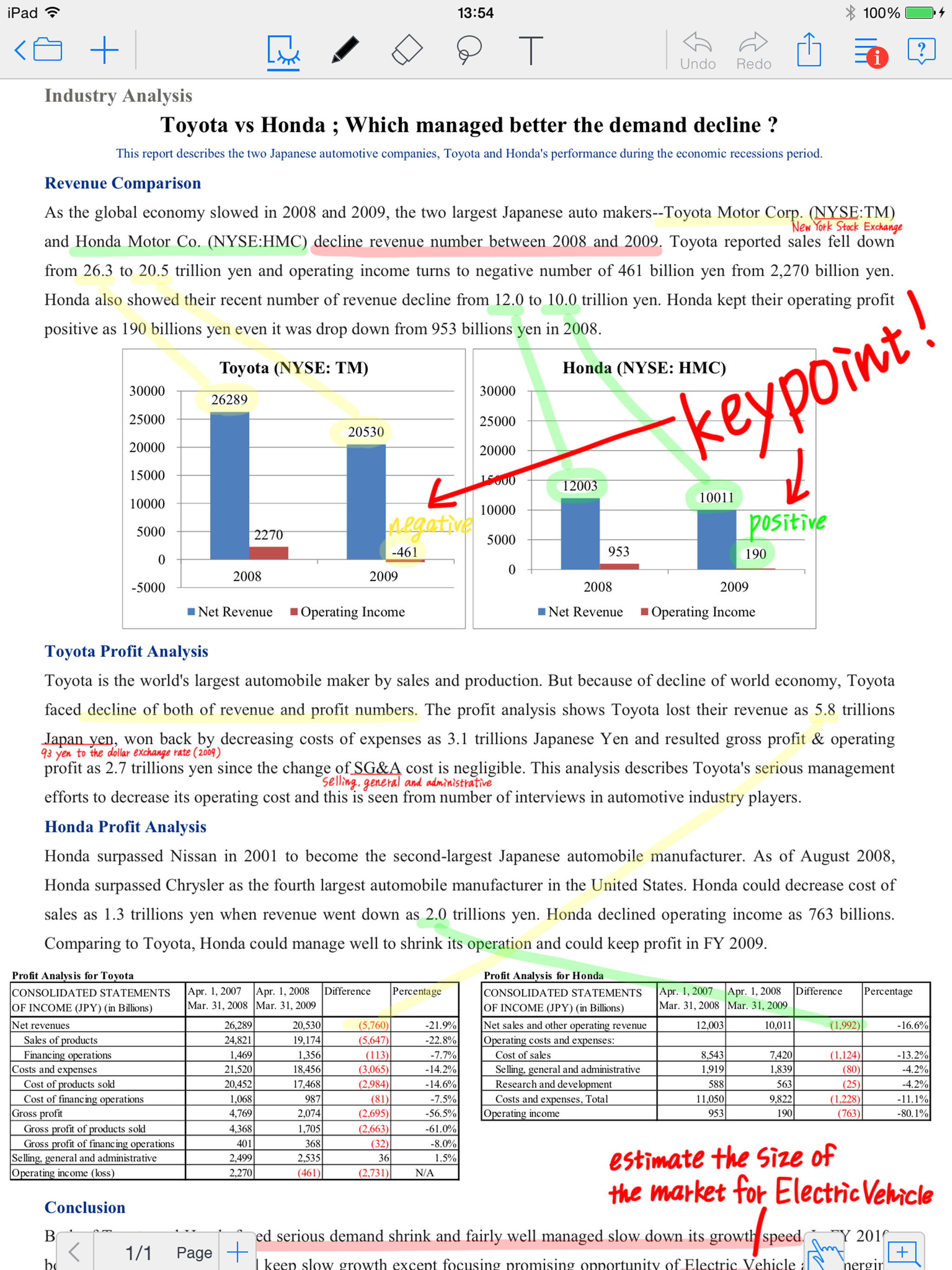
MetaMoJi Note is a cross-platform note taking app, PDF annotation tool, and a digital scrapbook for your life. Sketch your ideas visually with stylish...