Check the acquisition promise
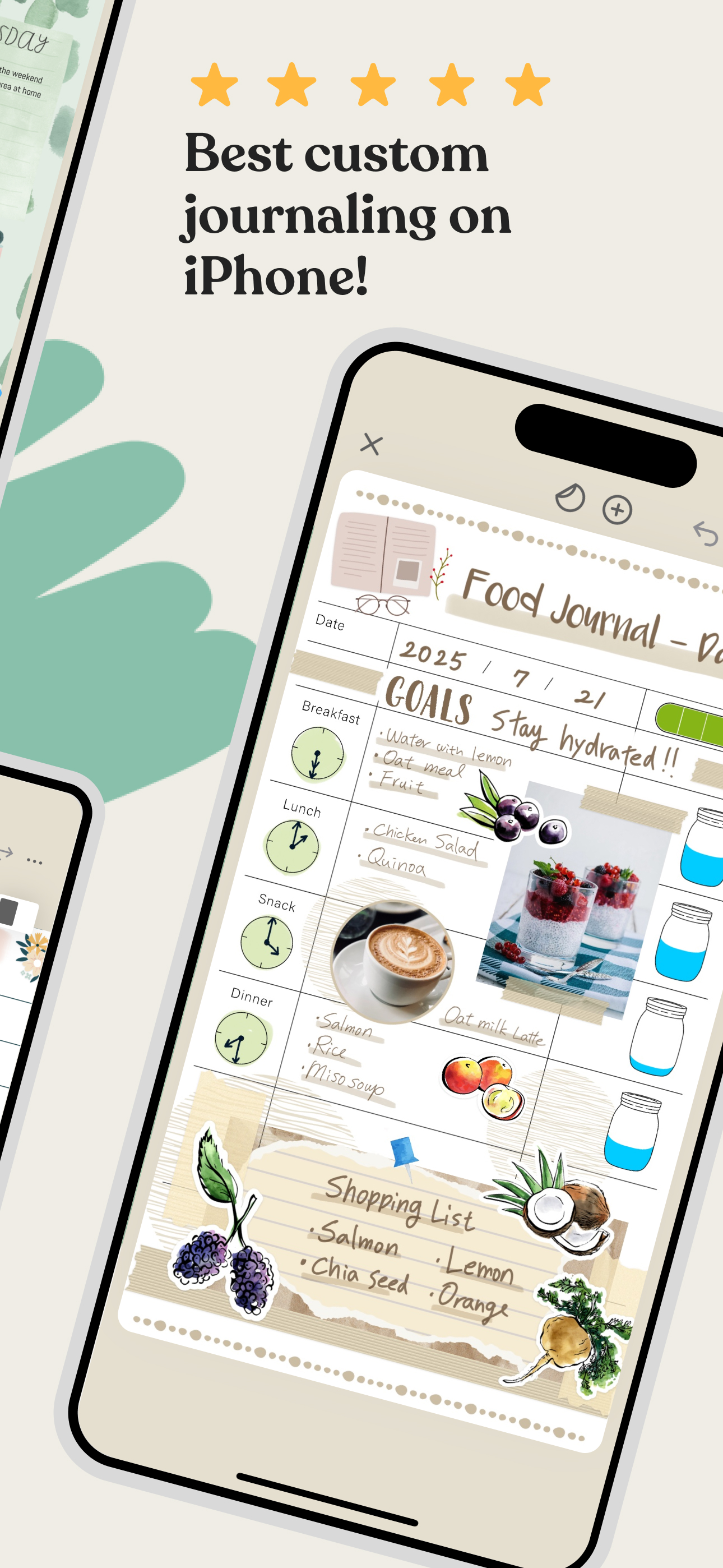
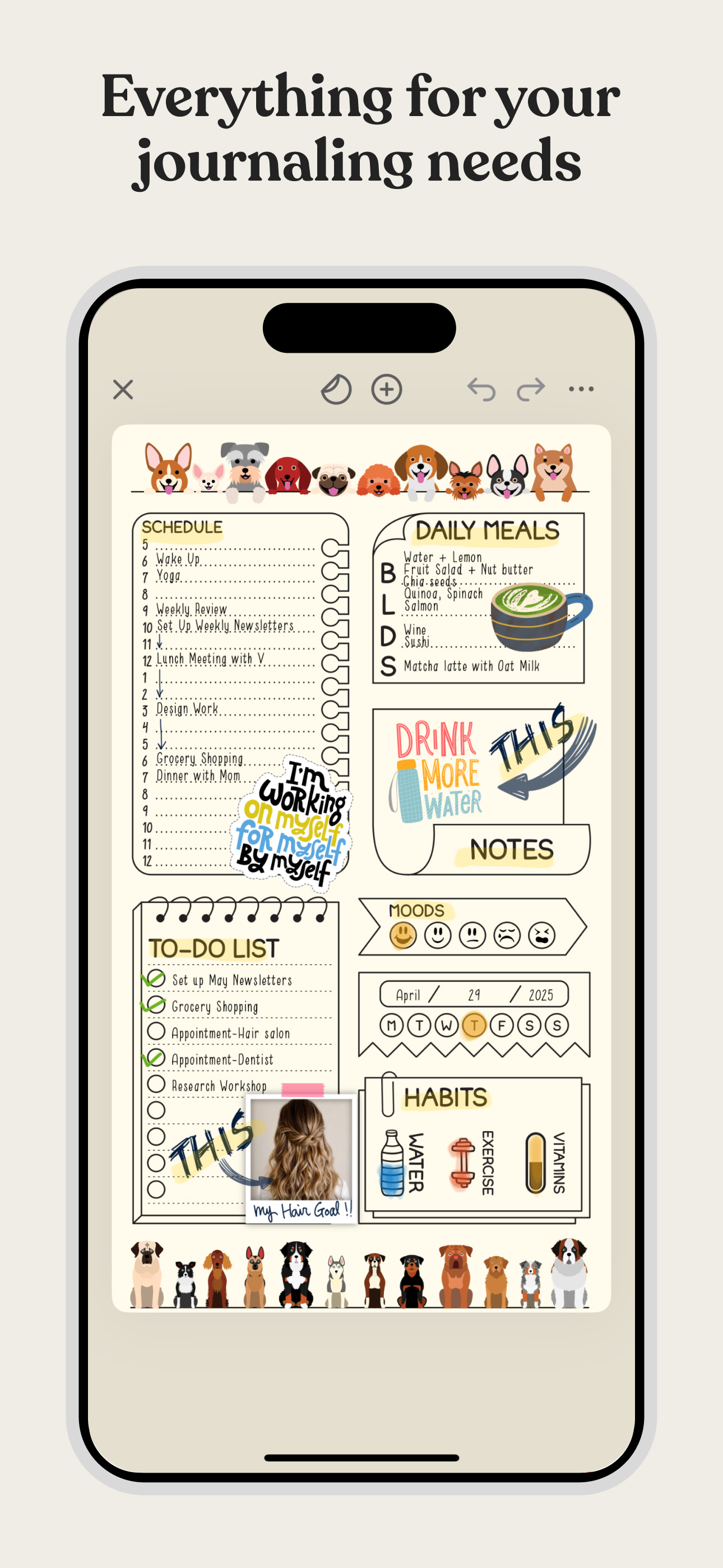
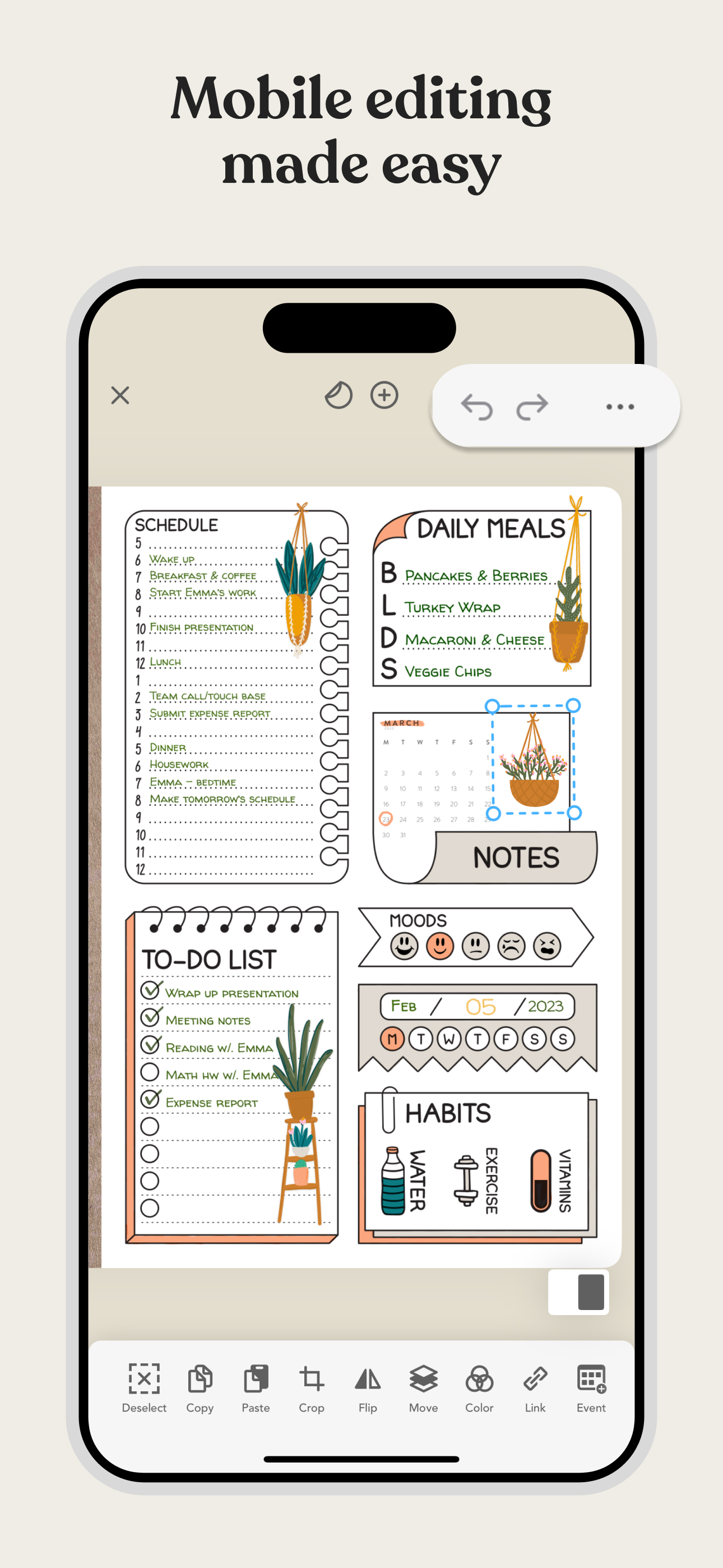
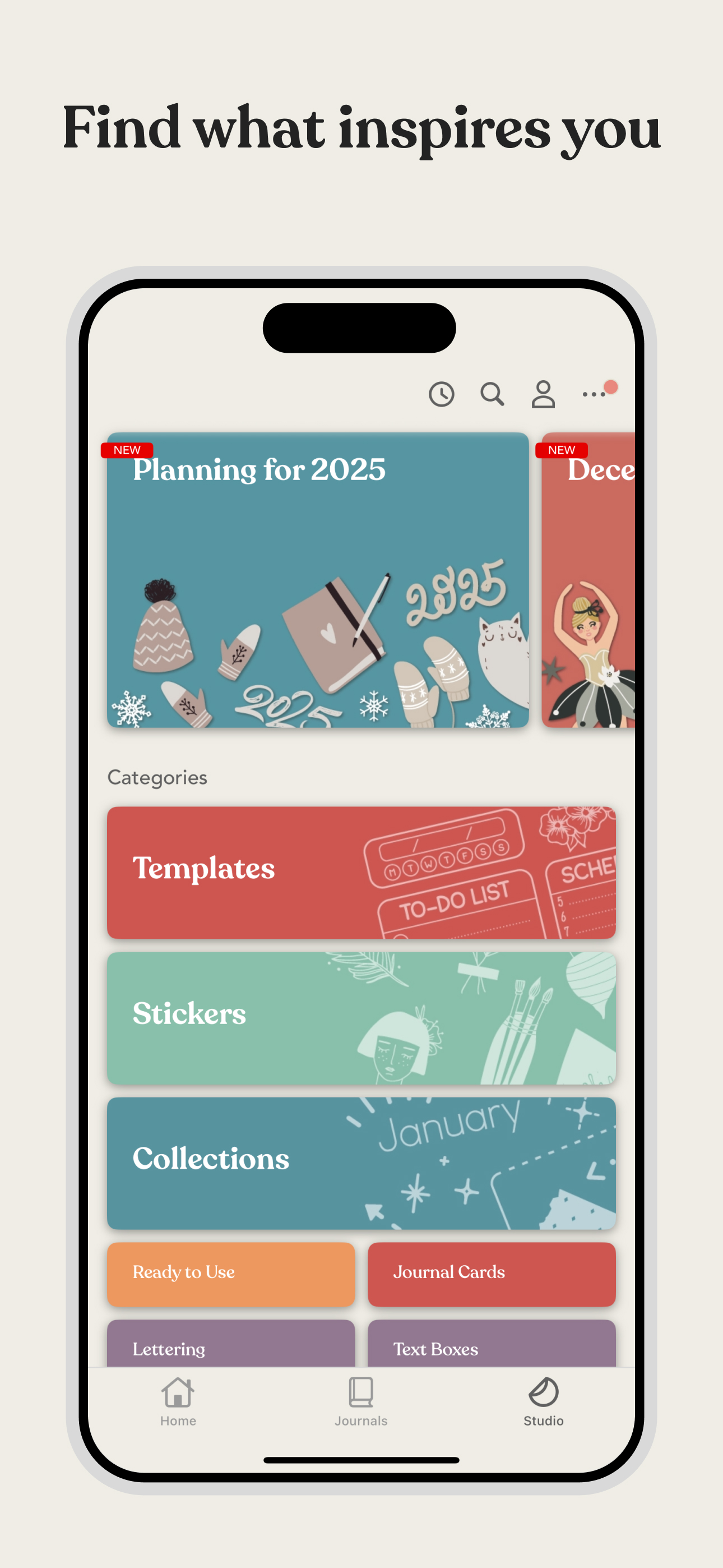
Read the store headline, screenshots and description. What problem is the app promising to solve?
Study the storefront ↗
Pixite Inc. · iOS
Explore the ad evidence, study the storefront, and build your next acquisition hypothesis.
01 / Creative research
Read the store headline, screenshots and description. What problem is the app promising to solve?
Study the storefront ↗Explore apps with direct store-link matches. Compare their hooks and formats without assuming the same approach works here.
Browse observed advertisers ↗Store rankings and revenue estimates describe market context. They do not establish ad spend, conversions or ROAS.
Review the market context ↗02 / Storefront & product
Study the product story and store experience behind the acquisition funnel.




03 / Market context
Keep revenue, downloads and store rankings separate from advertising performance.
I have been using Zinnia everyday for 4 years and I am still loving it. I switched from a daily journal app that I had used for five years because that other app was very limited and did not allow me to mix typed writing with hand-written notes. Zinnia has enabled me to create my perfect daily journal. I took part and pieces of existing templates and made what was perfect for me. I love it! I love that I can also export a page or my entire journal as a PDF. My previous app did not allow me to do that and it was frustrating when I decided to switch. I basically lost all of my years of journaling as a result. With Zinnia I do not have to worry about losing my journals. I love that the Zinnia team makes regular updates and let users have a voice in what gets added next. Way to go Zinnia team! I love all of the stickers, washi tape, and frame options. I can cut, crop, group, and so much more. There is only one feature that I am still hoping gets added: the ability to copy something then select exact or all pages to copy the item(s) to all at once. This would be helpful when changing the tab navigation mid year or when changing a monthly layout without wanting to change all layouts. Just a thought. :-) Overall, this is a great app that I use daily. I highly recommend it to anyone switching from a handwritten journal to digital for the first time or someone who wants to mix handwritten journaling with typed information, photos, and more.
I love this app. I’m caught in that weird space where I love technology, but I also love the tactile feel of journaling. Finding Zinnia has been awesome for bridging that gap and letting me journal on my iPad. For an iPad journaling app, I don’t think anything compares to Zinnia. Penbook is what I used for a long time, but eventually I ditched it for this one. The customization options and control you have just can’t be beat for that Art/Junk Journal feel. That said, I feel it’s lacking for iPhone. Perhaps part of that is the loss of the Apple Pencil, but I can’t find any templates or ready to use planners optimized for iPhone, which means very small fonts and lots of zooming and panning. If there was even just one or two ready to use type planners for iPhone it would be a huge improvement in my opinion. I’m not going to get deep into one of my art or project books on my phone, I do that on my tablet. Having a nice, customizable planner for my phone though—especially if it could sync to my calendar like Penbook can—that would be huge and I’d use that all the time! For iPad, if you’re looking for a great journaling app, this is it. If you’re only planning to, or only able to use your phone, unfortunately I’d say Zinnia has a little ways to go. Penbook has their “Little Everywhere and When” book specially for use on your phone. If Zinnia added something similar, they’d win. Hands down.
This app is seriously the only complete digital planning/journal app on the market. I’ve used several, including the paid versions of the most popular ones. There is always a significant issue with one of the features. I love GoodNotes and they have made fixes to issues that used to drive me crazy, like the crashes and lagging; however, their handwriting algorithm is awful. The worst one of all the digital writing apps I’ve used. I have an iPad Pro, 2nd gen pencil, and a paperlike screen protector. Another app I found has a really good algorithm for the pencil, but the rest of it is not very good, without the ability to use even system fonts. I wanted an app that allowed me to make planners and notebooks, use PDFs that I make/purchase, insert graphics, notes, etc., and be able to utilize both type and handwriting (and not have it look completely different than what I write on paper). This app has it all! Then, in addition to your own graphics, there are a ton of templates and layouts built in. Some graphics have actual text lines built in, so you just touch and type, no need to drag typed text around and it is much faster when creating long to-do lists or grocery lists than handwriting it all out. I could literally go on forever, but you’re wasting time reading this. Just get it. I haven’t opened another writing app since I subscribed to this one.
Zinnia is the most fun and creative way to keep a digital journal and planner. Enjoy calendars, trackers, stickers and more - with new content added e...
| Name | Price | Type |
|---|---|---|
| Zinnia Premium Weekly | $3.99 | Weekly |
| Zinnia Premium (Weekly) | $3.99 | Weekly |
| Zinnia Monthly Premium | $9.99 | Monthly |
| Zinnia Premium Monthly | $9.99 | Monthly |
| Zinnia Premium Monthly + Intro | $9.99 | Monthly |
| SECRET DISCOUNT YEARLY | $29.99 | Yearly |
| Zinnia Premium (Annual) | $34.99 | Yearly |
| Zinnia Premium (Annual) | $34.99 | Yearly |
| Zinnia Yearly Premium | $39.99 | Yearly |
| Zinnia Premium Yearly | $39.99 | Yearly |