Check the acquisition promise
Read the store headline, screenshots and description. What problem is the app promising to solve?
Study the storefront ↗
Stephen Salerno · iOS
Explore the ad evidence, study the storefront, and build your next acquisition hypothesis.
01 / Creative research
Read the store headline, screenshots and description. What problem is the app promising to solve?
Study the storefront ↗Explore apps with direct store-link matches. Compare their hooks and formats without assuming the same approach works here.
Browse observed advertisers ↗Store rankings and revenue estimates describe market context. They do not establish ad spend, conversions or ROAS.
Review the market context ↗02 / Storefront & product
Study the product story and store experience behind the acquisition funnel.


03 / Market context
Keep revenue, downloads and store rankings separate from advertising performance.
If you’re looking for a powerful and reliable media player, look no further than Outplayer. It is simple, well designed, bug free, and comes with a host of different features that you may find extremely useful depending on the type of user you are. I started looking for an app that could playback HDR content. I was extremely surprised to find this app could support everything from simple videos I have made to full length feature films and TV shows that have been shot and color graded in various forms of HDR/Dolby Vision. And…it could do all of this while being completely free. It’s been a number of months now and I’ve used this app to lots of movies and shows and I’ve never once been frustrated with it. The app is very well designed (matches iOS 26) and while it may not have all of the features of something like VLC. I much prefer this app to the sad state of affairs that is VLC on Apple devices. As I write this, I decided to finally purchase the app because it has brought me much value. Note that this is not a subscription, but a one time purchase. In this world of nearly everything being a subscription model, it is refreshing to see a one time purchase option. Overall, this app is fantastic and I wish more people knew about it. Use it for free, but please buy it. Support people who make good software.
No folder collapse ✅ Respects folder hierarchy ✅ Easy and intuitive sub controls ✅ Prefer landscape toggle ✅ Everything locked behind pay wall is truly advanced features. Subtitles work great out of the box and you have size and placement, further customization is truly just a bonus feature and I understand paying for it. It will play your videos out of the box. If you want it to play them a specific way in regards to encoding I completely understand paying for that. I really like the way this app does it’s pay structure and will gladly pay next month with the first of my app budget. I download a lot of anime and the other apps always try and use the filenames for structure. But there’s no consistency so it ends with just a giant list of all the videos. This app allows you to maintain your files from within the Files and have it display it perfectly. Honestly this should just be the built in video player for iOS. If this was what the files app was integrated with that would be a dream. Would love to see a feature for scraping metadata for files and have actual control over it. Often times just want the cover for a show or episode. Don’t want or need anything else changed. Setting folder icons would be cool as well. I will note, not sure if iOS issue but it did not create a Files folder until I created a folder from within outplayer. It also didn’t natively recognize the folder I created named OUTPLAYER in Files.
Edited because it now has HDR support, yay! Compared to VLC, this app hardware decodes more often than not with supported codecs (VLC sometimes inexplicably doesn’t with 10bit HEVC files [device heats up] that this app can decode with hardware). It’s simplistic design is wonderful and I don’t feel compelled to dive into the settings and micromanage everything. What would make it even more of an essential video player is if true HDR output could be added, or at least it doesn’t work properly on the SE3. There’s an argument to be made that the benefits of HDR are limited on a simple LCD display, but when playing back HDR-encoded content like Sony’s Swordsmith demo in the system Files app, it will display in HDR mode as denoted by an HDR icon on the top left and the peak brightness and color gamut seem just a bit better compared to how it looks in this app and VLC (which also messes up the color, presumably from not getting the color gamut right). Ignore what I said about casting, I forgot you had to mirror screen using AirPlay for that to work.
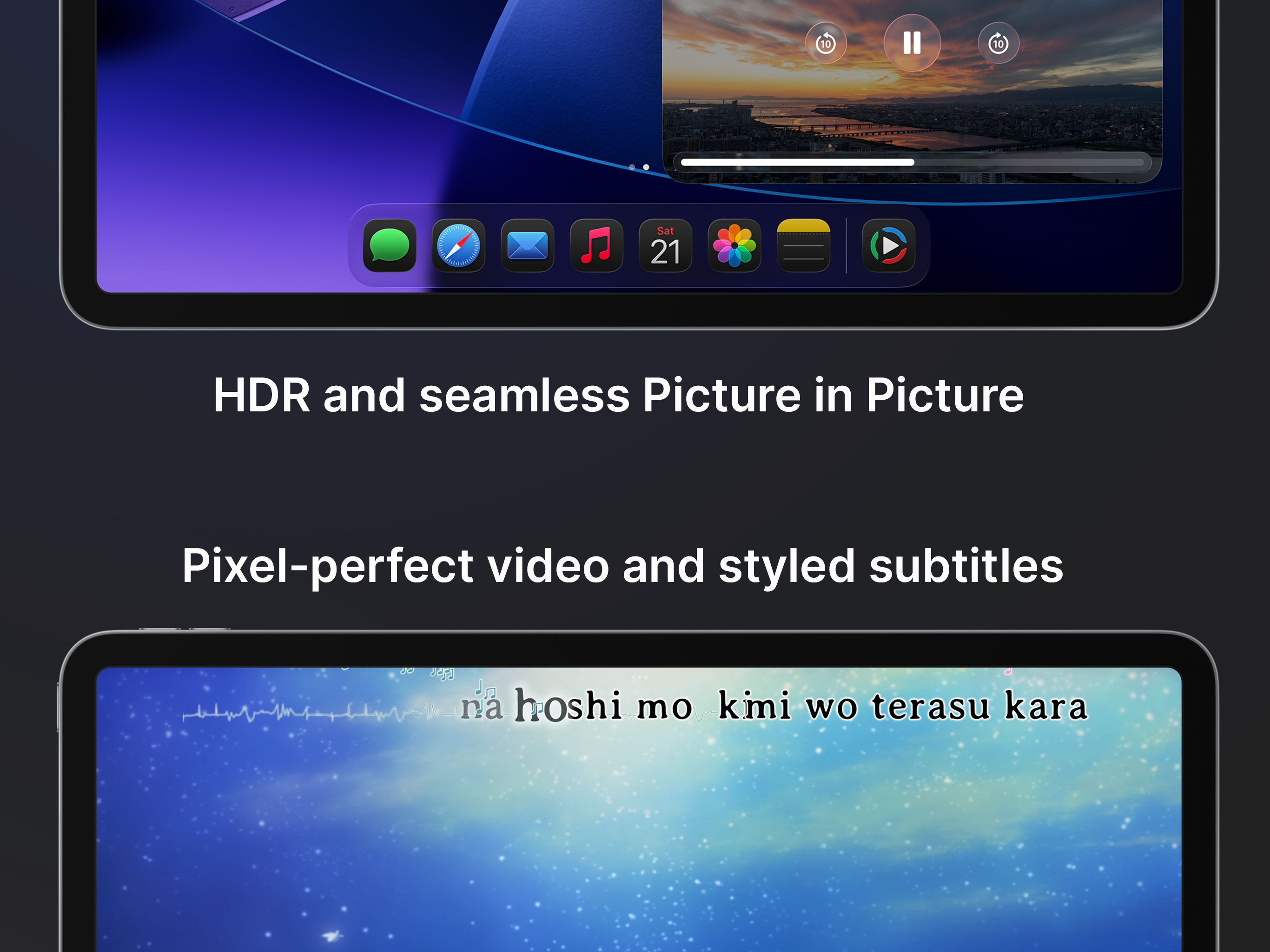
A video player for iOS built around speed, simplicity, and getting out of your way. Outplayer is carefully designed to feel seamless, so you can just...
| Name | Price | Type |
|---|---|---|
| Outplayer Advanced | $7.99 | One-time |