Check the acquisition promise
Read the store headline, screenshots and description. What problem is the app promising to solve?
Study the storefront ↗
11 Trading Company LLC · iOS
Explore the ad evidence, study the storefront, and build your next acquisition hypothesis.
01 / Creative research
Read the store headline, screenshots and description. What problem is the app promising to solve?
Study the storefront ↗Explore apps with direct store-link matches. Compare their hooks and formats without assuming the same approach works here.
Browse observed advertisers ↗Store rankings and revenue estimates describe market context. They do not establish ad spend, conversions or ROAS.
Review the market context ↗02 / Storefront & product
Study the product story and store experience behind the acquisition funnel.



03 / Market context
Keep revenue, downloads and store rankings separate from advertising performance.
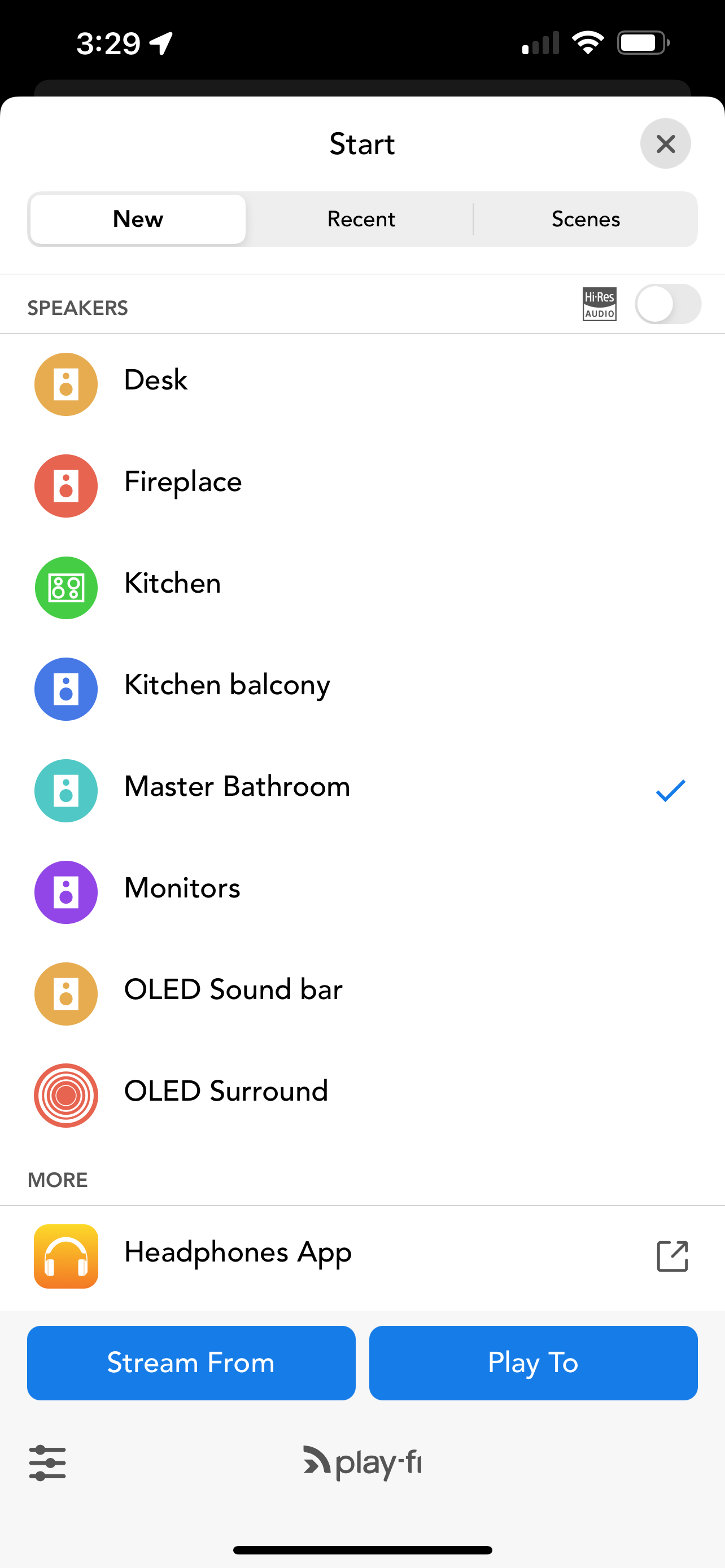
Worked until latest update. The app stops at 4 seconds and music never play on my Onkyo receiver. This is exactly what happened last year with the main playfi app when it updated bricked it. Need to tell everyone to just download the original dtsplayfi app. It gets the updates to work, this does not. Really should just take this app off if you’re not going to support it.
This will echo many of the reviews for this app, in that it frequently loses the connection to my receiver. These dropouts cause my receiver to act strangely and even lock up, requiring me to go through the hassle of performing a hard reset. I will probably delete the app as I can accomplish the majority of what this app can do utilizing AirPlay or chromeCast.
The first time I tried using the app and despite having a compatible Onkyo Receiver and current version of iOS, *and* placing the device next to the WiFi router during multiple set-up attempts, the set-up process failed to see or connect to anything even with multiple restarts of all the devices. Which turned out to be a hidden blessing because I just read the privacy policy, which says that users agree to let Onkyo track everything you do with the app (such as the songs you listen to) and states that the data is *not* anonymized or aggregated, but rather tracked to each user individually, including their email address, postal address, phone number, employer, etc. for the purpose of marketing to the user. No thanks. Update from June 2021: Tried to give the app a second chance. Invasive privacy policy is still in place. Unlike my previous attempt, this time the app found my Onkyo receiver and was able to stream standard audio (no different or better than AirPlay 2), but when I tried to setup the app for hi-res and surround, the app claimed it couldn’t find the wired speakers connected to the Onkyo receiver and trying to use the automated setup wizard in the app was futile because the automated wizard only works with a single Onkyo receiver (not the one I have) and insists I consult the receiver’s manual for detailed instructions — and the receiver manual doesn’t provide any instructions for setting up the app beyond installing it, linking the app with my streaming services, and selecting Play-Fi as the streaming connection from my phone to the receiver. So…I don’t really understand the point of this app if it just duplicates AirPlay 2 features and adds nothing. And I don’t understand why the Onkyo receiver includes the Play-Fi capability if it’s not able to support the hi-res or surround playback functions touted as the app’s features. Deleted the app a second time.
Breakthrough DTS Play-Fi(R) technology powers simple, great-sounding whole-home wireless audio systems for smartphones and tablets. You can stream you...