
Check the acquisition promise
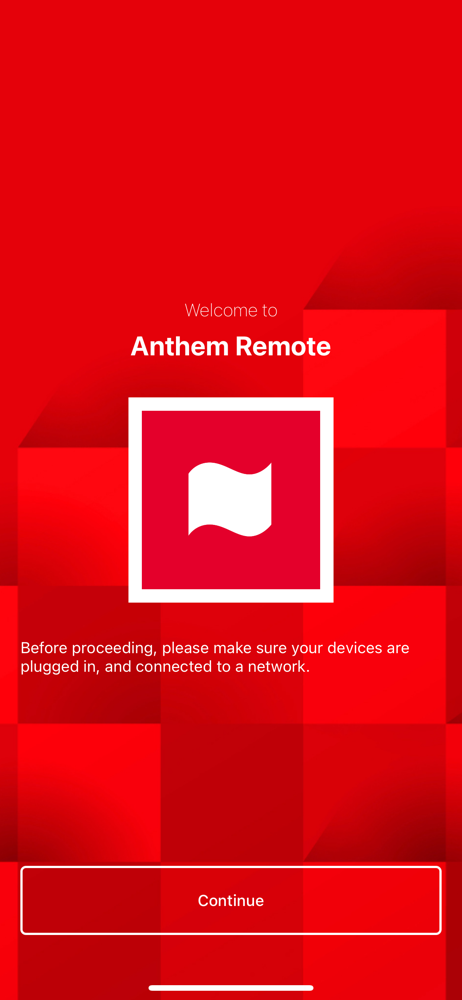
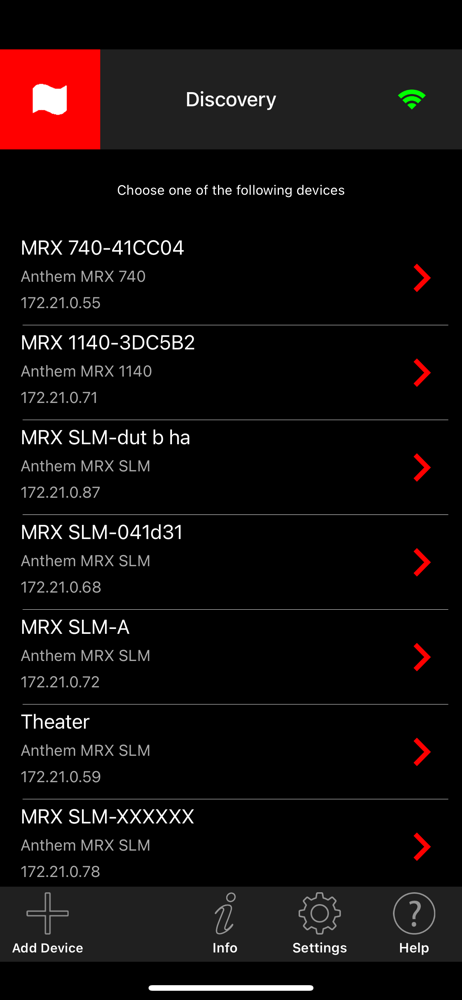
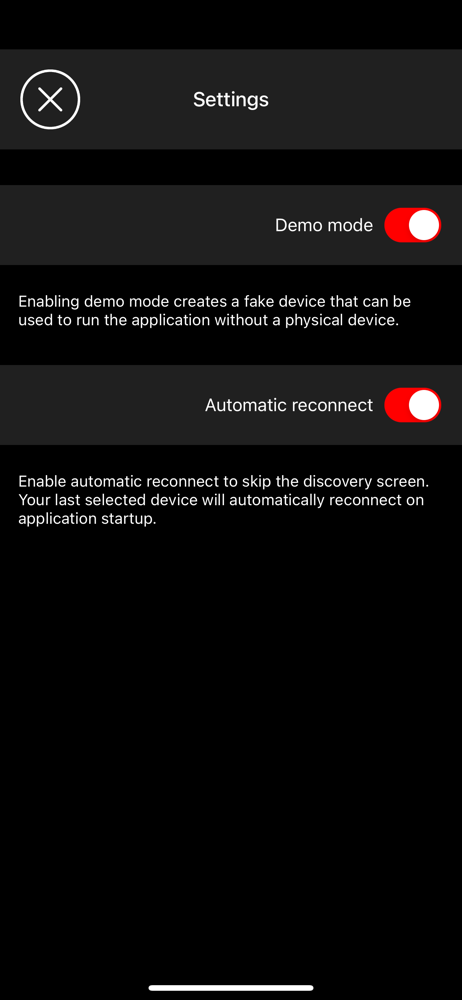
Read the store headline, screenshots and description. What problem is the app promising to solve?
Study the storefront ↗
Anthem AV · iOS
Explore the ad evidence, study the storefront, and build your next acquisition hypothesis.
01 / Creative research
Read the store headline, screenshots and description. What problem is the app promising to solve?
Study the storefront ↗Explore apps with direct store-link matches. Compare their hooks and formats without assuming the same approach works here.
Browse observed advertisers ↗Store rankings and revenue estimates describe market context. They do not establish ad spend, conversions or ROAS.
Review the market context ↗02 / Storefront & product
Study the product story and store experience behind the acquisition funnel.


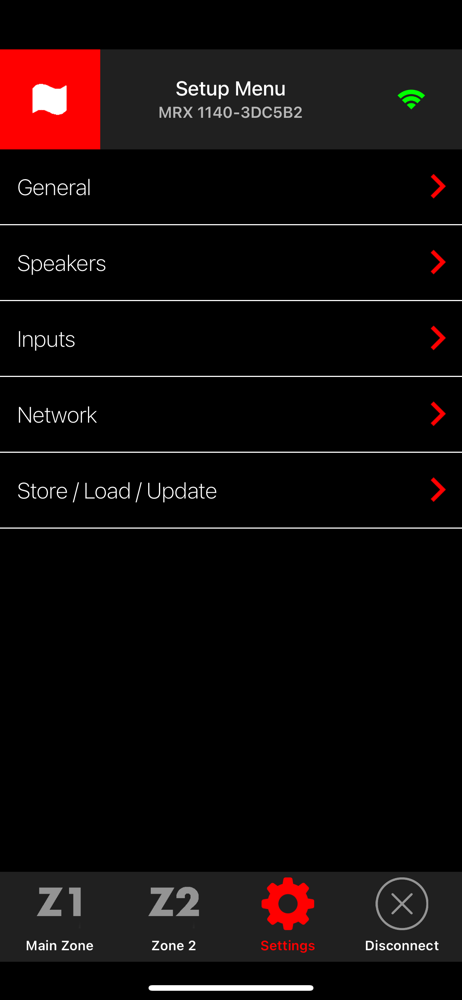
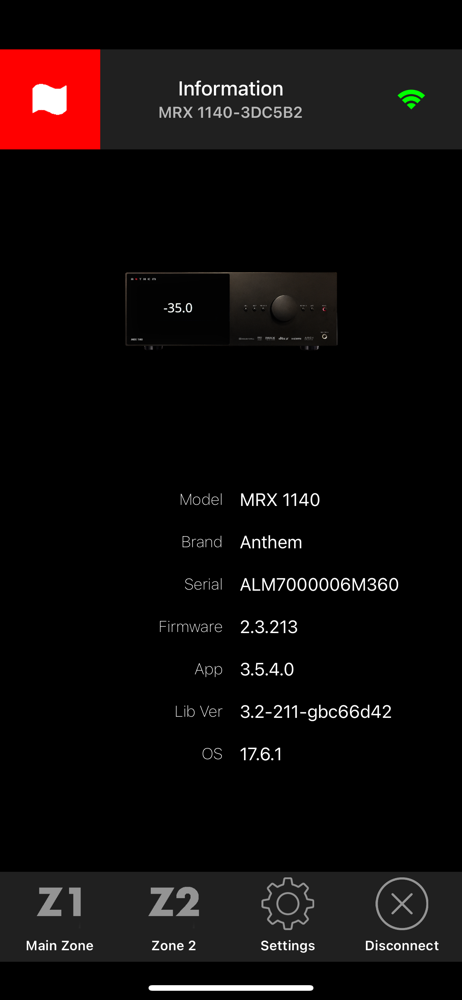
03 / Market context
Keep revenue, downloads and store rankings separate from advertising performance.
UPDATE-After considering the Anthem CS rep observing the issue may be a WiFi environmental issue in your home/office,etc. I disabled my VPN. After doing so the Anthem remote control app now functions. I must remember to disable the VPN to facilitate remote control app connection. Ps: suggestion to all encountering connectivity issues with the Anthem remote control app. Try disabling your VPN upon initial usage attempt of the subject app. I was encountering similar connectivity issues as others have shared. The Anthem engineers have designed an excellent multichannel surround integrated unit (I have the MRX 740). If the only issue is that I must temporarily modify my WiFi environment to facilitate the remote control app function I can live with that. As soon as I disable my VPN the remote app functions immediately as designed. I then reenable my VPN and the remote continues to function. When I do not use the app for a few days I simply repeat the process. Takes about 5 seconds. Enjoy the music.
It’s hit or miss that it will connect. The first few days were good however now the app closes after launch. I had the same problem with the old app. Good thing play fi has there app working properly which offsets this app. I love the equipment and sound however the company is behind the times by many years when comes to the process of software firmware updates on the equipment. Also on features that competitors have which makes sense that the app would be frustrating as well. I chose anthem for the sound not their ability to provide features that are available on entry level equipment.
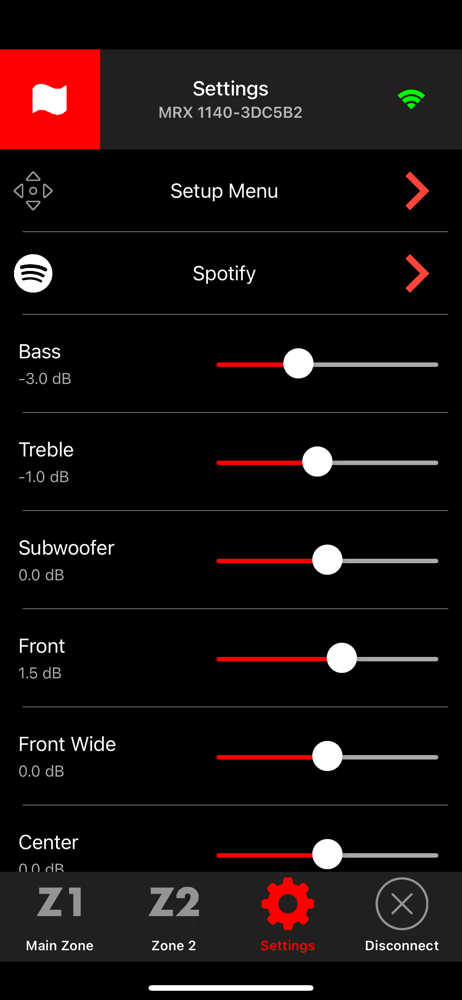
Garbage app for garbage receiver. My Anthem MRX 720 receiver has never worked properly. The picture on my tv Glitches with Dolby vision, wont play SiriusXM and now It won’t hold the settings for adjusting speaker level, bass and treble from this app and the the receivers remote. When I called customer service about these issues they said when it did hold the settings it was a malfunction. That making these adjustments are only on the fly not permanent. Mind you I’ve had this receiver for about four years. There are no knobs on the unit itself that can be permanently adjust. So every time I turn on and off the unit the bass treble speaker level return to zero 🤦♂️. This version of this app is causing these problems. Finally 3.2.0. is working as advertised. Bass treble and speakers levels can be adjusted.
The Anthem Remote App uses a Wi-Fi connection to simplify the configuration of supported Anthem and Paradigm devices. App-based controls include volu...


