Check the acquisition promise
Read the store headline, screenshots and description. What problem is the app promising to solve?
Study the storefront ↗
First Alert / BRK Brands · iOS
Explore the ad evidence, study the storefront, and build your next acquisition hypothesis.
01 / Creative research
Read the store headline, screenshots and description. What problem is the app promising to solve?
Study the storefront ↗Explore apps with direct store-link matches. Compare their hooks and formats without assuming the same approach works here.
Browse observed advertisers ↗Store rankings and revenue estimates describe market context. They do not establish ad spend, conversions or ROAS.
Review the market context ↗02 / Storefront & product
Study the product story and store experience behind the acquisition funnel.


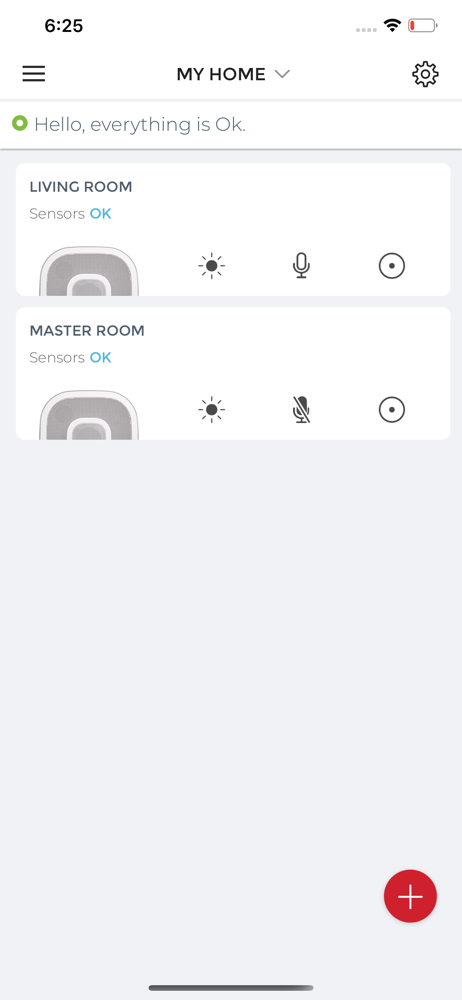


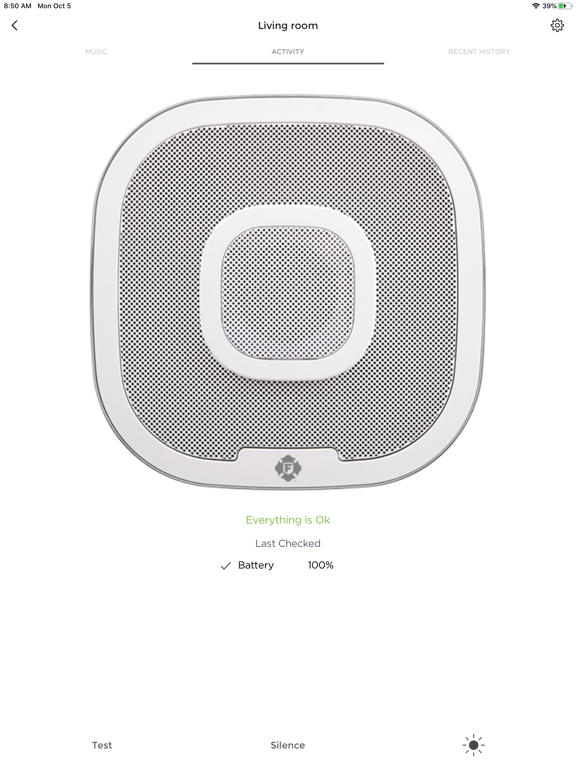

03 / Market context
Keep revenue, downloads and store rankings separate from advertising performance.
Just installed my first Sensor and the process went very smoothly. I have two more to do and will adjust the review if needed, but after having Neat Protects at my old house, these are pretty similar. Hopefully pairing the other two to this one goes just as well. Will update. Update: Got the other two installed. Third one I had to go through the process three times, but it worked. Tip: Be patient. It can time a little time for each step, so wait it out. I got impatient on the third one, which is why I think I had the issue of having to go through the process a few times. Update: Moving to 3 stars as my first attempt to view the status of the three sensors did not work when I was away from the house. This is the main function I wanted, as I am used to Nest Protects and this is easy with them. Got a message via the app of some Bluetooth issue, which doesn’t make sense if the sensors are on Wi-Fi. I want to be able to check the status or ensure I will get alerts when I am away from the house, otherwise there is no point to spending extra for these.
I’ve only seen a single review, posted in February, and I got the product and app in September. Maybe the first reviewer had legitimate issues, but I’ve had absolutely none. The alarm was simple to install; three adapters included, one for wire-to-wire installation, plus two other modular plugs for compatibility with other brands. I just opened the breaker for my smoke detector, matched the wire colors and attached with the existing wire nuts. The white and black wires come pre-stripped, but if you want to use the orange interconnect, it will have to be cut and stripped. Once everything was hooked up, shut the breaker and everything powered up fine. Downloaded the app and paired it to the detector. Linked up with HomeKit on my phone without even trying! Now I don’t currently have a HomeKit hub at home, so I can’t say whether there are any issues there. As far as interconnect goes, mine is connected to three basic First Alert wired models in other areas of the house (model 9120B), and when I tested the OneLink model, they all went off. You should have seen my cats! It’s nice that the app keeps a history of these tests; I wonder if it will remind me when it’s time to test again?
The recent update has left me without access to my configured home sensors while I am out of town away from home for a week and need to be monitoring my home. You chose the worst time for me to break my sensor configuration with an app update. App crashing when opened on a screen that wants to Add a New Home. It already has a home and sensors, it doesn't need a new home. And I am getting warnings and I cannot see what they are, the notifications have no specific detail about whats happening. Out of desired range? How does that help me? Why isnt the number or level mentioned with the notification? Im getting alerts and I cannot find out whats going on with a crashing app. I cannot delete and reinstall the app while I am away from home traveling and lose all my sensor configuration, nor do I have all the home codes to add my sensors while I am traveling.
Download the Onelink Home app to install, pair, and monitor all of your Onelink by First Alert connected home devices. Now featuring the Onelink Sa...