Check the acquisition promise
Read the store headline, screenshots and description. What problem is the app promising to solve?
Study the storefront ↗
Pearce Media Limited · iOS
Explore the ad evidence, study the storefront, and build your next acquisition hypothesis.
01 / Creative research
Read the store headline, screenshots and description. What problem is the app promising to solve?
Study the storefront ↗Explore apps with direct store-link matches. Compare their hooks and formats without assuming the same approach works here.
Browse observed advertisers ↗Store rankings and revenue estimates describe market context. They do not establish ad spend, conversions or ROAS.
Review the market context ↗02 / Storefront & product
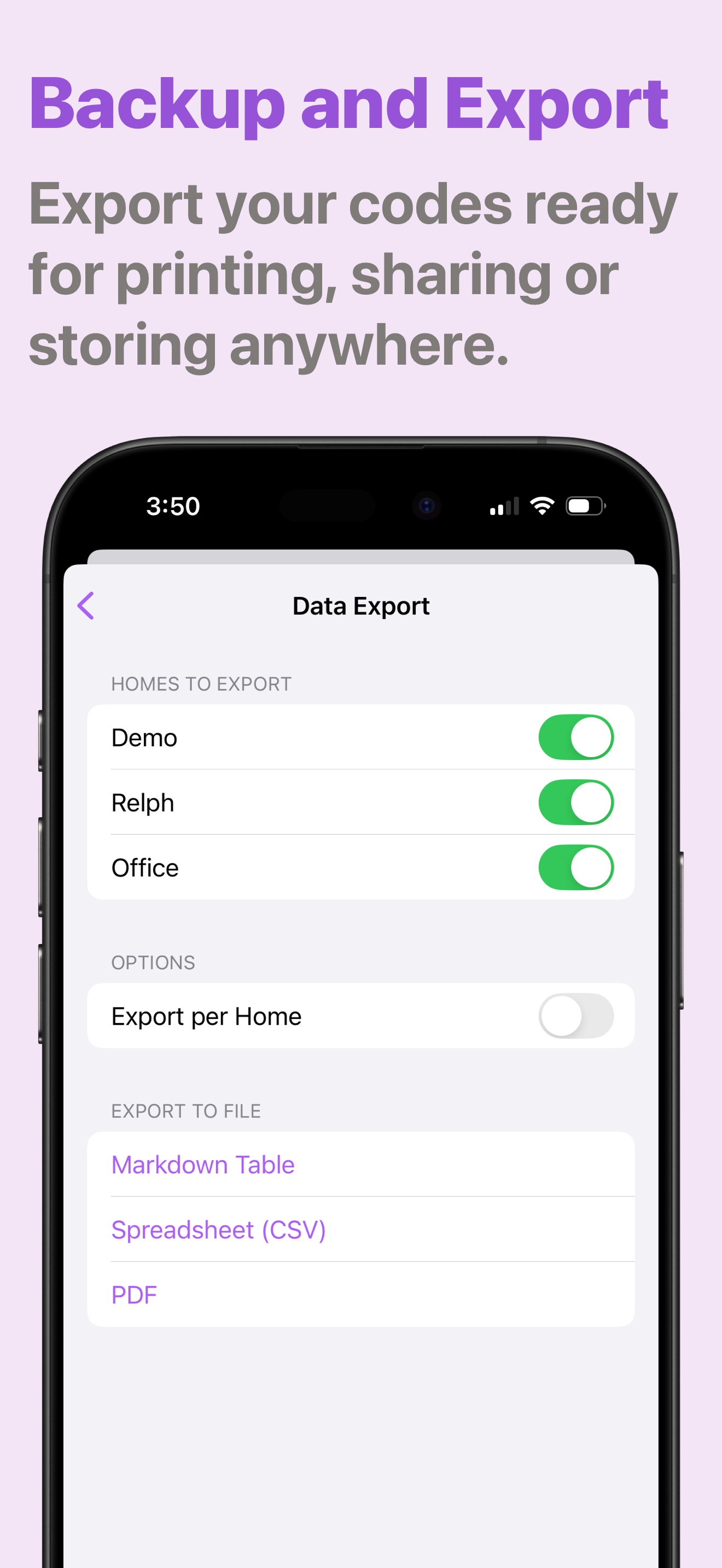
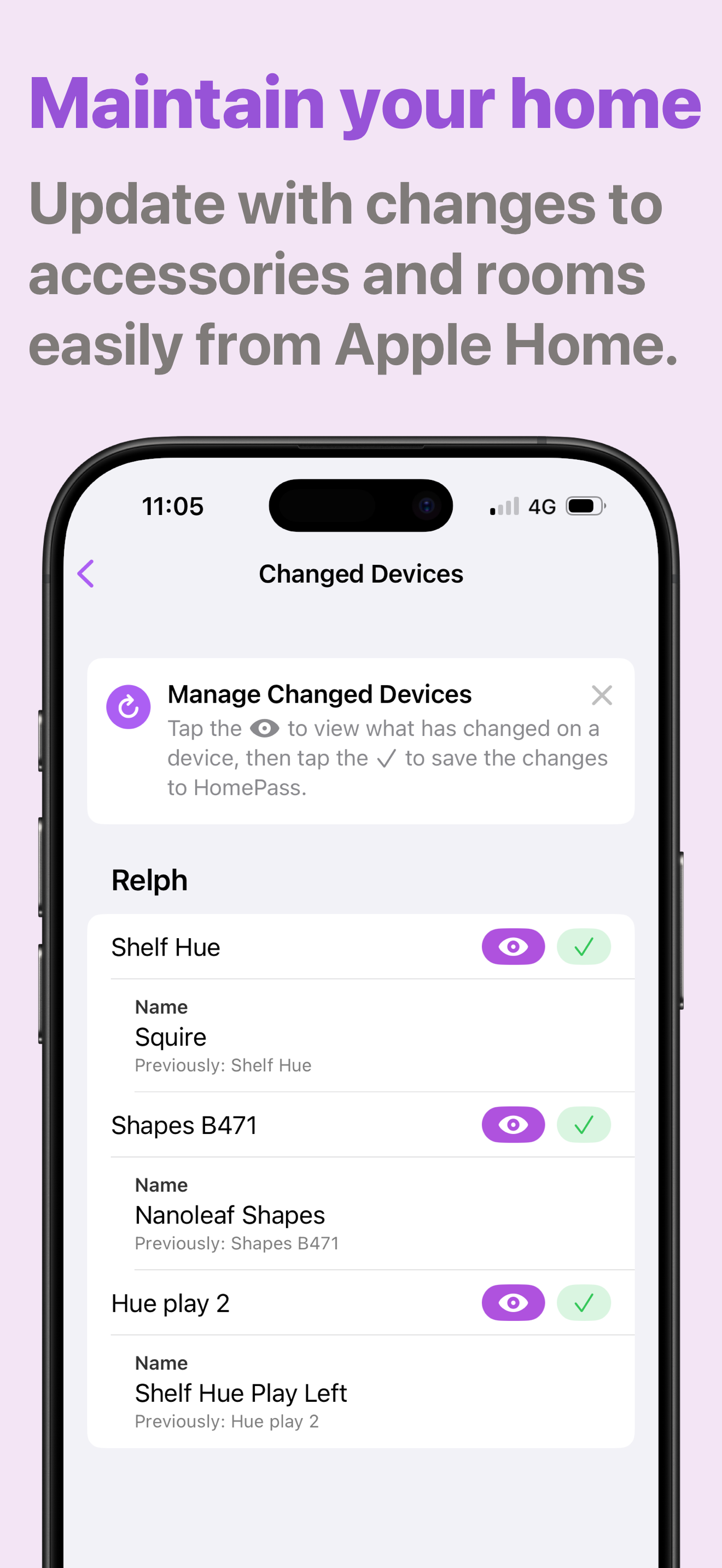
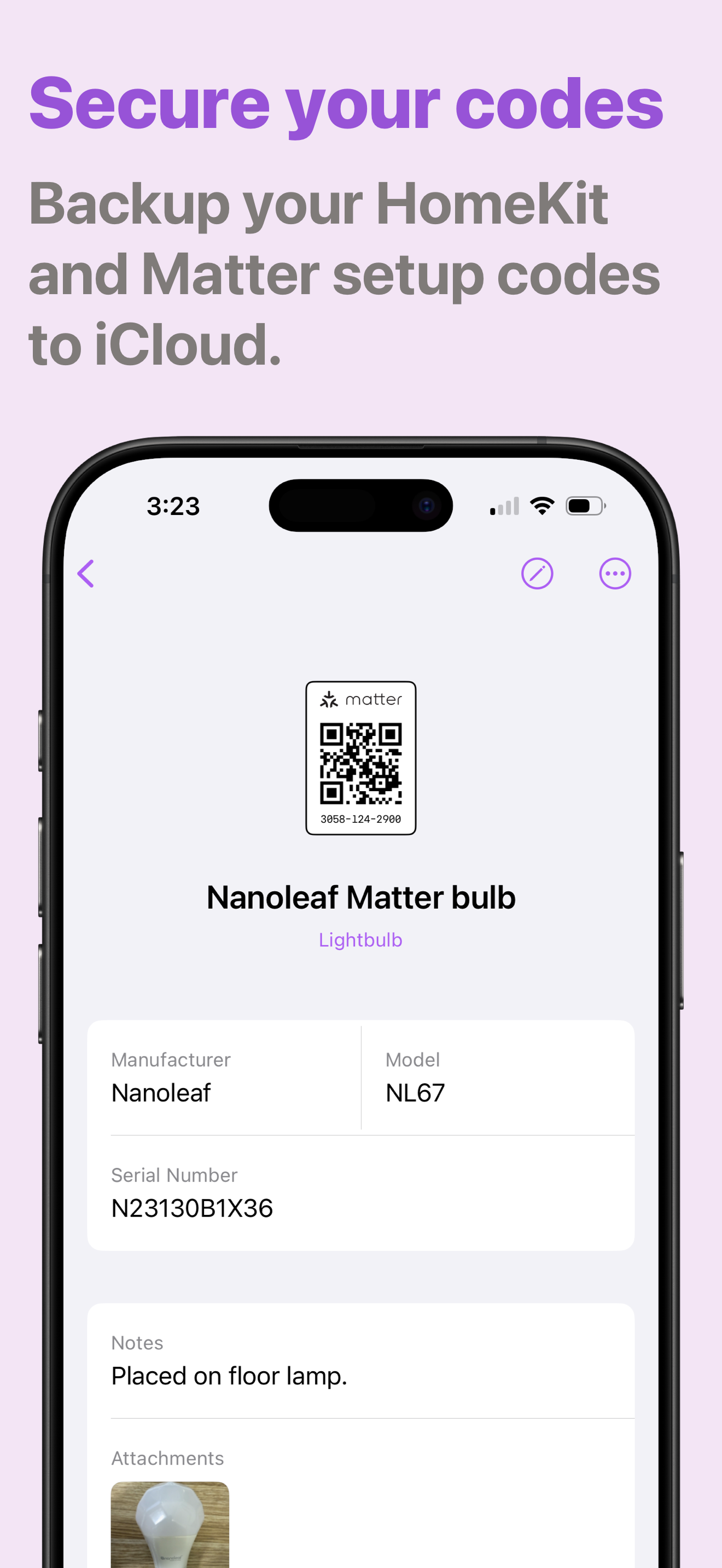
Study the product story and store experience behind the acquisition funnel.



03 / Market context
Keep revenue, downloads and store rankings separate from advertising performance.
Downloaded, started trial, but was stuck on subscribe page even after subscribing. Some sort of an icon in the top right that doesn’t appear to display properly in dark mode or is otherwise unclear - clicked that which took me to the app but all it did was show me my home’s name, the number of accessories, but there was nothing I could do from there other than click my home name and change its name or give it an icon. Tried on 3x Macs, same result on each. Gave 5 stars as I imagine I just ran in to an untimely bug, you otherwise seem to have a good product, hope it gets resolved and I’ll try again.
I have two homes set up in Apple HomeKit. With the most recent update there is no longer a way to switch between them. I loved this app, but need to be able to access the data stored for both HomeKit locations. The developer confirmed the bug immediately and are working on the fix. That’s real customer support! I have the whole bundle of their Home apps and use at least one of them every day. Excellent apps and outstanding people.
It does what it says, though I felt led to believe that was something else: specifically, it doesn’t auto-import codes from your existing HK setup, leaving you to manually enter them all from scratch (just as you’d have to do in a Notes app note). I paid the $3 to avoid this time-consuming task, and though I now understand that’s impossible to do (HK doesn’t store them, apparently) the sting of throwing money at a solution I could’ve had for free via Notes is still there. Three stars for being what it said it is. -2 for not making what it’s *not* more clear. It’s a great solution if you’re willing to put in the work.
HomePass allows you to get rid of that old notebook and store your HomeKit or Matter device's codes right on your iPhone, iPad or Mac. “HomePass is a...
| Name | Price | Type |
|---|---|---|
| HomePass+ (1 Month) | $1.99 | Monthly |
| HomePass+ (1 Year) | $9.99 | Yearly |
| HomePass+ (One Time Purchase) | $39.99 | One-time |