Screenshots


How Much Does OneBusAway Make?
Platform Performance
Rating Distribution
Top Countries
Rankings
Reviews (3)▼
I’ve used this app for 7 years and it’s have been tremendous nearly the whole time, an easy 5 star. However, in the last 6 months or so it has become very inaccurate both in the time estimates and the GPS tracking of bus. Buses will randomly appear/duplicate or disappear/not actually come randomly. Buses on the map are just not being tracked anymore more often than not, and when they are being tracked they will be very inaccurate somehow. The GPS location of the bus seems to have no correlation with the time estimate anymore. Very frustrating to use when you watch the bus drive away because comes minutes before the app said it would or to be left standing in the Seattle rain for twice as long because the tracking doesn’t work. Again, the app used to be excellent and very accurate until about 6 months or so ago. Hoping it gets better again.
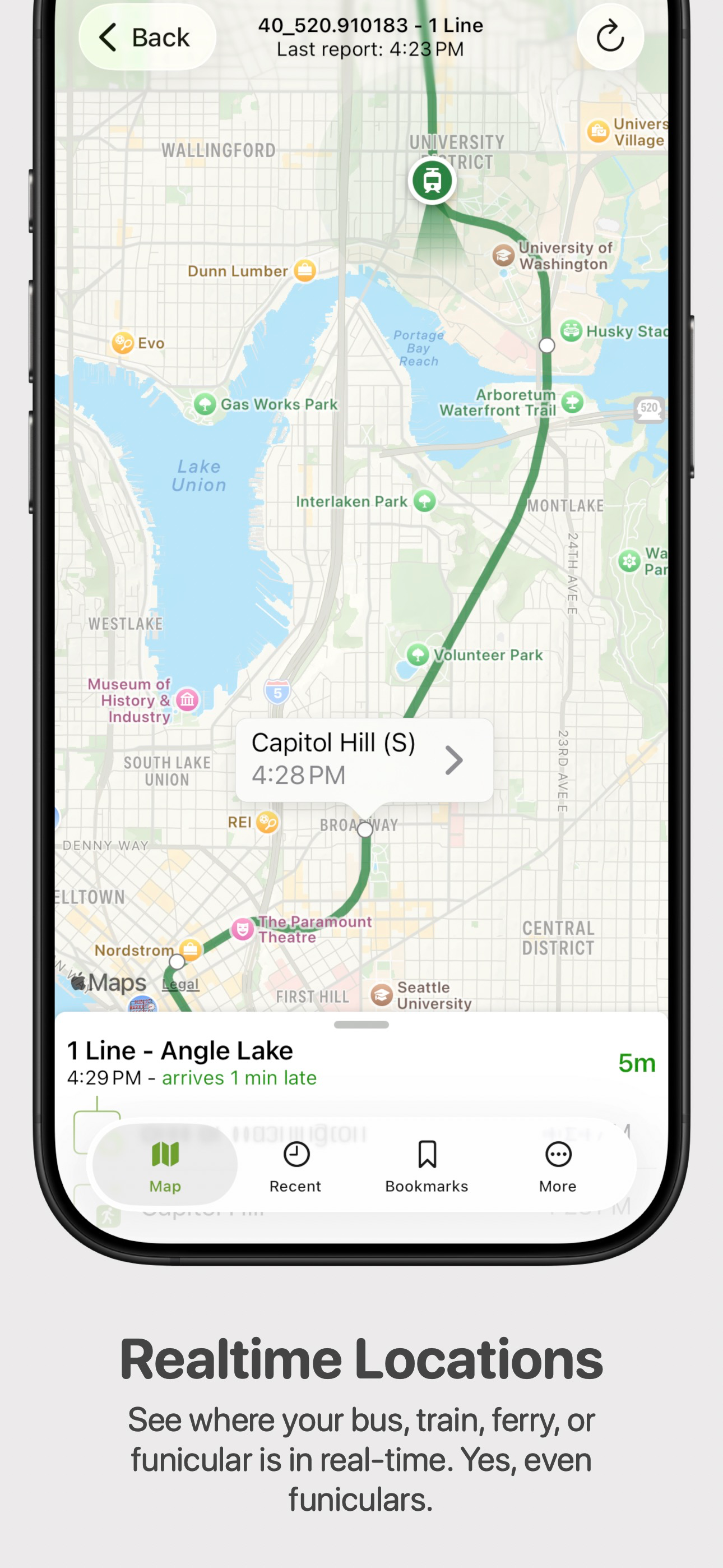
It would be good if the developers would do something about the multiple “not connected to the internet” pop-ups that pile up on top of one another, blocking the user’s action until they’re dismissed by the user. And what is particularly annoying is that this usually happens when the phone has just disconnected from Wi-Fi but still has a cellular connection, and so it reconnects to the network in less than two seconds, but the pop-ups still persist. Why don’t these pop-ups automatically disappear when connectivity is restored? Hey developer: How about finding a way of communicating a lack of connectivity that doesn’t interfere with every single other function of the app? How about just having a green/red online/offline icon at the bottom of the screen? Also, the font color for an on-time bus is puke green. Like the same ugly green that is used for non-Apple contacts in iMessage. That should be a nicer shade of green. Early and late busses should be more distressed colors. Also, when I click on a bus to see where it is on the map, I don’t need to see the entire route. I only need to see the part of the route between myself and the bus. And why does the label for the stop I’m at have to pop up and block the view? I know where I am. I want to see where the bus is, and now it’s being blocked by a label that I don’t need.
This app does sensible, useful things, and has a vastly better interface the other transit apps I've seen. It has a developer that apparently cares about making it better, which is practically unheard of. It even has good iPad functionality, and takes advantage of the larger format! I'm from San Diego; when I visited LA recently, I sorely missed this app. Trust me, the alternatives are all much worse. Sure, it's sometimes a little off on the timing estimates between stops. It doesn't handle layovers well, assuming the bus will leave early because it's present before the time it's scheduled to leave. And when a bus stops at the same stop when going in two different directions, I wish it would separate them out into different listings. But if you want to find, with reasonable accuracy, when a bus will be somewhere, and even filter by routes or bookmark frequently used stops, this is a solid and functional app, and if your local transit company makes use of it, believe me, it's way better than anything they would've come out with themselves. I use it often and am frequently pleased at how not-impossible it is to use, which is high praise for an app of this nature. I rarely encounter bugs, and updates actually bring useful improvements. It's a rare thing: a free app I'd actually be willing to pay for.
Version History (82)▼
Available In (115 Countries)▼
Supported Languages (2)▼
App Details▼
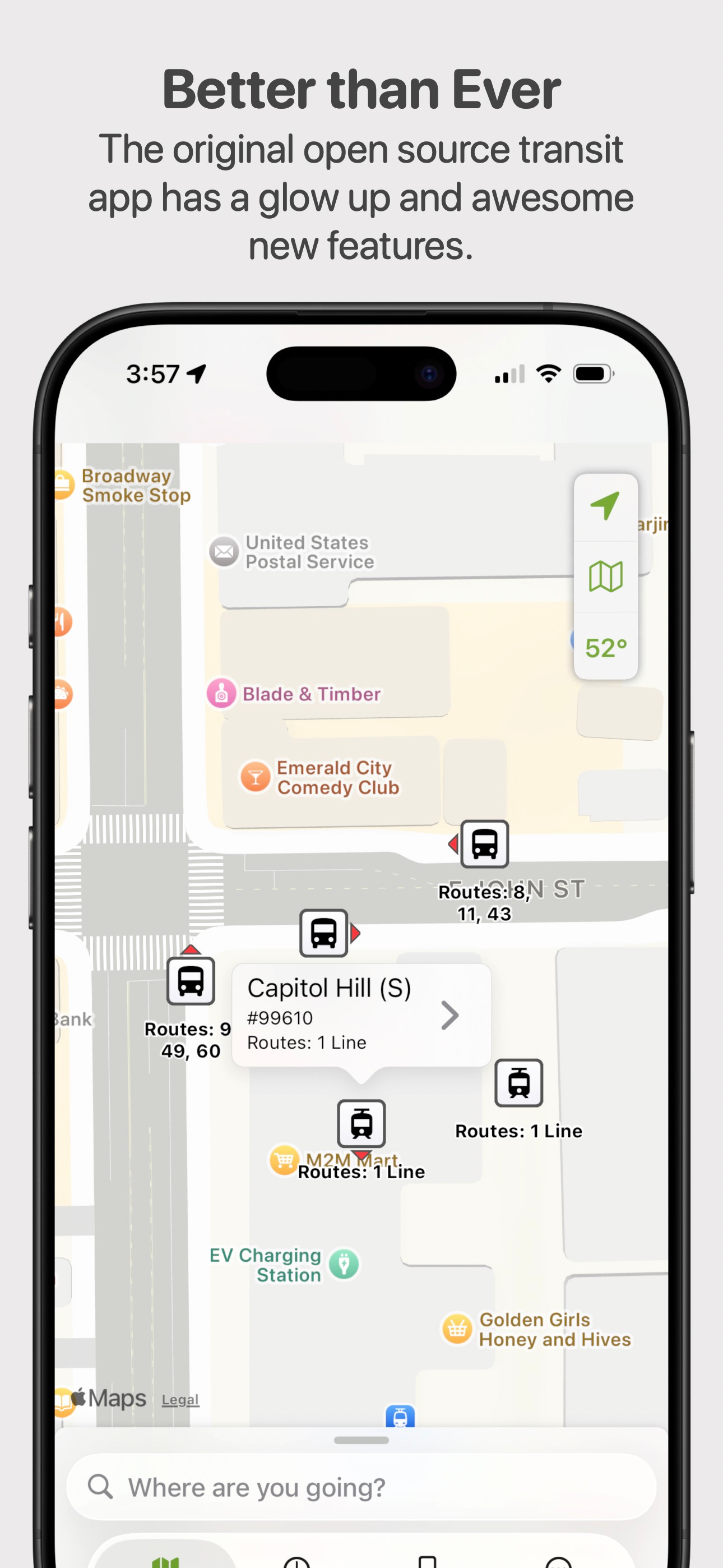
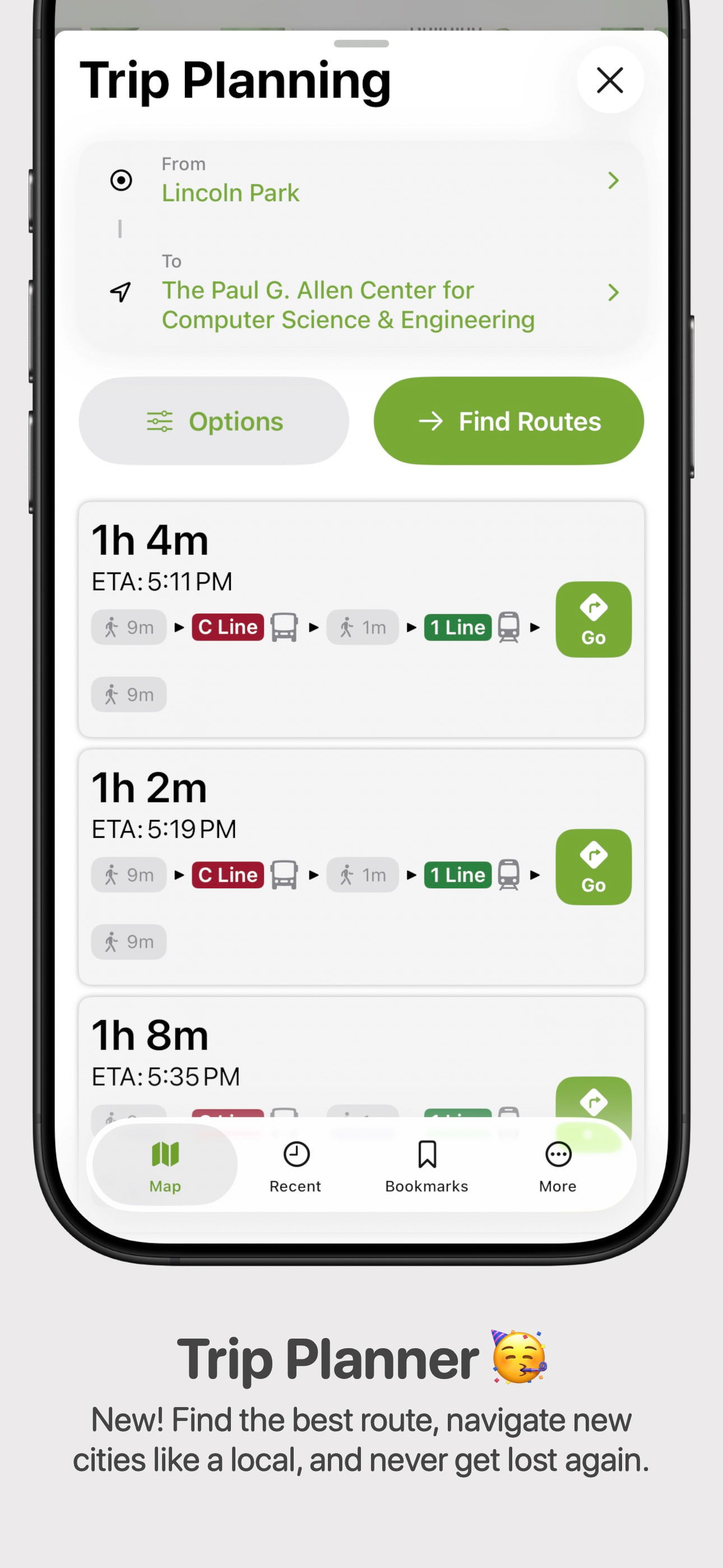
Real-time transit information for the Puget Sound region and beyond. Never miss the bus again! OneBusAway serves up fresh, real-time transit informa...
Similar Apps