Check the acquisition promise
Read the store headline, screenshots and description. What problem is the app promising to solve?
Study the storefront ↗
Christopher Coudriet · iOS
Explore the ad evidence, study the storefront, and build your next acquisition hypothesis.
01 / Creative research
Read the store headline, screenshots and description. What problem is the app promising to solve?
Study the storefront ↗Explore apps with direct store-link matches. Compare their hooks and formats without assuming the same approach works here.
Browse observed advertisers ↗Store rankings and revenue estimates describe market context. They do not establish ad spend, conversions or ROAS.
Review the market context ↗02 / Storefront & product
Study the product story and store experience behind the acquisition funnel.
03 / Market context
Keep revenue, downloads and store rankings separate from advertising performance.
I have had this I for many years.... Years! It's a little complicated and offers a vast array of rather information. I had stopped using it for a wake favoring other simpler app but I destroyed my main iPad and had to switch back to an old one. So here I am, well strangely I have found the old arbor see loads much faster than the simple temperature ones and runs as well on the old equipment as the new one even better I think. When I replace my broken one I will make sure this app has first place of honor in the weather app folder. And I still like it as much as when I first got it. It's grown on me and grown well.
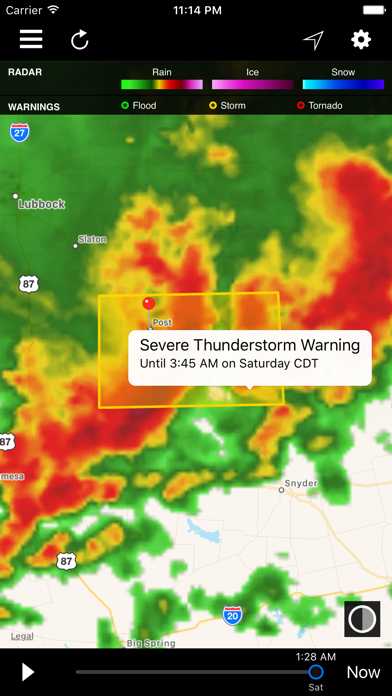
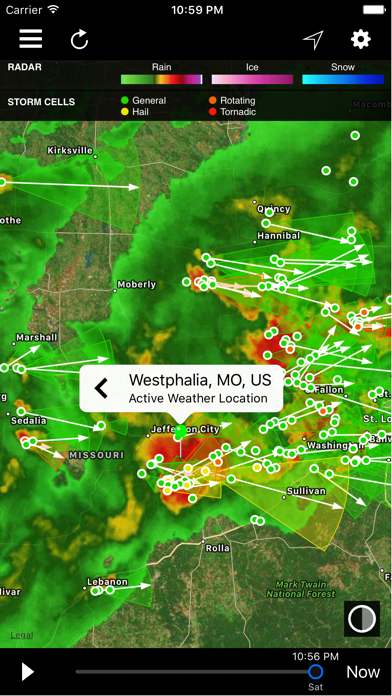
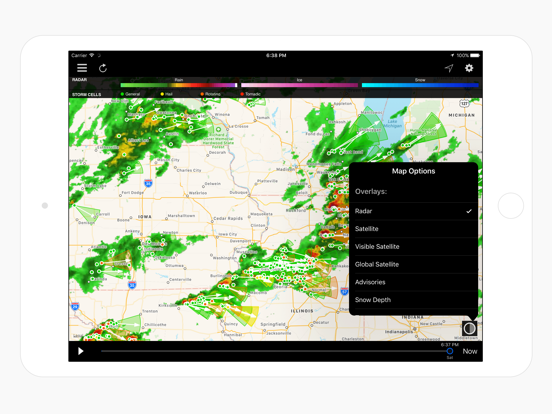
The main feature that I like a lot is that the map view is the default interface that shows all of your saved weather locations. This is especially good for traveling since you can see where you have been and where you are going weather wise!! Also, I like the swipe left, swipe right app control accessibility. I would like to see updates to the app in the following areas: weather fronts, a wildfire smoke & fire perimeter layer and iPhone X display support to start as there has not been an update for a year. All in all, it’s a great app with a well thought out design.
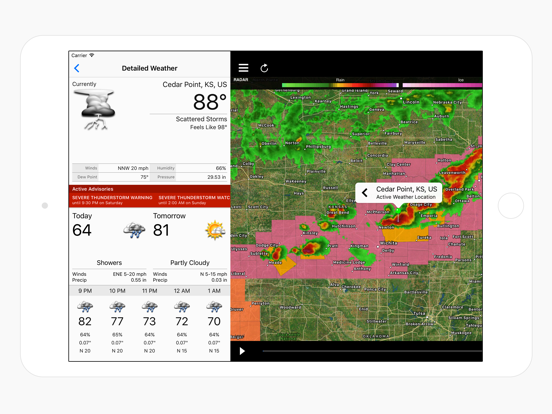
I really like this app. It has all the information I want / need. The maps seem the most accurate when tracking storms in my area. Also, it has a ton of information that is area specific, just click on the icon on the map and get all the info pertaining to that area! Good stuff. I have not used or setup the alerts yet so I cannot comment on them as of yet. The only complaint I do have is that the weather radio does not work for the stations nearest to me, however they do work for the ones 100 miles out. I highly recommend this app to everyone.
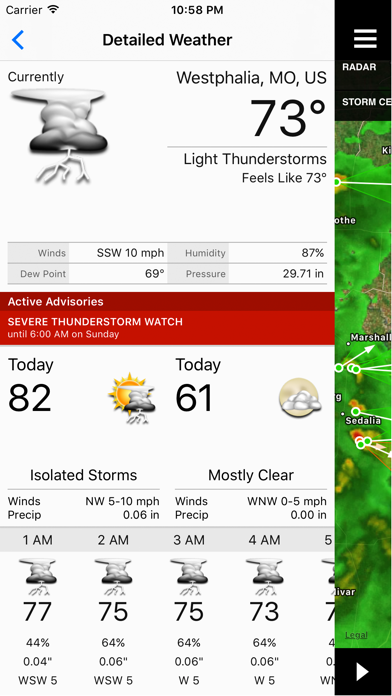
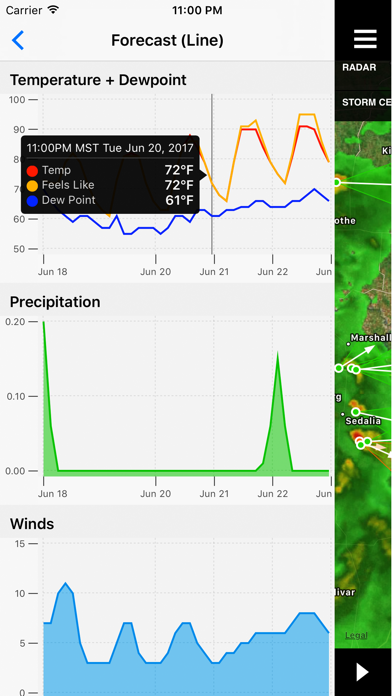
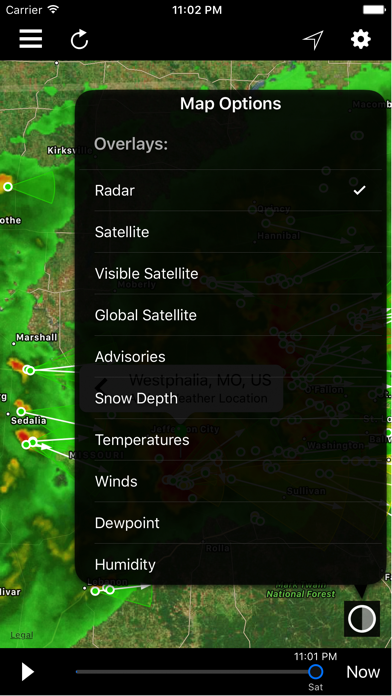
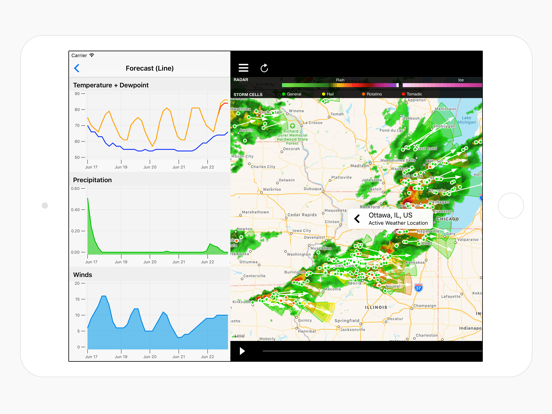
Weather Center is a professional application with professional features not found in your average weather app. Weather Center plugs directly into NOAA...
| Name | Price | Type |
|---|---|---|
| Future Radar+ | $1.99 | One-time |
| Unlock NOAA Wx Radio | $1.99 | One-time |
| Weather Push Notifications | $1.99 | One-time |