Check the acquisition promise
Read the store headline, screenshots and description. What problem is the app promising to solve?
Study the storefront ↗
AerisWeather · iOS
Explore the ad evidence, study the storefront, and build your next acquisition hypothesis.
01 / Creative research
Read the store headline, screenshots and description. What problem is the app promising to solve?
Study the storefront ↗Explore apps with direct store-link matches. Compare their hooks and formats without assuming the same approach works here.
Browse observed advertisers ↗Store rankings and revenue estimates describe market context. They do not establish ad spend, conversions or ROAS.
Review the market context ↗02 / Storefront & product
Study the product story and store experience behind the acquisition funnel.


03 / Market context
Keep revenue, downloads and store rankings separate from advertising performance.
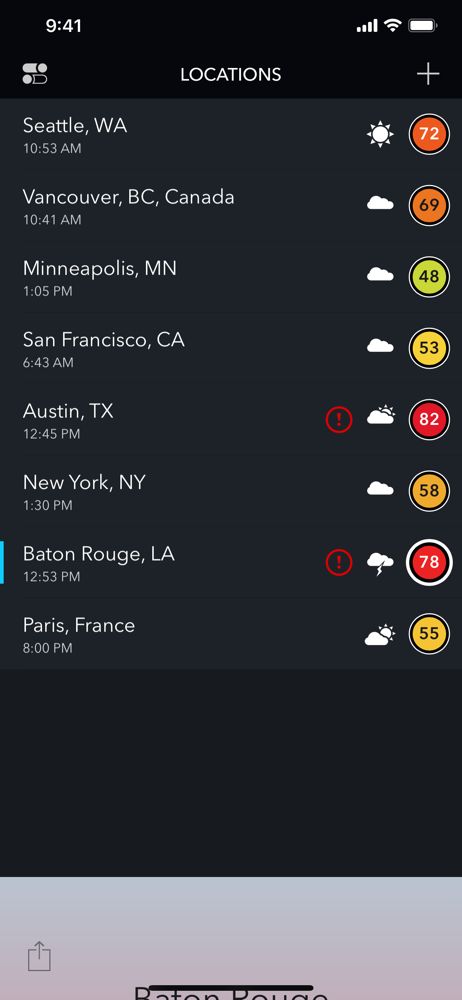
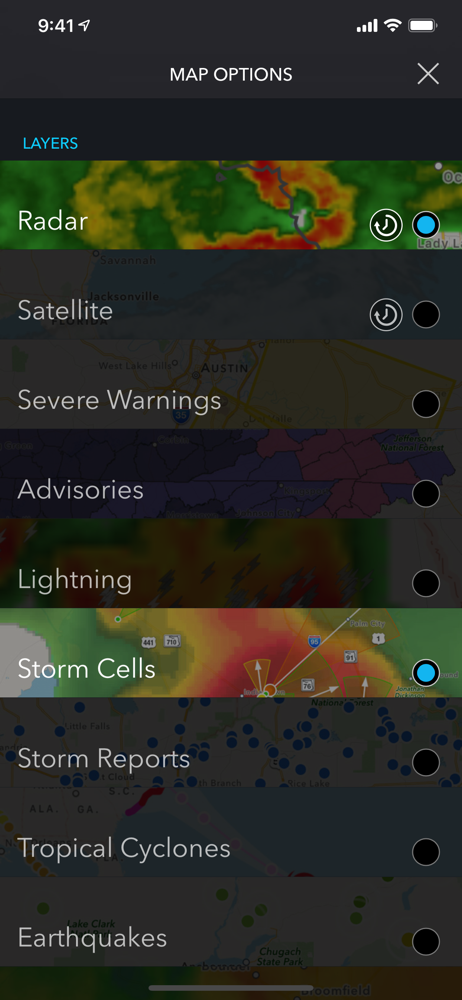
I purchased this App because of its accuracy, but what I didn’t realize was how clunky the user interface is. Why, for example, should we have to tap on the location to get to layers? Should be available on start page. And why should we have swipe down (who knew?) to get other locations. That, too, should be available as a sub menu on the start page. And why do we have to swipe to get settings page (discrete icon, upper left), which is 2 clicks in?? Crazy. And swipe functionality is super stingy. Regularly have to swipe a 2-3 times to get to locations page. These are quibbles, but they play into ease of use, and when I’m driving and want a quick look at where I’m going (as opposed to where I am), I don’t want to have to search to find what I’m looking for. All that said, if you want accurate precipitation forecast, look no further. This is the most accurate out there. If they can just improve their GUI, they’ll get 5 stars from me.
I would like to thank the developers for the information and suggestion about the data options setting. Although I did change the data options, I changed it from All (apparently the default) to METAR. Instantly the reported temperatures for the locations I have set fell into line with official data sources for these locations. I have always liked the layout of AerisPulse. Now that the temperature issue is resolved I am once again enjoying AerisPulse. Hence the increase from 3 to 5 stars. Might not make sense to anyone but me, but that is okay. Previous comments: This app presents temperatures that frequently are several degrees off from other weather apps and reporting services. Too, it has been over ten months since an update was issued. Has the app been abandoned?
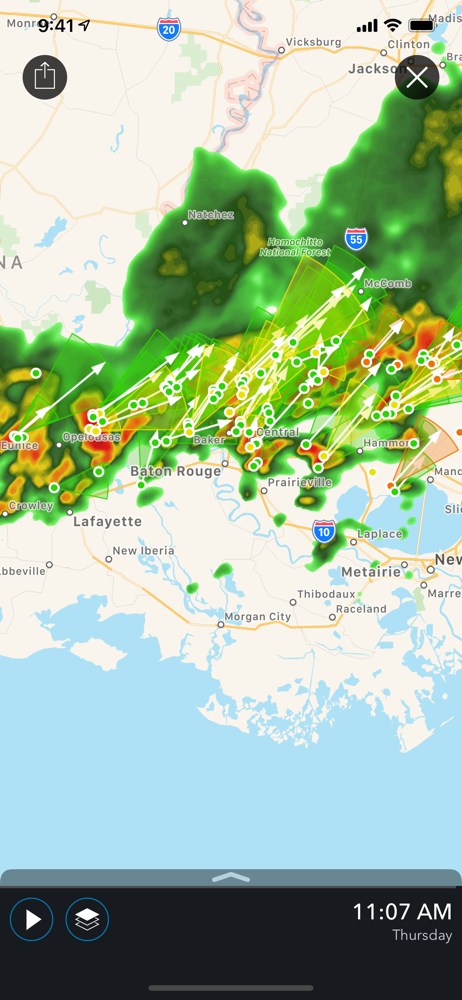
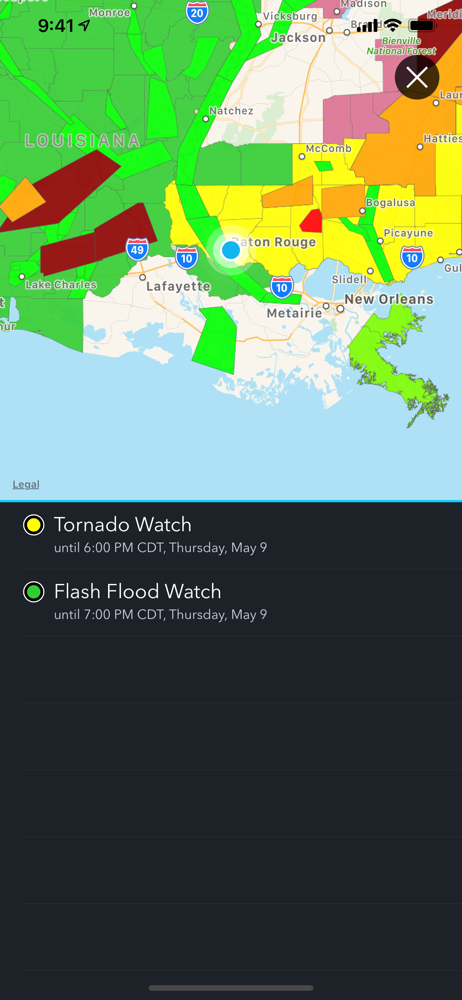
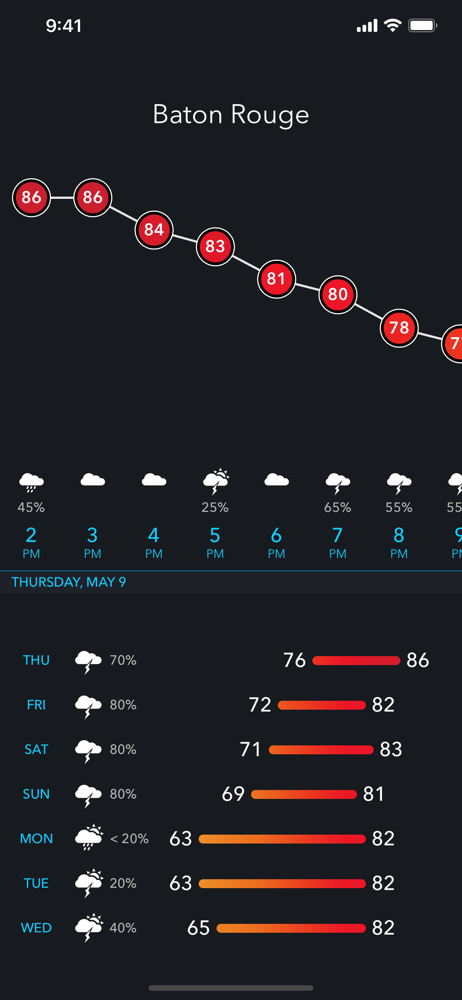
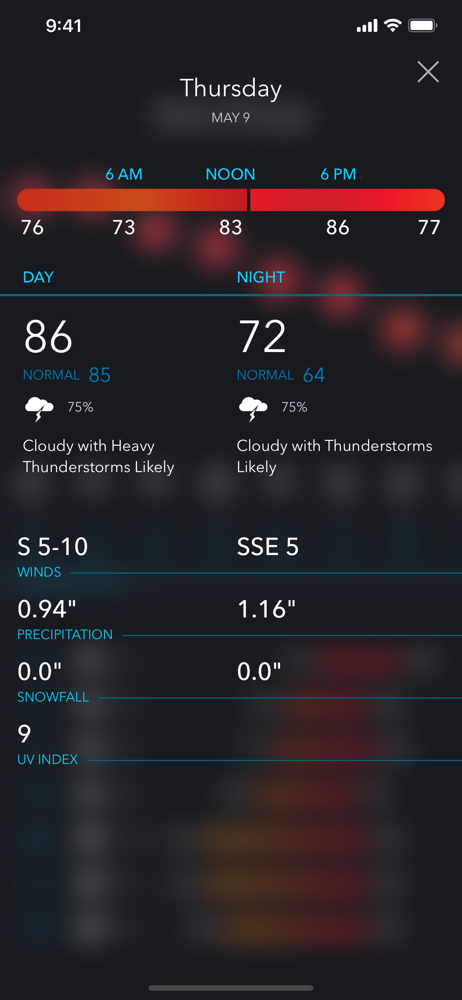
This is really a fine iPhone weather app. Aeris displays a great deal of information in a small space. The landing screen includes text of current conditions or outlook, as well as graphic markers for alerts and in-bound threatening weather. Swipe up, and Aeris displays detail for today and five days ahead. Tap a day and drill in. This is what I like about Aeris: good detail, logically arranged, and no space-filling graphic animations “showing” what I probably already know. Yes, that it’s raining outside. Doh. Beyond that, their forecasts are at least as good as all the other players. I’ve experienced them as slightly better than the Wunder-focused products, and about the same as DarkSky. YMMV, some of this may just be about location and data availability. On the down side, radar can be a little slow in loading and some of the features like “future radar” will cost you. I’ve paid the price because I like the feature and find value for the price. I’ve tried the rest and they all have a place. Sometimes I use them for a month or so. DarkSky gets a run every once and a while. But I keep coming back to Aeris. It’s worth your time.
Be prepared for ever-changing weather with Aeris Pulse, and never be surprised by the weather again! From severe storms to heavy snowfall, Aeris Pulse...
| Name | Price | Type |
|---|---|---|
| Map Expansion - 1 Month | $1.99 | One-time |
| Road Conditions - 1 Month | $1.99 | One-time |
| Expanded Maps - 1 Month | $1.99 | One-time |
| Lightning | $9.99 | One-time |
| Expanded Maps - 1 Year | $11.99 | One-time |
| Map Expansion - 1 Year | $11.99 | One-time |
| Road Conditions - 1 Year | $11.99 | One-time |