
Check the acquisition promise
Read the store headline, screenshots and description. What problem is the app promising to solve?
Study the storefront ↗
KD Navien · iOS
Explore the ad evidence, study the storefront, and build your next acquisition hypothesis.
01 / Creative research
Read the store headline, screenshots and description. What problem is the app promising to solve?
Study the storefront ↗Explore apps with direct store-link matches. Compare their hooks and formats without assuming the same approach works here.
Browse observed advertisers ↗Store rankings and revenue estimates describe market context. They do not establish ad spend, conversions or ROAS.
Review the market context ↗02 / Storefront & product
Study the product story and store experience behind the acquisition funnel.



03 / Market context
Keep revenue, downloads and store rankings separate from advertising performance.
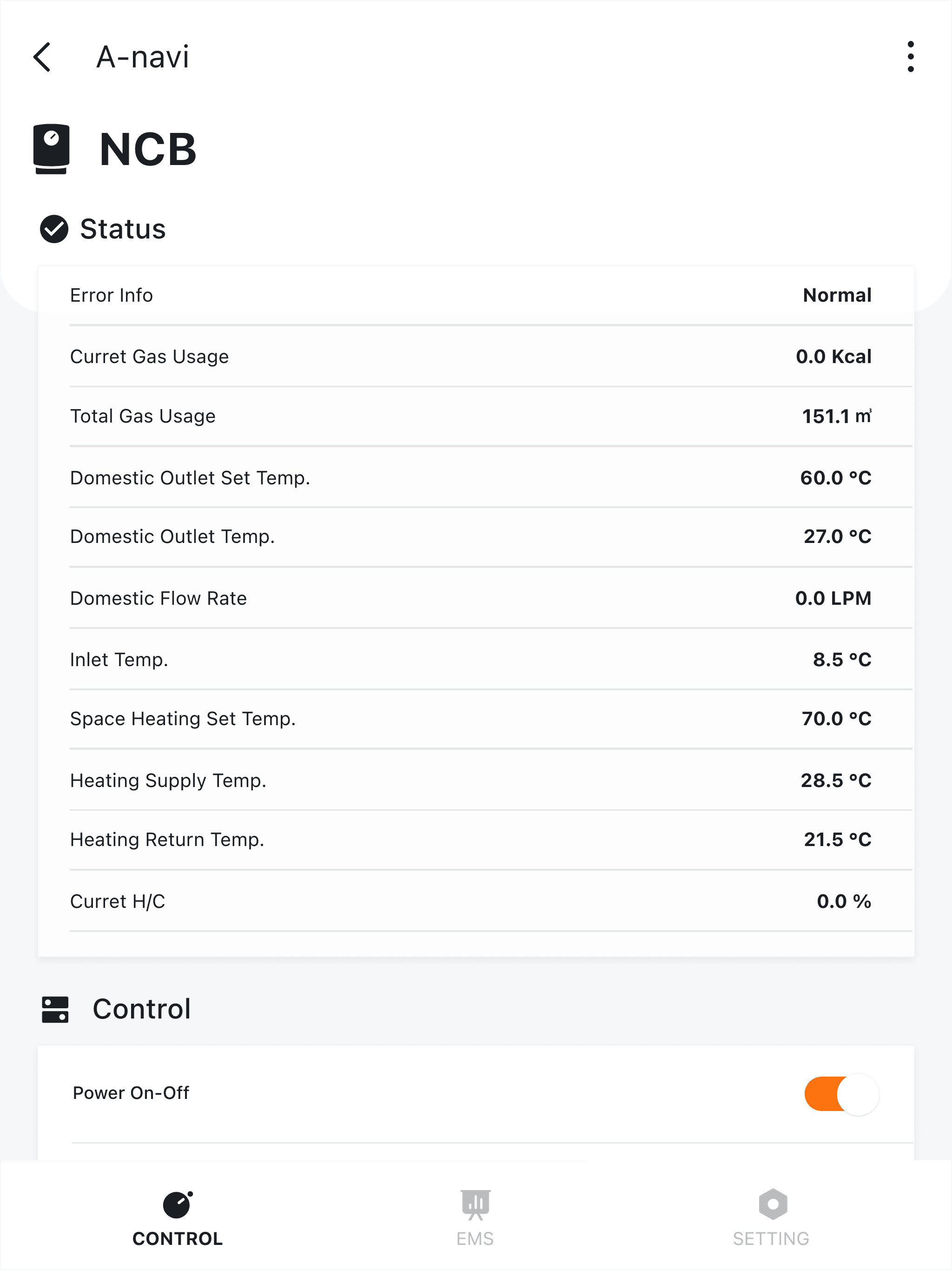
It took way too long trying to connect the app to a Navien heat pump water heater. I tried more than 10 times over a few hours trying to get it to work. The first time was a bad because the heat pump was running when the instructions told me to turn off the water heater. The heat pump slammed off and when it restarted it sounded bad. The setup/shut down should protect the heat pump. IRONICALLY after we finally got connected the firmware update included a heat pump protection update. The set-up issues: the app's instructions do not align with the water heater's set-up instructions. There's 2 different goals. The water heater wants to connect to wi-fi. The app wants to connect to the water heater's bluetooth. The app does not initially show any wi-fi networks, the app does not show a Navien bluetooth object, the water heater just sits there. Somehow after the +10th try the water heater said it had wi-fi and the app let you set the rest up. As far as the app: it's fine and shows more than I expected like heat pump and electric element kWh used, hours used for each. What it does NOT show is current tank temperatures which the water heater's screen does show. The water heater shows a good amount of info. (The water heater's buttons should be backlit with a screen that has better viewing angles). The app should mirror the water heater info. Schedules are very easy to set up in the app. As is switching modes. It seems like there's no delay between the app and water heater and the update felt instantaneous.
I install the NaviLink in the same week of the new heater and it has been working like a charm for the past year. While the hardware may sounds a little expensive, it enables mobile app operations and remote access of all key features of the heater including setup temperature or scheduling heat cycles and others. More importantly it offers the glimpse of your system usage, energy consumption, and your heating habits. You can see how much gas you used and how much water it processed by day, month, and year. The scheduling part needs a little trial and practice. But once done you don’t need to touch it. Overall it is an excellent value for your modern heater.
My Navien CombiBoiler shows the hydronic loop pressure on the front panel but NaviLink does not report it at all. When traveling, the system pressure is something I really need to monitor. Love the informational use of this app, but it’s of limited use for remote monitoring without being able to see the pressure reading.
[What's New] - New IoT Module connection - NAE28V New product added ---------------------------------------------------------------------- NaviLin...


