
Check the acquisition promise
Read the store headline, screenshots and description. What problem is the app promising to solve?
Study the storefront ↗
Watts Water Technologies · iOS
Explore the ad evidence, study the storefront, and build your next acquisition hypothesis.
01 / Creative research
Read the store headline, screenshots and description. What problem is the app promising to solve?
Study the storefront ↗Explore apps with direct store-link matches. Compare their hooks and formats without assuming the same approach works here.
Browse observed advertisers ↗Store rankings and revenue estimates describe market context. They do not establish ad spend, conversions or ROAS.
Review the market context ↗02 / Storefront & product
Study the product story and store experience behind the acquisition funnel.


03 / Market context
Keep revenue, downloads and store rankings separate from advertising performance.
It took a while but they finally updated the app so that the Floor temperature (for radiant heat) as well as Humidity and Fan Speed are now displayed on the main thermostat page with easy access to the Floor heat settings. THANK YOU!!! This is so helpful and makes the whole system easier to use and much more functional. We really love the Watts app and the TekMar thermostats. (Using model 563) 🙏🏼👍🏼👍🏼👍🏼 App updates keep getting better and better! Now with the Dark mode and feedback on the dashboard that shows which zones are currently cooling or heating, as well as the temp and setting. Thanks for continuing to make improvements! Highly recommended!
My thermostat says good WiFi connection but the app says offline. I guess you can’t depend on the app being good to communicate with the thermostat! I was provided this thermostat with my new furnace and for the price I would expect better. It does seem to controll the furnace ok but using the WiFi is very undependable. It disconnects from the router randomly and for no known reason. It still has the SSID information but nothing else so you have to join the system again to get it to work and for how long is the question. I have several different devices on my system and none of them disconnect unless I do it personally. The app is very limiting as to the report of how the function of the furnace is running on high for how long or at what speed. It just says it has been running. A simple air switch would tell me that and wouldn't cost near as much. I was thinking this would be a good addition to my system but I guess I'm wrong. I will have to get something different that is dependable so I can trust it when I'm gone from the house. Here we are almost a week later and no reply out of tech support that I emailed on October 9th. Today I spent 20 minutes on hold waiting to talk to support and was not successful. The hold messaging led me to another app which worked about as good as nothing. I have called the installer and told him to find something different where they may have tech support!
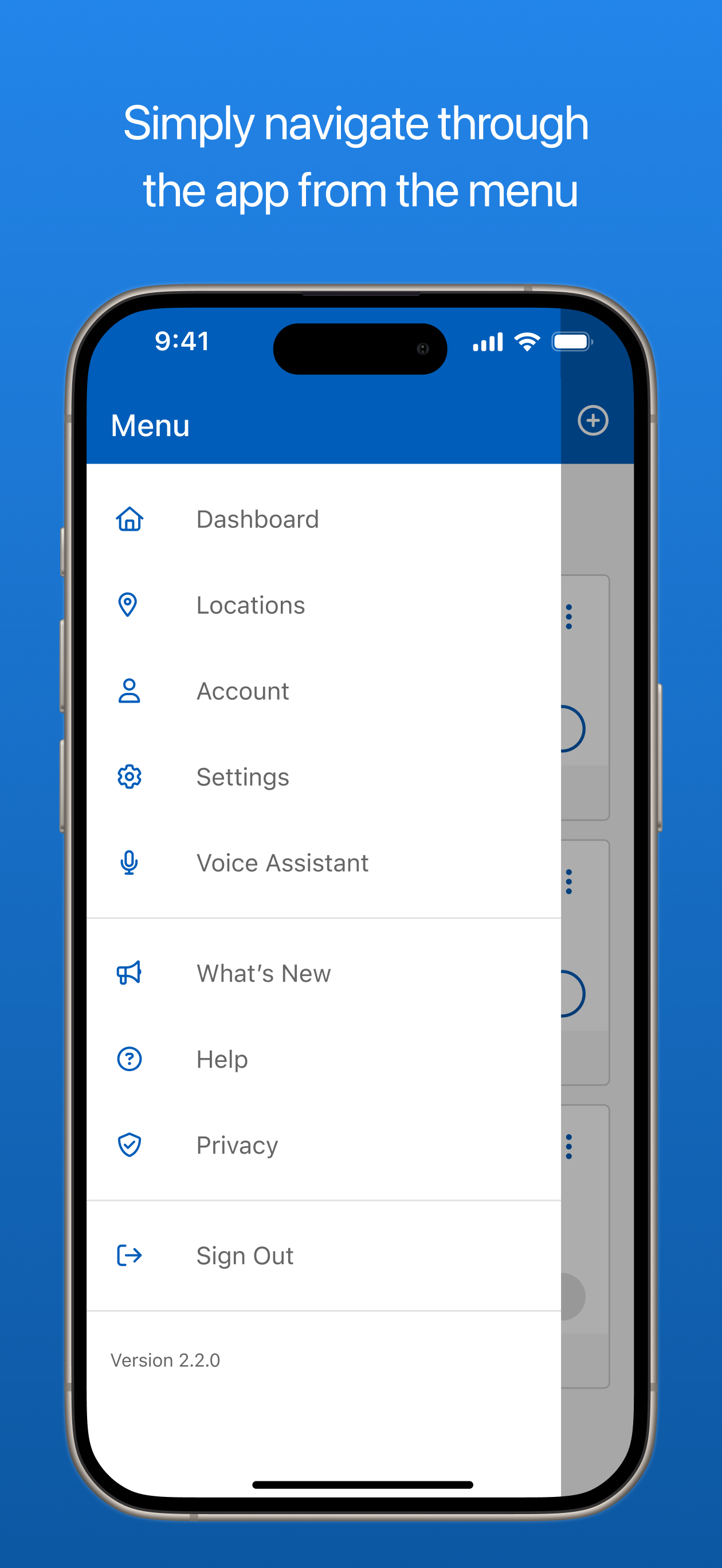
Use the Watts® Home app to remotely monitor and control all of your Watts connected home solutions from your mobile phone. Watts® Home gives you more...


