
Check the acquisition promise
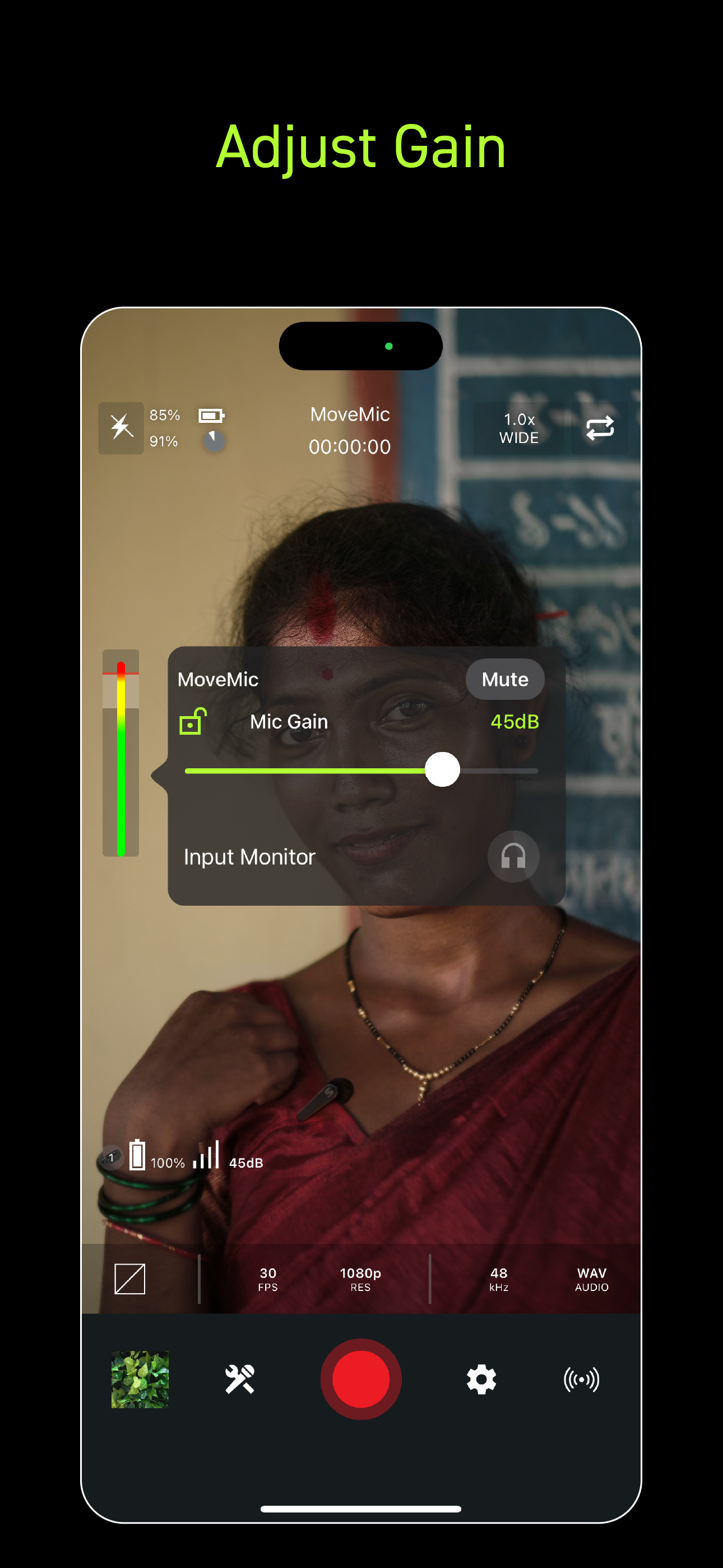
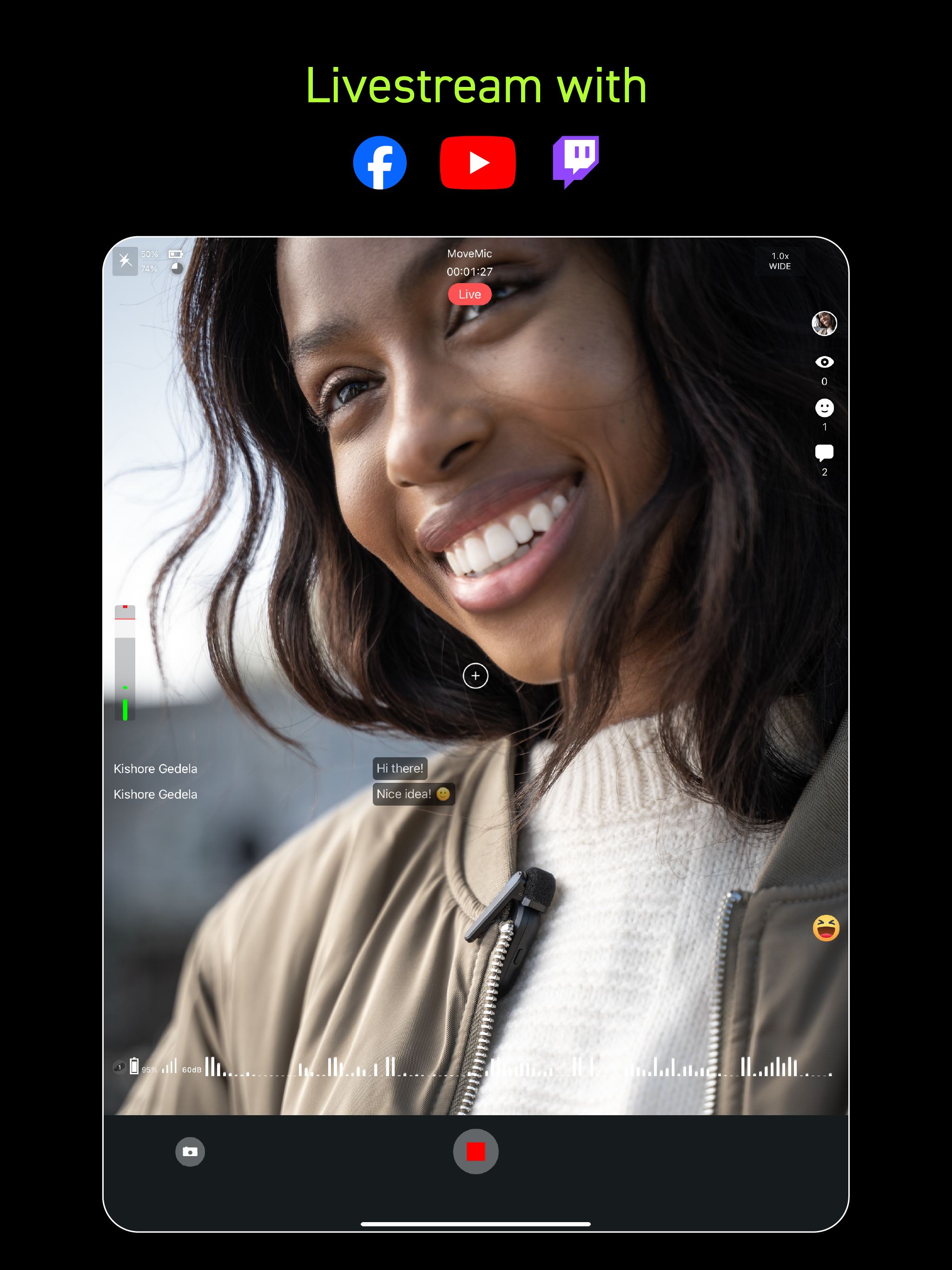
Read the store headline, screenshots and description. What problem is the app promising to solve?
Study the storefront ↗
Shure · iOS
Explore the ad evidence, study the storefront, and build your next acquisition hypothesis.
01 / Creative research
Read the store headline, screenshots and description. What problem is the app promising to solve?
Study the storefront ↗Explore apps with direct store-link matches. Compare their hooks and formats without assuming the same approach works here.
Browse observed advertisers ↗Store rankings and revenue estimates describe market context. They do not establish ad spend, conversions or ROAS.
Review the market context ↗02 / Storefront & product
Study the product story and store experience behind the acquisition funnel.




03 / Market context
Keep revenue, downloads and store rankings separate from advertising performance.
This software is an all-in one recording package when paired with the Shure MV-88+ mic. For beginners, it has simple presets. For those who want to tweak settings, it has mic pattern, gain, limiter, eq, and compression. It works consistently and without issue. However, you DO need to practice with it. It is simple to use, but there are so many options that it helps to test at home before the event. (Remember to put your phone on Do Not Disturb and Airplane Mode!) This software and mic reward recording knowledge. While you can get by with a preset, understanding the basics of live audio recording will be a welcome investment with surprisingly large returns in such a little package. I’ve been a recording enthusiast for 30 years and remember when the features on this app would have been six separate 19” racks. I use this gear to record live bands and orchestras (volunteer, not paid). I have not used it with other Shure mics other than MV-88+. I did buy the MV-88+ kit with Pixi tripod and phone clamp/mic holder. It is a brilliant package. I also purchased the fuzzy mic cover for wind protection. Note that if you use the fuzzy wind cover and wide angle lens, you should invert the phone so the wind cover and camera are as far apart as possible to avoid picking it up in-frame. It is great. Enjoy!
Whenever I record a longer video the app won’t transfer it to my photo library on my phone. I know there are trouble shooting options involving connecting to a computer, but i think its pretty lame that that’s the only solution. I feel like that could be addressed better by developers. Also the suggested work arounds, so far, have not worked for me so I'm stuck with video that is only viewable in the Motiv app. All that being said, I do appreciate the quality of recordings and the intuitive/extensive settings options that the app offers, and i love the mv88+ for what it is (do wish it was capable of live streaming without interference noise from cell data but i get that’s not the intended application for this device). I hope developers can resolve this one caveat because none of the recording quality or app intuitiveness matters if I can’t use the videos I take outside the motiv video app conveniently. If I wanted to plug something into my computer to transfer files, I would have opted for a standalone handheld recording device.
I wish I’d read more reviews on this because I had the same issue of a recording not saving onto my camera roll (some sort of recording error) and I ended up losing some important work. I could still replay it in the app temporarily but the exporting didn’t work and after I did another test recording, I think my phone overwrote the file with the new recording and there was no existing menu option or anything where I could access/export the previous lost recording (i tried to email it to myself after a pop up came up but the email itself was empty with no attachments. It’s just gone). Beware guys! Just in case I would enable “iOS screen recording” from your control center so worst case scenario if you can play the video, you can brute-force record it on your screen at least and save yourself the hassle with some sort of workaround. other than that I want to suggest adding a “pause recording” button or “save draft” or something since these are constrained by phone battery life too. I can barely get over an hour’s footage on mine before needing to recharge
MOTIV Video brings the extraordinary sound you expect from Shure to the videos that matter most to you. Whether you’re capturing a performance, filmin...


