
Check the acquisition promise
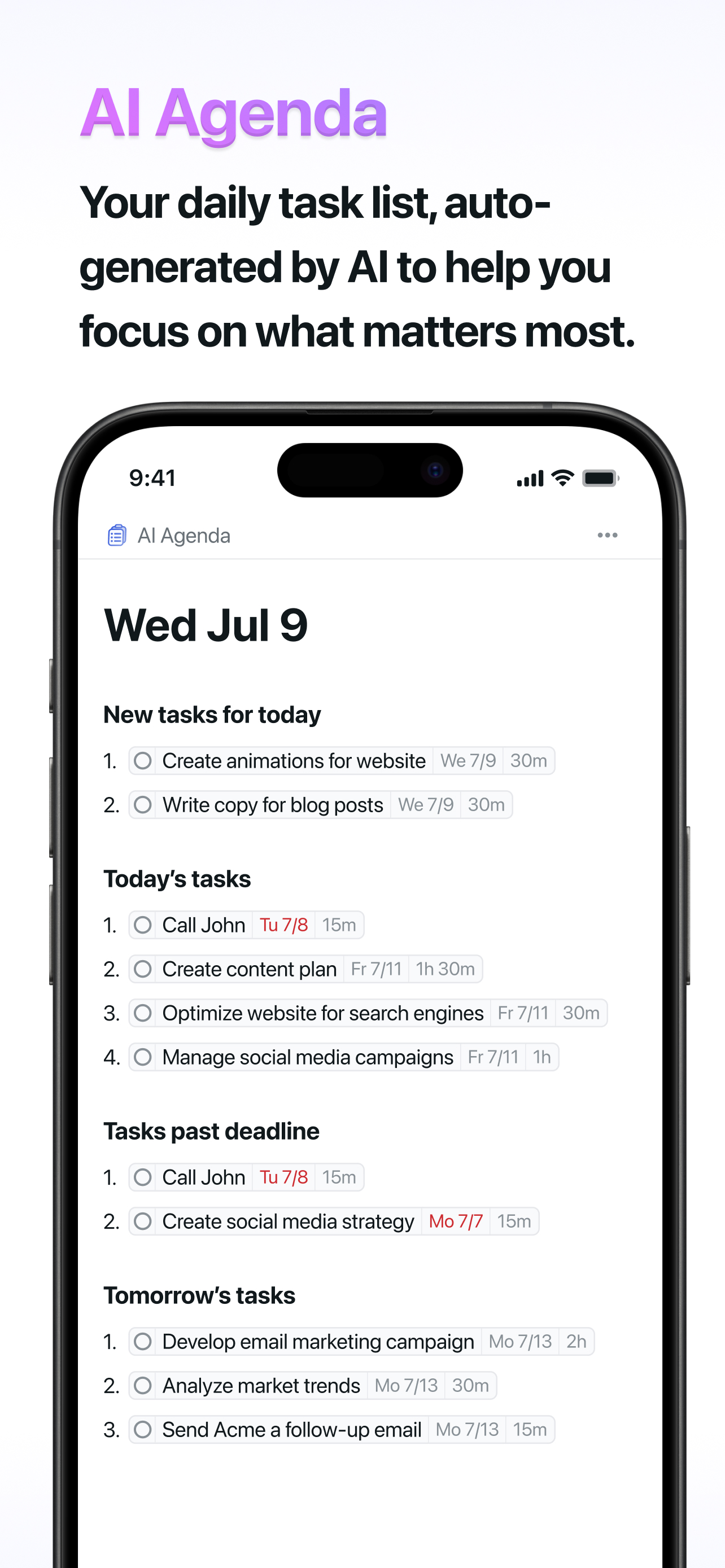
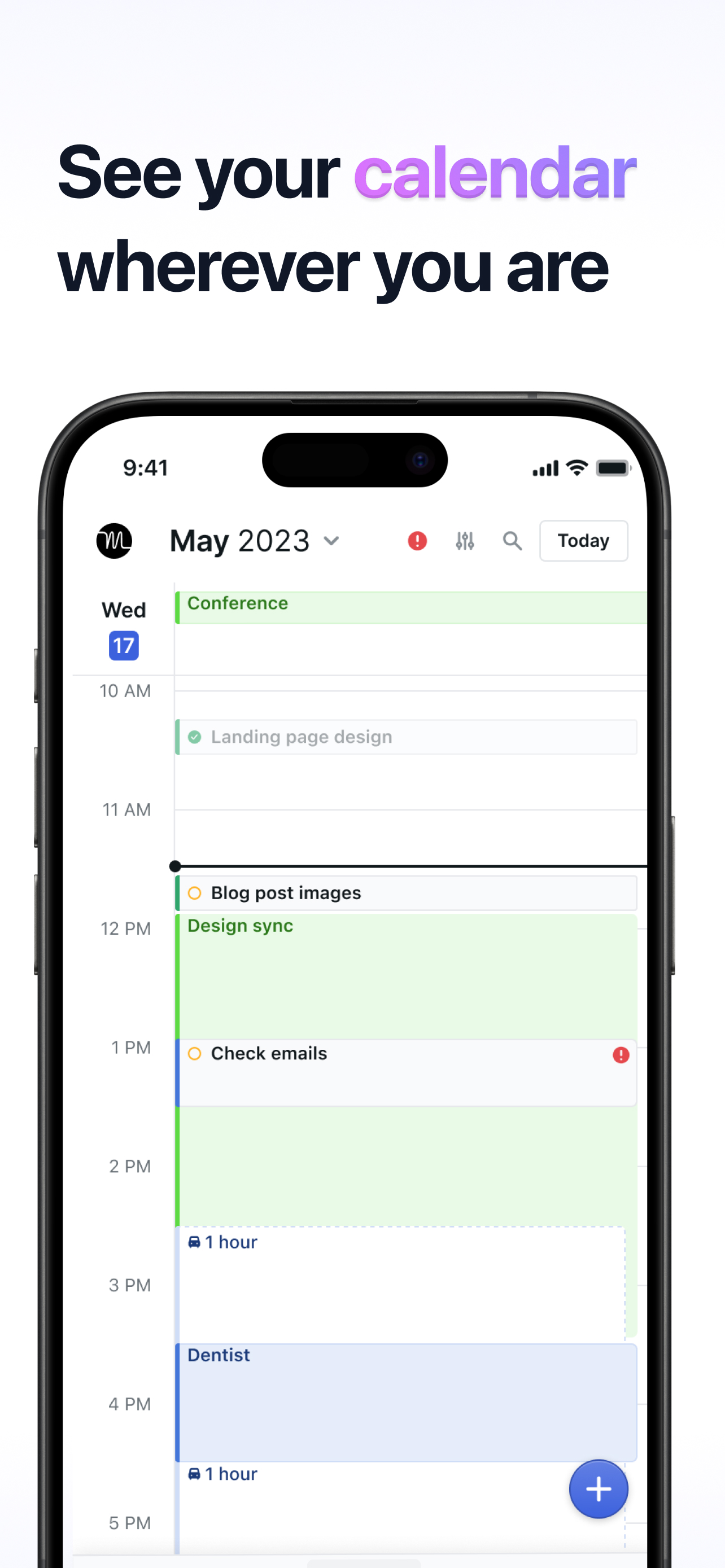
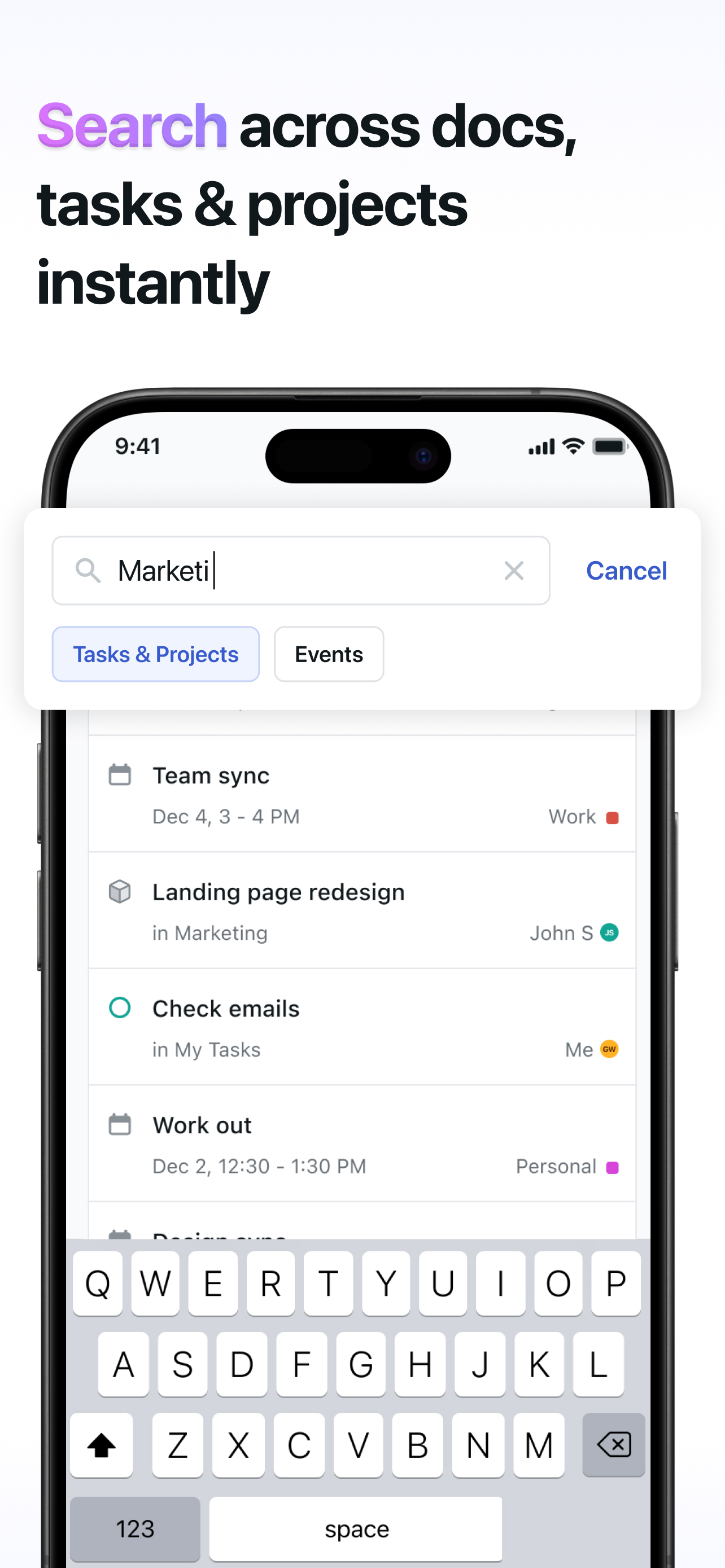
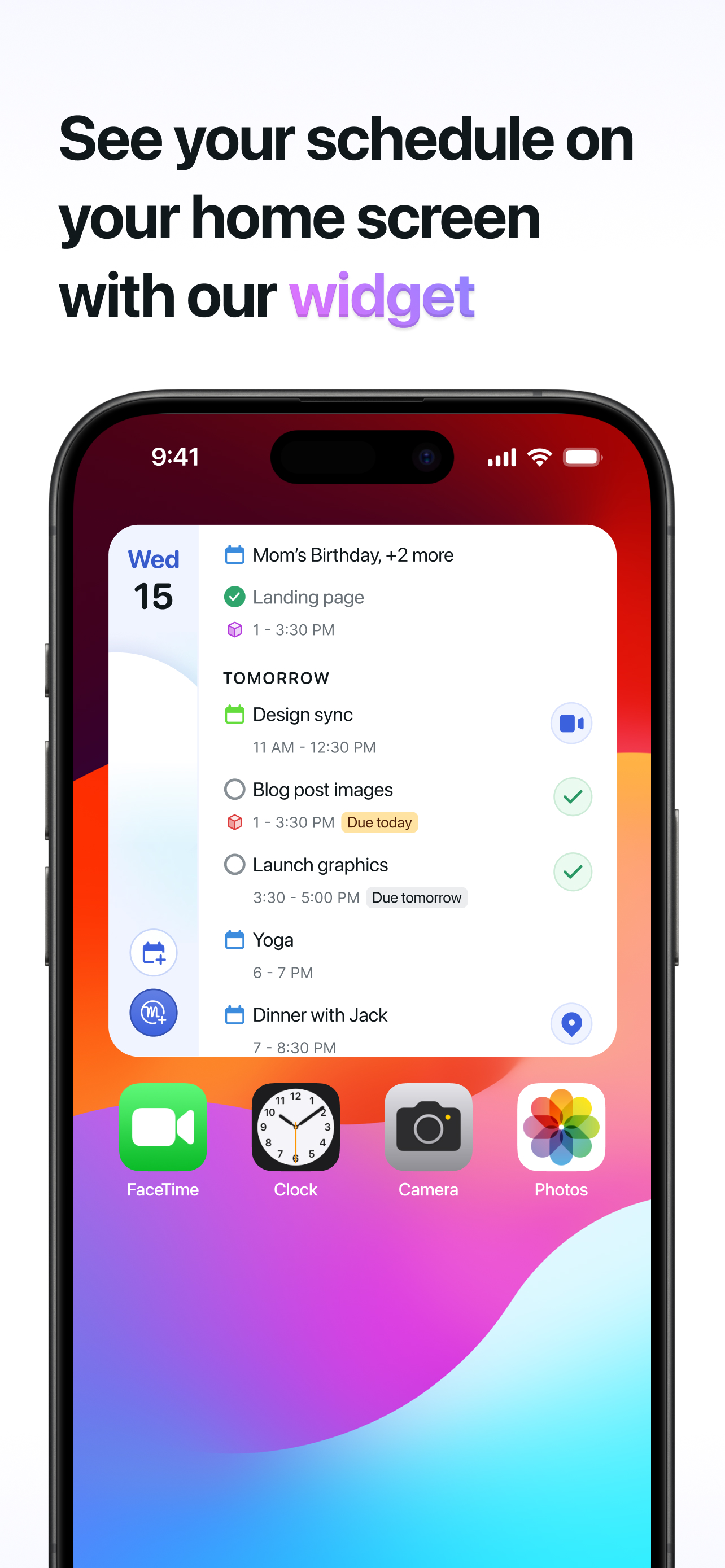
Read the store headline, screenshots and description. What problem is the app promising to solve?
Study the storefront ↗
NexusBird, Inc · iOS
Explore the ad evidence, study the storefront, and build your next acquisition hypothesis.
01 / Creative research
Read the store headline, screenshots and description. What problem is the app promising to solve?
Study the storefront ↗Explore apps with direct store-link matches. Compare their hooks and formats without assuming the same approach works here.
Browse observed advertisers ↗Store rankings and revenue estimates describe market context. They do not establish ad spend, conversions or ROAS.
Review the market context ↗02 / Storefront & product
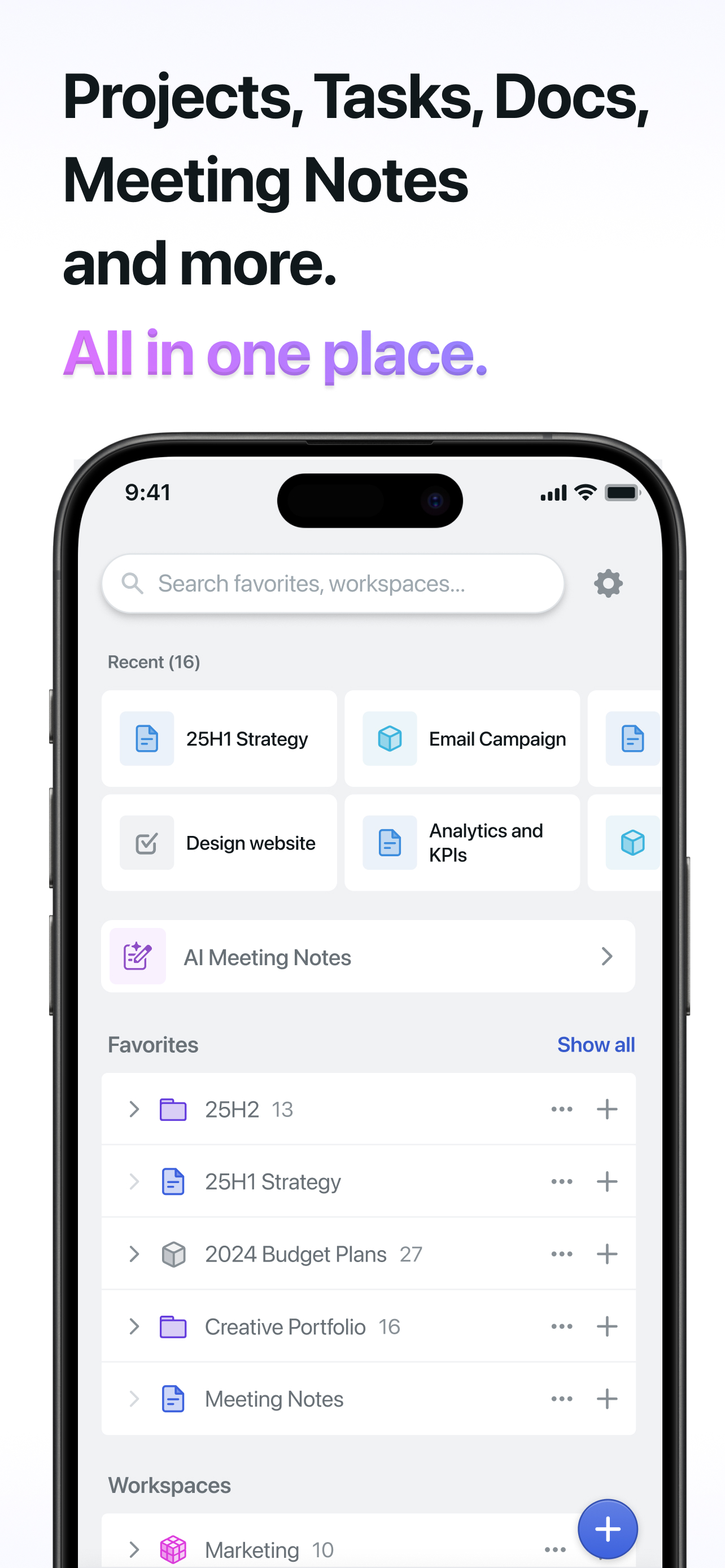
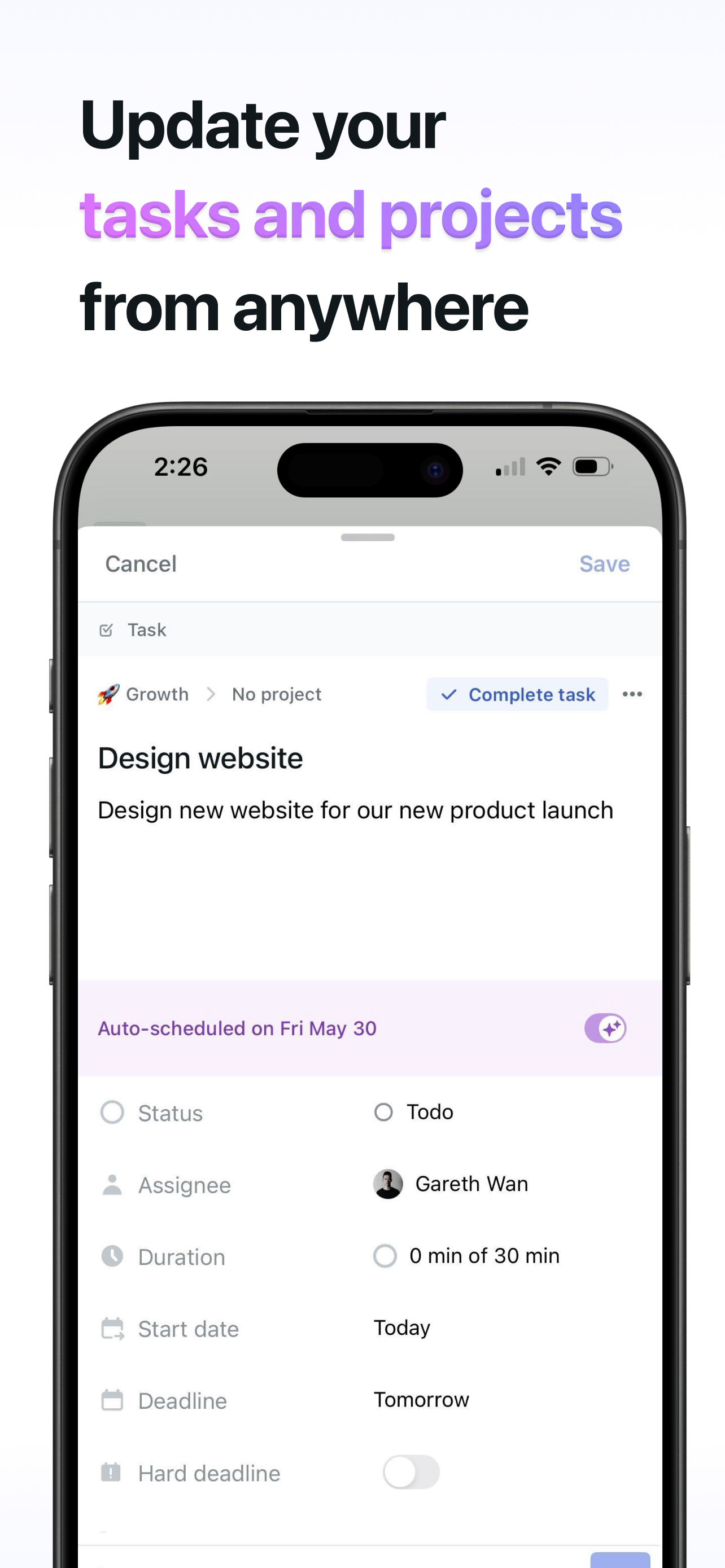
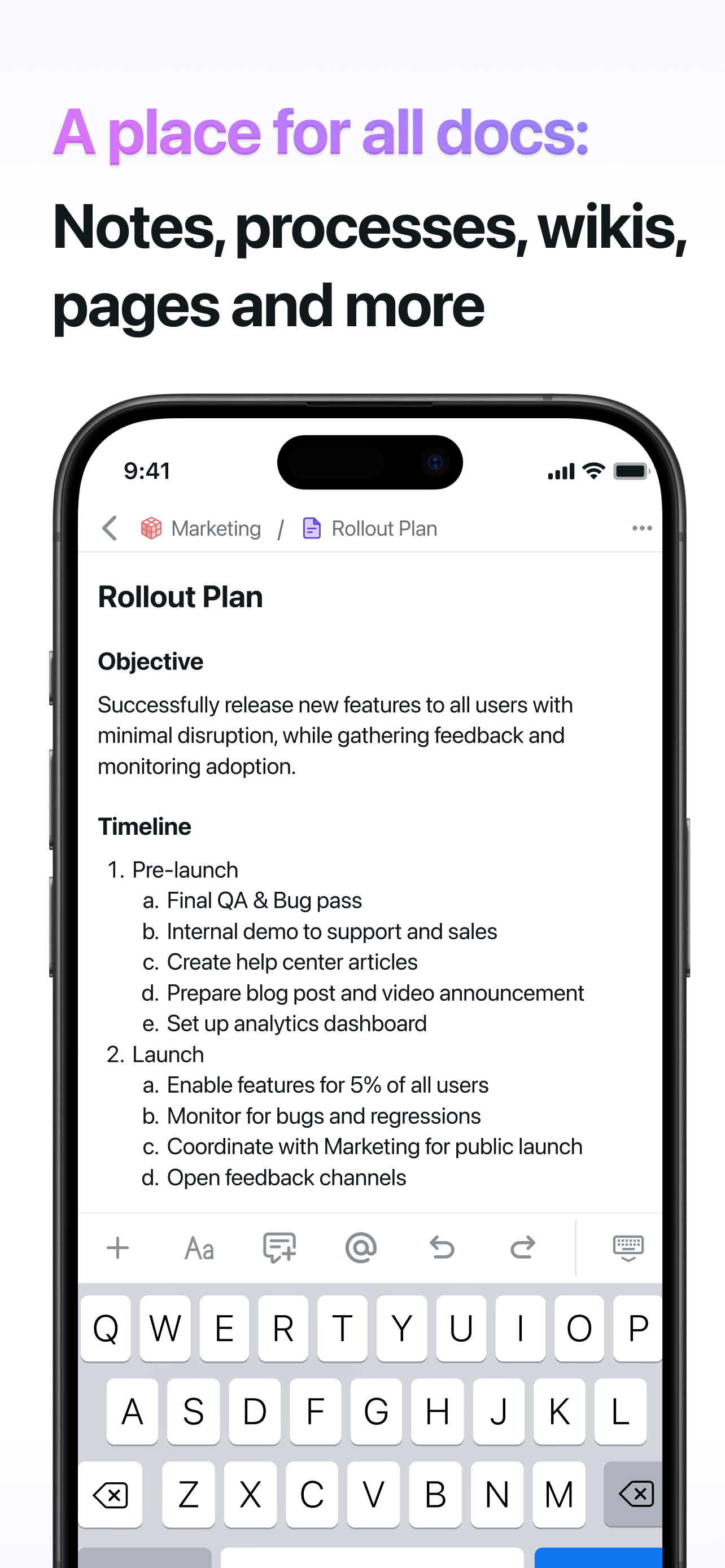
Study the product story and store experience behind the acquisition funnel.
03 / Market context
Keep revenue, downloads and store rankings separate from advertising performance.
This app is so user friendly and I love how it keeps in sync with my Google calendar. I use it so much that I actually made it one of my 4 shortcut icons across the bottom of my phone. My favorite thing about it is as my day goes on and surprises happen, my to do items shift around throughout the day. So if i planned to take 2 important things and 1 low priority thing from 10:00-11:00, but I ended up in a conference call and didn’t do the tasks …when 11:00 hits and I haven’t checked them off, the rest of my day reschedules to make sure I get those 2 important things in somewhere…maybe a few low priority things will shift to tomorrow in order to free up the time. I LOVE a paper calendar with multi colored markers and to do lists…but this is MUCH more efficient because I can plan my day out all that I want, but surprises and emergencies are inevitable. No more drawing arrows all over my paper calendars to show where I’m moving a task to 😂 I also love that the recurring task feature is flexible…so for example I do payroll every 2 weeks and it just has to be done by Wednesday at noon. I have the task recurring every 2 weeks from Monday-Wednesday, and motion will fit it into a convenient spot so I’m not scrambling at the last minute- I’m usually getting payroll in a day or two early now! Worth every penny for this mom of busy teens, medical provider, multi-practice owner with rentals and caring for elderly relatives.
An unforgivable experience for the exorbitant price they charge. With $13 million, you’d think they’d be able to pull together a nice iOS experience. But it seems this app is lacking in a lot of ways compared to even the most basic calendar apps. 1️⃣. No widgets: People nowadays are used to the convenience of seeing their calendar on the Home and Lock Screen. Motion becomes a large hassle for anyone used to seeing their upcoming events and tasks at a glance. 2️⃣. Lacklustre Siri integration: It’s more of a shortcut workaround than an actual Siri integration. 3️⃣. Lack of notifications: Weird that my calendar /todo/everything app has little to no notifications and zero customisability. 4️⃣. Small missing Motion features: More standard calendar things like travel time and month view seem to have been omitted in the rush to create a mobile experience. Even something as basic as not having to reconfigure how you’ve arranged your tasks/projects in the Projects view every single time you open the app! Migrating over from Fantastical, which has had these basic functionalities from its early days, it becomes quite disappointing to use Motion on iOS. This isn’t a new-to-the-market calendar app anymore. The app is already quite clunky due to the lack of NLP that makes adding events and tasks take longer than it should. Hopefully they prioritise the iOS app soon because much of the online sentiment for Motion seemed to include complaints about this poor experience.
I have 3 clients. Each of these clients have me work on multiple projects: course creation; content creation; student training, etc. Each of these projects are different priorities with different due dates and some will take longer to complete than others. A couple days ago I found myself with a 5 hour block with no meetings and was so excited to actually get some work done …and had no idea what to do. I’ve also thought Time Blocking was arbitrary and therefore I was resistant. But now, Motion looks at my workload across all my clients, factors in priorities, durations, and due dates and tells me what to work on and I AM HERE FOR IT! It’s taking me a little time to figure out how to “set up” but I’m getting there. (Example: do I need to identify tasks and subtasks, or is it enough to enter the task, estimate the total duration to finish and allow Motion to break that time into chunks? So far the latter is much easier/faster and works for many of my simpler projects). Today, I’m setting up Motion with Siri, so I can add tasks on the fly. I’ve been a customer for like 4 days and I think I’m in love.
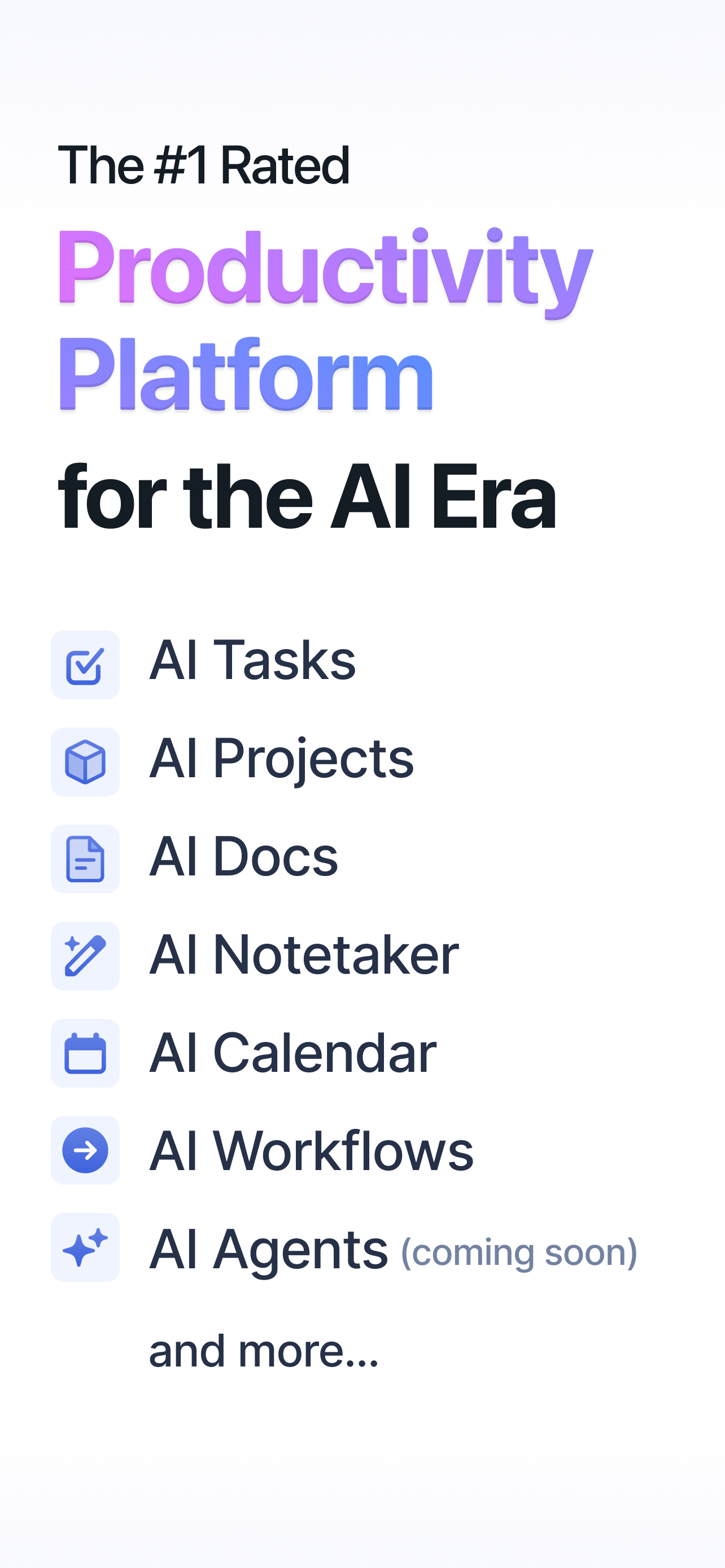
Use AI to get work done 2x faster with 90% less check-ins, emails and messages, meetings, status updates. Ranked #1 fastest-growing product by Amplit...
| Name | Price | Type |
|---|---|---|
| Monthly | $44.99 | Monthly |
| Annual | $294.99 | Yearly |


