
Check the acquisition promise
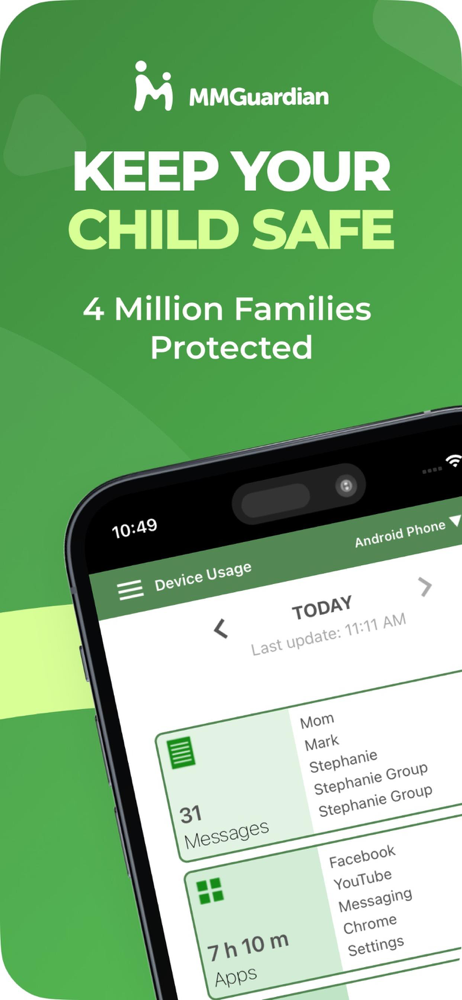
Read the store headline, screenshots and description. What problem is the app promising to solve?
Study the storefront ↗
Pervasive Group Inc. · iOS
Explore the ad evidence, study the storefront, and build your next acquisition hypothesis.
01 / Creative research
Read the store headline, screenshots and description. What problem is the app promising to solve?
Study the storefront ↗Explore apps with direct store-link matches. Compare their hooks and formats without assuming the same approach works here.
Browse observed advertisers ↗Store rankings and revenue estimates describe market context. They do not establish ad spend, conversions or ROAS.
Review the market context ↗02 / Storefront & product
Study the product story and store experience behind the acquisition funnel.




03 / Market context
Keep revenue, downloads and store rankings separate from advertising performance.
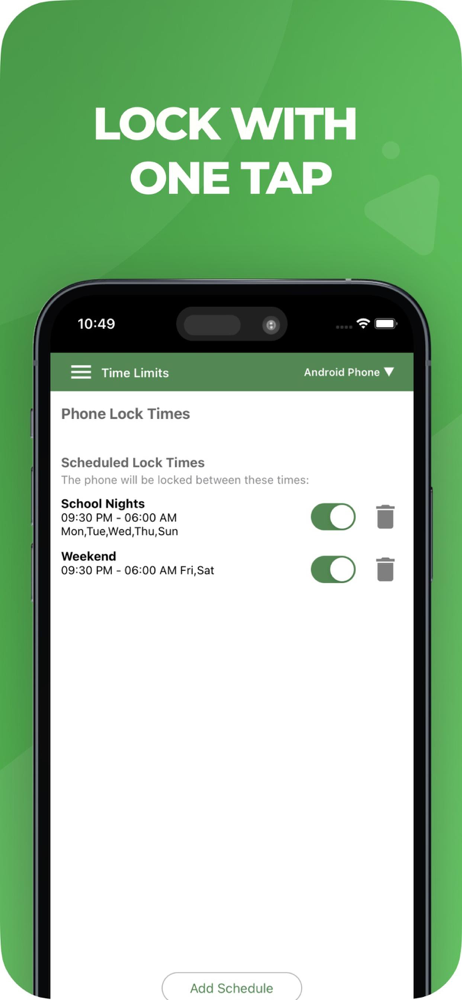
We used these controls for our son’s first phone, but he switched to an iPhone after a while. Apple has their own controls and makes it very difficult to use other parental control apps, so we made due with Apple’s controls… for a time. We just broke down and bought him a Samsung solely so we could go back to using mmguardian. We rarely, if ever, experience weird glitches like we often experienced with Apple. The app is simple and strait-forward, yet it has everything we are looking for: location, copy text messages, app controls, internet controls, hotspot controls, setting usage hours, ease of locking and unlocking. The lock feature is great because it’s set with a timer in case you unlock the phone and forget to lock it again. We’ve used three different parental control apps and mmguardian is by far the best we’ve seen!
This app has been great!!! We feel confident in letting our daughter hang out with her friends since getting this app! We know where she is at with the location feature. I know if something is going on that I need to intervene with the device usage message feature (I haven’t used it because I don’t want to read her messages unless I feel like something is wrong. Then I will!) the app block feature lets me block apps during school hours. I like the web feature for weeding out content. I also like that it alerts me if there is conversation on suicide, if there are pictures that might be inappropriate. My daughter sent a picture of her arm to me and they sent me a low level adult image alert for it. I am overall please with this app! Her safety is more than worth the money
This is absolutely maddening. The browser works but that is about it. Every night I have to try to get my daughter’s phone to connect and stay connected long enough ON A HOME COMPUTER not my phone to generate a log file that then goes to my phone. Her messages are usually about 50% there with the other half showing like they never existed. This would all be completely useless if I didn’t have physical access to my daughter’s phone every night for a couple hours. The log takes forever to generate IF it works at all. I give two stars simply for the browser control and the location being accurate. But the lack of stability with messaging is just ridiculous and I’ve wasted so much time for weeks trying to get the syncs to work correctly who knows what has been missed completely. Btw there is no “deleted messaging” capability that has every worked in any way shape or form with this software system. I worked for Google for years so I’m certainly capable of using a system that is supposed to work the way this one is meant to. It is just garage for messages.
MMGuardian Parental Control helps parents keep their kids safe online. Parents can manage screen time, track location, block apps, and monitor kids ph...
| Name | Price | Type |
|---|---|---|
| Monthly Subscription | $4.99 | Monthly |
| Family Monthly Subscription | $9.99 | Monthly |
| Annual Subscription | $49.99 | Yearly |
| Family Annual Subscription | $99.99 | Yearly |


