Check the acquisition promise
Read the store headline, screenshots and description. What problem is the app promising to solve?
Study the storefront ↗
MikroTik · iOS
Explore the ad evidence, study the storefront, and build your next acquisition hypothesis.
01 / Creative research
Read the store headline, screenshots and description. What problem is the app promising to solve?
Study the storefront ↗Explore apps with direct store-link matches. Compare their hooks and formats without assuming the same approach works here.
Browse observed advertisers ↗Store rankings and revenue estimates describe market context. They do not establish ad spend, conversions or ROAS.
Review the market context ↗02 / Storefront & product
Study the product story and store experience behind the acquisition funnel.


03 / Market context
Keep revenue, downloads and store rankings separate from advertising performance.
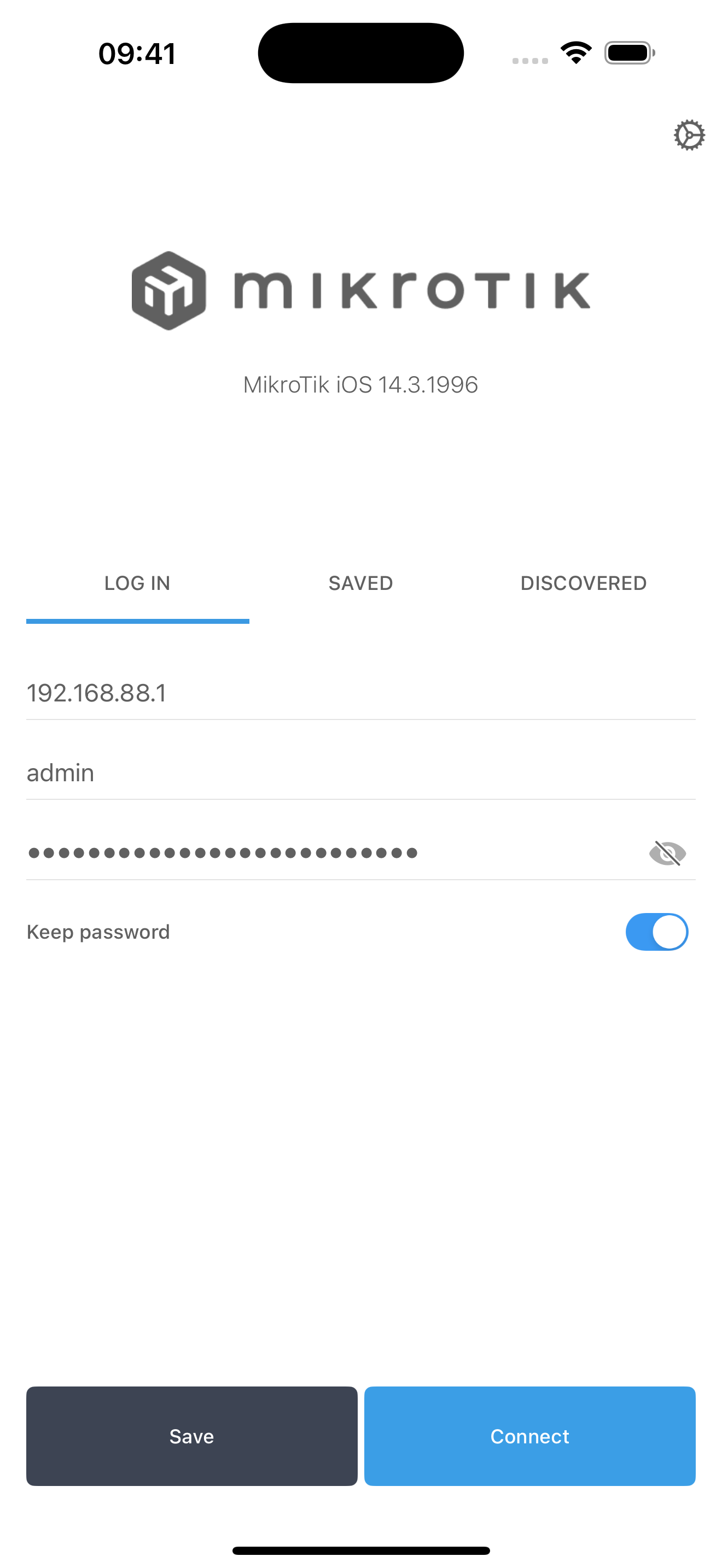
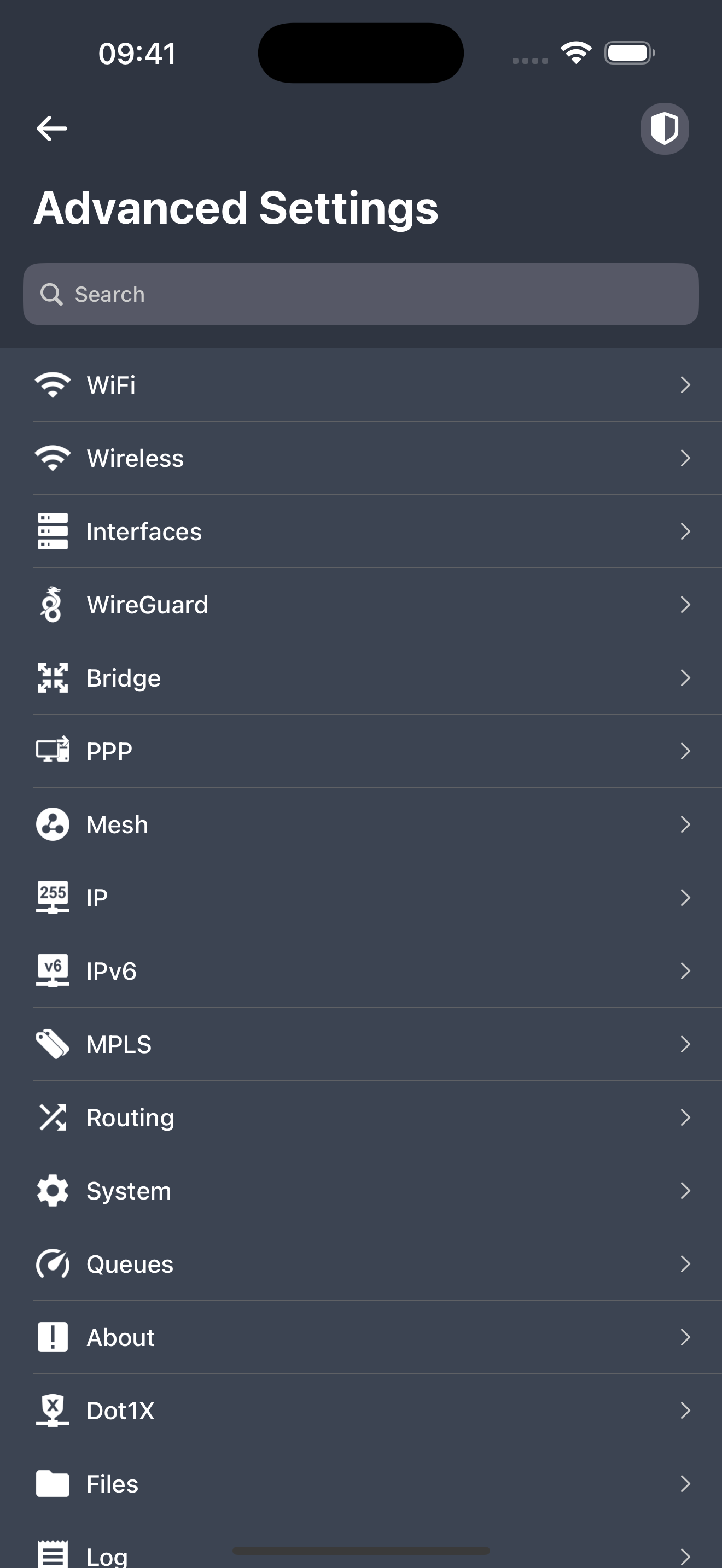
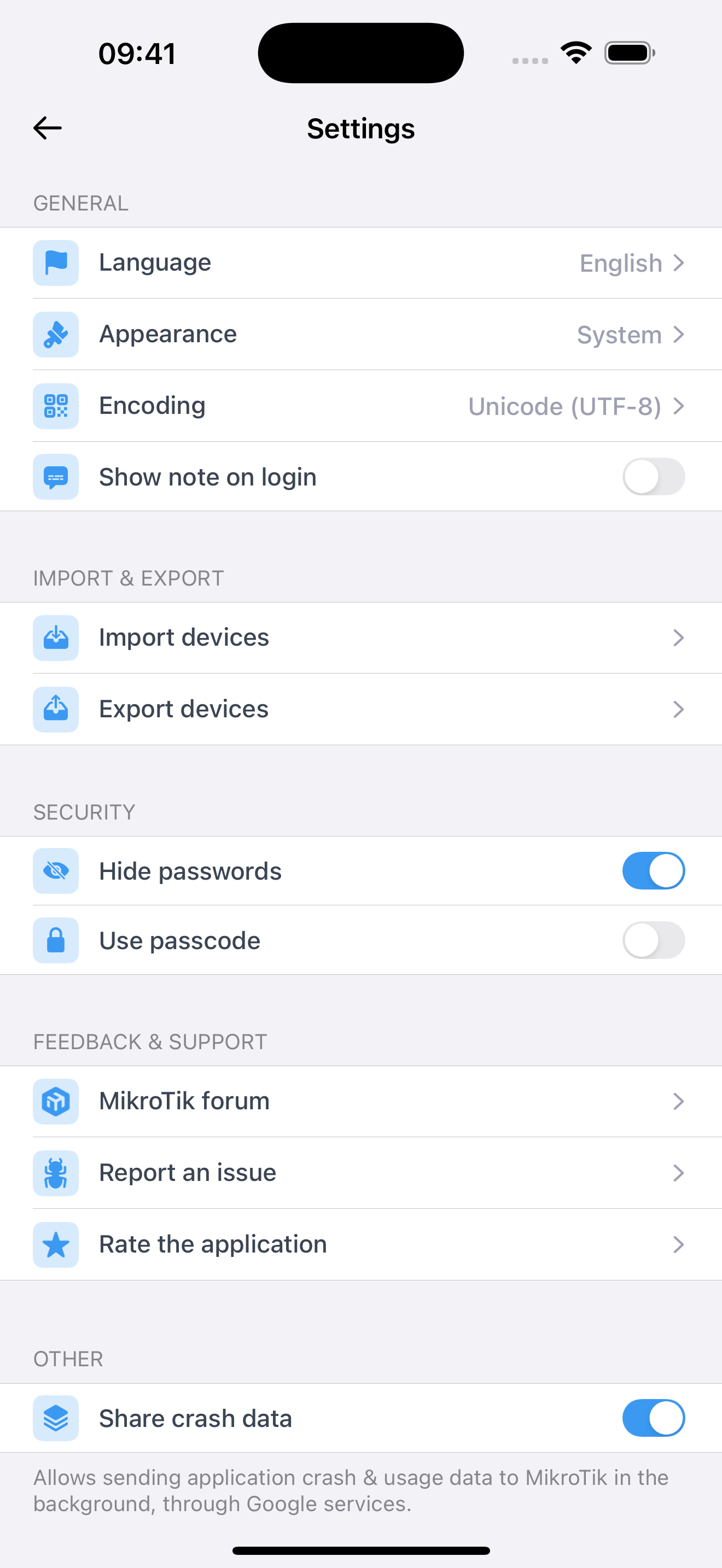
The MikroTik iOS app impresses with its extensive array of features for managing MikroTik routers. It provides a user-friendly interface that makes network management accessible on the go. The inclusion of various functionalities adds immense value, allowing users to configure and monitor their routers efficiently. However, I find myself longing for the integration of a terminal for CLI management and commands. As someone who heavily relies on the command line interface for precise control and configuration changes, the absence of this feature is noticeable. Additionally, I believe there’s room for improvement in the user interface, particularly in the User-Manager and Hotspot management sections. The inability to bulk delete users in the Hotspot management is a notable limitation, and enhancing this functionality would significantly streamline user management. In summary, the MikroTik iOS app stands out for its feature-rich approach, but the inclusion of a terminal and improvements in user-manager improvements would elevate its functionality to new heights.
It’s good to have a Mikrotik app, but it’s not even close to the web interface, especially on an iPad. A few (IMO important) quirks: 1) No landscape mode on the iPad? What is going on? It used to work, if I remember correctly. Now, out of nowhere, it’s stuck on portrait mode. It’s not good and I already have an aching neck. 2) I can see the registered devices on each wireless interface very neatly on the first screen. Good. But I can’t do anything (like remove them etc)??? Why is that? Is it just half-baked?
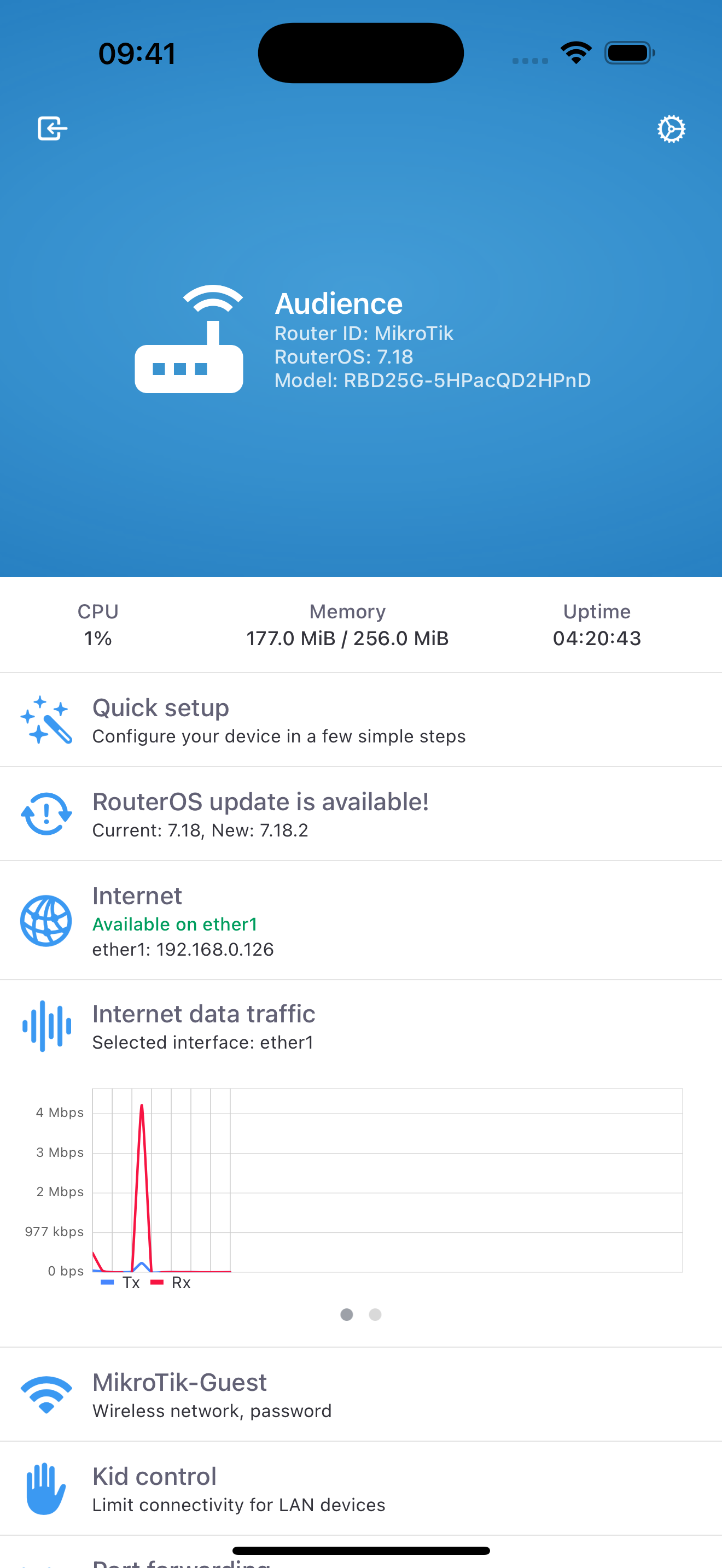
This app is really starting to grow on me - it's great being able to whip out my iPhone and check or tweak settings. Unfortunately the latest update REMOVED the internet detect IP addresses from the startup screen. It now only shows the interface names. Please display the ip's again - or at least display the ip's even by clicking on "internet" on the home screen. It seems pointless just asking if you want to enable/disable the detect function! NOT GREAT that the app times-out and you need to relogin even you switch to another app and return a few seconds later. I really like that you can copy the settings - like you can in winbox. It would be nice if CAPSMAN interfaces are displayed on the startup screen. Only wlans are shown - and of course display '0 devices connected' since all clients are managed by CAPS. So the wlans are effectively not even active. Please add "managed by CAPSMAN" type messages with the SSID and frequency - as displayed in winbox. A good early functional version and I believe great things to come from this app and mikrotik.
MikroTik RouterOS is the operating system of RouterBOARD and CCR devices. RouterOS provides all the core features for your network - routing, firewal...