Check the acquisition promise
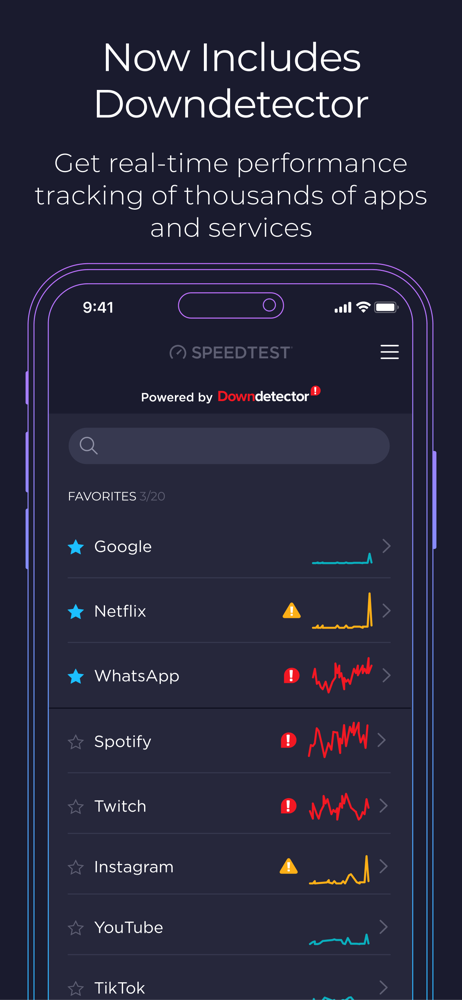
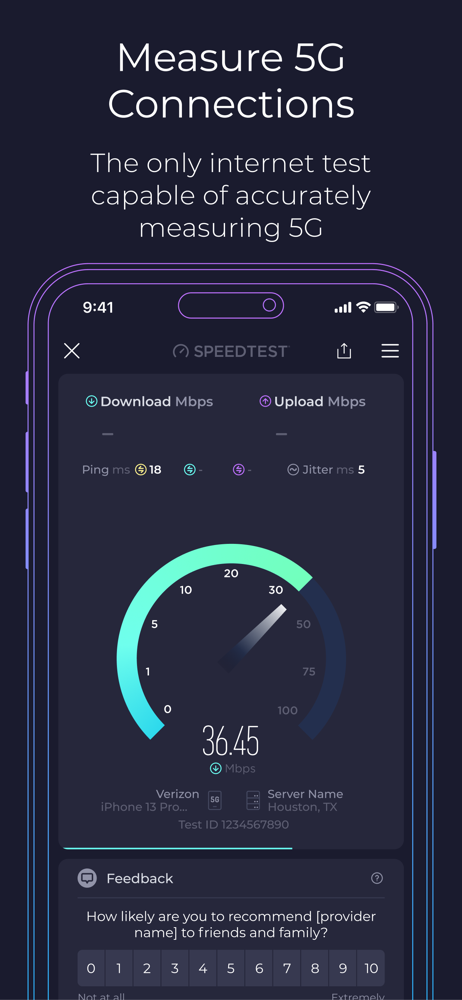
Read the store headline, screenshots and description. What problem is the app promising to solve?
Study the storefront ↗
Ookla · iOS
Explore the ad evidence, study the storefront, and build your next acquisition hypothesis.
01 / Creative research
Read the store headline, screenshots and description. What problem is the app promising to solve?
Study the storefront ↗Explore apps with direct store-link matches. Compare their hooks and formats without assuming the same approach works here.
Browse observed advertisers ↗Store rankings and revenue estimates describe market context. They do not establish ad spend, conversions or ROAS.
Review the market context ↗02 / Storefront & product
Study the product story and store experience behind the acquisition funnel.




03 / Market context
Keep revenue, downloads and store rankings separate from advertising performance.
I’ve been using this app for Years now, and I just want to start by saying that I do NOT EVER write reviews for apps, so the fact that I’m taking time out of my day to write this one just shows how amazing I believe this app is and always Has been. If I ever feel like either my home WiFi speed or my cellular data speed is messed up and is not working in the correct way that it should be working at, I open this app and it Quickly runs a test that tells me Multiple data points associated with my current connection. It also offers a video stream test that can (also extremely quickly) let you know what quality your internet connection can stream video at at the moment. There’s a Ton of other features, and I haven’t ever paid a Dime for any of them. One more feature I’ll mention is a Free VPN that gives you a couple Gigabytes worth of private network security per month, and it works Very well. If you want more than that amount of use, you just have to upgrade to a paid monthly subscription, which I believe is pretty cheap, especially for what you get for the cost!! THANKS OOKLA!! You are an amazing company and I absolutely love and support this product with all of my heart and soul.
I have used this on all my various devices for years. But there is a problem happening on my new iPhone 12 Pro Max and iPhone Mini. The app does not read the correct speed but only around 50% or even less. If I put them all in the same room and set to the same server my iMac 2019, various Samsung devices, Kindle Fires even — all agree that my download speed is around 300 Mpbs. Not my new iPhones. They stutter up to 150 and track down to 100 or even below. I then downloaded four other speed tests. Most of them either license the Ookla tech or who knows what. They are also all broken. I did find one that seems to use it’s own algorithm. It works fine. Matches the iMac readout. But I have alway loved the Ookla interface. But now it won’t work for me. Even their live Internet test fails on both iPhone 12s in the same way? Apple is no help as they only want to know if the Apple site loads. Sigh. I am writing this review as there seems no way on the Ookla site to contact them direct. I wonder if other new reviews using iPhone 12s and high speed WiFi will verify this as a problem. I just do not see how two different model iPhone 12s would have the same problem with basically one app and a few that copy it. Yet work wonderfully with a similar app and of course all my other telecom apps. I gave this app 4 stars for nostalgia reasons. Have LOVED it for years. But if this had been my first dance with it my stars would not have been plural. Ookla, any help???
I have used this app and website to measure real time download and upload speeds both in professional settings and in my own home for about the last 4 years. But I have noticed something peculiar lately. I use the Nighthawk app for my home network management and they recently added a Speedtest feature. So the curious thing is that most of the time the Nighthawk app will show somewhere between 100 Mbps and 200 Mbps but every other device will show only about 10% of the download speed, sometimes including my phone running the app. Regardless of being on the manual 2.4/5ghz bands or in the router’s smart mode. The upload speed is usually consistent between all devices. And the speeds shown really don’t change as devices are taken off the network. This includes a smart tv, PCs and other peripheral devices, gaming consoles, phones and tablets. Any idea as to why the major difference between the two?
Use Speedtest® for a quick, easy, one-tap connection internet speed test—accurate anywhere thanks to our global server network. Explore mobile netwo...
| Name | Price | Type |
|---|---|---|
| Permanent Ad Removal | $0.99 | One-time |