
Check the acquisition promise
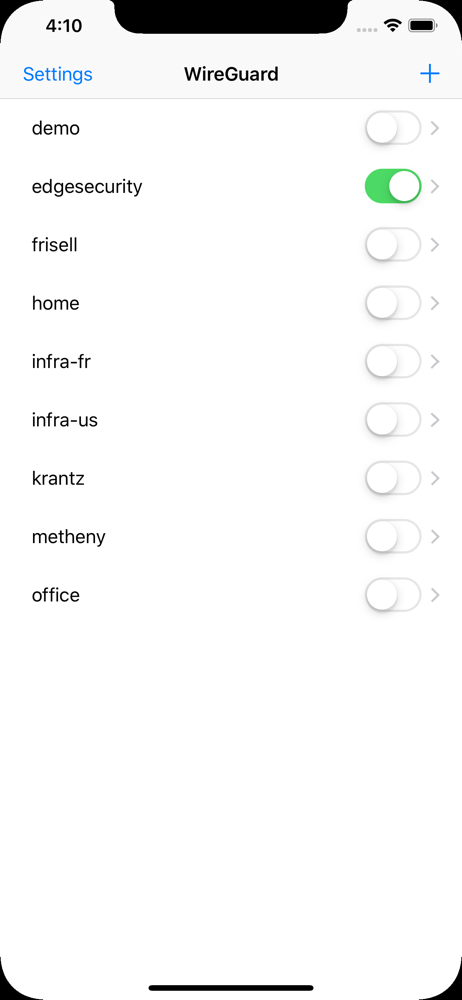
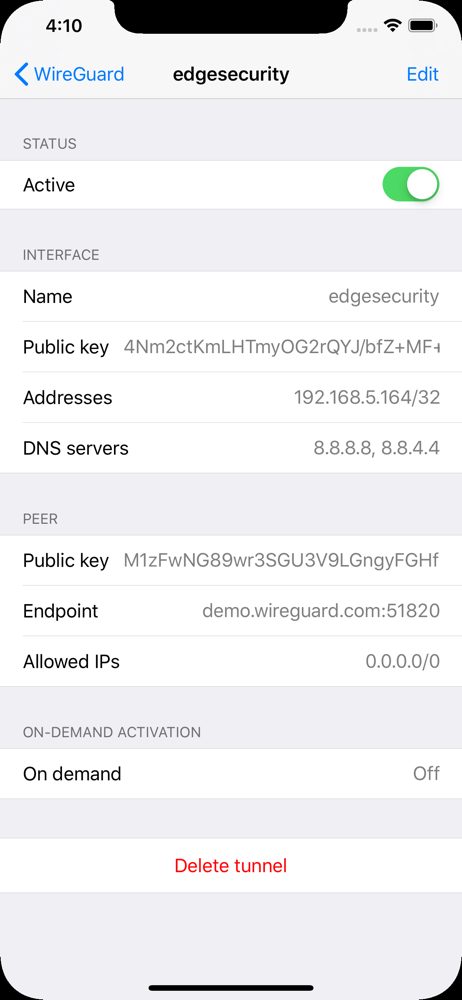
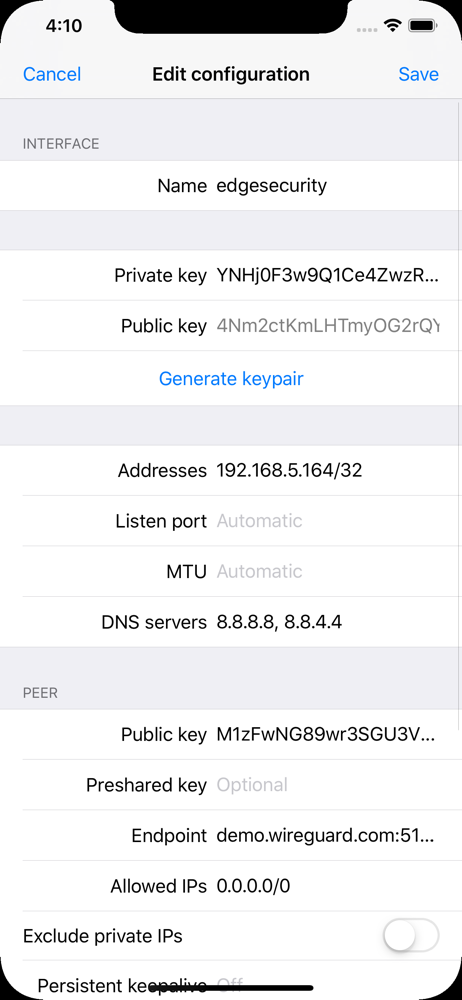
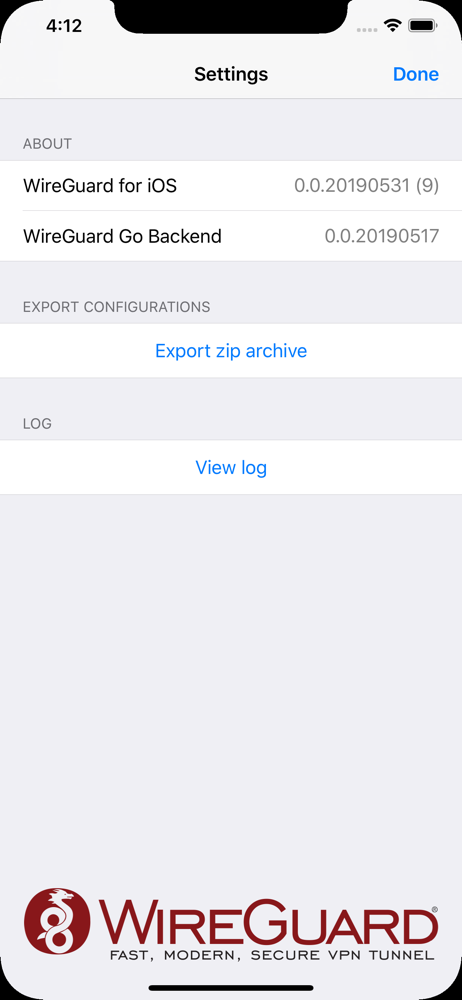
Read the store headline, screenshots and description. What problem is the app promising to solve?
Study the storefront ↗
WireGuard Development Team · iOS
Explore the ad evidence, study the storefront, and build your next acquisition hypothesis.
01 / Creative research
Read the store headline, screenshots and description. What problem is the app promising to solve?
Study the storefront ↗Explore apps with direct store-link matches. Compare their hooks and formats without assuming the same approach works here.
Browse observed advertisers ↗Store rankings and revenue estimates describe market context. They do not establish ad spend, conversions or ROAS.
Review the market context ↗02 / Storefront & product
Study the product story and store experience behind the acquisition funnel.

03 / Market context
Keep revenue, downloads and store rankings separate from advertising performance.
I’ve been using Wireguard on my Mac to connect to my home server while away and it’s been working well. I’ve only just now installed it on my iPad to do the same when I’m away without my Mac. I wanted to also install it on my Vision Pro but I’m disappointed to find that this iPad app is not enabled or available for download on the Vision Pro right now. Please make whatever change necessary to at least allow your iPad or iPhone version to run on Vision Pro as many other iPad/iPhone apps do. I understand that there are other Wireguard-conpatible apps available in compatibility mode on Vision Pro so I’ll resort to that if need be but I thought I should at least ask you guys to make yours available. Thanks!
So far, this has worked very well from the VPN side with a Linux server. If you need other devices (eg. TV device) then WireGuard can be installed on some routers. For this app, I recommend that the on demand functionality remember the prior on/off status after turning on another tunnel. For example, if I have tunnel A set to on demand enabled and I enable tunnel B, then after I disable tunnel B then tunnel A resets to tunnel A DISABLED. I understand that two tunnels cannot be enabled at the same time but at least remember the prior status. Also, I think the shortcuts and split tunneling recommendations that other people have made are good ideas.
Dear Wireguard Developers, I've just downloaded Wireguard for iOS on my iPhone X. I found that it could not connect correctly. When I checked the log, I found "Failed to send handshake initiation", "no route to host" error messages. When I further checked the problem, I found that there is no Wireless Setting option in the WireGuard settings page in the iOS settings. I understand that this setting will only appear in iOS devices with Cellular sold in China. Under normal circumstances, China region devices will pop up the user permission to use data when an app first runs or requests to access internet (You can select: off / WLAN Only / WLAN & Cellular Data), but WireGuard does not pop up this alert when it first runs, so the Wireless setting option does not appear in the iOS settings, it results in WireGuard can never use any network (WLAN and Cellular Data). To solve this problem, I'm eagerly recommending that you add a "Import tunnel from url" option (or any option that can trigger internet access request from the app). It will not just function as a new method to import tunnel, but it will also trigger internet access request when used which will trigger the pop-up asking permission to access internet. Please, please, please take this into your consideration! I'm looking forward to getting Wireguard connected on my iPhone and I believe many people have the same issue. Thank you so much!
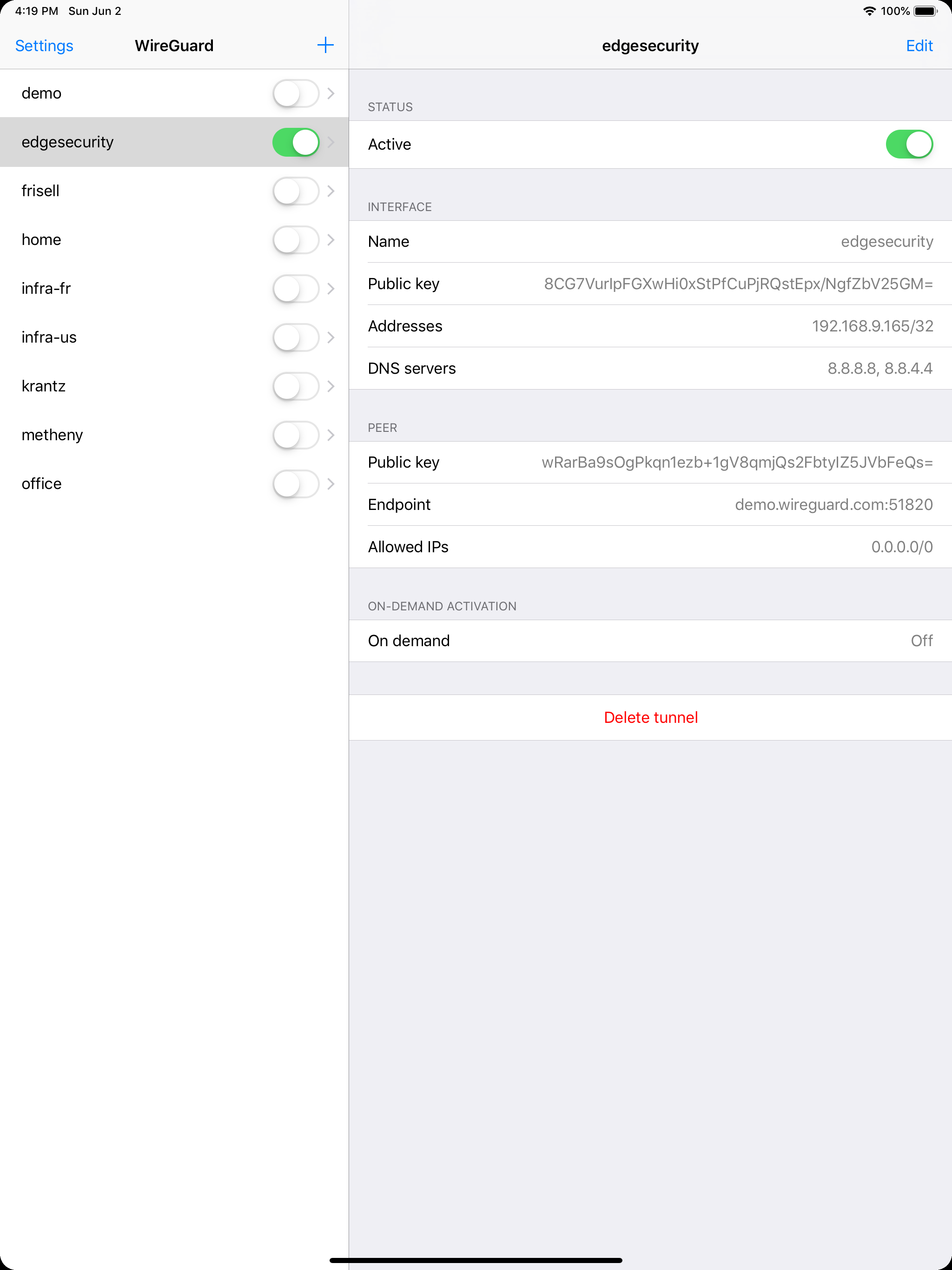
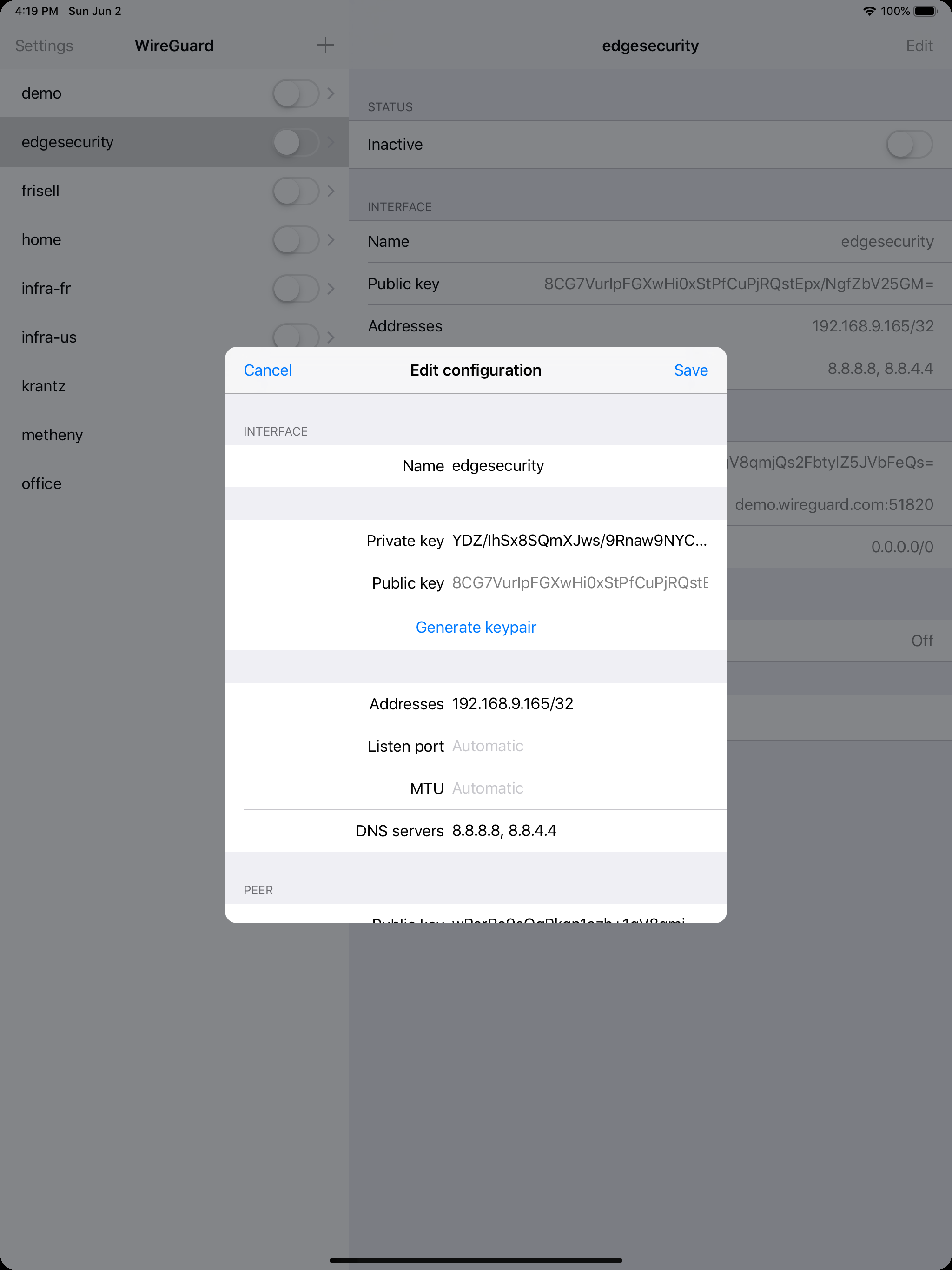
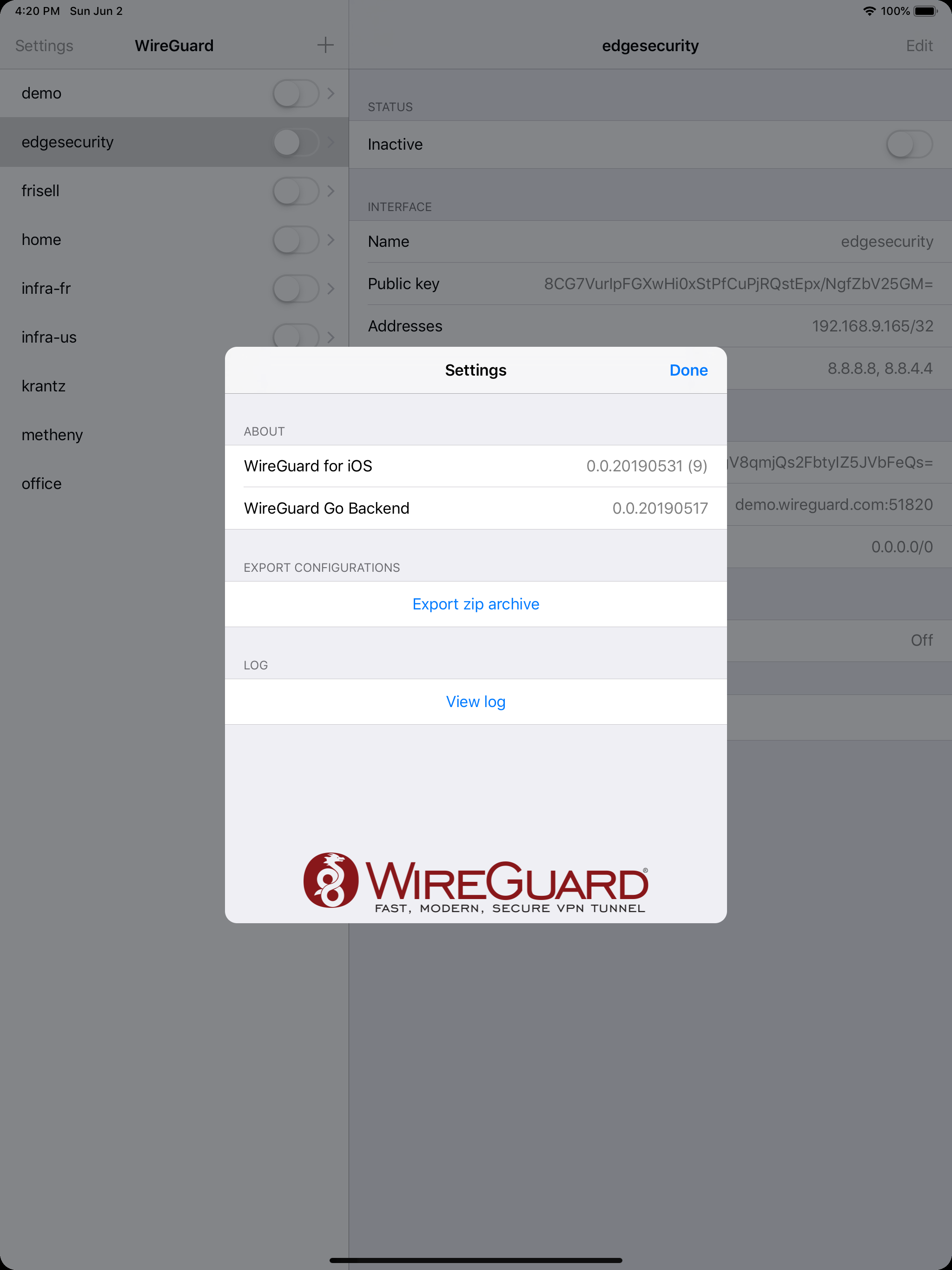
WireGuard is a fast, modern, and secure VPN tunnel. This app allows users to manage and use WireGuard tunnels. The app can import new tunnels from arc...


