Check the acquisition promise
Read the store headline, screenshots and description. What problem is the app promising to solve?
Study the storefront ↗
Aaron Satterfield · iOS
Explore the ad evidence, study the storefront, and build your next acquisition hypothesis.
01 / Creative research
Read the store headline, screenshots and description. What problem is the app promising to solve?
Study the storefront ↗Explore apps with direct store-link matches. Compare their hooks and formats without assuming the same approach works here.
Browse observed advertisers ↗Store rankings and revenue estimates describe market context. They do not establish ad spend, conversions or ROAS.
Review the market context ↗02 / Storefront & product
Study the product story and store experience behind the acquisition funnel.

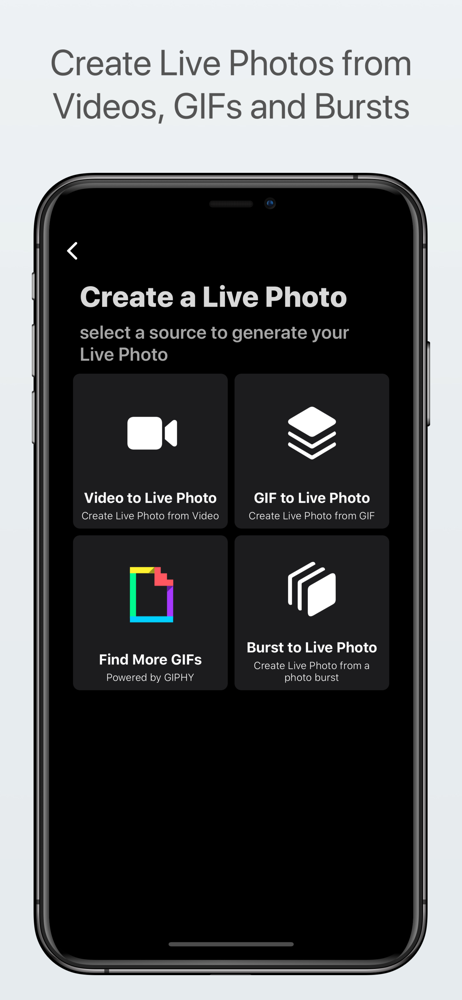
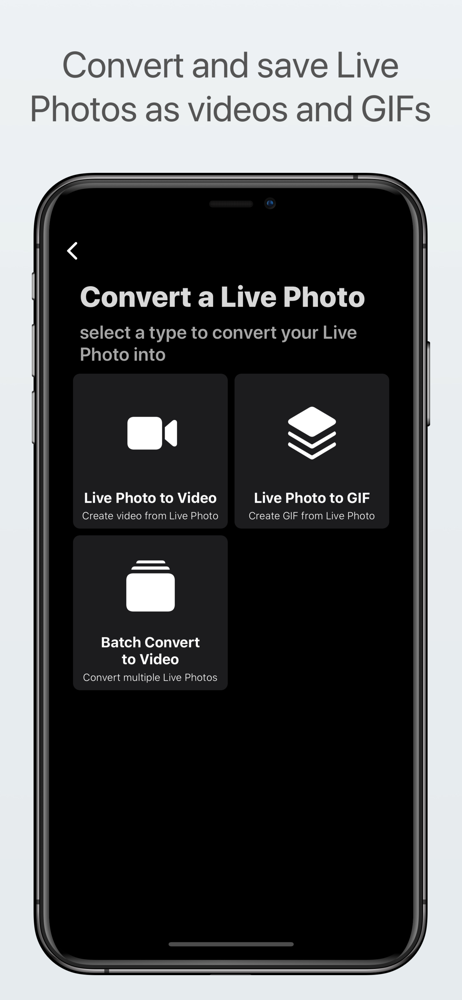

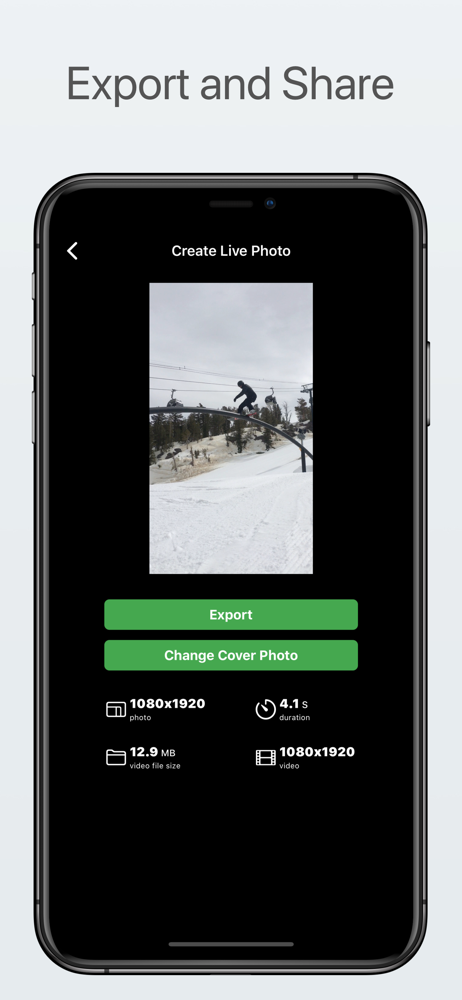

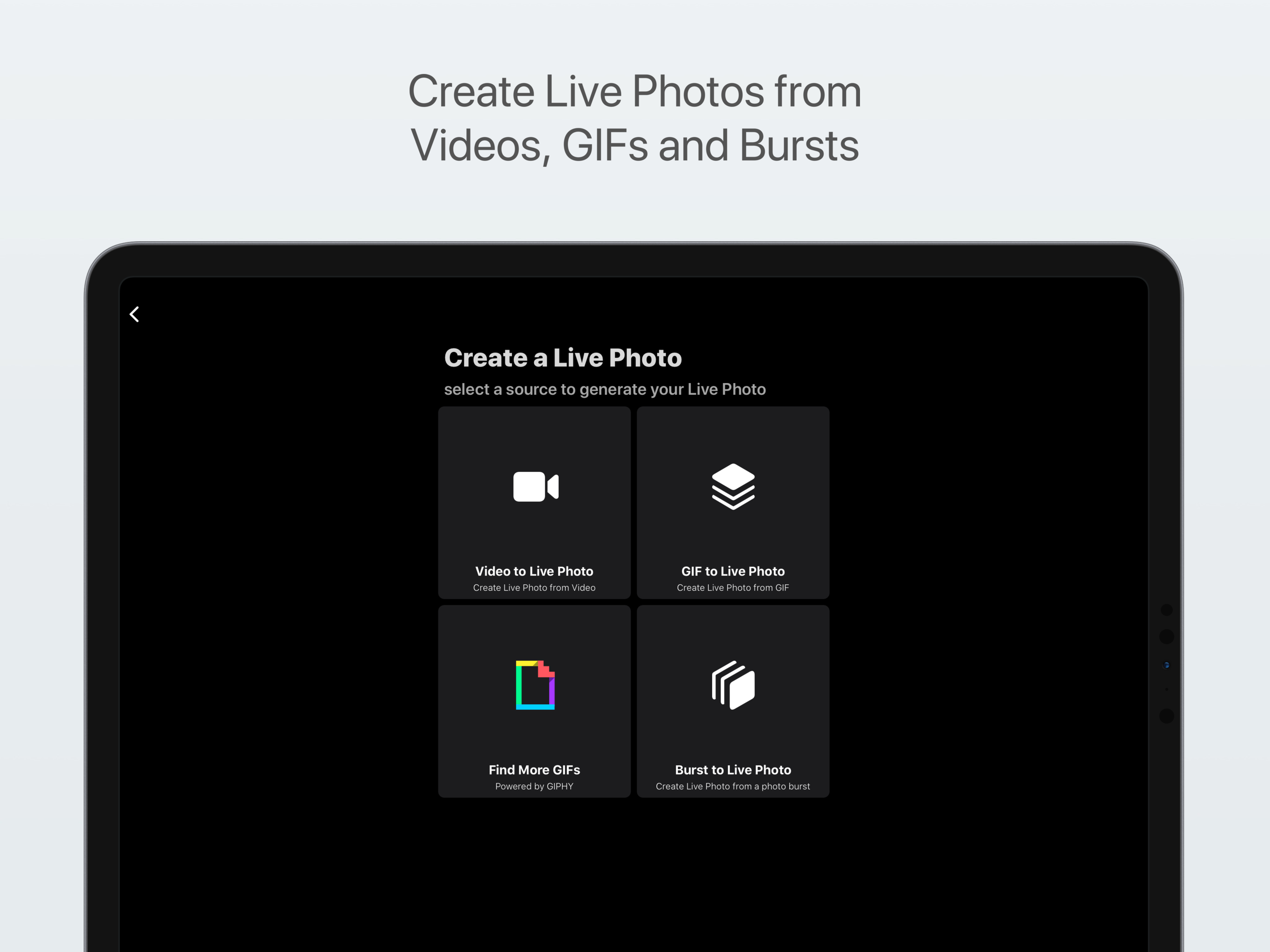
03 / Market context
Keep revenue, downloads and store rankings separate from advertising performance.
Compared to all the apps for working with live photos that rely on absurd subscriptions and intrusive ads, this is a breath of fresh air! Unfortunately, there are many features it doesn’t have which I would expect or hope it would. Some functionality that doesn’t seem to be supported as of this review (Oct. 2021): Video->Live - cropping - specify resolution - trim video clip Live->GIF - back-and-forth looping - tweening - trim video I’ve only used this app for a few minutes so far, so there are probably many other things I haven’t looked for (and I haven’t explored all the types of conversion it does support). Verdict: If this app does what you need it to, I highly recommend it! It seems to work great, it looks quite good, and it’s pretty lightweight and speedy.
I wanted to make some Gifs that are on my Mac into Live Photo screensavers for my iPhone 8, and this app did the trick. Through experimenting, this is how it worked for me: I Airdropped the Gifs to my phone, which saved them in Camera Roll; then with this app, I chose each photo (I did this one at a time), converted them to Live Photos, then clicked to export them, and then chose save to phone. Then they automatically go into the Live Photos folder on your phone to choose as wallpapers in the future. Great app, great price. Thank you, developer!
Where to start? ok sound it sounded cool turn your gifs into Live Photo’s and which sounds pretty awesome and it’s only 1$ why not get it? So I made that mistake... when you go into the app it lets you pick from five categories I chose the gif to Live Photo, when I did clicked on it there was no individual photo albums just my main one panoramas burst and video not much of a selection.. also you would think that if you (choose) gif to Live Photo it would only show you gifs well it doesn’t and you click on one that’s a regular photo (I don’t even know why it doesn’t short them...) it sends you back to the main menu to start all over again... so this app is already a freaking big pain plus I had to pay a 1$ for it and there’s more issues... after you finally select a a gif which *there is no way to tell* it gives you a few options which non of them mater.. then after you save your photo to the camera roll the Live Photo plays not for as long as your gif does not as long as a normal love photo would.. but only for a half second... omg this app is complete 🤮garbage🤮 if you see this review don’t pay a dolor just save your money
Live Studio is the ultimate app for Live Photos. In fact, it is the only one you will ever need and works for all devices. Quickly save and share Li...