
Check the acquisition promise
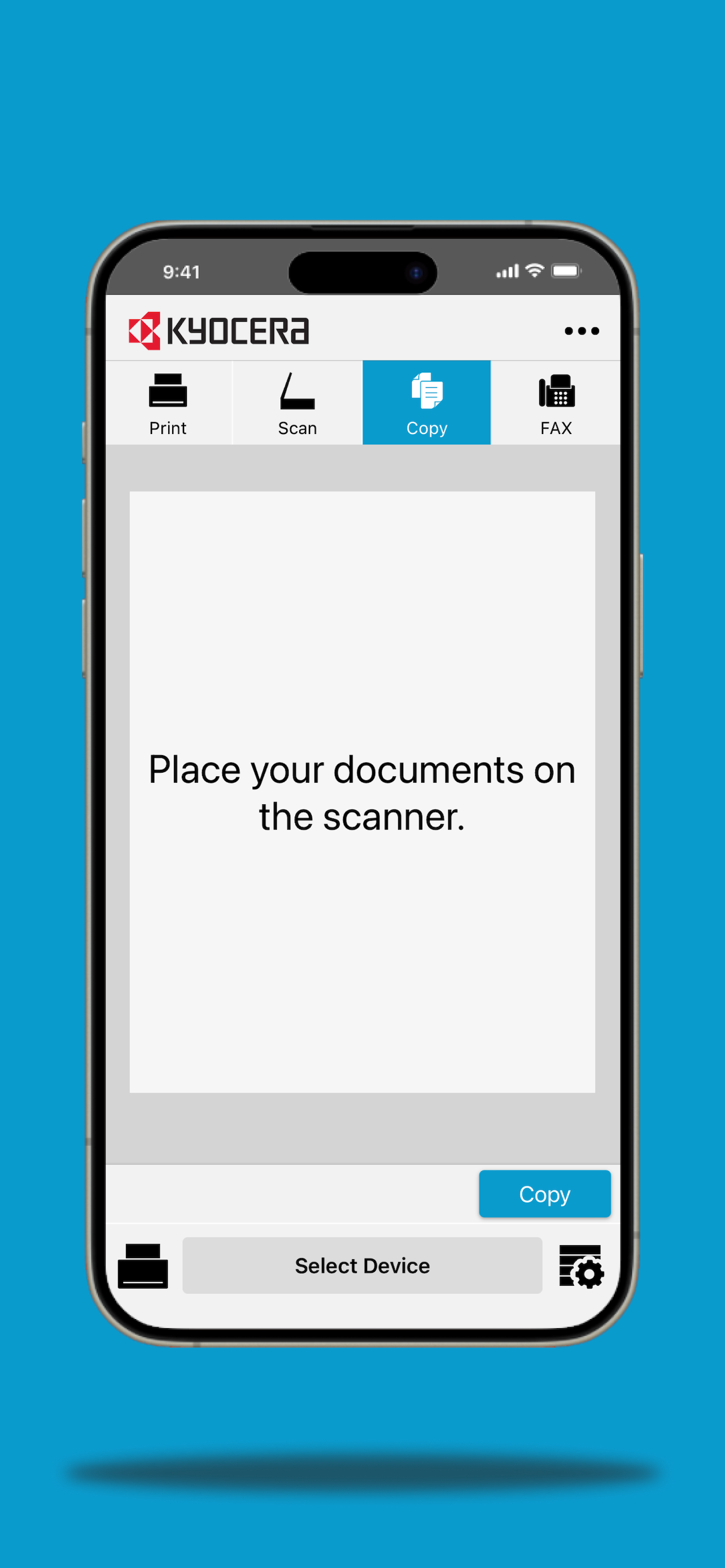
Read the store headline, screenshots and description. What problem is the app promising to solve?
Study the storefront ↗
Kyocera Document Solutions Inc. · iOS
Explore the ad evidence, study the storefront, and build your next acquisition hypothesis.
01 / Creative research
Read the store headline, screenshots and description. What problem is the app promising to solve?
Study the storefront ↗Explore apps with direct store-link matches. Compare their hooks and formats without assuming the same approach works here.
Browse observed advertisers ↗Store rankings and revenue estimates describe market context. They do not establish ad spend, conversions or ROAS.
Review the market context ↗02 / Storefront & product
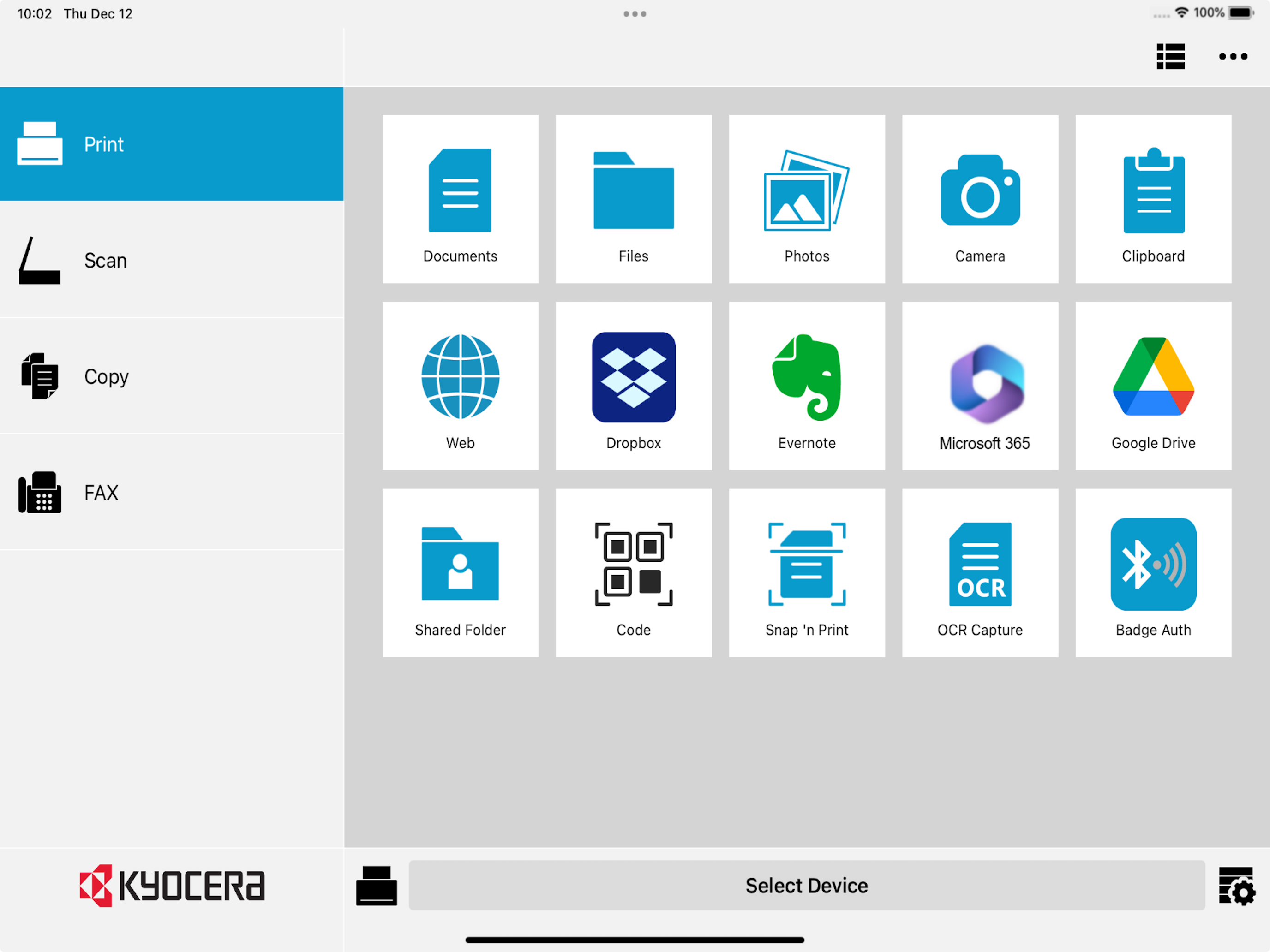
Study the product story and store experience behind the acquisition funnel.




03 / Market context
Keep revenue, downloads and store rankings separate from advertising performance.
Gotta love Apple and their pRoPrIeTaRy pRoGrAmS. Prior to the iOS update, I could print directly from most apps on my iPhone. Now, I have to save everything to my phone (because heic photos aren’t compatible with the app and most of what I receive is in that format), then open the Kyocera app, select the photos, print from the app, then go back and delete the photos. That might be okay for occasional printing, but not for the volume I need. Deleting the app and going back to emailing the photos to myself to print directly from my computer. Or finding another solution to get away from printing completely.
I have loved this app, and have been grateful for the newest additions—like being able to print either landscape or portrait, for example. Now, with the latest iOS, my iPad and iPhone want to give me shortcuts for things, but I have no way to make this Kyocera Mobile Print work with the shortcuts. And this is the shortcut I most need! Right now, the Apple interface with Kyocera Mobile App is cumbersome. I have to choose an action, then choose “. . . “ and then scroll down and ask for more, even sometimes, before finding the option to print my item. Before the most recent update it wasn’t this big an issue. So either please tell us how to make this smoother or find a way to fix the issue. Otherwise, I like this app and am grateful for the way I can print from my iPad. I’d just like to be able to do it with far fewer steps. Thank you!
The app worked great until the latest update came out. Deleted it and reinstalled it but still can’t print out pictures on my device. The app needs an update.
With the Kyocera Mobile Print app, you can use your iOS device to discover compatible KYOCERA printing devices on your local Wi-Fi network. If support...


