Check the acquisition promise
Read the store headline, screenshots and description. What problem is the app promising to solve?
Study the storefront ↗
Lexmark International, Inc. · iOS
Explore the ad evidence, study the storefront, and build your next acquisition hypothesis.
01 / Creative research
Read the store headline, screenshots and description. What problem is the app promising to solve?
Study the storefront ↗Explore apps with direct store-link matches. Compare their hooks and formats without assuming the same approach works here.
Browse observed advertisers ↗Store rankings and revenue estimates describe market context. They do not establish ad spend, conversions or ROAS.
Review the market context ↗02 / Storefront & product
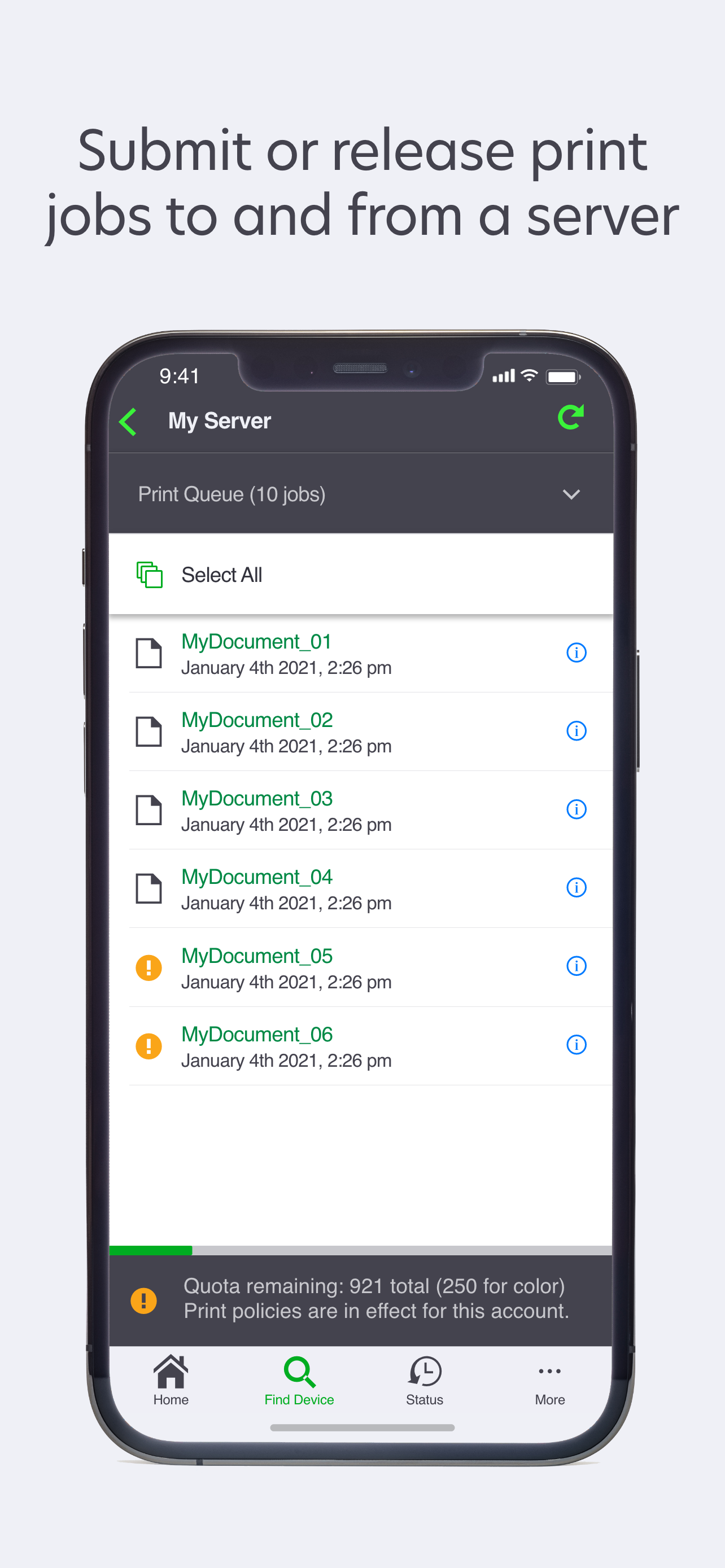
Study the product story and store experience behind the acquisition funnel.




03 / Market context
Keep revenue, downloads and store rankings separate from advertising performance.
I’ve had an MB2338 for years and needed to use my iPad to scan a doc like I do from my Mac. Looked at the app reviews and almost didn’t even give it a try but I decided to go for it and it worked with very little fuss. Installed the app and was directed to search the network for the printer. Gave it permission, found and saved the printer, and scanned my documents using the automatic sheet feeder which the app figured out on its own… It worked flawlessly the first time. No complaints. This is all I needed the app for as the iPad has always printed to this printer just fine without the need for additional software. Couldn’t be happier.
MC3224dwe Update: does recognize the scanner now, after upgrading to 3.5.29. Finally deleting the old app, and rating this one 4 stars. (Not 5 because waiting for a fix for a year isn’t a great user experience, is it? Plus, the old app worked just fine and the new one seems no different so far, aside from the icon color)
It didn’t find my printer so I added the IP manually. It prints fine and it correctly identified my printer and even calls it a printer & scanner. When I try to scan, it says my printer doesn’t have that capability. So now, I cannot scan at all as the desktop app has never scanned properly.
Get the most from your Lexmark printer using the improved Lexmark Print app. With this, it's now easier for you to: • Add printers from your netwo...