Check the acquisition promise
Read the store headline, screenshots and description. What problem is the app promising to solve?
Study the storefront ↗
Xerox Corporation · iOS
Explore the ad evidence, study the storefront, and build your next acquisition hypothesis.
01 / Creative research
Read the store headline, screenshots and description. What problem is the app promising to solve?
Study the storefront ↗Explore apps with direct store-link matches. Compare their hooks and formats without assuming the same approach works here.
Browse observed advertisers ↗Store rankings and revenue estimates describe market context. They do not establish ad spend, conversions or ROAS.
Review the market context ↗02 / Storefront & product
Study the product story and store experience behind the acquisition funnel.




03 / Market context
Keep revenue, downloads and store rankings separate from advertising performance.
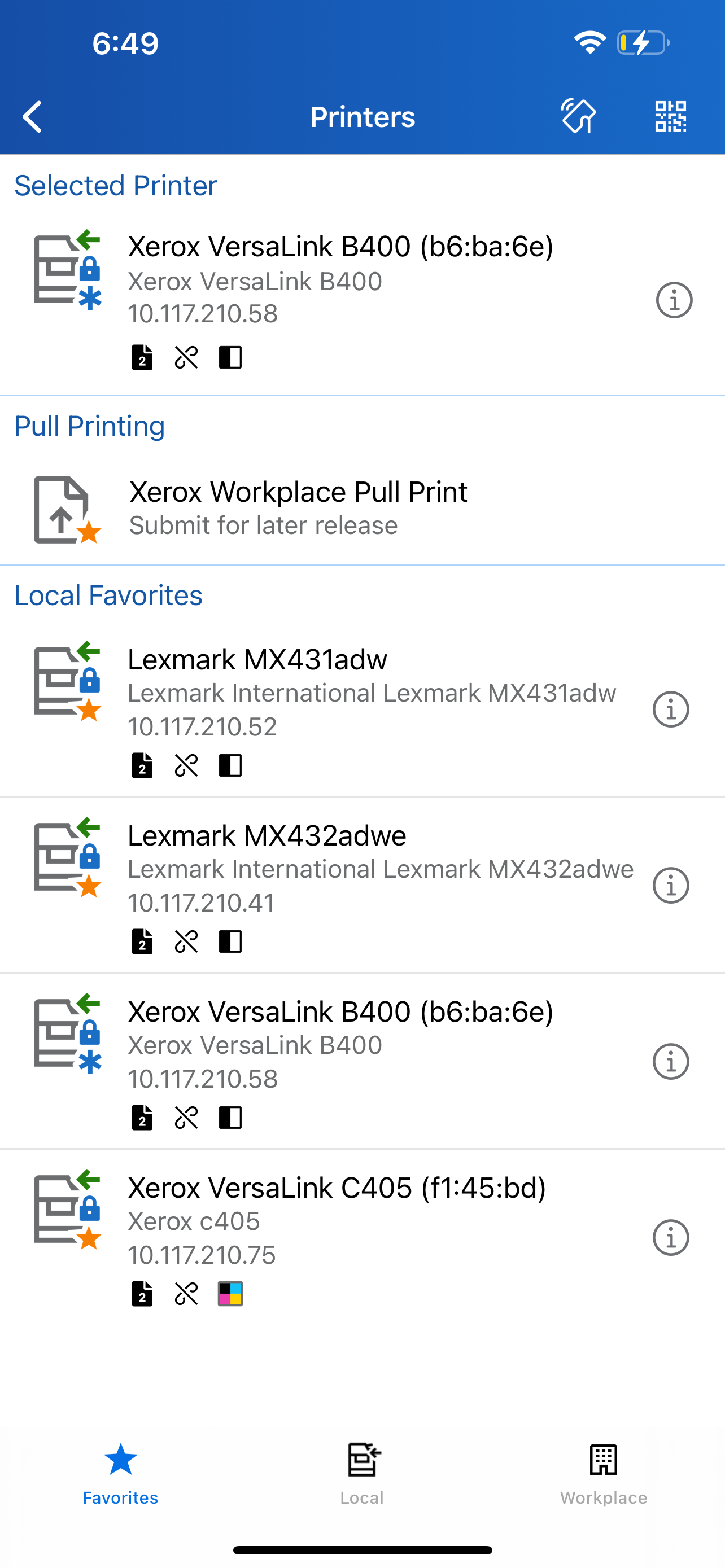
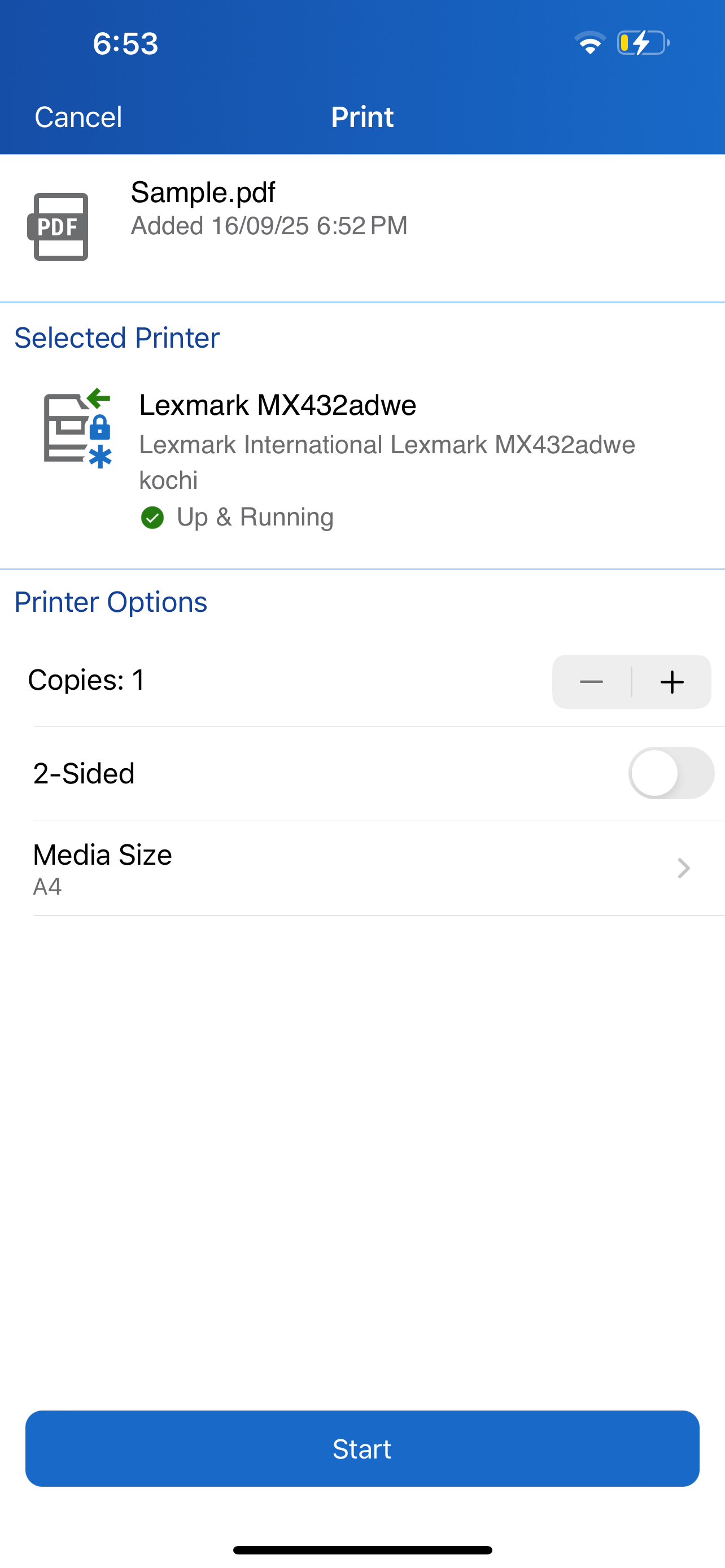
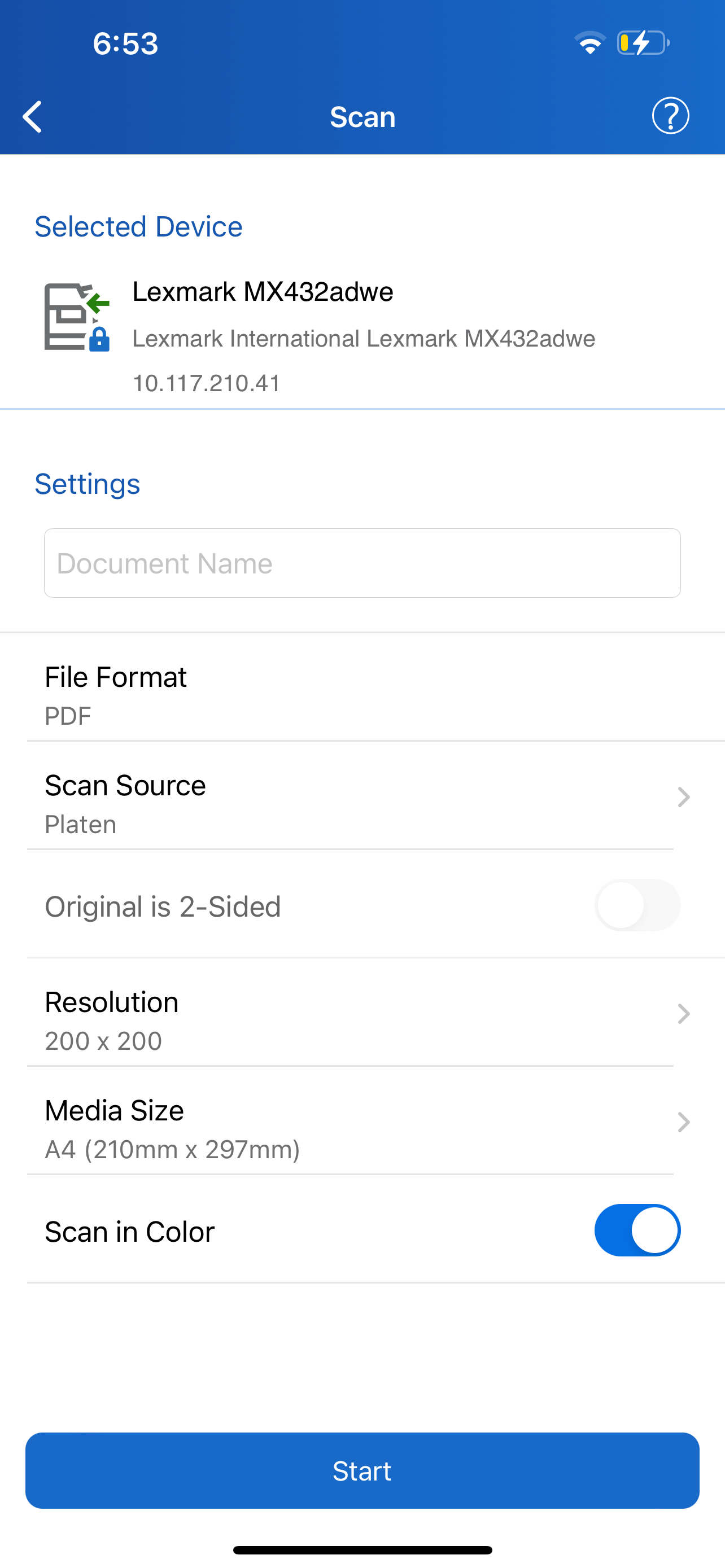
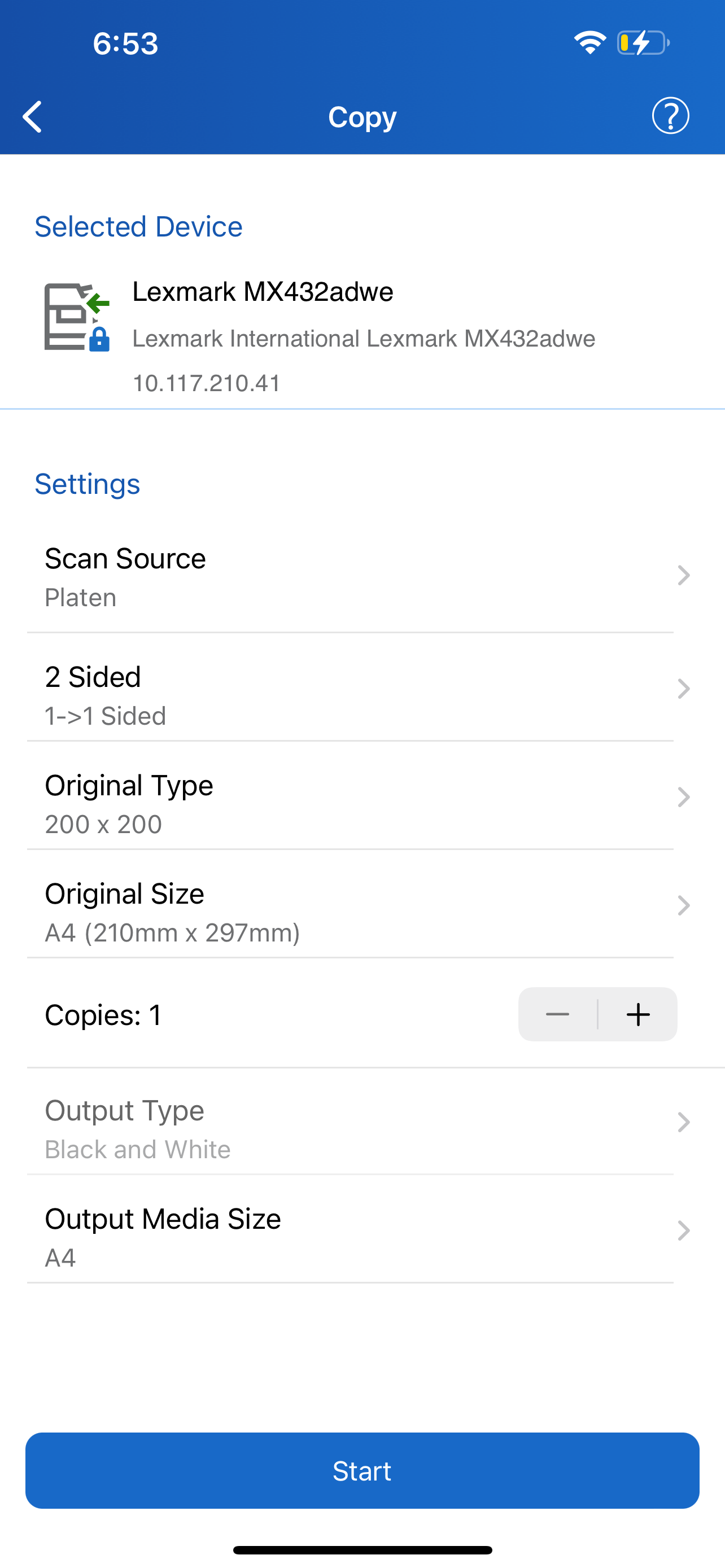
Once printers are added, it is relatively easy to print a document. Getting there is another thing altogether. Adding a printer is not as straightforward as it should be, it takes not one but several attempts to establish a connection. Printer names (if different from the default name) are not always recognized so one has to guess that what’s selected IS the correct printer, fingers crossed, and see what happens. Once a printer is available, one selects a document, color or not, and paper size… that is not always respected (Tabloid may print to US letter or vice-versa). So, this app works but the UI was it probably designed by engineers with little understanding of UI design. IT people will make it work. The “average user”? They will need help.
The Xerox Print Portal works great with my iPad Pro. My only complaint is that sometimes it won’t print a second document. I have to manually go in and close the Print Portal app and re-open it. That can be a pain. Also, with the new version, the default setting is to print double-sided, which I never do, as I am printing court documents, and I have to physically go in to change the setting, and if I forget and the document prints double-sided, I can’t use it.
Every time i try to print a jpg it gives me a communication error. I can’t print a pages document, i have to convert it to a pdf first and then print the pdf. I don’t see any way to print a page range. I only see where to print how many copies...I know that I’ve got to be missing something here. This is a work printer, and no on-job tech guy, so I’m kind of just stuck trying to figure it out myself. It’s kind of embarrassing since I’m the one who usually figures this stuff out for other people. Finding fixes for this has been unfruitful.... Thanks
DESCRIPTION The Xerox® Workplace mobile app enables simple local printing and scanning with your Xerox MFP. When used in conjunction with Xerox® Workp...