
Check the acquisition promise
Read the store headline, screenshots and description. What problem is the app promising to solve?
Study the storefront ↗
Konica Minolta, Inc. · iOS
Explore the ad evidence, study the storefront, and build your next acquisition hypothesis.
01 / Creative research
Read the store headline, screenshots and description. What problem is the app promising to solve?
Study the storefront ↗Explore apps with direct store-link matches. Compare their hooks and formats without assuming the same approach works here.
Browse observed advertisers ↗Store rankings and revenue estimates describe market context. They do not establish ad spend, conversions or ROAS.
Review the market context ↗02 / Storefront & product
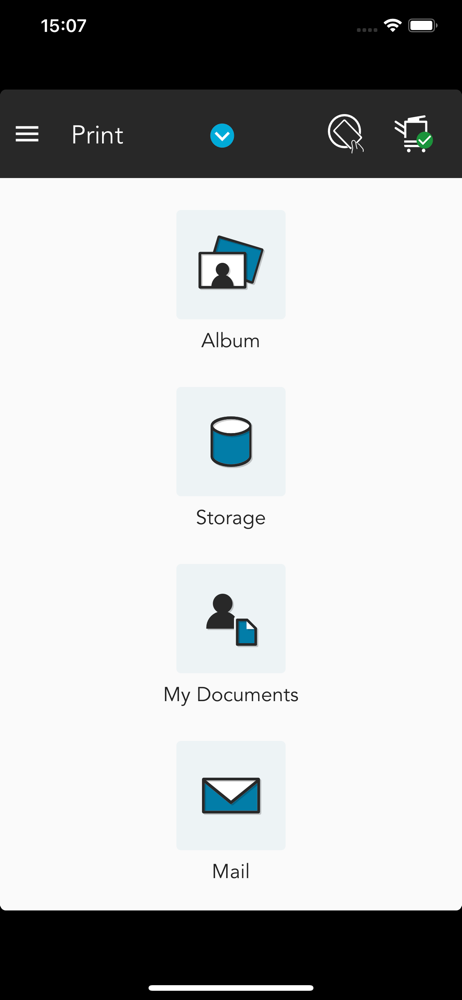
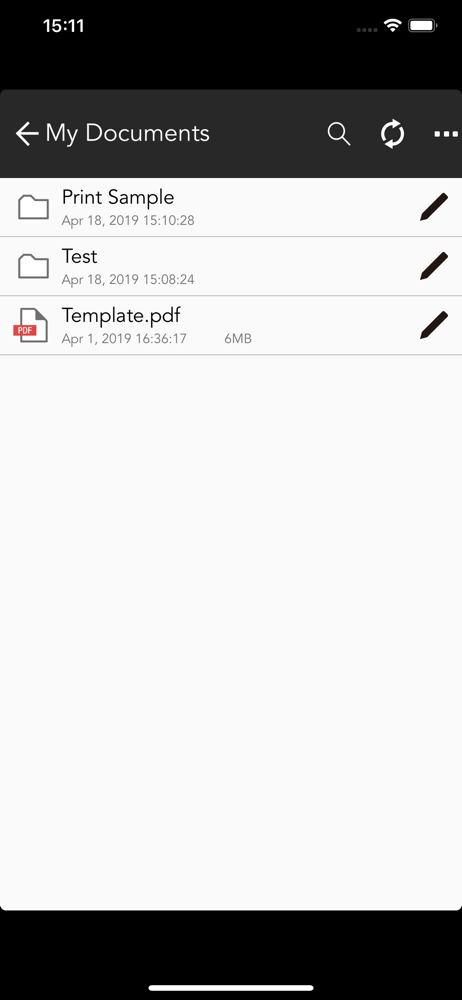
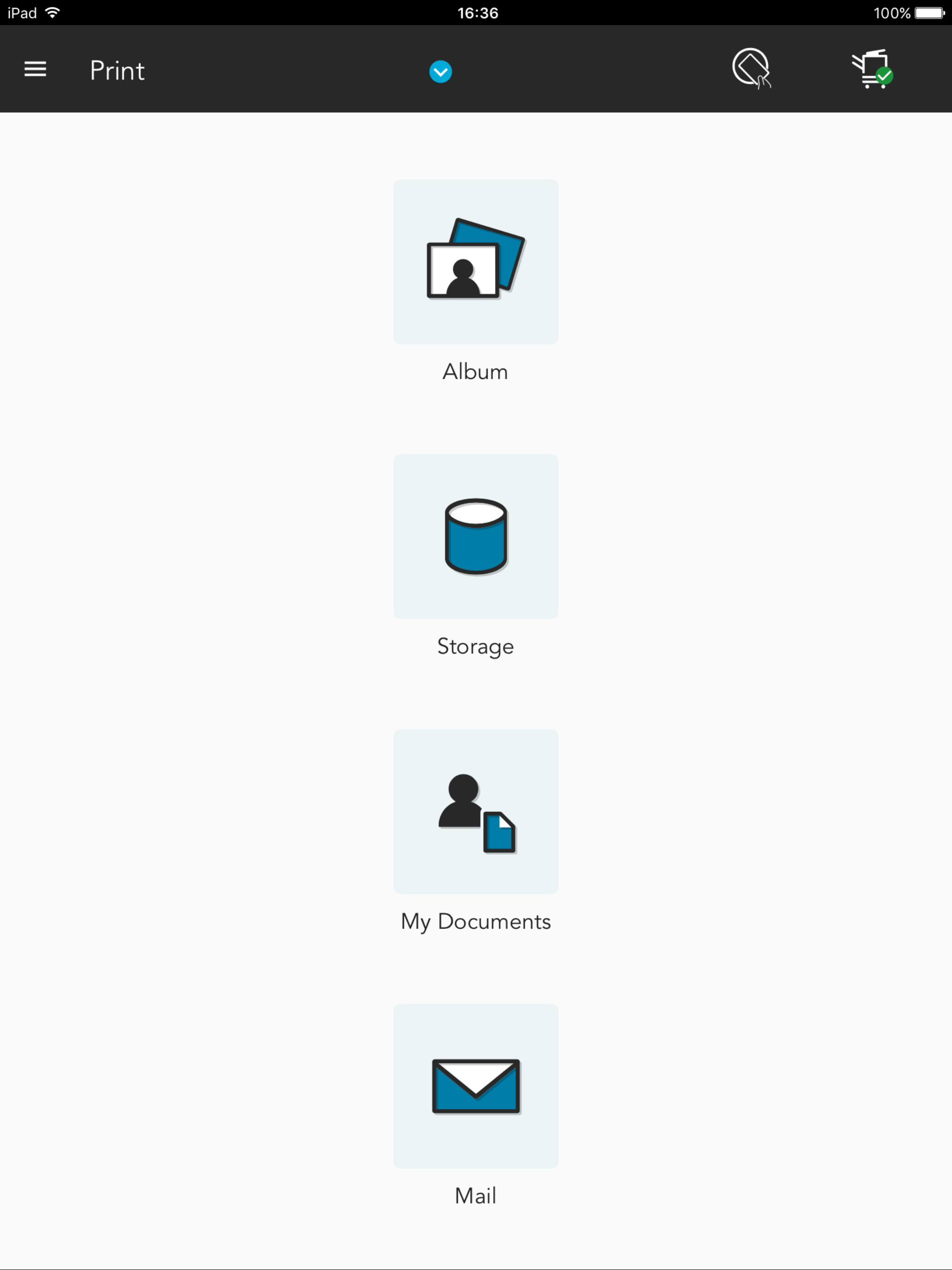
Study the product story and store experience behind the acquisition funnel.


03 / Market context
Keep revenue, downloads and store rankings separate from advertising performance.
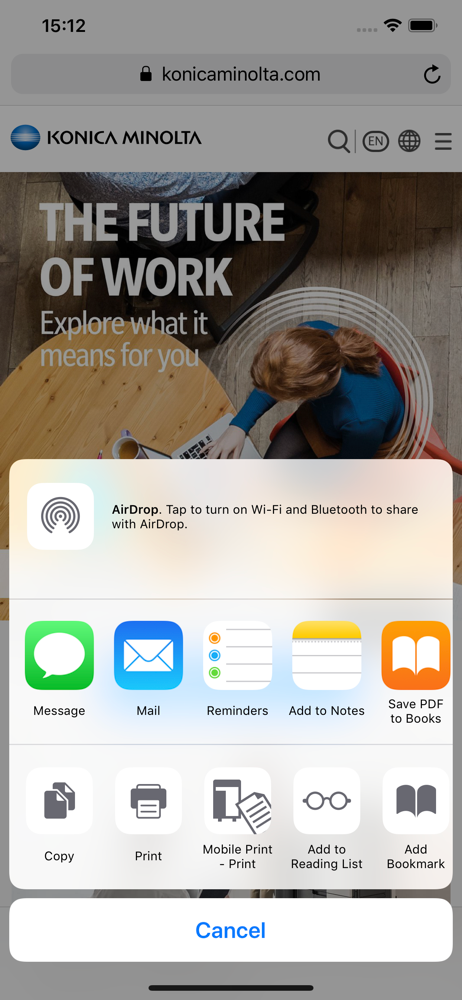
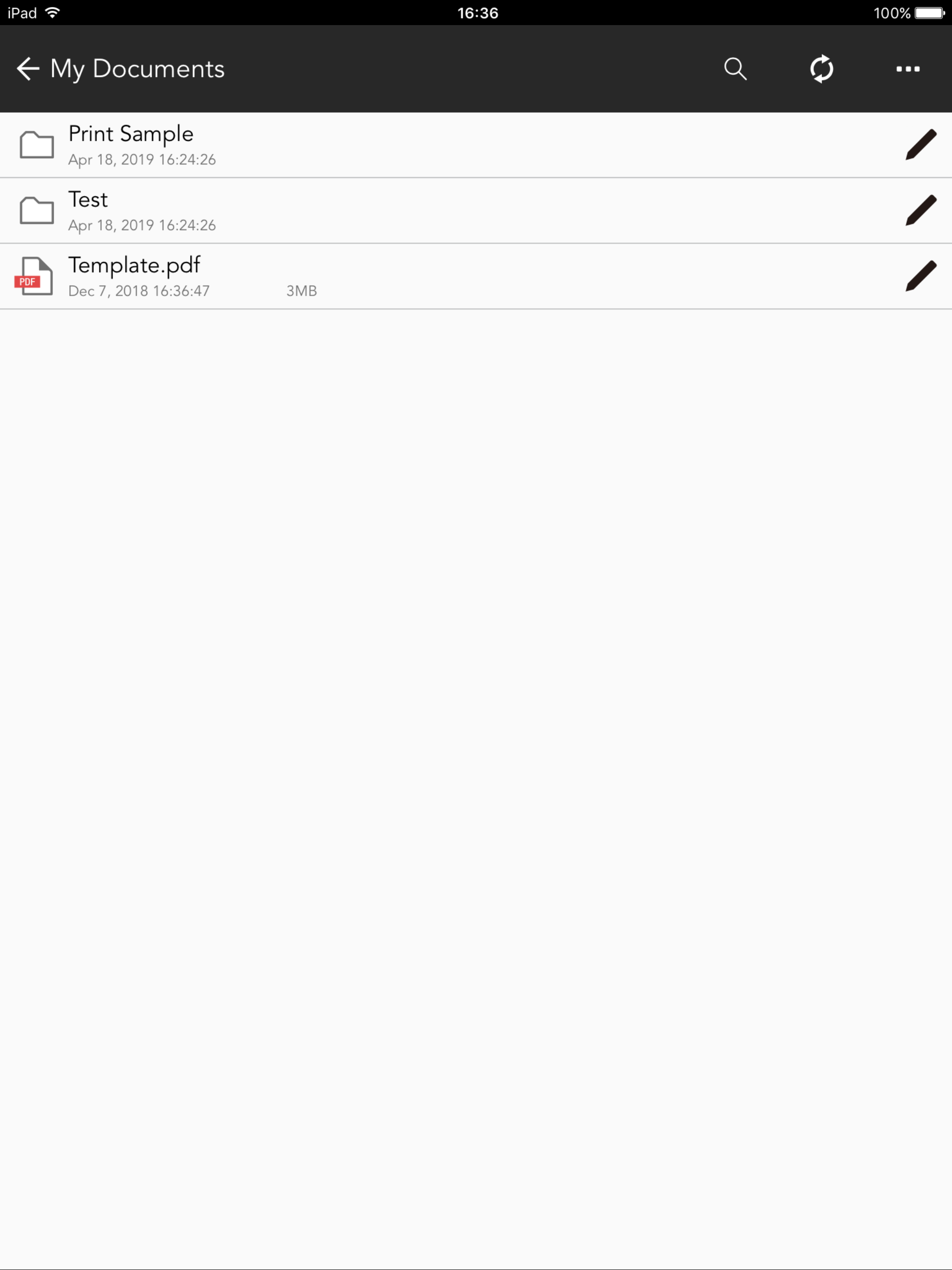
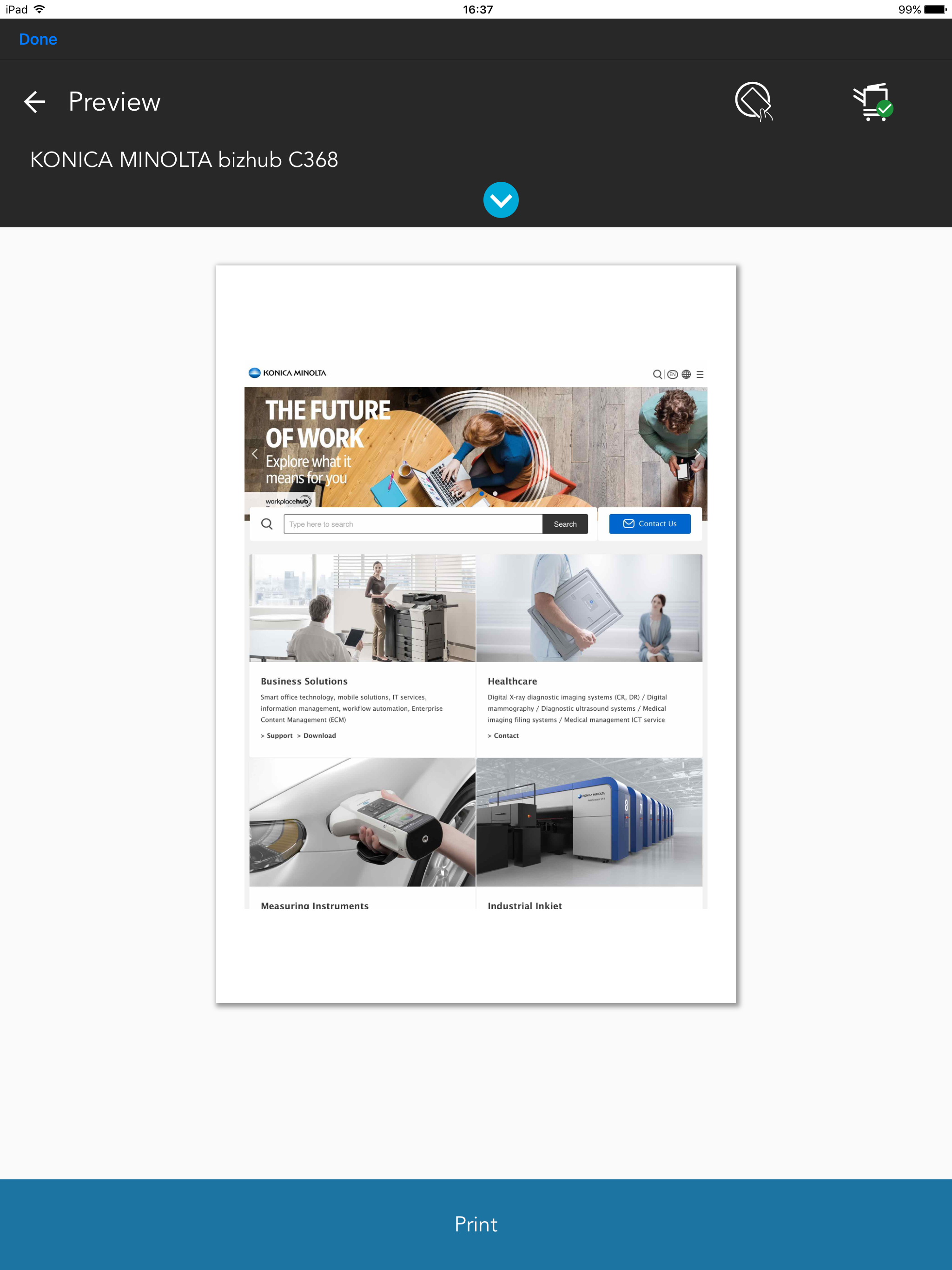
This works as it should. You have to go to the share open to share out to mobile print and click details to get advanced settings. Would be nice to rename details to advanced settings and please, please, please, give us the option to rename the printer. It pulls the model number, but if you have multiple printers that have the same model number, it is hard to tell them apart when printing.
When trying to print recently, “error operations “ message pops up, and there is no way to print the job. Never had this problem before, but it has kept me from printing several documents so far. I have locked and unlocked pdf’s, created new pdf versions, everything that can be done. Longer print jobs-which are typically priority in my occupation-are the ones that will not print. The screen that pulls up to send print data is finicky, sometimes it is half-size, sometimes regular. Sometimes it is locked where all you can do is print at the current settings, while sometimes you can change 2-sided printing etc…. The app needs work, and there are a lot of people who have invested countless dollars in your product: please extend us the simple courtesy of bettering the app.
Konica/Minolta makes a great printer, but the iOS app is terrible. It is a hit or miss. For instance today I can print an email message, but I can’t print a pdf stored on my Google Drive or on my iPad. The app reports that the data has been sent, but printer does not show anything, nor does it print anything. Unfortunately, this is not the first time I have spent the time to get this to work. Come on Konica/Minolta gives us an app that works really well. The future is mobile devices. I should think you would want to be in that future. Look at all the low ratings. Would you not want to be near a 5.0. Why settle for a 2.6 stars? Please get with it.
Konica Minolta Mobile Print is an app that allows you to connect your iOS device to a Konica Minolta MFP; the app integrates with the OS to enable tro...


