Check the acquisition promise
Read the store headline, screenshots and description. What problem is the app promising to solve?
Study the storefront ↗
Yellow Lab, Inc. · iOS
Explore the ad evidence, study the storefront, and build your next acquisition hypothesis.
01 / Creative research
Read the store headline, screenshots and description. What problem is the app promising to solve?
Study the storefront ↗Explore apps with direct store-link matches. Compare their hooks and formats without assuming the same approach works here.
Browse observed advertisers ↗Store rankings and revenue estimates describe market context. They do not establish ad spend, conversions or ROAS.
Review the market context ↗02 / Storefront & product
Study the product story and store experience behind the acquisition funnel.


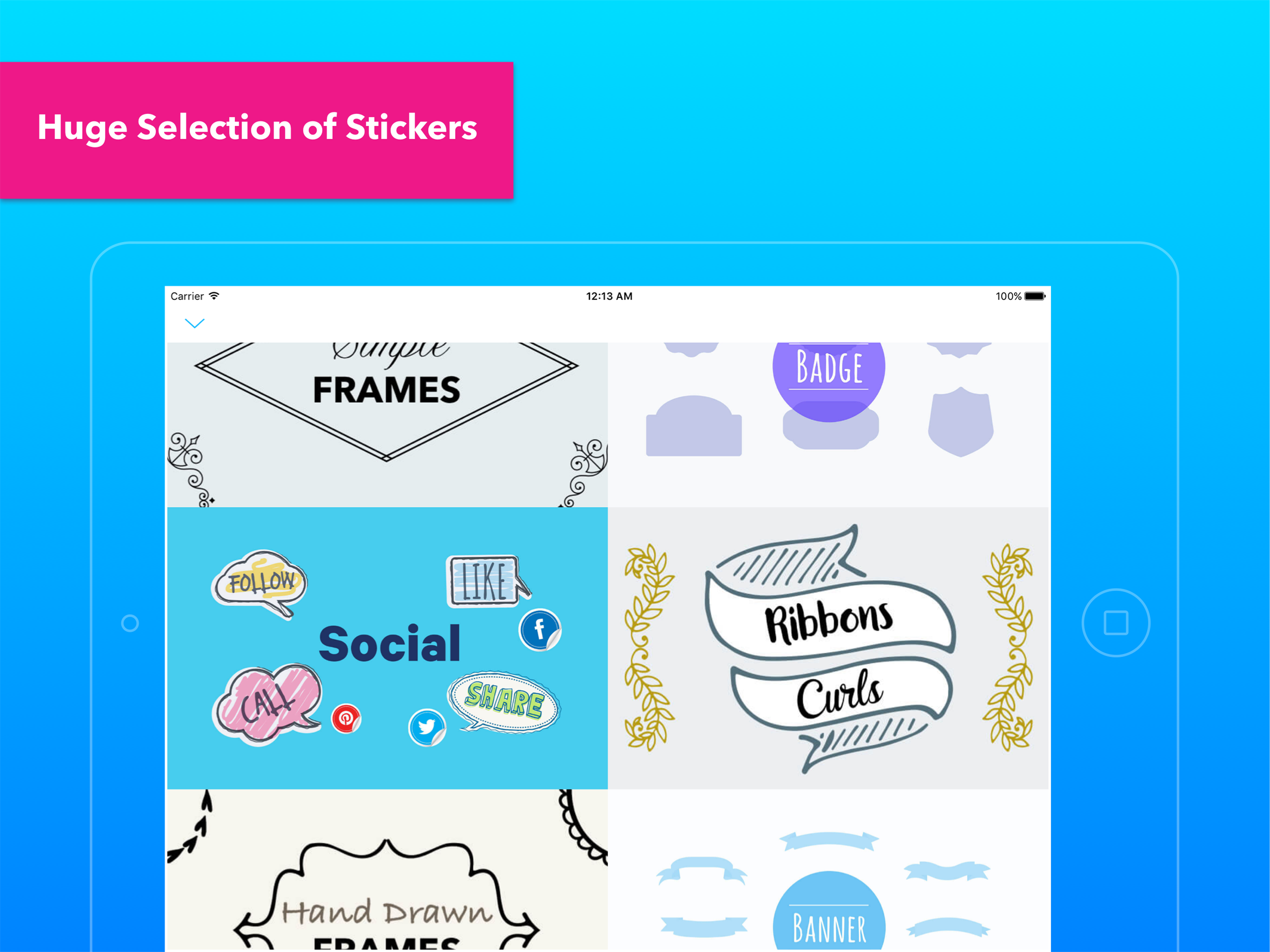
03 / Market context
Keep revenue, downloads and store rankings separate from advertising performance.
I like all the options and the tutorial part. It took me quite a bit of fussing to get it to do what I wanted it to do. Is there a way to do a group of pictures? And why doesn’t this transfer over to pc(not mac)? My watermark is fuzzy. Not sure if that is my phone or part of the app. Once you get all your templates set up, it is easy to put watermarks on.
Update review Jan 20, 2018: Summary after 1.5 years of daily use: iPhone 5⭐️, iPad - try the free version to make sure it works on your iPad before paid upgrade, if it works 5⭐️. Overall for both platforms, for me personally: 2.5⭐️ since it still will not run on iPad. However, This will probably not be the average user's experience. I expect it will work for the vast majority of users with iPad Air or newer hardware. Support: The developer worked with me to try and resolve issue, but the app doesn't run long enough on my iPad to return debug information to the server. The developer offered a refund when the problem could not be resolved. Since there is not a flood of reviews here that the iPad version does not work I agree with the developer that the problem is specific to the iPad 4 64G model. The developer had acted in good faith on this issue. May 8, 2017: Well it's been almost three months, no support communication, no working update for the iPad. The iPhone version has been working fine. The exception has been how the fill color control has been ruined and now only controls an outline color. While it's an interesting effect it doesn't have the result I was getting before and does not help with transparent signatures on a difficult background. I will update this review again if they ever provide what I paid for; working applications on both iPhone and iPad! __________________________________________________________________ Feb 21, 2017: The problems making it useless have been fixed on the iPhone at least, but on my iPad 2 it shows the splash screen for 1 second, then it crashes back to the home screen. I have tried multiple times and even killed the task to restart clean, still does not run. The problems with not being able to sign in on the iPhone have been fixed, but I still had lost my templates and logo. Not a big deal since making the logo in the app is pretty easy. The new interface takes a little getting used to. Changing the color of the custom logo used to be very easy, but now it only changes the thin outline boarder of the logo, not the fill color. This makes it very difficult to see on certain backgrounds without decreasing the transparency of the logo to the point where it becomes intrusive in the image. Overall, if they get it working on my iPad again I'll be back to 5 stars.
I've tried many, many watermark apps, and believe me when I say that this one is the very best watermark app out there! I even use it on Instagram to repost my featured photos. It's so easy to use! Once you use it once & save your repost template, it's there & ready for use over & over again! And, of course, if you can do the complicated stuff, you can definitely do the easy stuff like place a simple watermark on all your photos...again, just do it once & save your template! 🌟🌟🌟🌟🌟
Build your brand, while protecting your photos online! • Watermark with your own signature. Simply take a picture of your signature and apply. • Water...