
Check the acquisition promise
Read the store headline, screenshots and description. What problem is the app promising to solve?
Study the storefront ↗
DOT PICTO LIMITED LIABILITY CO. · iOS
Explore the ad evidence, study the storefront, and build your next acquisition hypothesis.
01 / Creative research
Read the store headline, screenshots and description. What problem is the app promising to solve?
Study the storefront ↗Explore apps with direct store-link matches. Compare their hooks and formats without assuming the same approach works here.
Browse observed advertisers ↗Store rankings and revenue estimates describe market context. They do not establish ad spend, conversions or ROAS.
Review the market context ↗02 / Storefront & product
Study the product story and store experience behind the acquisition funnel.


03 / Market context
Keep revenue, downloads and store rankings separate from advertising performance.
I have enjoyed my time on dotpict, it’s really an enjoyable little app. Many of the people on the platform are very nice, which can be a breath of fresh air for many. However, many issues have cropped up as time progresses. The app is very strict on what is considered “pixel art” and may take down your art with an added 3-day suspension without notice or reason. Newer updates have rendered the app useless on any iPhone older than Gen. 8, which is massively disappointing as I can’t even log in anymore. If it weren’t for those major issues, dotpict would be receiving a 5-star review, but the most I can give is four. UPDATE: I got the app to work on my older iPhone, thanks to the new updates, but I have another issue to address. The “featured” section of dotpict is extremely biased, making it hard to be properly recognized. Unless you make anime art, detailed backgrounds, animations, or follow daily prompts, there is little chance that your art will make it up there.
I usually don’t write reviews, but this app is so amazing I felt I had to. The interface is very convenient, and the drawing system, while different from your average drawing app, is actually really easy to use! It also prevents you from swiping accidental lines and lets you draw evenly. The posting feature is pretty nice, and lets you share your artwork with other users of the app. When starting a drawing after picking a size you can choose a starting palette you can adjust to your liking or many preset ones that look very pleasing to the eye. Probably one of the best things about this app is that the developer actually responds to issues and fixes them, as well as adds new features frequently! The core things I feel this app is missing are the abilities to choose a custom canvas size and have more colors to set. It also really, really needs a messaging system, since most recent art is buried under arrows pointing to a message for someone. Overall, this app is certainly the best I’ve come across, but it’s very hard to get your art actually noticed amidst the chat threads.
I adore this app. My gem uses it and suggested it to me, and it's wonderful. I'll go over the pros, and the potential cons (I don't find them to be cons, but some people might). PROS: -You control the dot selecter with your dominant hand and press or hold down the dot button with your other hand. It's really easy and basically like drawing with your finger. -There are beautiful preset palettes to choose from, and you can upload pictures to make your own! -Easy to understand the controls -You can view others' works easily -You can upload your own works -Clear format -Several different canvas pixel sizes to choose from CONS: Personally, these aren't really cons for me, for reasons I'll explain, but I think they're worth mentioning. -Only one layer. This isn't really relevant though, because since its pixel art, it's not super precise and you can just use the background colour to clean it up. I use like twenty layers in my average digital drawing, but don't mind one layer here at all. -No more than sixteen colours to choose from at a time. Since it's pixel art, though, you don't really need a huge selection of colours. They have super cute preset palettes and you can upload pictures and make your own, so personally while I would like a few more colours, I don't mind this. -The biggest canvas is 96x96 pixels. I like to do as detailed as possible, so it's a little restrictive, but, I mean, it's pixel art. It's only gonna be so small before it's just janky digital art lol
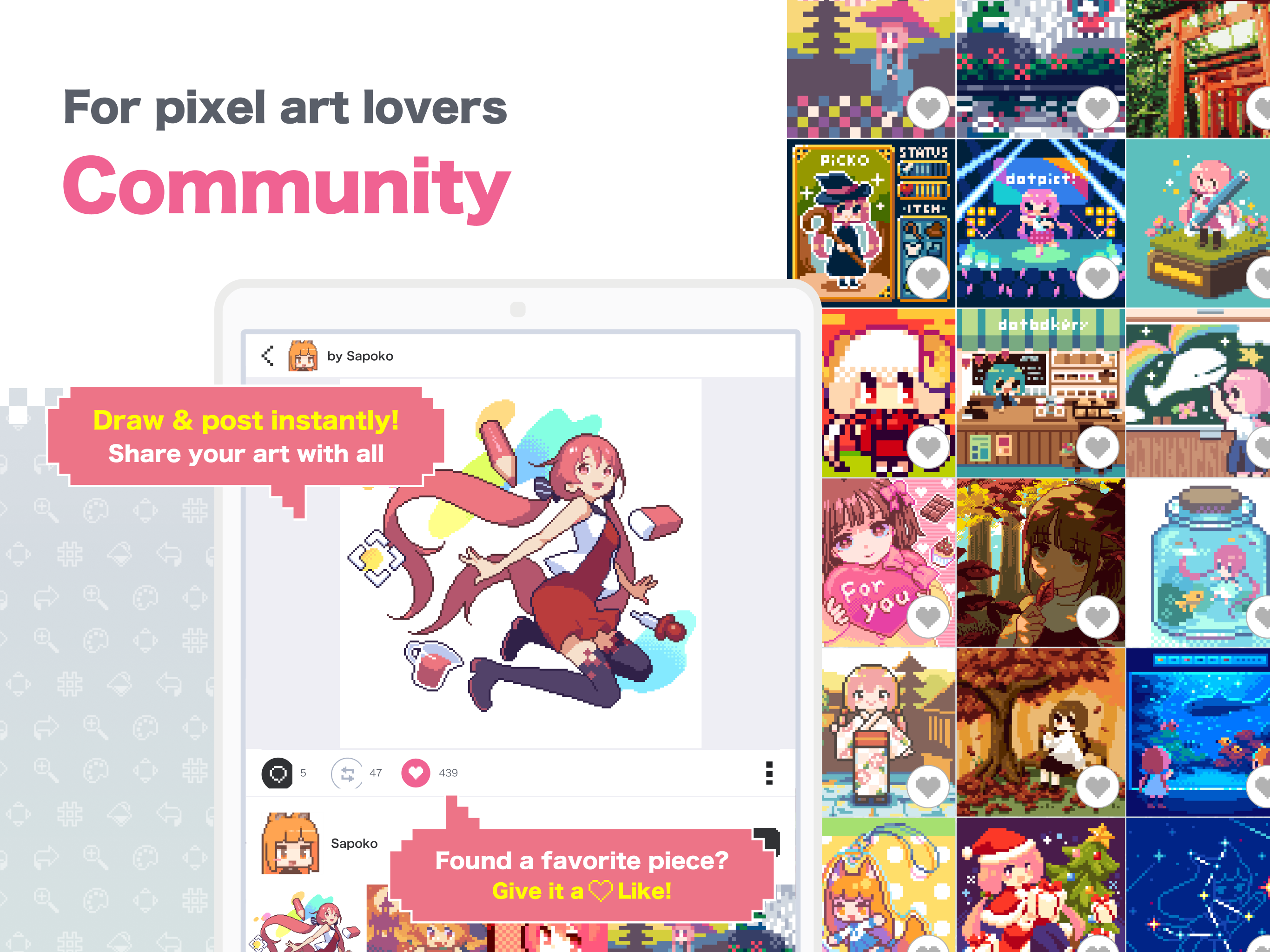
More than 4 million downloads! "dotpict" is an application specialized to drawing pixel art! "dotpict" has a community function that allows you to p...
| Name | Price | Type |
|---|---|---|
| dotpict Premium (Monthly) | $3.99 | Monthly |


