
Check the acquisition promise
Read the store headline, screenshots and description. What problem is the app promising to solve?
Study the storefront ↗
琦 赵 · iOS
Explore the ad evidence, study the storefront, and build your next acquisition hypothesis.
01 / Creative research
Read the store headline, screenshots and description. What problem is the app promising to solve?
Study the storefront ↗Explore apps with direct store-link matches. Compare their hooks and formats without assuming the same approach works here.
Browse observed advertisers ↗Store rankings and revenue estimates describe market context. They do not establish ad spend, conversions or ROAS.
Review the market context ↗02 / Storefront & product
Study the product story and store experience behind the acquisition funnel.




03 / Market context
Keep revenue, downloads and store rankings separate from advertising performance.
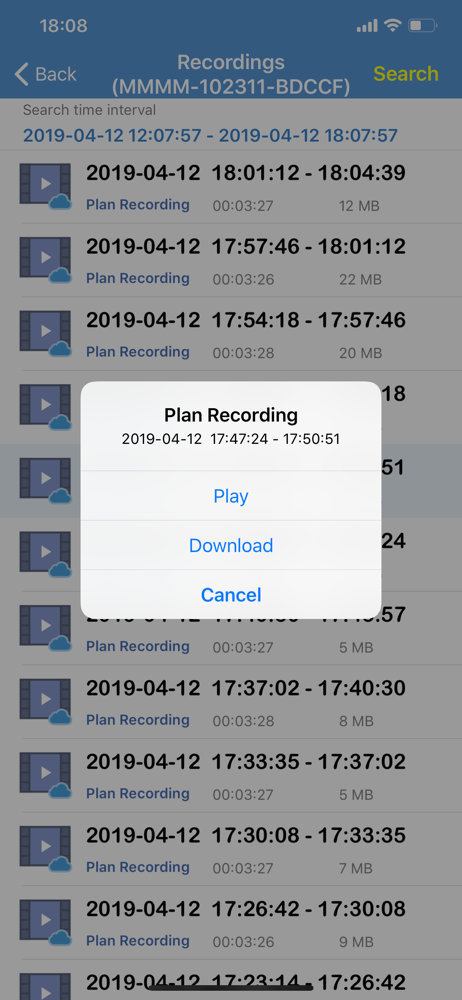
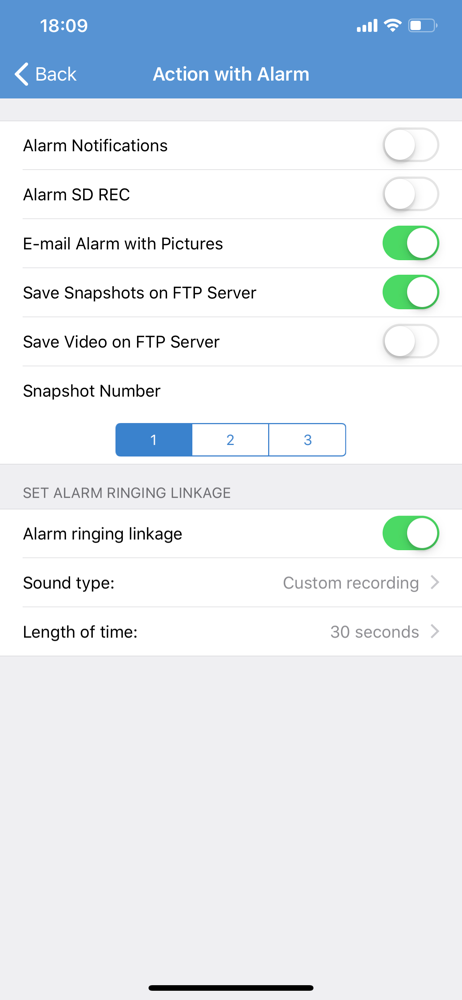
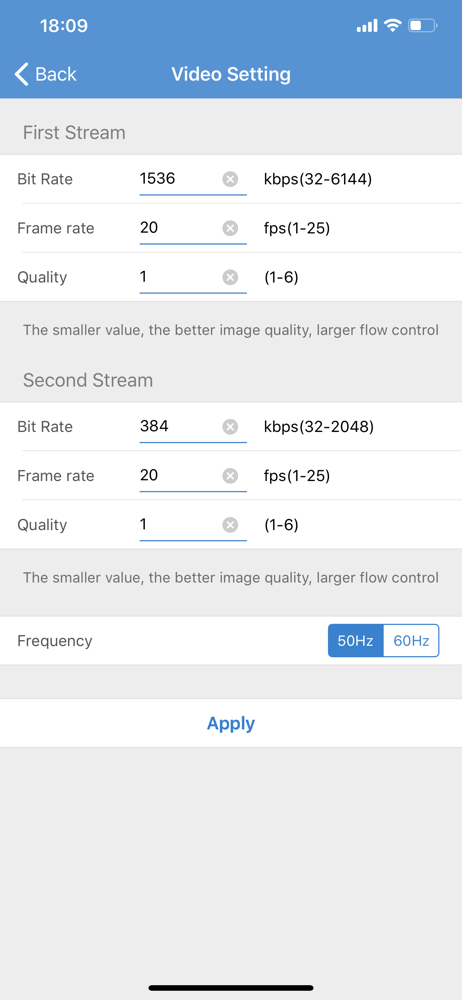
Unfortunately this camera drops off line frequently! The quality of the videos are not very clear, it’s hard to even read the license plate of a car driving by. I attempted to set a better quality of the video, but it keeps changing back to a lower quality setting.I have yet to be able to set it up to email me motion notification photos. I have several other Security cameras that are very easy to enable this feature, but not this one. Although it’s probably just as well because it has motion alerts for every single movement of trees, cars driving by, animals, etc. I would prefer a human detection feature to alleviate so many false alerts. I’m very upset that they’ve taken away the feature that highlights the last video you played. It made it much easier to keep track when you’re viewing several playback videos. Why would they take away a feature that was so helpful!?I did notice the CamHi Pro app does still highlight your previously played video, but it’s ability to zoom in quickly by fingertip is terrible, it distorts the video badly and is very difficult to zoom into a particular spot. The older Camhi is better for that feature. But I shouldn’t have to use two apps to get the features I need.I do love that I can preset viewing areas by number, but the ability to smoothly transition the camera from one spot to another leaves a lot to be desired. Camera motion is very jerky and hard to set precisely where you want it. Lots of improvement needed on this app.
I have used this app on a previously owned camera. I was hoping with this camera it would use a different app. I would prefer to have app with a password to log into camera. I have my smartphone locked but would also prefer the app be locked as well. The other issue is the rotation movement or up and down movement is very choppy and doesn’t allow an exact placement of viewing. It would be nice to have ability to have preset zone areas so all you need to do is tap the previously set zone(s). I would be willing to even pay a one time fee if there was an upgraded version to allow this. Also the email notification would be nice if not quite so technical to understand as well as some of the streaming options. I do like the option to set an area to trigger alarm. I do like the option for alarm output settings.
The first one I bought did not work, or at least I couldn’t get it to work. Then I bought another one and I did get it to work after I learned the idiosyncrasies of the set up. It was quite awkward to have to unscrew the screws and open up the camera in order to insert the SD card. But it does record video when motion is detected. There was a time when it was on constantly recording, but then I just turned off the recording schedule and the alarm recording (motion) still functioned. It works well over Wi-Fi, but I have not yet gotten it to work over the Internet when my phone is not connected to Wi-Fi. Rather the camera works but I cannot view it remotely when I’m away from the house. The aspect ratio on my iPhone is stretched horizontally and I haven’t figured out how to correct the aspect ratio on my iPhone.
*watch the on line video! *manage your smart camera!


