Check the acquisition promise
Read the store headline, screenshots and description. What problem is the app promising to solve?
Study the storefront ↗
Eco Plugs Enterprise Co., Ltd. · iOS
Explore the ad evidence, study the storefront, and build your next acquisition hypothesis.
01 / Creative research
Read the store headline, screenshots and description. What problem is the app promising to solve?
Study the storefront ↗Explore apps with direct store-link matches. Compare their hooks and formats without assuming the same approach works here.
Browse observed advertisers ↗Store rankings and revenue estimates describe market context. They do not establish ad spend, conversions or ROAS.
Review the market context ↗02 / Storefront & product
Study the product story and store experience behind the acquisition funnel.


03 / Market context
Keep revenue, downloads and store rankings separate from advertising performance.
I have been using Eco plugs for my pool timer for over two years now. The user interface isn’t great and there is clearly some language/grammatical issues with English in the manual, but otherwise it has worked flawlessly. I’m not a techie by trade, but I do understand wifi, etc. and I think that was helpful to me in setting it up. Once it was set up I have never touched it again. Even when the power goes out, it just seems to reconnect and just works. I installed the timer myself btw, replacing an old ‘dial’ one. It is 100% outside and exposed to the weather, and I live in a climate that has all 4 seasons. Again, the manual wasn’t easy to read but it all came together nicely.
I cannot set up my pool pump timer on my iPhone because eco plugs app hasn’t been updated to work with the new iOS 16. I had to set it up with my friend’s phone which is the same iPhone as mine but he didn’t update to the new iOS yet. I sent an email a month ago. This is their response: We have received some feedbacks and info via some media articles that some iphone models may have bugs on WiFi related feature which is not on iOS 16 update list. We are investigating this issue and also waiting and see whether the Apple will release tools and patch these days. Before the further progress on this issue, if you have other iPhone have not update to iOS16, we suggest you run initial setting and set timer for the device via that phone. Again, once we have improvement here, we will mail and let you know. Sorry for the inconvenience.
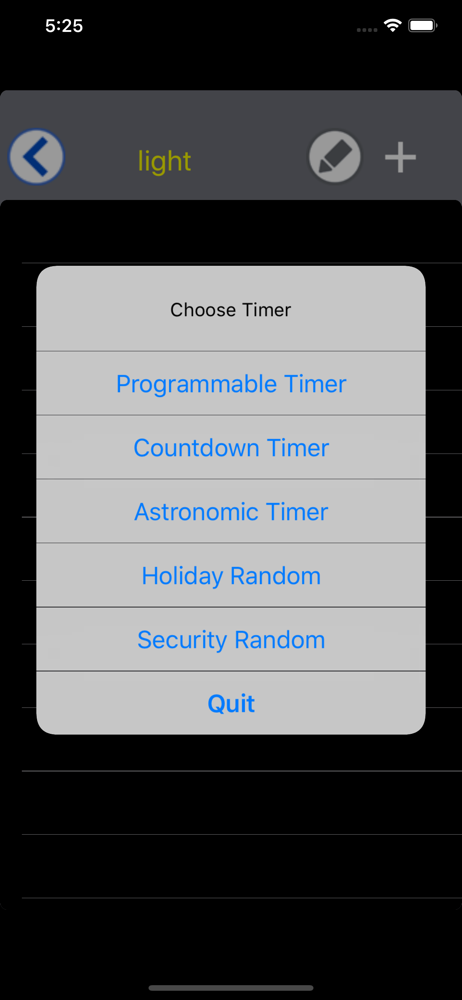
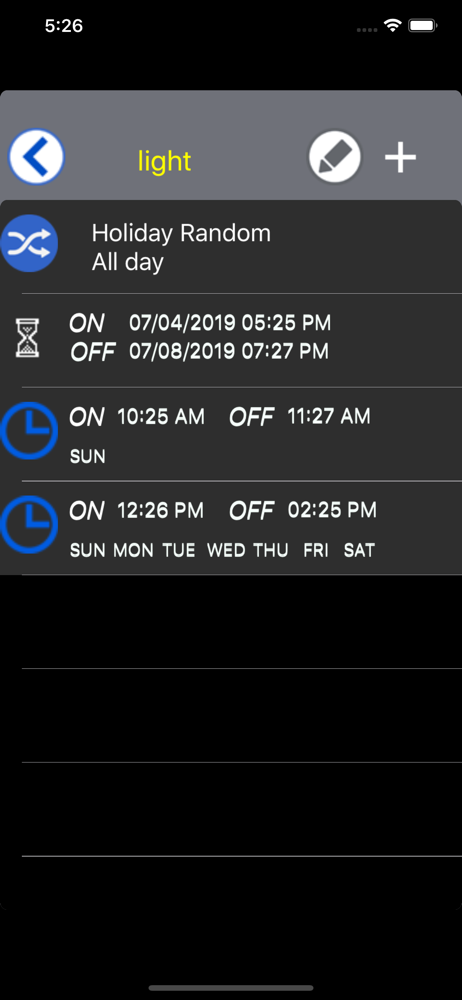
Update: I have found a work around via another user. I want my timer to turn on just before sunset and turn off at 11:00 PM all year. Here's how: Use the astronomic timer first. Turn on: set to sunset BEFORE and set your time. I did 30 minutes, so that way if it's cloudy I'll still have some light. Turn off: set to sunset BEFORE and set for a long time. I did 1 hour. Select your days of the week as needed. Now: Set another PROGRAMMABLE timer. Set on time for the latest sunset time in your area. In MO, that's around 9:00. Set time off for the time you want it to go off every night! This "hack" now sets your timer to always turn on around sunset, but turn off the exact same time each night. No need to readjust times due to seasons or Daylight Savings Time!!! I had no problem with setup. I'm using this for my under cabinet lighting. I just wish I could turn it in just before sunset, but always turn off at a given time. I don't like having them on past 11:00, so I can't do the other option of sunset and sunrise option due to varying times of sunset and sunrise. If I could setup on 30 minutes before sunset and off at 11:00, I'd be a completely happy camper!
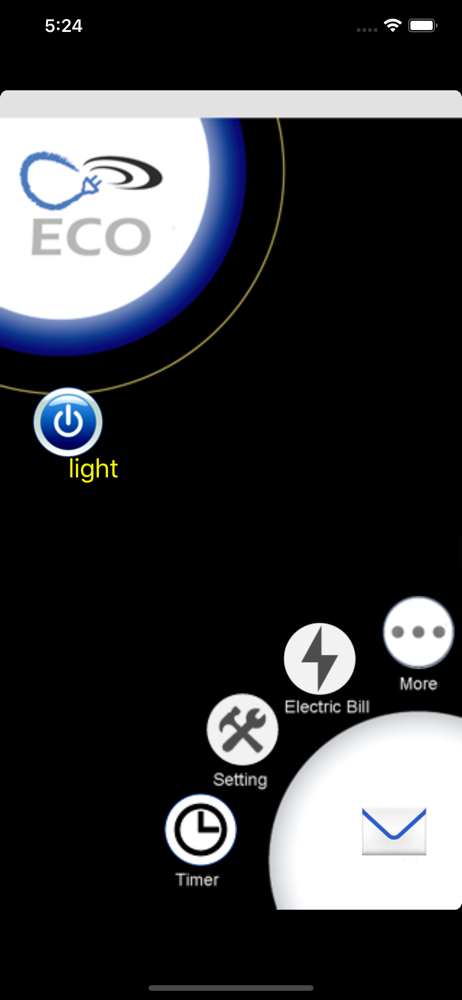
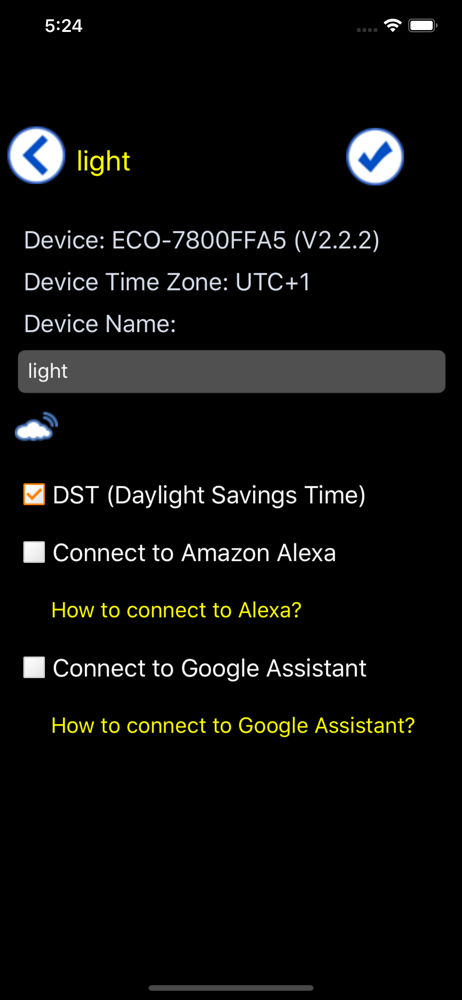
The App controls the ECO Plugs serial products - such as, switches, yard stakes, power strip, and smart box. Simple plug your device into power suppl...