Check the acquisition promise
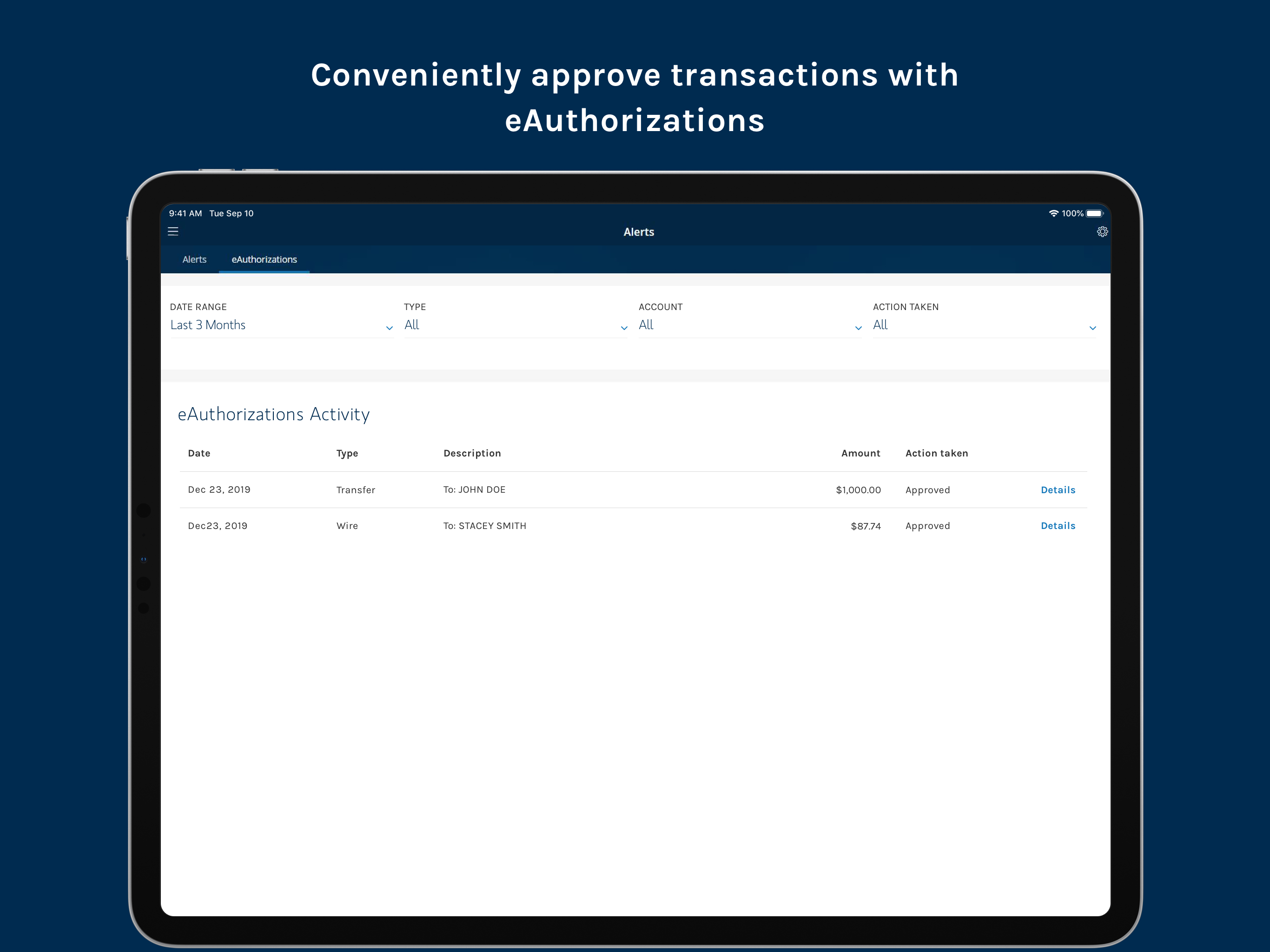
Read the store headline, screenshots and description. What problem is the app promising to solve?
Study the storefront ↗
Morgan Stanley · iOS
Explore the ad evidence, study the storefront, and build your next acquisition hypothesis.
01 / Creative research
Read the store headline, screenshots and description. What problem is the app promising to solve?
Study the storefront ↗Explore apps with direct store-link matches. Compare their hooks and formats without assuming the same approach works here.
Browse observed advertisers ↗Store rankings and revenue estimates describe market context. They do not establish ad spend, conversions or ROAS.
Review the market context ↗02 / Storefront & product
Study the product story and store experience behind the acquisition funnel.



03 / Market context
Keep revenue, downloads and store rankings separate from advertising performance.
Pros, it’s semi clean, nice color scheme, and like that you can find a representation visually of what you invested and the gains. Cons, it’s poorly laid out out, like who designed it seems to not use it. The selection of funds should take you to the information on the product, that just makes sense but no, it doesn’t take you there and gives you odd options, also there just doesn’t seem to be a thought for those who are trying to look at your portfolio. And this is over a year of use, not just a knee-jerk reaction
For those of us using a USB-c physical key for MFA on other platforms when the insert key page appears on the app during login the physical key does not appear to be recognized on the latest iPad with USB-c, making it impossible to verify and login. Supposedly the physical key problem on USB-c iPads was solved but without understanding how this app interacts with the iPad, it’s difficult to say if it’s the app, the iPad, or some missing step such as setting up the key in some fashion before the app will recognize it like on other platforms. Would be great if MS could correct this problem so the app can be used on the iPhone and iPad using a key. Otherwise provide instructions on the login page after credentials are put into the app. Gave it 2 stars instead of one since it’s possible to turn off MFA or set up a different less secure MFA option in order to use these iOS apps. Thanks
Read prior reviews stating problems with the app. I just installed it and logged in. Everything seems to be working for me.
Keep all your personal finances at your fingertips with the Morgan Stanley Mobile App. Manage your accounts, access account documents, deposit checks,...