Check the acquisition promise
Read the store headline, screenshots and description. What problem is the app promising to solve?
Study the storefront ↗
Rise Up Games · iOS
Explore the ad evidence, study the storefront, and build your next acquisition hypothesis.
01 / Creative research
Read the store headline, screenshots and description. What problem is the app promising to solve?
Study the storefront ↗Explore apps with direct store-link matches. Compare their hooks and formats without assuming the same approach works here.
Browse observed advertisers ↗Store rankings and revenue estimates describe market context. They do not establish ad spend, conversions or ROAS.
Review the market context ↗02 / Storefront & product
Study the product story and store experience behind the acquisition funnel.


03 / Market context
Keep revenue, downloads and store rankings separate from advertising performance.
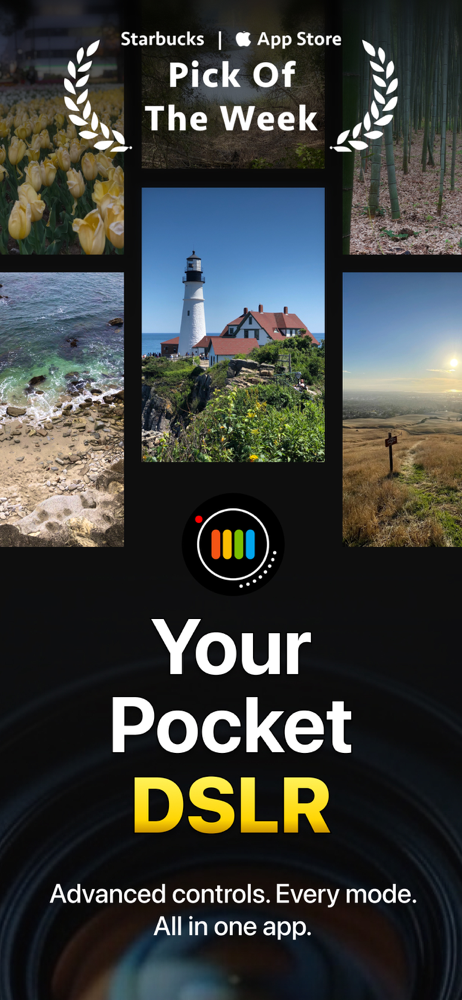
This app has been around a long time. I’ve had it installed on my iPhone for years. I fooled around with it a few times here and there, but never gave it a serious look until I recently upgraded from my old iPhone 12 Pro to the 17 Pro. As I now have a much better camera system, I thought I should give it another try. The first thing I noticed when I opened the app is that it was just upgraded to work with iOS 26 and the new iPhone 17 models. For an app I think I originally got for something like $.99 that doesn't require a subscription, this was a refreshing surprise. The developer is a rare breed in this day and age, and you can see that he takes pride in his work. There is enough documentation available through the app to learn how to operate the various controls, but the best way to figure it all out is to just start using it. Practice makes perfect. Keep in mind that the primary purpose of the app is to give you the ability to manually control your smartphone camera settings as if you were using a full-featured DSLR camera. It does not include any post photo editing capabilities. The photos you take using Proshot are stored in the same photo library as the ones you take when using the native camera app on your smartphone. In short, this is not some pricey overbloated camera app that attempts to do everything. It is just a more capable alternative to the regular camera app that came with your smartphone. I do hope the developer continues to support this app in the future.
Latest two versions when shooting in RAW only results in error when you click on the photo you expect to be in your photo library. “Error writing file.” I’m using an iPhone 11 Pro in iOS 14.3. I can’t be obsolete equipment! Also, while trying to learn why with the manual is not helping because it’s out of date...doesn’t match the app when discussing Settings! And where is HEIC capture if I can’t do RAW? Halide has no problem bringing over JOEG and DNG (RAW). Thanks for investigating these issues
Nice to see that ProShot has finally been receiving updates again. I had deleted it after getting an iPhone X in favor of camera apps that were optimized for its cameras and screen size. The new design looks good and (mostly) works. I decided to take off two stars for some issues I ran into pretty rapidly, at least one of which should have been easy to catch in testing: (1) Settings buttons are unintuitive. The haptic feedback toggle looks like the “hot air” icon on bathroom hand dryers, or perhaps some strips of bacon; the “volume = shutter” toggle looks like a camera making noise, as if it enables or disables a shutter sound. (2) The “volume = shutter” toggle doesn’t work. I can switch it on and off repeatedly without ever disabling the option. When I manage to disable it, it re-enables itself moments later without the icon ever lighting up. (3) It’s possible to cause the frame of the gallery view to appear around the camera somehow. When this happens, I have to close and restart the app to continue using it.
"World-class photography app" - iMore "The screen layouts are excellent. DSLRs could learn a thing or two." - Engadget "If you can name it, chances...
| Name | Price | Type |
|---|---|---|
| Donation | $0.99 | One-time |
| Donation | $4.99 | One-time |