Check the acquisition promise
Read the store headline, screenshots and description. What problem is the app promising to solve?
Study the storefront ↗
Entourage Yearbooks · iOS
Explore the ad evidence, study the storefront, and build your next acquisition hypothesis.
01 / Creative research
Read the store headline, screenshots and description. What problem is the app promising to solve?
Study the storefront ↗Explore apps with direct store-link matches. Compare their hooks and formats without assuming the same approach works here.
Browse observed advertisers ↗Store rankings and revenue estimates describe market context. They do not establish ad spend, conversions or ROAS.
Review the market context ↗02 / Storefront & product
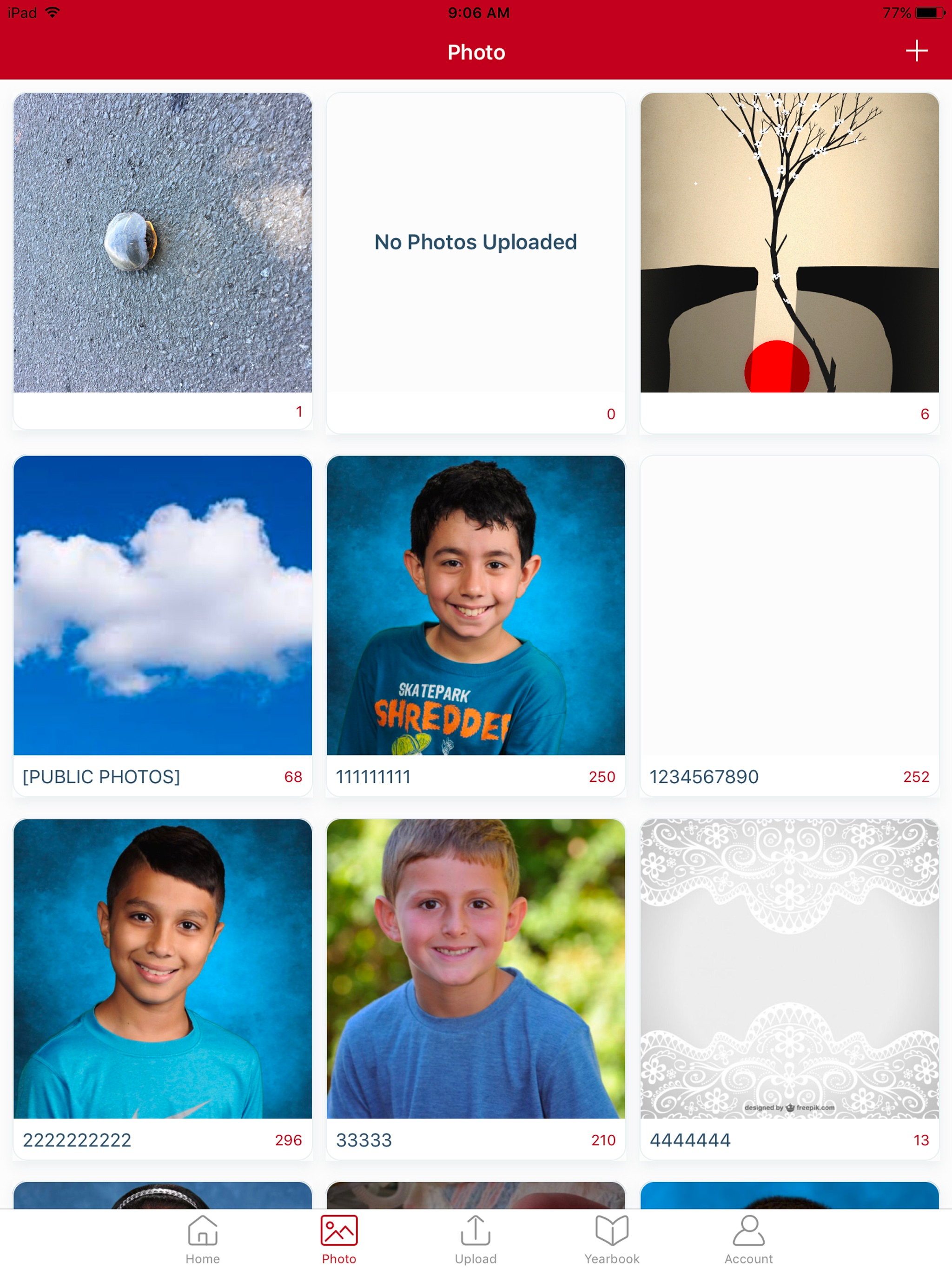
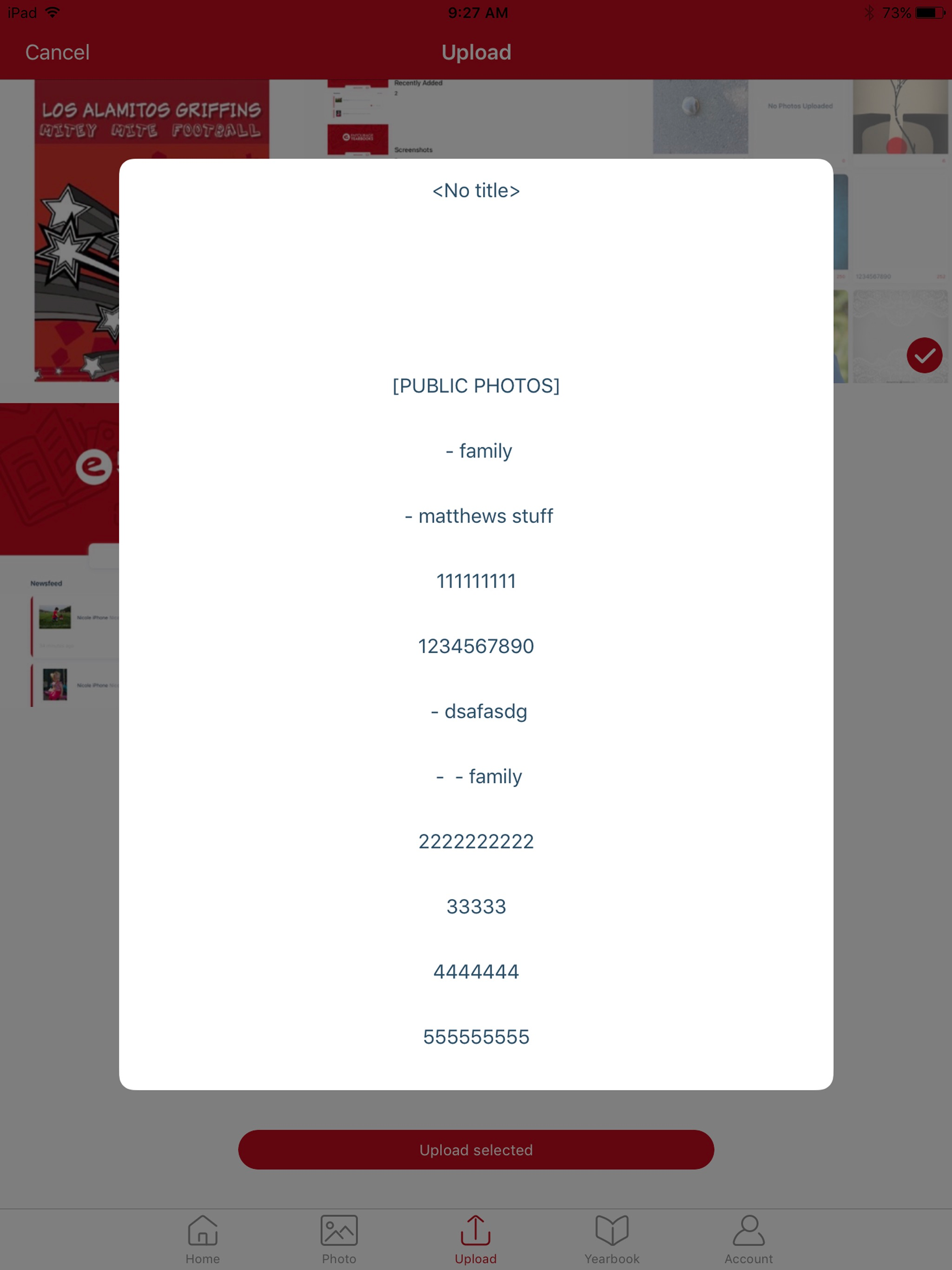
Study the product story and store experience behind the acquisition funnel.


03 / Market context
Keep revenue, downloads and store rankings separate from advertising performance.
you have all your permissions in order. The following must be updated by Admin: 1. Manage Permissions is selected to allow certain users (staff and/or editors) to upload photos 2. Manage Link - Mobile App tab. Check the “Allow Link users” boxes under Link and Mobile App permissions list and Allow Photo Upload and Content Submission list. Specifically, without selecting the box, “allow link users to upload photos that can be used in the yearbook”, you won’t be allowed to upload a photo in the app. Be sure to click the blue “confirm link changes” button to submit your updates. Hope this helps someone! I learned the hard way.
I was hoping this app would help with uploading and organizing pictures for the yearbook. However every time I try to upload a picture I get an error message it states “You are not allowed to upload media.” I have the latest version and full permissions too. I’ve tried just using the web and it won’t connect to google drive. It states the appl is blocked. “This app tried to access sensitive info in your Google Account. To keep your account safe, Google blocked this access.” It’s extremely frustrating!!!!
I downloaded this in the hopes that I would be able to simply and easily upload pictures from my phone to the yearbook, but it states (when trying to do literally anything) that I do not have permission. On desktop, I can navigate the website easily and practically do anything. Isn't the case on this app.
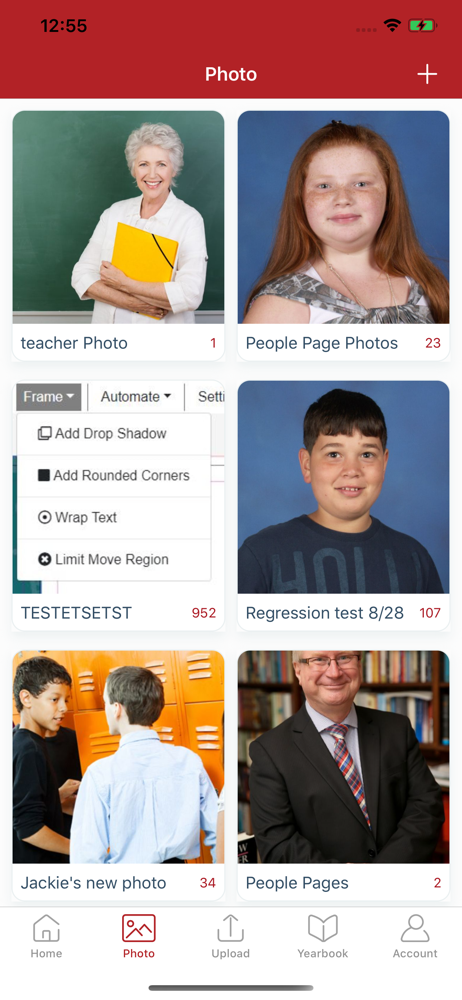
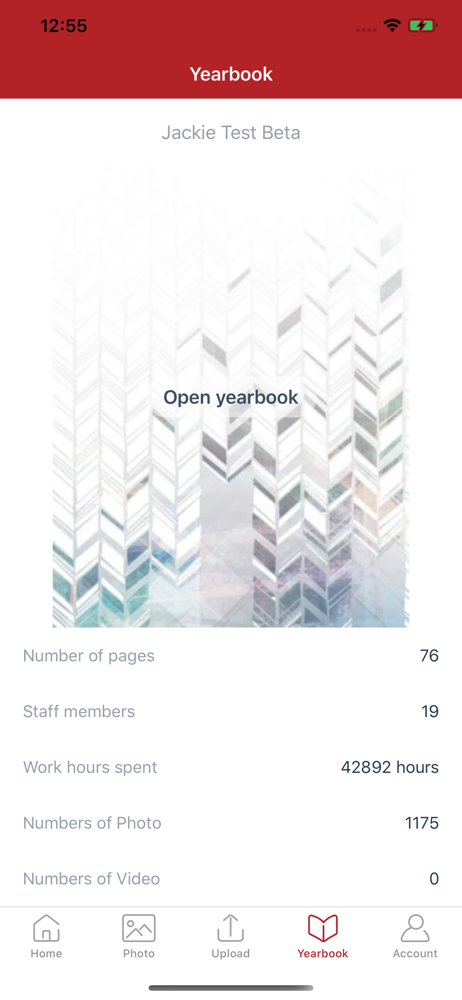
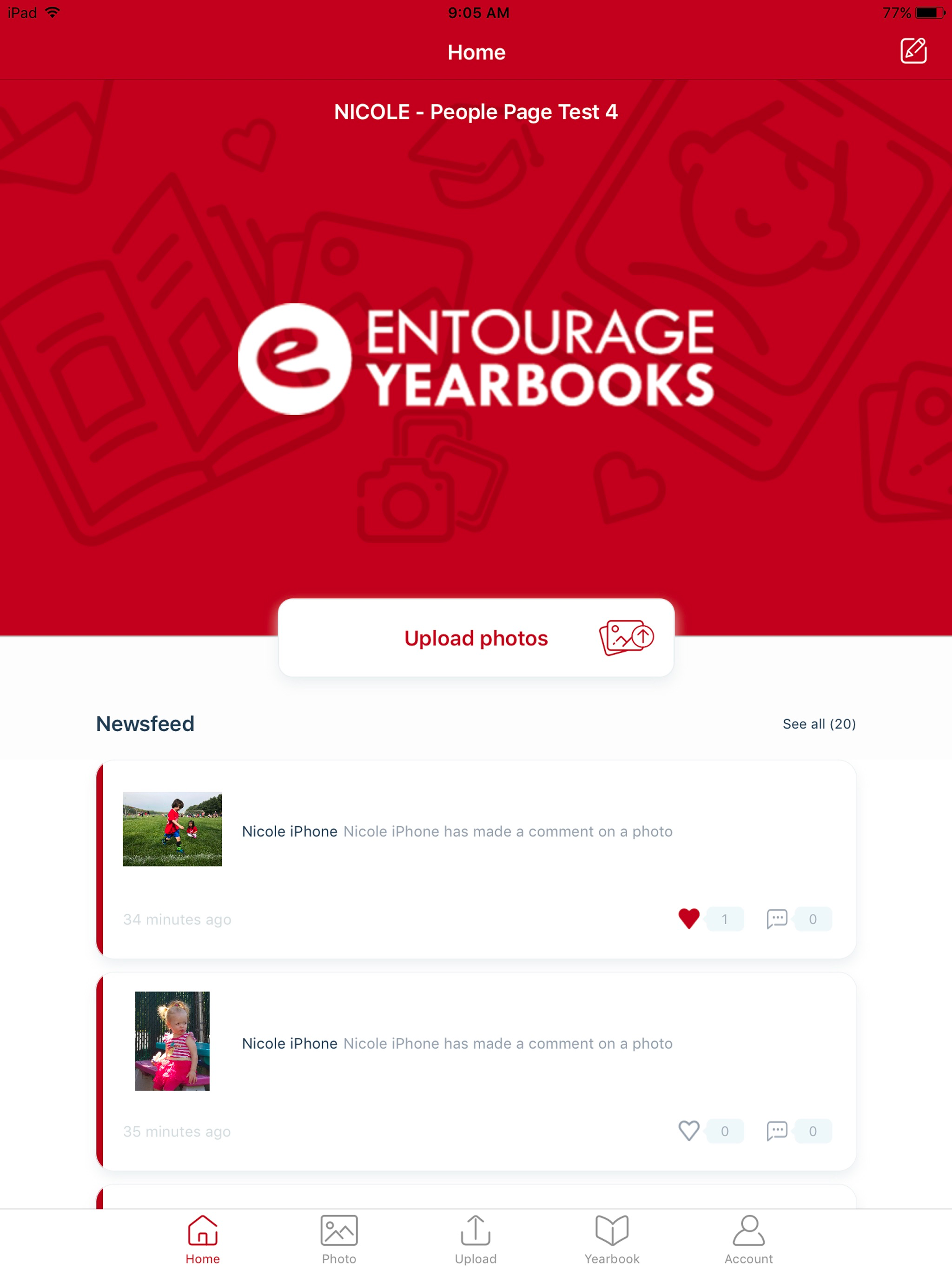
Link by Entourage Yearbooks provides an easy way to view, contribute, and manage your yearbook through your mobile device. Upload photos, view photo...