Check the acquisition promise
Read the store headline, screenshots and description. What problem is the app promising to solve?
Study the storefront ↗
PixelSplincher · iOS
Explore the ad evidence, study the storefront, and build your next acquisition hypothesis.
01 / Creative research
Read the store headline, screenshots and description. What problem is the app promising to solve?
Study the storefront ↗Explore apps with direct store-link matches. Compare their hooks and formats without assuming the same approach works here.
Browse observed advertisers ↗Store rankings and revenue estimates describe market context. They do not establish ad spend, conversions or ROAS.
Review the market context ↗02 / Storefront & product
Study the product story and store experience behind the acquisition funnel.


03 / Market context
Keep revenue, downloads and store rankings separate from advertising performance.
This app has many great tools for editing. However, it is loaded with bugs. Sometimes, when I create a new project, the video doesn’t even show, only a black screen. Sometimes the effects don’t even work and it crashes. The app is good when it works, but the constant bugs have to be stopped. Edit: The new update is good but source over using greenscreen remove and move rotate scale is messed up. When you try to scale a greenscreen video using source over, the area that is not part of the greenscreen video turns black and covers the background video. I have used this before without any problems, but it is giving me problems now. Please fix this.
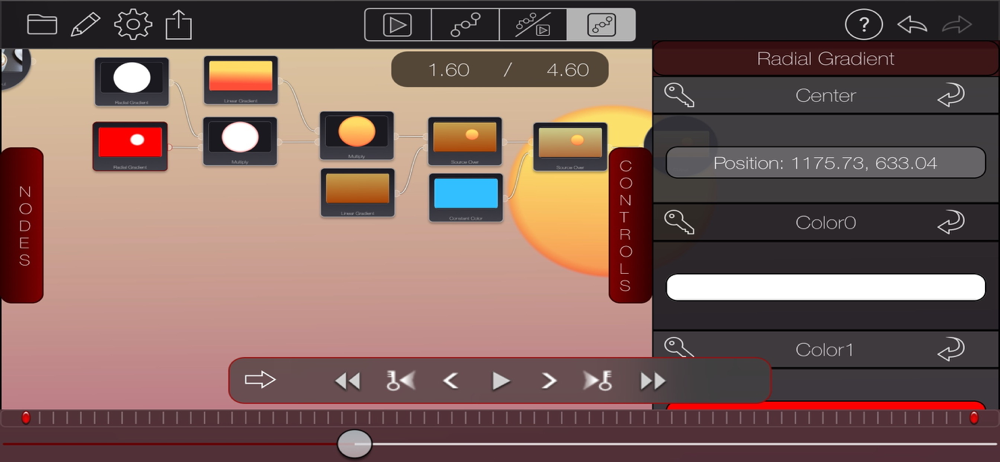
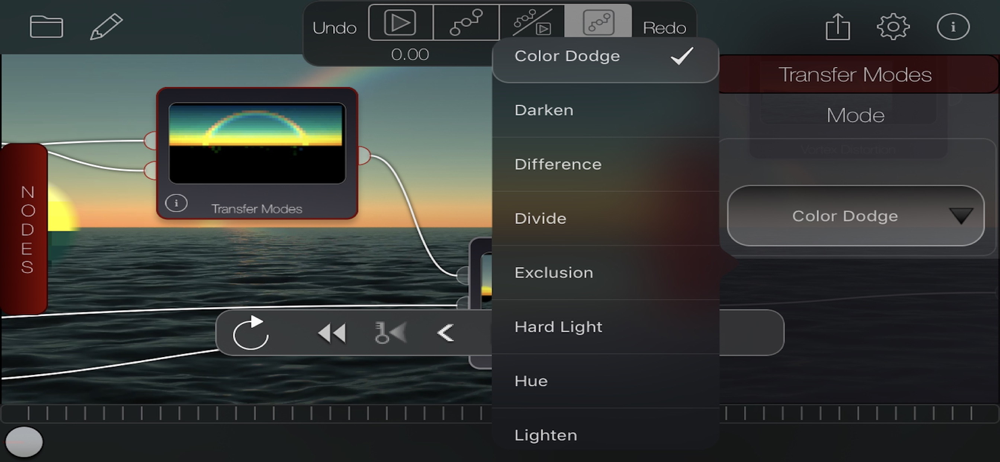
it’s 2019 and I only just found Bricolage and its add-ons. where have you been all my iPad life?! this app is unique in that you can infinitely (presumably) chain and rearrange video effects seamlessly instead of having to render and save a video for one effect just to use it in the next. and the rearrangement of effects is done by dragging and connecting/reconnecting node inputs and outputs to each other — by way of what I’d have called a GUI in 2002, though the term seems too clunky for this. it feels like I’ve been waiting for this app since 2002, back when I was using Max/MSP/Jitter on my MacBook. this reminds me of that in that it’s refreshing to use for its simplicity once you understand what’s happening. thank you for putting this out there. more people should find it and use it. my only suggestions so far are that I’d like to be able to see an effect’s description and number of inputs without first having to activate it on the “stage,” and also that it would be wonderful to be able to quickly swap out or cycle through each somehow by way of the secondary long-press gesture (the one that brings up the option to delete the node) instead of having to back to the long menu docked on the left — necessitating some sort of elegant inline solution I guess? I’m sure you’ll know it when you see it.
Finally, compositing on the iPad and it looks great on the iPad Pro. Giving it 4/5 stars because it's now crashing upon launch after attempting to apply a stylize node.
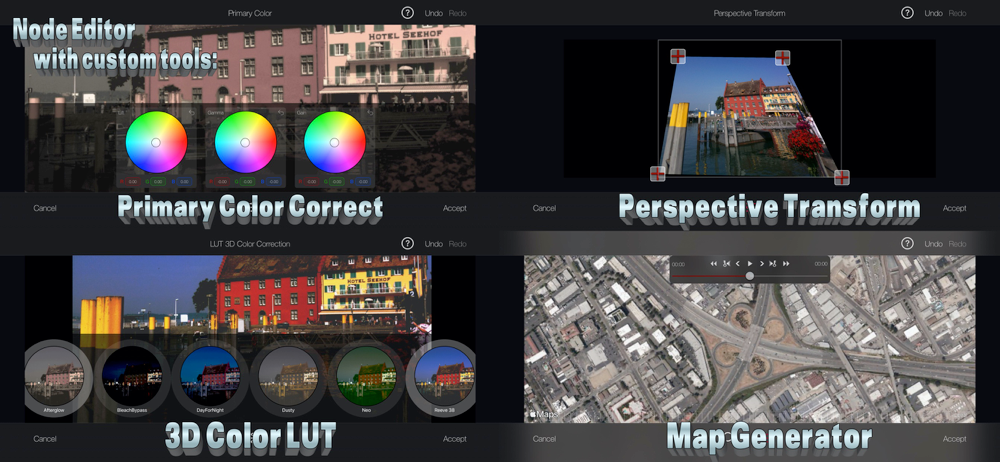
Bricolage is a powerful special-effects toolbox for tricking out your photos and movies like the Hollywood pros do. Pipe your video through a chain of...
| Name | Price | Type |
|---|---|---|
| Noise Pack | $0.99 | One-time |
| Greenscreen Remover | $1.99 | One-time |
| Cutouts | $1.99 | One-time |
| Shapes | $1.99 | One-time |
| Title Pack | $1.99 | One-time |