
Check the acquisition promise
Read the store headline, screenshots and description. What problem is the app promising to solve?
Study the storefront ↗
Tinkerworks Apps · iOS
Explore the ad evidence, study the storefront, and build your next acquisition hypothesis.
01 / Creative research
Read the store headline, screenshots and description. What problem is the app promising to solve?
Study the storefront ↗Explore apps with direct store-link matches. Compare their hooks and formats without assuming the same approach works here.
Browse observed advertisers ↗Store rankings and revenue estimates describe market context. They do not establish ad spend, conversions or ROAS.
Review the market context ↗02 / Storefront & product
Study the product story and store experience behind the acquisition funnel.


03 / Market context
Keep revenue, downloads and store rankings separate from advertising performance.
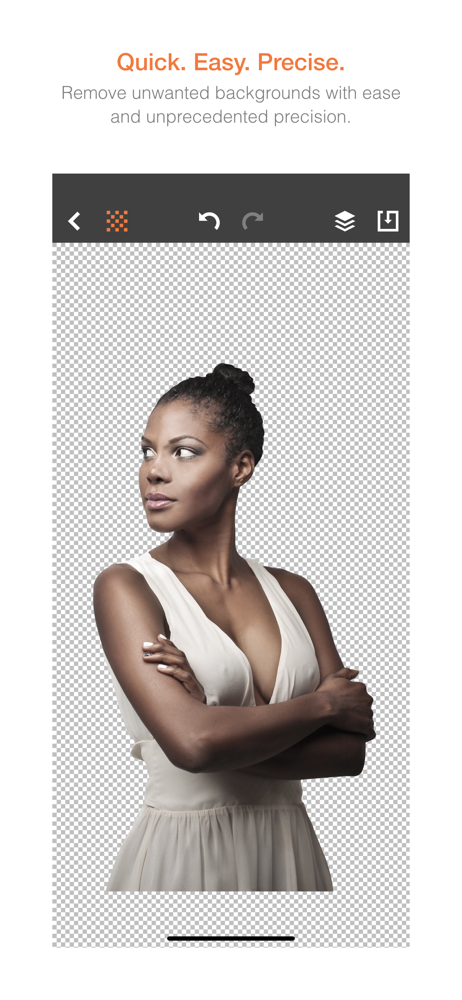
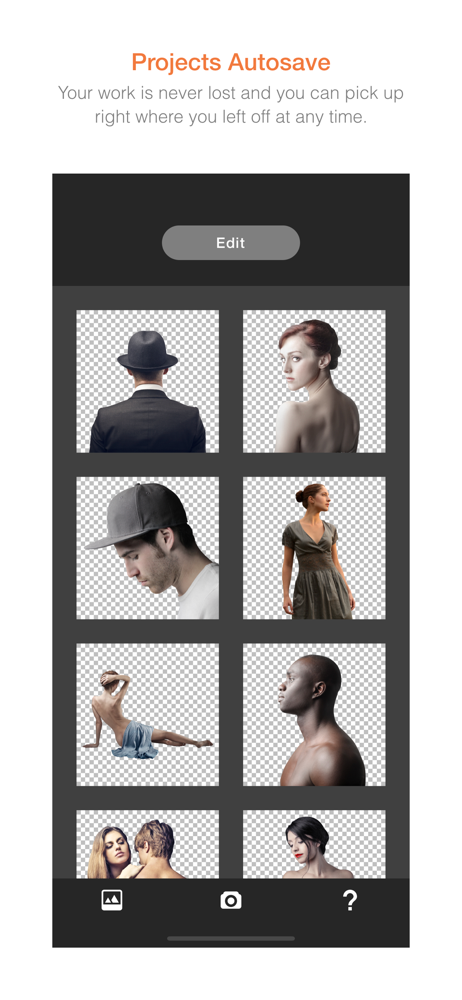
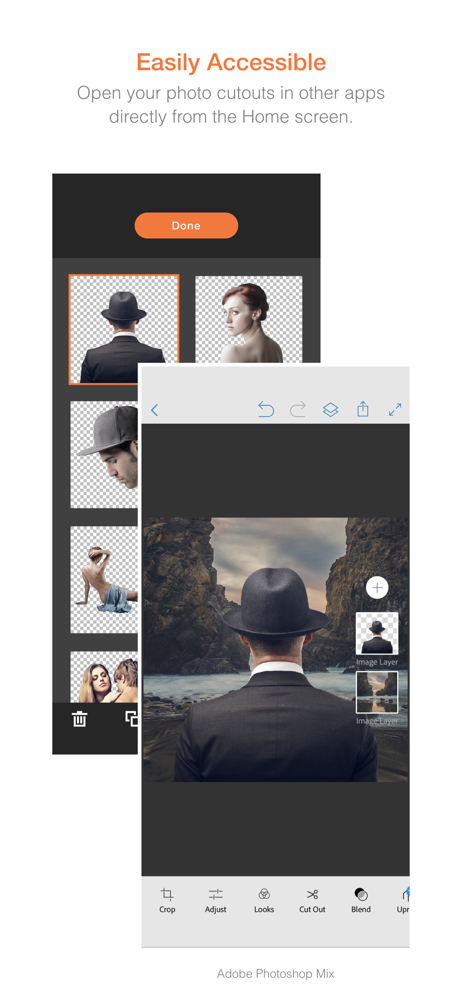
This app works great, easy to use, and cuts out images very cleanly. The only problem I have is when I save my cut out picture to my camera roll, it saves it with a white background. I wish you could just save it with a transparent background or no background at all, so you don’t have to re cut it out on a different app...
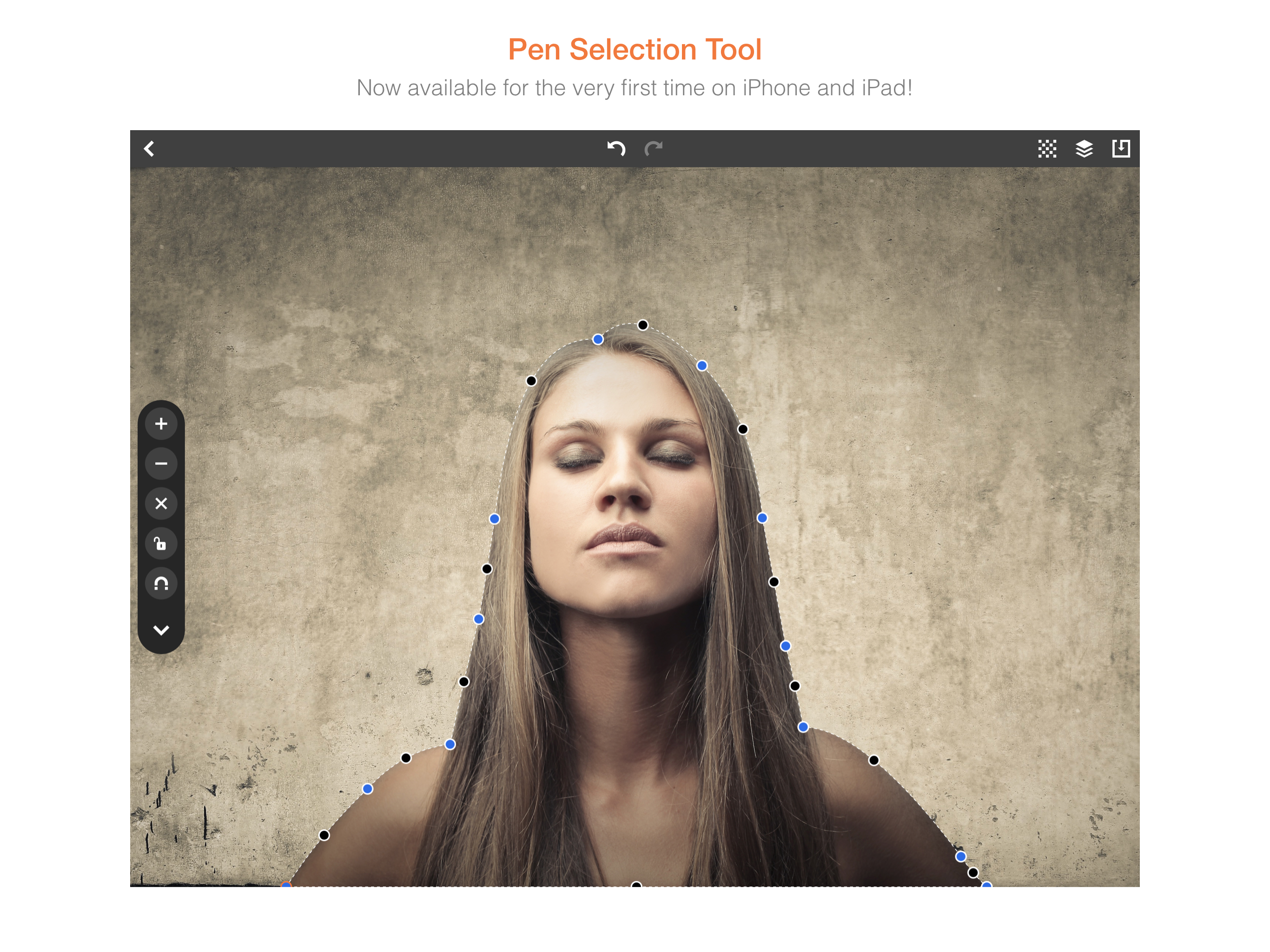
Good job on this app. Does the cut out superbly. Pretty easy to pick up by going through the tutorial first. Haven’t seen a use for the magnet function yet as opposed to just adding more points. But, will test it more. For the reviews mentioning not being able to save to camera roll - this is a heads up for new users. When you try to export your very first project, you’ll get the typical permission prompt. Even when you tap to accept, that very first attempt gives you an error. But click to export again right after and it works just fine. So it’s just some quirk with the permissions step for me.
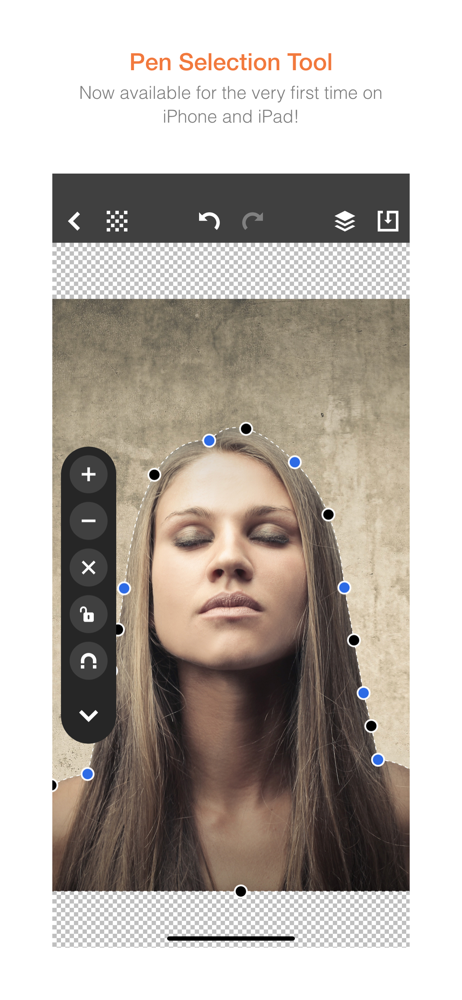
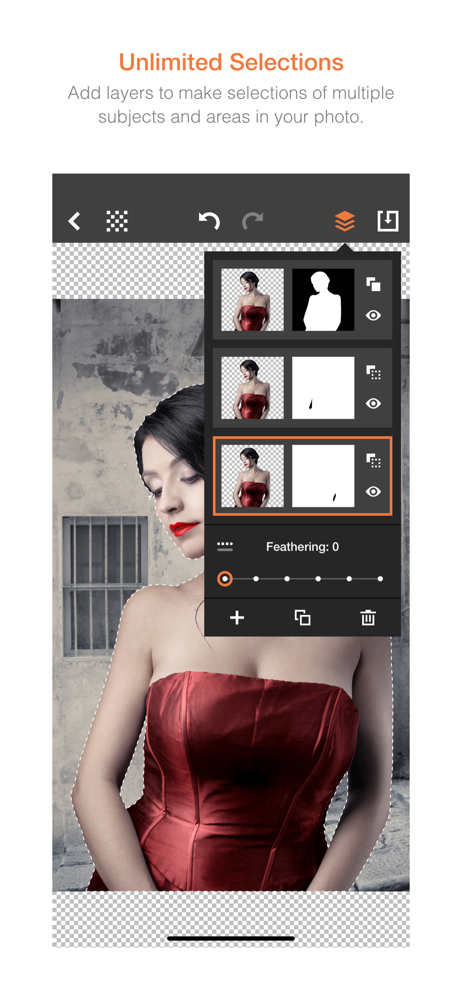
I used this App's predecessor "Photo Fusion" for several years. It had a clumsy interface, but it got the job done and Apple states it will not work on iOS 11, so I purchased Exacto. The controls have been greatly improved with regard to placing points and modifying their position. The undo buffer and ability to insert and delete points randomly improves the experience. And saving a PNG of the selected area is now as simple as it gets. However the App could be improved if the developer combined the creative composition tools present in Photo Fusion with the precise selection and cropping function in Exacto. If that happens more stars will be awarded.
Quickly remove unwanted backgrounds or create razor-sharp photo cutouts with the Pen Selection Tool. Previously found only in advanced desktop program...


