
Check the acquisition promise
Read the store headline, screenshots and description. What problem is the app promising to solve?
Study the storefront ↗
Eleven K, Inc · iOS
Explore the ad evidence, study the storefront, and build your next acquisition hypothesis.
01 / Creative research
Read the store headline, screenshots and description. What problem is the app promising to solve?
Study the storefront ↗Explore apps with direct store-link matches. Compare their hooks and formats without assuming the same approach works here.
Browse observed advertisers ↗Store rankings and revenue estimates describe market context. They do not establish ad spend, conversions or ROAS.
Review the market context ↗02 / Storefront & product
Study the product story and store experience behind the acquisition funnel.



03 / Market context
Keep revenue, downloads and store rankings separate from advertising performance.
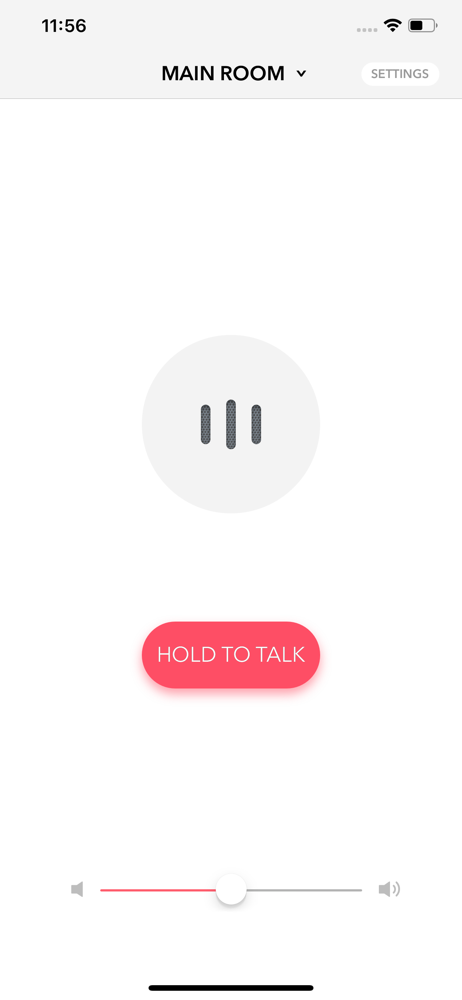
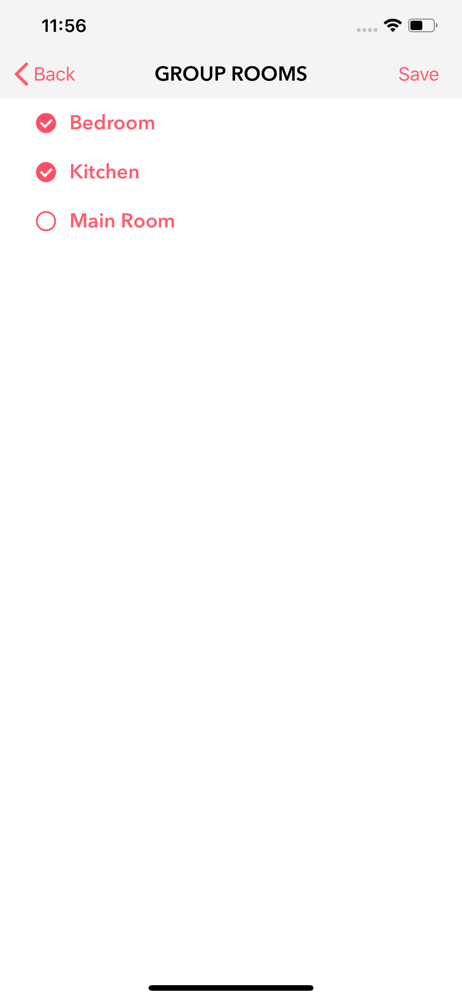
This works as expected and allows me to call family to meals without shouting around the house. Other reviews said the auto detect was broken so I went straight to the manual setup option and entered my Sonos’s IP address. Smooth sailing after that.
When I press the “Hold to Talk” button there is a delay before I hear the sound from the speakers. That’s fine. But as soon as I *let go* of that button, the speakers cut off. In other words, I hold down the button, say my phrase, and let go of the button. Meanwhile, the speakers (with a second or two delay) play my message but STOP as soon as I let go of the button, and before they’re done playing my message. There’s an option to turn off “Real Time Audio” which fixes this, but then it plays my message twice for some reason.
Let me start by saying the app developer is on top of problems or challenges that arise. An update to Sonos messed up the app. The developer was honest and forthcoming about fixing it as fast as possible. A few days later the new revision was out and it works perfect again. The only thing I can recommend is to turn off “Real Time Audio” in the settings. It causes the echo that some people complain about. It happens because it starts playing the page before you finish saying something and you get an echo. Uncheck that box in the settings and the problem goes away. Just remember to hold down the button until you’re done talking. I don’t usually write extended reviews but this app does exactly what it’s supposed to do. Well worth the money.
Voice Intercom for Sonos is a REAL TIME intercom app for your Sonos sound system. Speak into your iPhone's microphone and hear your voice broadcast...


