
Check the acquisition promise
Read the store headline, screenshots and description. What problem is the app promising to solve?
Study the storefront ↗
Kulitorum · iOS
Explore the ad evidence, study the storefront, and build your next acquisition hypothesis.
01 / Creative research
Read the store headline, screenshots and description. What problem is the app promising to solve?
Study the storefront ↗Explore apps with direct store-link matches. Compare their hooks and formats without assuming the same approach works here.
Browse observed advertisers ↗Store rankings and revenue estimates describe market context. They do not establish ad spend, conversions or ROAS.
Review the market context ↗02 / Storefront & product
Study the product story and store experience behind the acquisition funnel.




03 / Market context
Keep revenue, downloads and store rankings separate from advertising performance.
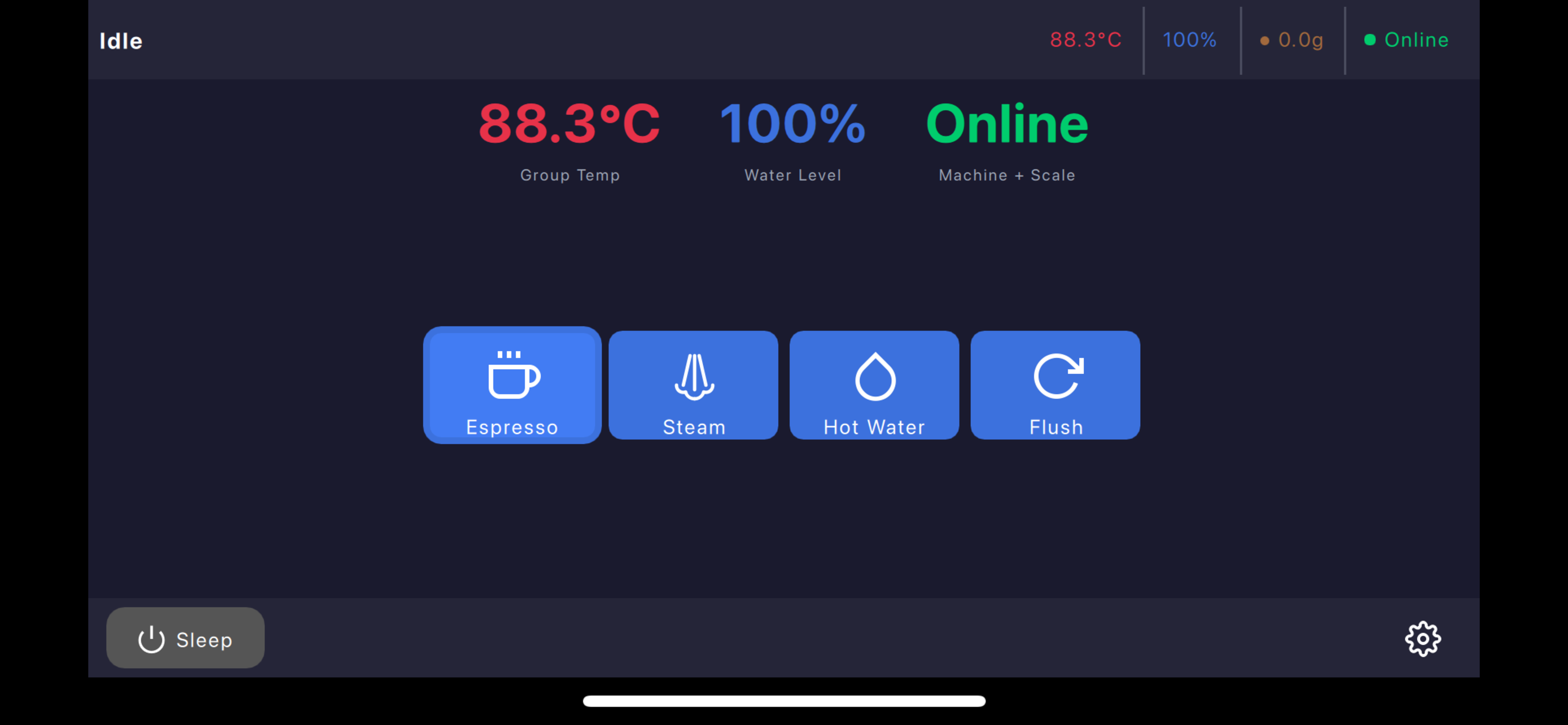
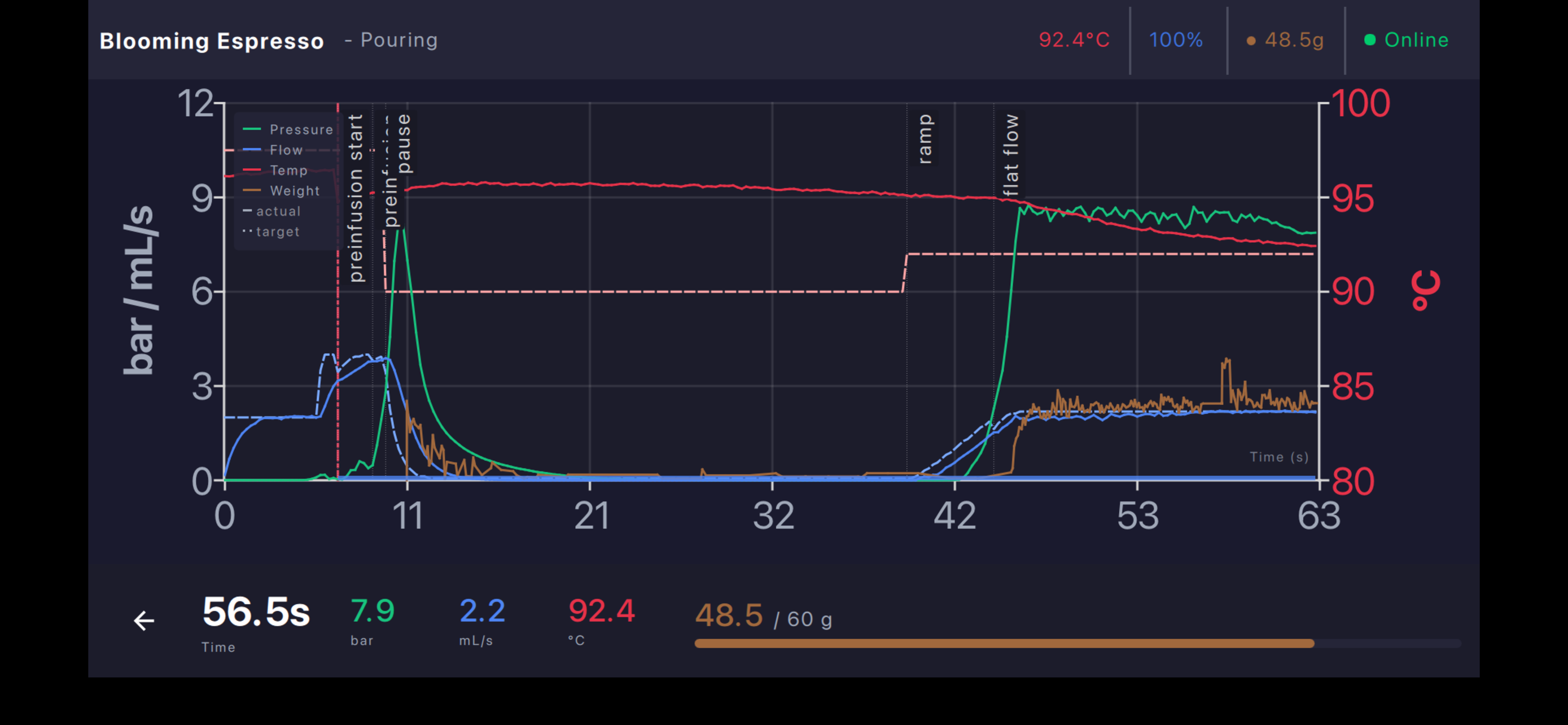
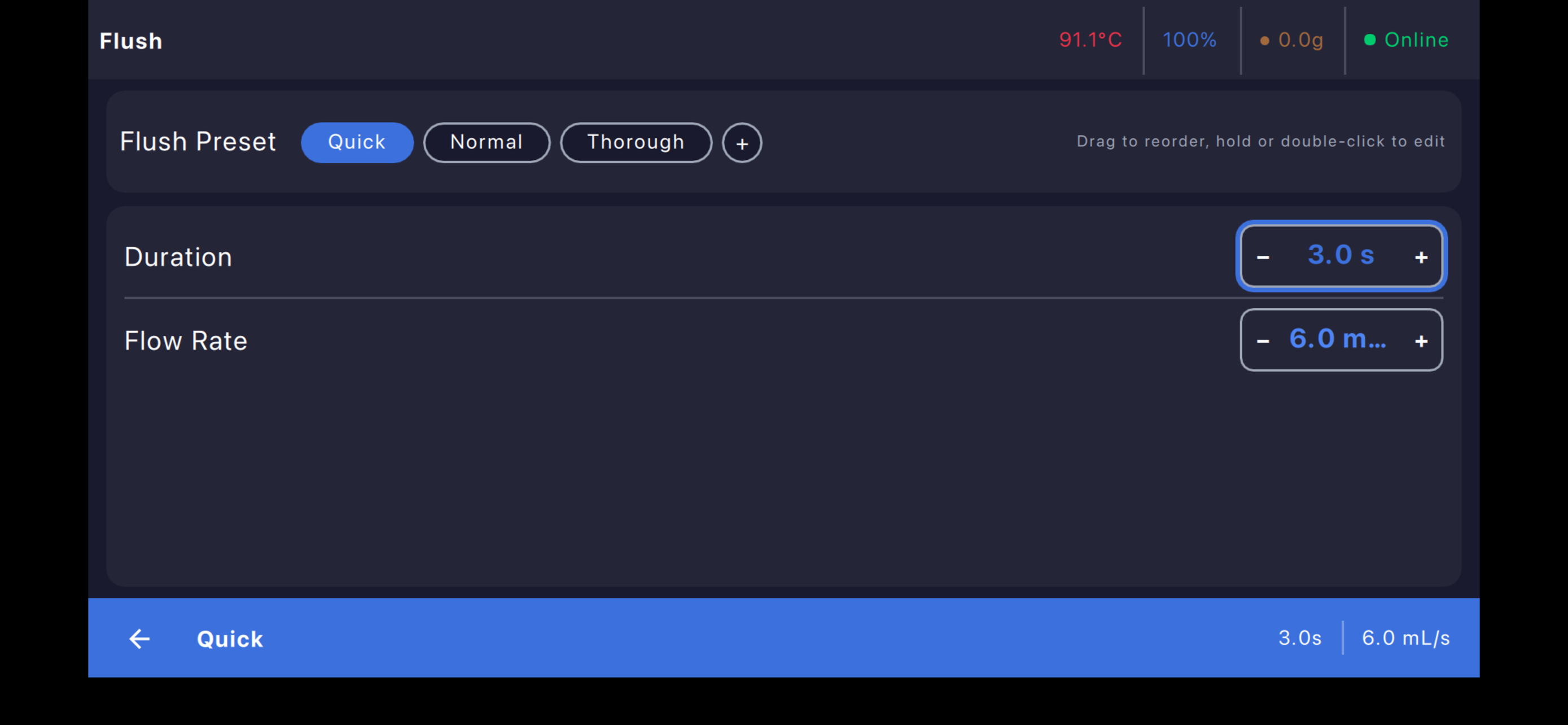
This is the app that the Decent needed to bring out its full potential. The native de1app was adequate but it was all we had. The skins made it pretty but it just seemed that something was missing. It felt like it was built by a programmer with little knowledge of UI. This app changes all that. The layout and UI is very understandable. Functions are easy to get to and change if needed. It’s simple to change the profile and beans on the fly instead of having to get into the DYE after the shot was done. I can set steam duration easily - because I use the same pitcher and volume every time. Flush is the same. It’s easy to set up a bean and grinder database and switch at the primary screen. It also appears that the shots are more accurately produced. The final arbiter is taste and my wife mentioned that her morning cappuccino is just better. The first shot I pulled with the app was well balanced and had great mouth feel. As a comparison, I also tried the new native Decaid app and to be frank, this is just better. It’s well worth $10.
My Decent xxl 1.45 has worked perfectly since I bought it a few years ago. I was using a new Samsung tablet but always wanted an easy to use app for my iPad. Since the beginning of the development of this app I have been closely monitoring its development but tbh always worried about the potential for causing problems with my perfectly working machine. I decided to take the plunge and downloaded the app. To my amazement and surprise the app instantly recognized my Decent machine and scale. My old large Decent scale connected but does not work properly. I suspect it is the scale as my much older Lunar scale works perfectly. I am working with the app developer to see if we can get the Decent scale to work. However, that aside the program is easy to use and very intuitive. I’m diving deeper into the more advanced settings. An in-depth video of the many features would be helpful. Try this app. You will not be disappointed. UPDATE: The app was updated and fixed the scale issue. Everything now works perfectly.
My Samsung tablet had gone out, had gone out and I thought I was going to have to buy a new Samsung tablet, but I used Google search to look for any alternatives and came out with this app now I can use my machine with either my phone or an iPad. Well done easy to use works perfectly. I don’t know if I missed the instruction manual but maybe I’ll shoot a video for how to use it. I’d be my only recommendation is if you’re coming from the Samsung, the functionality is a little bit different. Took me a out how to use some of the buttons
Take complete control of your Decent DE1 or Bengle espresso machine. Decenza is a modern, open-source controller designed for espresso enthusiasts...


