
Check the acquisition promise
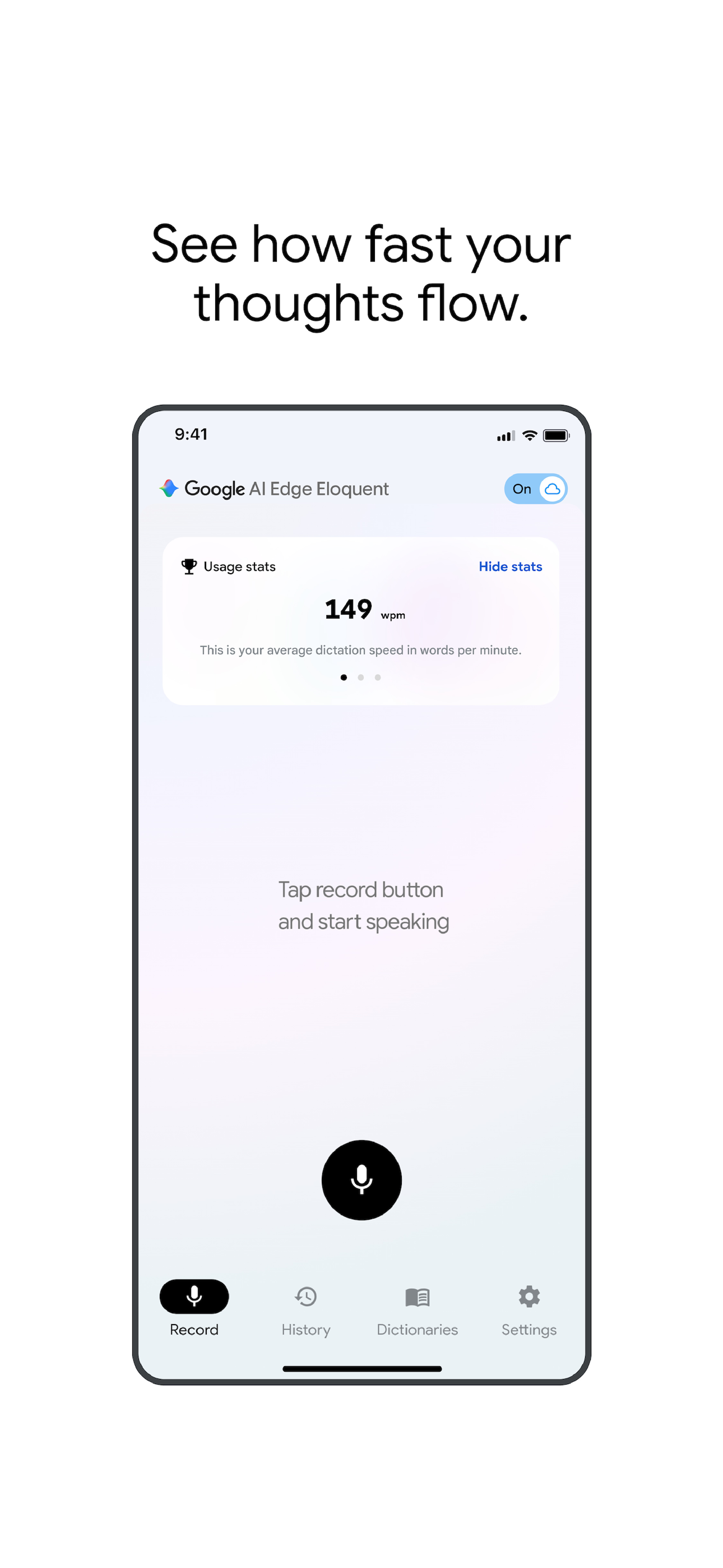
Read the store headline, screenshots and description. What problem is the app promising to solve?
Study the storefront ↗
Google · iOS
Explore the ad evidence, study the storefront, and build your next acquisition hypothesis.
01 / Creative research
Read the store headline, screenshots and description. What problem is the app promising to solve?
Study the storefront ↗Explore apps with direct store-link matches. Compare their hooks and formats without assuming the same approach works here.
Browse observed advertisers ↗Store rankings and revenue estimates describe market context. They do not establish ad spend, conversions or ROAS.
Review the market context ↗02 / Storefront & product
Study the product story and store experience behind the acquisition funnel.





03 / Market context
Keep revenue, downloads and store rankings separate from advertising performance.
I really want this app to work. I’ve used whisper flow but my default is opening ChatGPT and using their mic to transcribe my thoughts and then copying and pasting. This app works for me 40% of the time. The other 60 it just records nothing at all. I learned the hard way by hitting record and rambling on and on only to find it didn’t record a single word. I updated the app, restarted my phone and it just works when it wants to. Please fix this and I’ll update it to 5 stars🙏🏾 UPDATE: Changed my rating to 4 ⭐️ now because the update fixed the issue of not catching what I was actually saying. The thing that would make this a 5⭐️ review is if the app would load faster. I have the app assigned to my quick button on my iPhone and it takes a long time load! You want something that can jump right into dictation because 9/10 you’re doing something quickly.
So, here's the fun thing: I dictated this part of the review to Google AI Edge Eloquent. Whatever spelling or capitalization stuff—like if I say, "Hey, this is really cool and it works well," and it gets punctuation perfectly—and then I say something else, it figures out natural speech. I know this is a long review, but I'm just showing you that I'm just talking at my phone, and oh my god, it got everything right. The next section—oh, that'll be fun because that's Apple. Cool so here’s the Apple section and if I say something like hey this is absolute well sheet and then I continue talking and it’s like can this figure out the correct punctuation? Does it look like I dictated this or I’m a sloppy 10-year-old that typed this exclusively with my thumbs you be the judge it’s too simple clear examples of dictating regular speech with nothing unique or special or different between recording the two
Pros: This is an incredibly well-executed iOS app. The transcription is spot on, but more importantly, it is lightning fast. I’ve tried several other well-known text-to-speech products that feel sluggish, but this is snappy and responsive—really, really well done by the Google team. Cons: The main hurdle is the lack of a dedicated Mac app. Without keyboard shortcuts, you're forced to use the GUI, which is far too slow for a demanding transcription workflow. To be a primary tool for power users, it needs to move away from the GUI and into a native Mac experience. Overall: I’m very impressed. If this evolves into a dedicated Mac app with full shortcut support, it will be my go-to. It already handles the mobile side better than the other major players in the space, and I'd love to eliminate the "off-site" data travel that comes with other high-end tools. Fingers crossed a native Mac version is coming!
Say goodbye to manual editing and inaccurate speech-to-text transcriptions. Powered by Google's latest Gemma technology, Google AI Edge Eloquent is an...


