
Check the acquisition promise
Read the store headline, screenshots and description. What problem is the app promising to solve?
Study the storefront ↗
MAGNUS KRAGELUND · iOS
Explore the ad evidence, study the storefront, and build your next acquisition hypothesis.
01 / Creative research
Read the store headline, screenshots and description. What problem is the app promising to solve?
Study the storefront ↗Explore apps with direct store-link matches. Compare their hooks and formats without assuming the same approach works here.
Browse observed advertisers ↗Store rankings and revenue estimates describe market context. They do not establish ad spend, conversions or ROAS.
Review the market context ↗02 / Storefront & product
Study the product story and store experience behind the acquisition funnel.






03 / Market context
Keep revenue, downloads and store rankings separate from advertising performance.
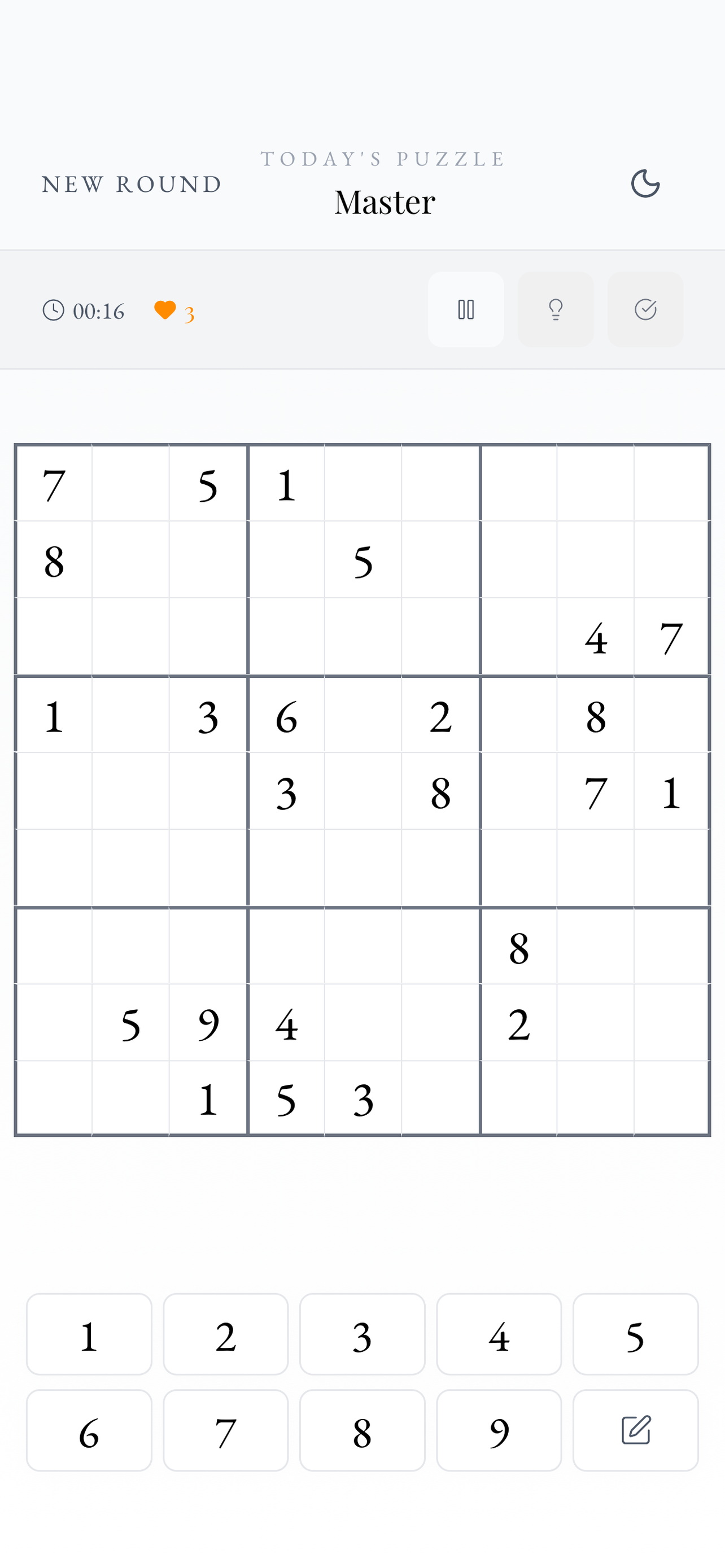
The interface isn’t put together well. The notes feature should be down near the numbers so I don’t have to cross the entire screen to toggle. The most difficult setting was too easy and didn’t seem to require any advanced strategies. There’s a delay between selecting the number and having it display on the screen. That slows my gameplay and causes me to make mistakes. When I select a cell with a number I’d like to see all of the cells with that number be made bold or highlighted. It seems all other Sudoku apps have that feature. It’s also missing an undo button. I don’t care to undo a mistake count, but sometimes I like being able to undo notes I’ve made.
The brain puzzle game for serious Sudoku players — with real-time multiplayer at the center. Race friends, master advanced logic with AI-powered hints...


