
Check the acquisition promise
Read the store headline, screenshots and description. What problem is the app promising to solve?
Study the storefront ↗
nxtbgthng GmbH · iOS
Explore the ad evidence, study the storefront, and build your next acquisition hypothesis.
01 / Creative research
Read the store headline, screenshots and description. What problem is the app promising to solve?
Study the storefront ↗Explore apps with direct store-link matches. Compare their hooks and formats without assuming the same approach works here.
Browse observed advertisers ↗Store rankings and revenue estimates describe market context. They do not establish ad spend, conversions or ROAS.
Review the market context ↗02 / Storefront & product
Study the product story and store experience behind the acquisition funnel.




03 / Market context
Keep revenue, downloads and store rankings separate from advertising performance.
I wanted to use this to repurpose my old iPhone 12 Pro Max as a home dashboard mounted on the wall. Which means you’d use its great functionality to allow interaction without authentication. But this allows anyone INCLUDING A BURGLAR to turn a home alarm you’ve bridged into HomeKit off with no authentication. The developer could fix this easily enough as they already have an option to require a passcode to change app settings. They could require that passcode to turn off a home alarm. (Apple lets you voice command Siri to arm a connected home alarm. But if you tell Siri to turn off the alarm it will require you to continue on an iPhone that presumably is locked or wouldn’t be there for a burglar to begin with. So Wallflower as is defeats the protection Apple intended for the way they expect someone to use an iPhone. But Wallflower developers could fix this security hole easily enough.)
I like the app but it would be perfect if we could access the cameras and or doorbell video
I searched for just such an app which I would gladly pay $10, a subscription not so much. A clock yep for a nightstand and preferably a clock that gives way when touched to larger buttons to control scenes or other HomeKit features instead of tiny icons or letters that are a bit hard to locate half asleep or at an angle. Good concept, maybe somebody will complete it.
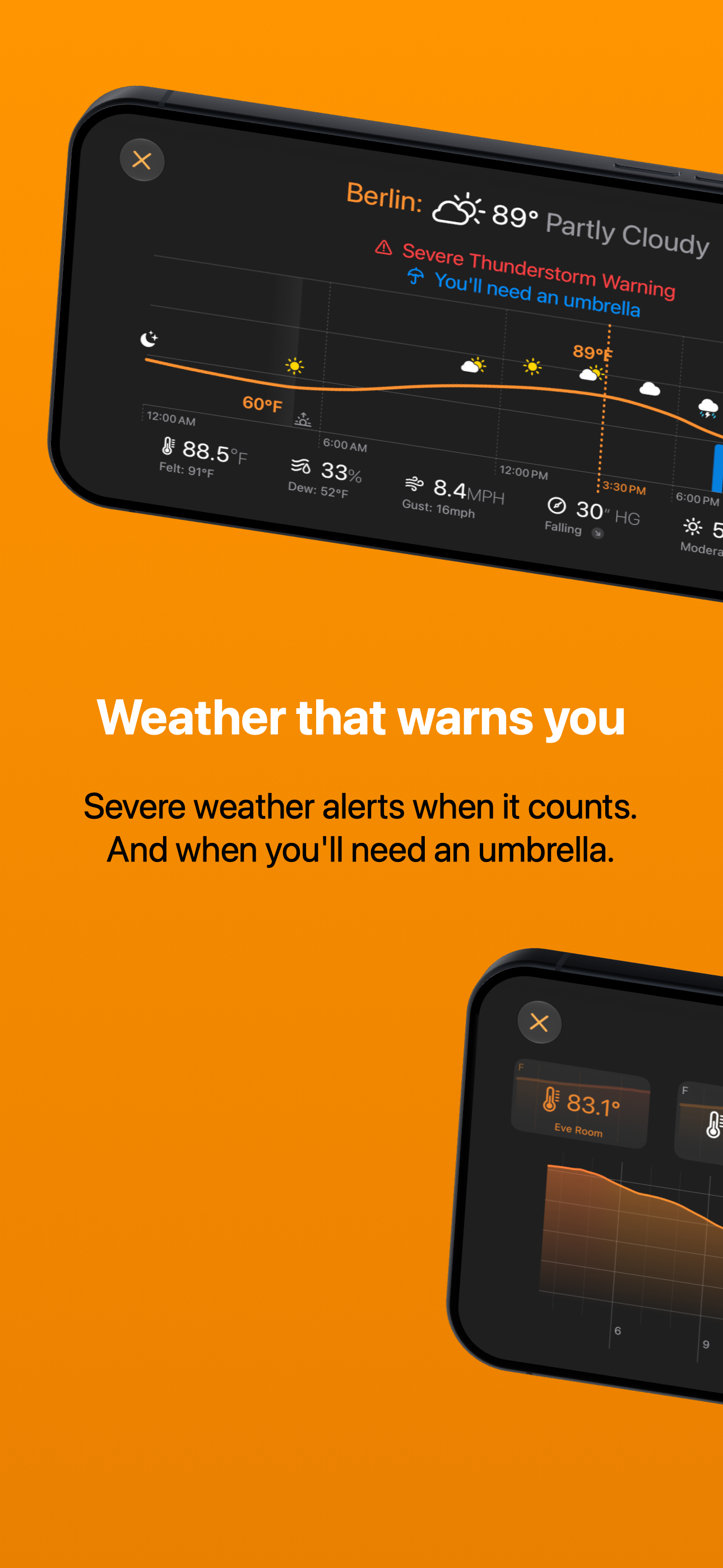
Everything that matters, always in view. Wallflower turns an iPad or iPhone into a dynamic dashboard for your smart home — a control panel on the wal...
| Name | Price | Type |
|---|---|---|
| Premium Monthly | $6.99 | Monthly |
| Premium (Annual) | $44.99 | Yearly |
| Home, Sweet Home | $64.99 | One-time |


