Check the acquisition promise
Read the store headline, screenshots and description. What problem is the app promising to solve?
Study the storefront ↗
Astro HQ · iOS
Explore the ad evidence, study the storefront, and build your next acquisition hypothesis.
01 / Creative research
Read the store headline, screenshots and description. What problem is the app promising to solve?
Study the storefront ↗Explore apps with direct store-link matches. Compare their hooks and formats without assuming the same approach works here.
Browse observed advertisers ↗Store rankings and revenue estimates describe market context. They do not establish ad spend, conversions or ROAS.
Review the market context ↗02 / Storefront & product
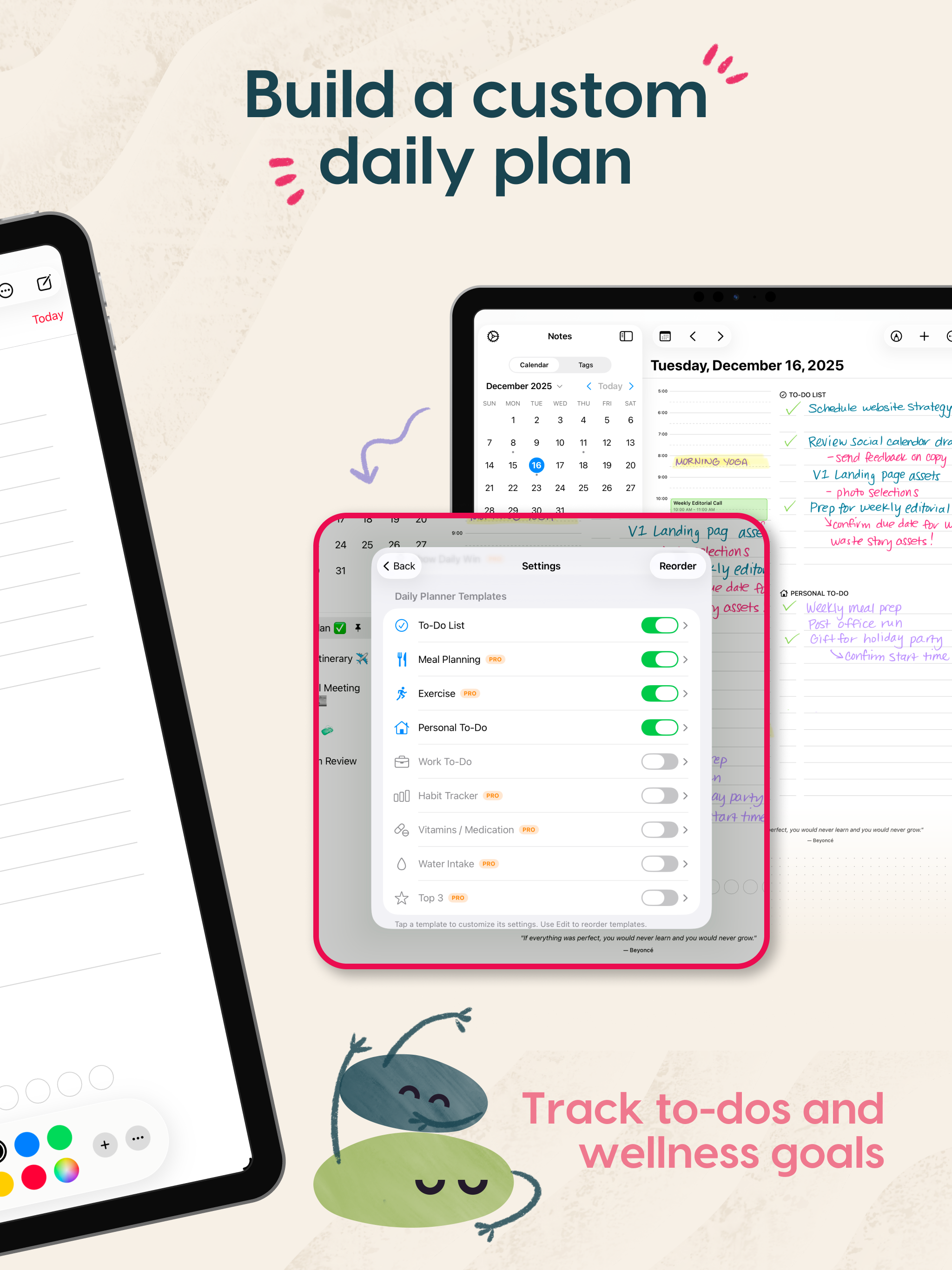
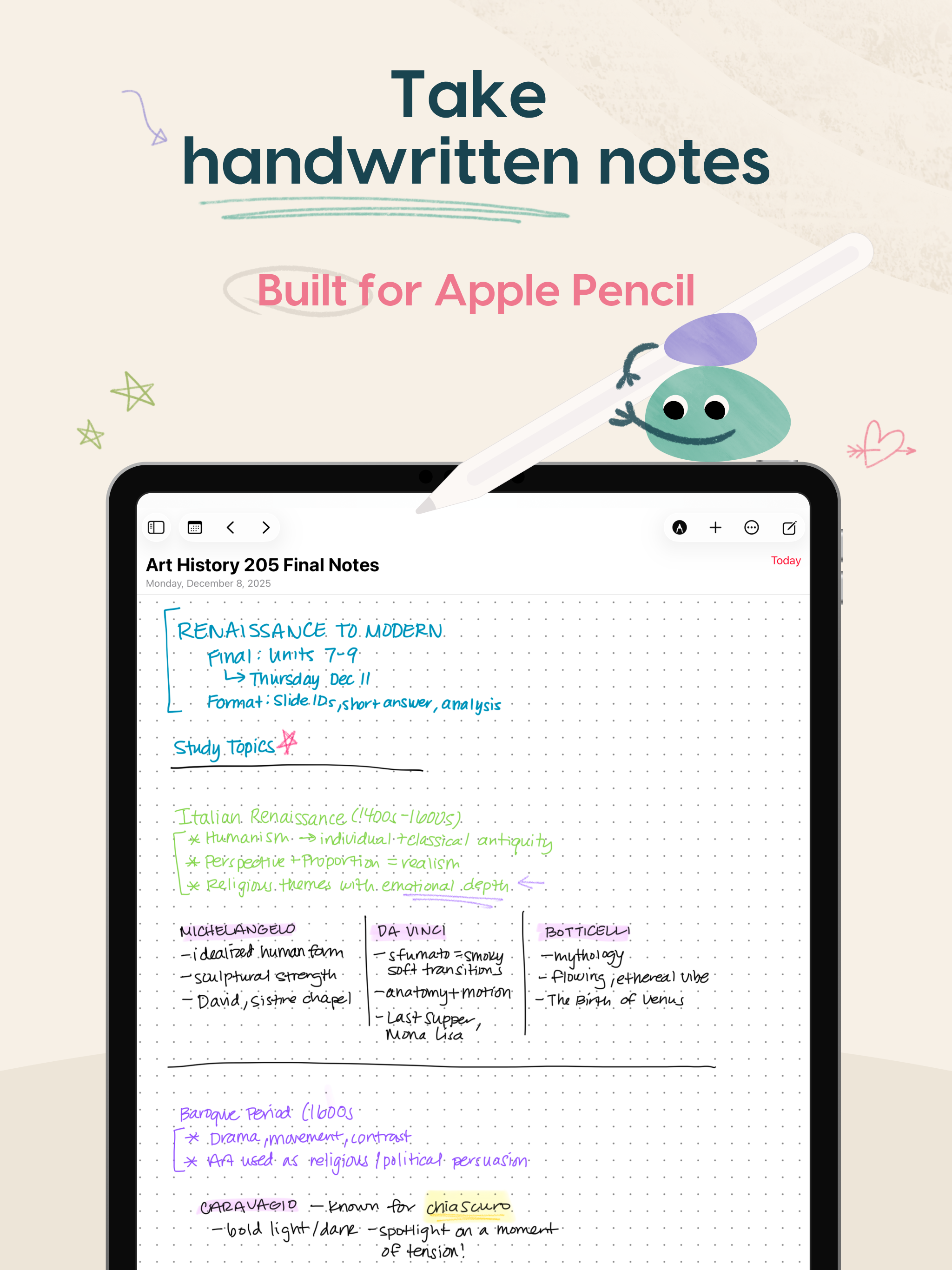
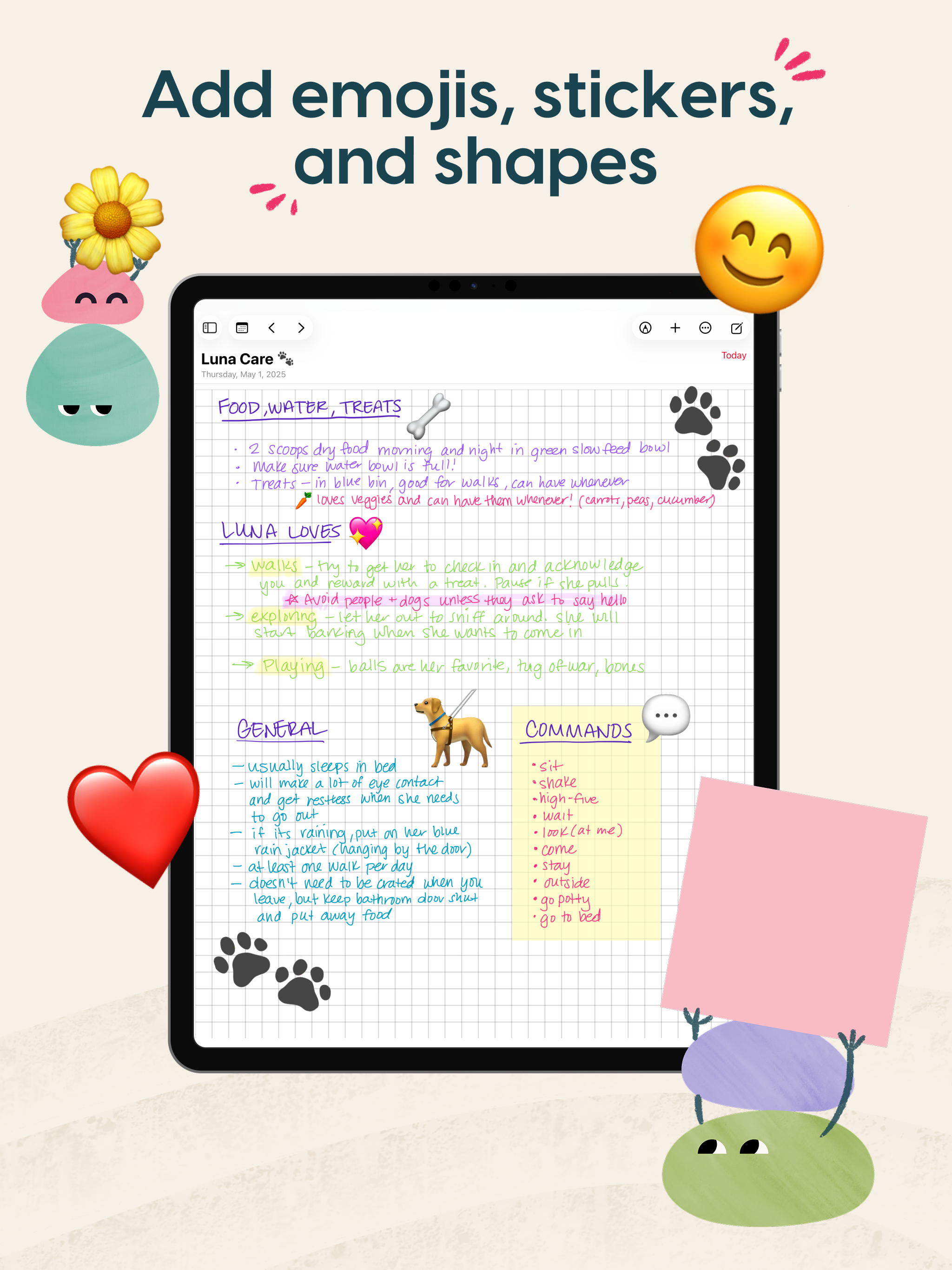
Study the product story and store experience behind the acquisition funnel.


03 / Market context
Keep revenue, downloads and store rankings separate from advertising performance.
I’ve been using note taking apps for 6 years on the iPad, and this one is by far the best I’ve ever used! Between the fact that your data stays local and you can encrypt it, to the ability to take normal notes, infinite vertical notes, and infinite canvas notes. The built in handwriting recognition works amazingly well for searching, the math formula recognition is working well and all works on device with no internet. I will say that there are a few areas that aren’t translated fully to English, but the interface was so intuitive that it never stopped me from using or understanding the app. I’ve canceled my subscription to all the other major note taker apps and don’t see myself ever going back.
The iPad has been my personal and work journal for a while. At first the Apple Notes app, then planner pdfs with Noteabiliy. Discovered this app a week ago, and really love the layout, options for different points of review, and notes linked to days. Makes it easy to go back and get the notes from a meeting that I know happened on a certain day. But there is one significant issue I keep running into that kills my trust of doing work notes in here. Many times when I switch from one note to another, in the app, part of what I’ve written is lost. It can also happen if I go to another app and back. Not everything is gone, but a paragraph or two of what I was just writing. If it wasn’t for that I’d be 5 stars and banging drums cause I think this is very smartly laid out.
Wow, I am absolutely in love with this app. I’ve always loved the idea of Hobonichi-style planners, but in practice, it’s very difficult to go 100% pen and paper. Also, there’s a surprising amount of stress that goes with committing something to paper. I want to enjoy looking at my planner, not cringing at my poor handwriting or spelling mistakes. Thank you so much for building this and giving it away. I immediately bought a Rock Paper Pencil (directly from your website, of course) to support you guys. I am ridiculously excited to dive in.
A handwriting-first daily planner for your iPad! Build custom layouts, plan your day, take notes, and stay organized with a daily planner that can ad...
| Name | Price | Type |
|---|---|---|
| Rock Planner Pro Yearly | $19.99 | Yearly |